

Cloud Phones for E-commerce Operations in 2026: Multi-Account Management and Security Essentials
Why Cloud Phones Are Essential for E-commerce Operations in 2026
By 2026, e-commerce competition has fully shifted from single-store operations to matrix operations. A seasoned seller typically runs multiple stores across several platforms while maintaining a batch of social media accounts dedicated to traffic generation. More accounts bring more problems: not enough physical devices, chaotic switching between phones, account-linking risks, and messy team permissions.
Cloud phones address these pain points head-on. Simply put, a cloud phone is an Android system running in a cloud data center with its own independent environment, completely independent of your physical devices. With just an ordinary computer or a phone, you can log in to ChangChang Cloud Phone (ccloudphone) and open dozens of virtual phones at once—each one independently signed in to its own account and running its own apps.
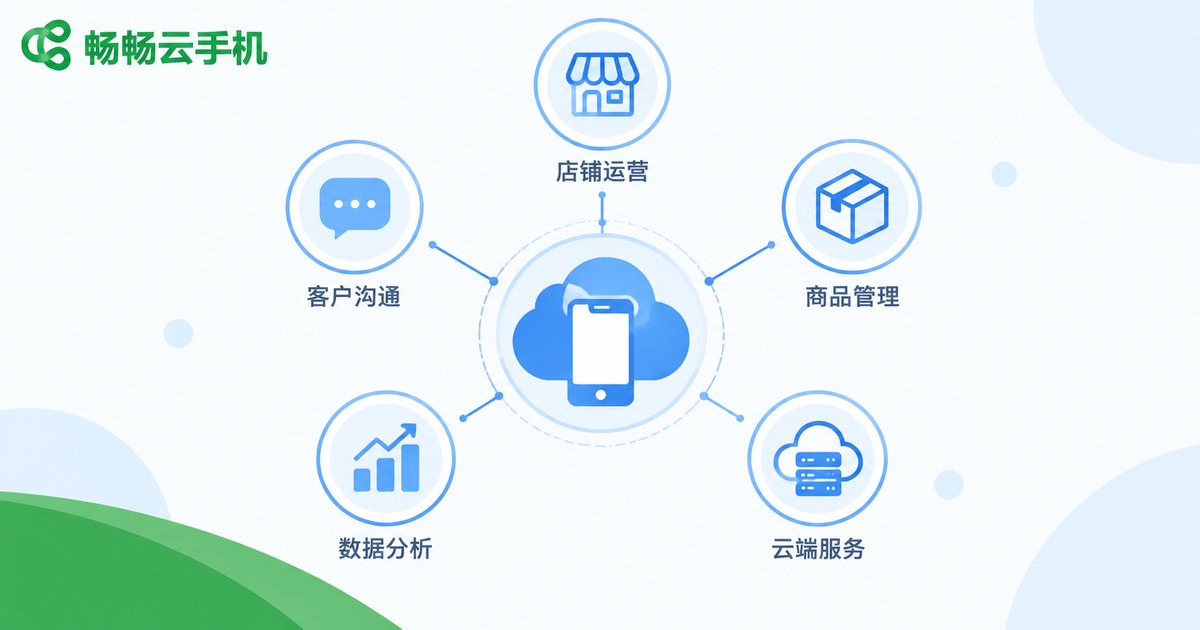
Five Typical Cloud Phone Scenarios in E-commerce Operations
In day-to-day operations, cloud phones cover nearly every routine task of an e-commerce business:
| Scenario | How It Works | Value Delivered |
|---|---|---|
| Store matrix monitoring | Stores on different platforms stay signed in on separate cloud phones, online all day | No missed customer messages, faster responses |
| Social account nurturing | Short-video and content accounts for traffic are operated independently, one per cloud phone | Stable account weight, sustainable traffic |
| Bulk product listing | Listing and price updates handled per store inside separate cloud phones | Multiplied efficiency with fewer errors |
| Campaign monitoring | During big sales, patrol every store's status from a single screen | Catch issues early, minimize losses |
| Offline hosting | Cloud phones keep running in the data center even when your local computer is off | Around-the-clock uptime |
As the table shows, the core value of a cloud phone is independent environments plus centralized management: every account gets its own isolated space, while operators control everything from a single dashboard.
Four Practical Tips for Multi-Account Management
Having the right tool is only half the story. Here are four battle-tested tips from e-commerce operations teams:
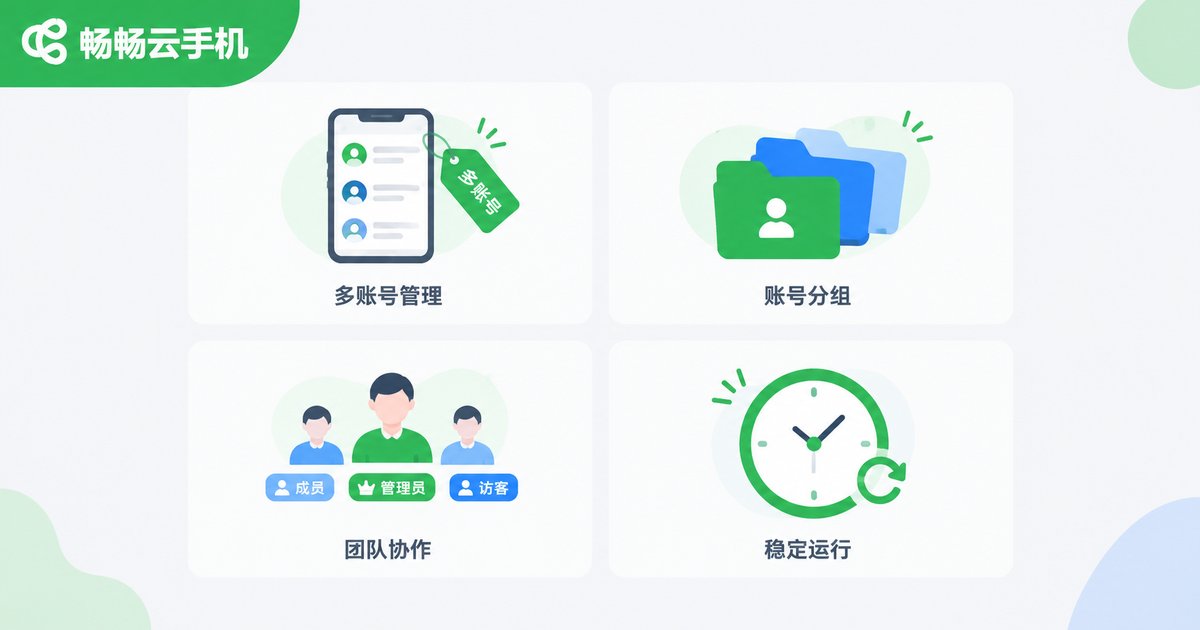
1. One account per phone, fixed environments. Assign each core account a dedicated cloud phone and stick with it—never log in on a different device today and switch again tomorrow. A stable person-device-account mapping is the first line of defense for account safety.
2. Label and group your cloud phones. Name each cloud phone by platform-store-purpose, such as 'Flagship Store - Customer Service,' and group them by project or category. Clear naming saves enormous time once your account count grows.
3. Define team permissions clearly. In team settings, assign different cloud phones to different operators so everyone knows exactly which accounts they own, avoiding conflicting operations inside the same environment.
4. Keep operating habits consistent. Log in at regular times and keep a natural operating rhythm. Avoid rapid account switching or batches of identical actions in a short window, so every account behaves like a real, individual user.
Security Considerations You Cannot Ignore
Multi-account operations are a double-edged sword: done right, they multiply efficiency; done wrong, they multiply risk. Keep these five security considerations in mind:
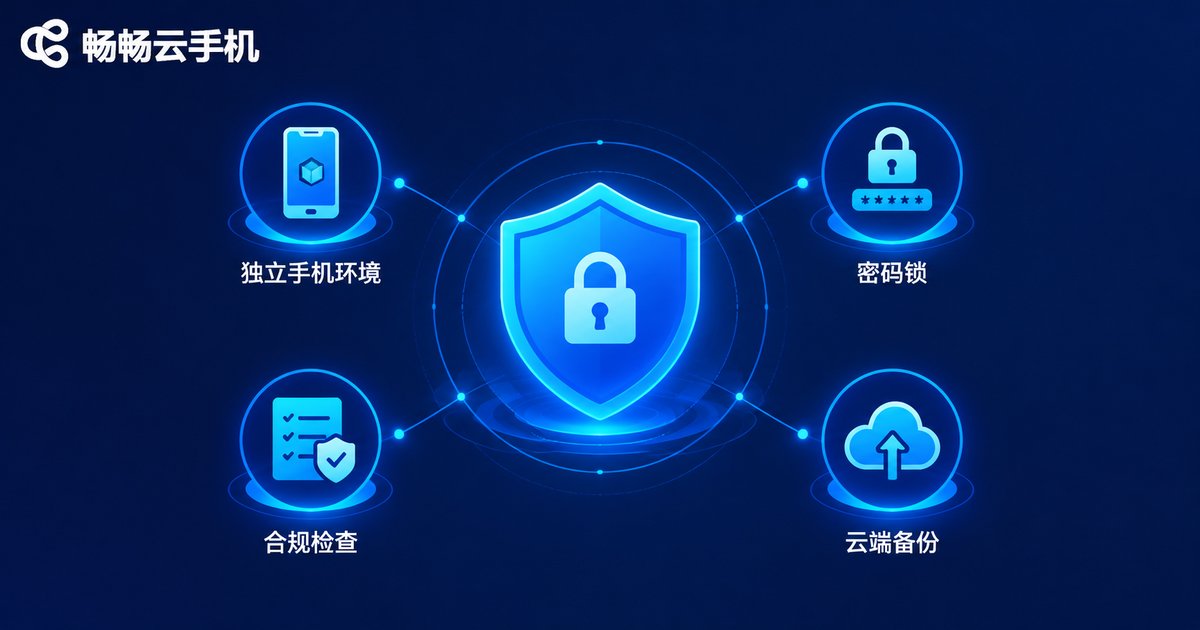
1. Watch out for account linking. Platform risk-control systems evaluate relationships between accounts. If a large number of accounts operate in an identical pattern within the same environment, they may be flagged as linked. The right approach: one core account per cloud phone, with natural differences in timing, content, and rhythm across accounts.
2. Keep login environments stable. Frequently changing a login environment is a common trigger for risk control. A cloud phone's environment lives in the cloud, so as long as you do not migrate accounts around, the login environment stays naturally stable—more reliable than swapping SIM cards between physical phones.
3. Manage passwords properly. Never reuse the same password across accounts, rotate passwords for critical accounts regularly, and enable the two-factor verification offered by platforms, so one leak never cascades into many.
4. Respect platform rules. Fake orders, bulk spam registrations, and malicious competition are unacceptable no matter which tool you use. A cloud phone is an efficiency tool; compliant operation is the only sustainable path.
5. Back up important data. Make a habit of backing up product materials, assets, and account information to the cloud, so a single account issue never brings your business to a halt.
Why We Recommend ChangChang Cloud Phone (ccloudphone)
Among the many cloud phone products available, ChangChang Cloud Phone (ccloudphone) stands out as a dependable choice for e-commerce operations:
It is built on cloud-based Android environments and supports running many cloud phones online simultaneously with centralized management—everything works right in the browser, with no need to buy or maintain piles of physical devices. Each account environment runs independently and stays stable, making it ideal for the daily hosting of store matrices and social media accounts. It also supports team collaboration, letting each operator manage their own cloud phones with clear permissions and responsibilities.
For individual sellers and small-to-mid-sized e-commerce teams alike, replacing the traditional pile of phones plus stacks of SIM cards with ChangChang Cloud Phone cuts hardware costs significantly while boosting multi-account management efficiency. Visit the ChangChang Cloud Phone website (ccloudphone) for details on plans and features.
FAQ
Q: How many e-commerce accounts can one cloud phone hold?
We recommend one core account per cloud phone for the most stable, lowest-risk setup. Sub-accounts of the same store may share a phone when necessary, but core store accounts should always stay independent.
Q: Will platforms detect accounts operated on cloud phones?
Cloud phones provide genuine, independent Android environments. As long as you follow the one-account-per-phone principle, keep natural operating habits, and comply with platform rules, normal operation is perfectly fine. What triggers risk control is rule violations—not the tool itself.
Q: Will accounts go offline when my local computer shuts down?
No. Cloud phones run in data centers and stay online around the clock. Your local device is just a remote control; shutting it down or losing connection does not affect the online status of accounts in the cloud.
Q: Is it suitable for individual sellers and small teams?
Absolutely. Individual sellers can manage a handful of stores and social accounts at low cost, while teams can leverage centralized management and role-based collaboration to keep dozens of accounts organized. Scale up or down as needed.
Q: How do I get started with ChangChang Cloud Phone?
Visit the ChangChang Cloud Phone website (ccloudphone), register an account, and create your cloud phones from the web console. Then migrate your platform accounts into independent environments one by one and start compliant multi-account operations.


