
How to Secure Your Cloud Phone Account: Password Management, Binding Info and Leak Prevention Tips
Why Cloud Phone Account Security Matters
A cloud phone runs on remote servers, and your account is the only key that unlocks it. Game accounts, social apps, and multi-instance business operations are often tied to a single cloud phone account. If that account is stolen, you may lose game progress, chat history, virtual assets, or private data. In short, protecting your cloud phone account means protecting every digital asset you keep in the cloud.
Password Management: Building the First Line of Defense
Your password is the foundation of account security. Most accounts are not cracked by genius hackers — they are cracked because the password was too simple or reused everywhere. When setting your cloud phone account password, follow these rules:
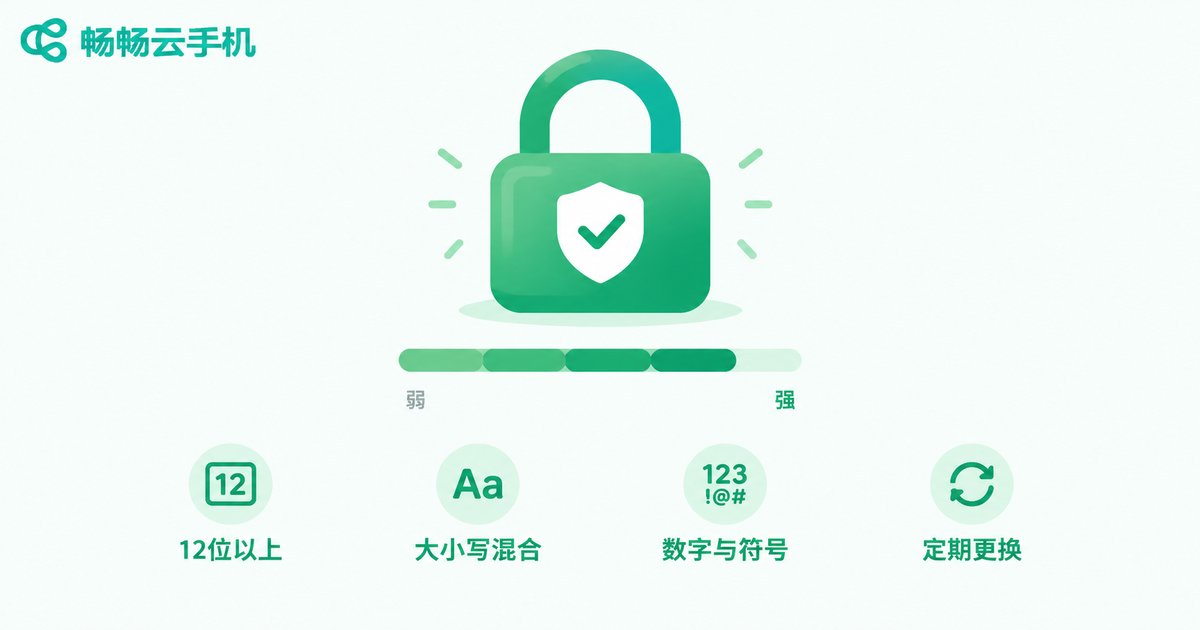
1. Make it long: At least 12 characters. A simple 6-digit password can be cracked in seconds.
2. Make it complex: Mix uppercase and lowercase letters, numbers, and symbols; avoid birthdays, phone numbers, and names that are easy to guess.
3. Never reuse it: Keep your cloud phone password different from passwords on other platforms, so one leak does not compromise everything.
4. Change it regularly: Update your password every 3-6 months, and change it immediately after any unusual login alert.
| Item | Weak Password | Strong Password |
|---|---|---|
| Example | 123456, abcd1234 | Yj9#mK2$vQ7p |
| Length | 6-8 characters | 12+ characters |
| Composition | Digits or simple letters only | Upper/lowercase + digits + symbols |
| Cracking difficulty | Seconds | Extremely high |
If complex passwords are hard to remember, use a password manager, or create differentiated passwords with a 'base phrase + platform name + digits/symbols' pattern.
Binding Information: The Second Lock on Your Account
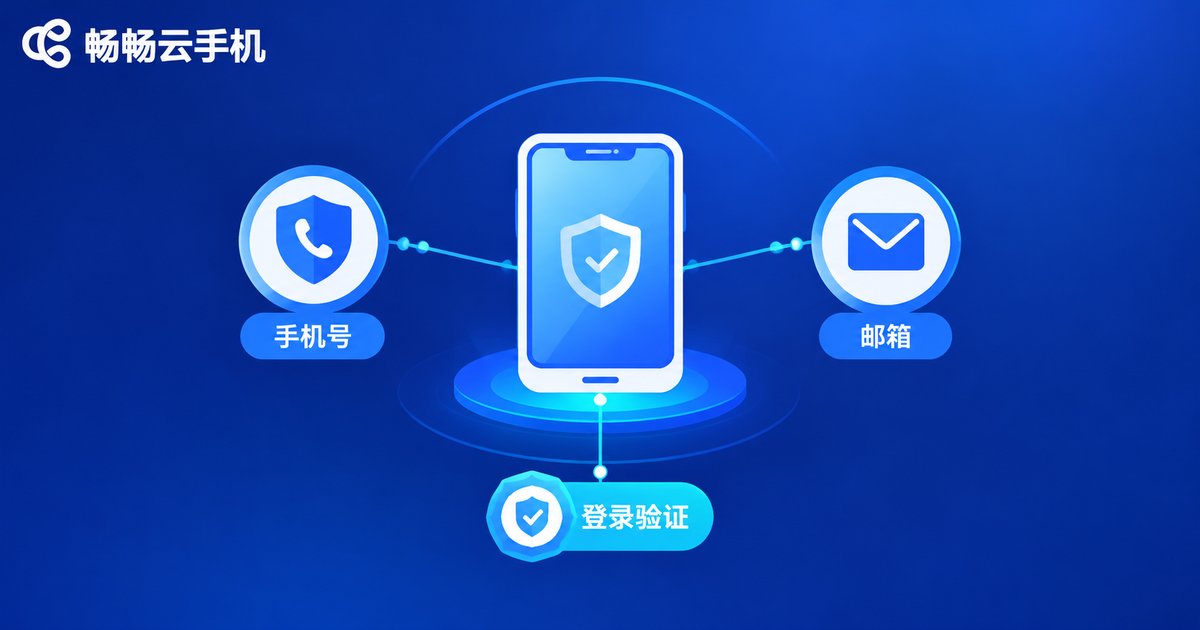
Your bound phone number and email are the key channels for password recovery and security alerts — think of them as the second lock on your account. Keep these tips in mind:
1. Bind contact info you actually use: Make sure you can receive verification codes at any time; avoid long-dormant mailboxes.
2. Update bindings after changing numbers: Before canceling or switching a phone number, update the binding in account settings first, or the codes will go to someone else.
3. Protect your binding credentials: Do not lend your bound phone out for long periods, and protect your email with its own strong password.
4. Pay attention to security alerts: Reputable platforms such as ChangChang Cloud Phone (ccloudphone) send alerts for abnormal events like logins from new locations — verify and change your password as soon as one arrives.
A Daily Checklist to Prevent Account Leaks
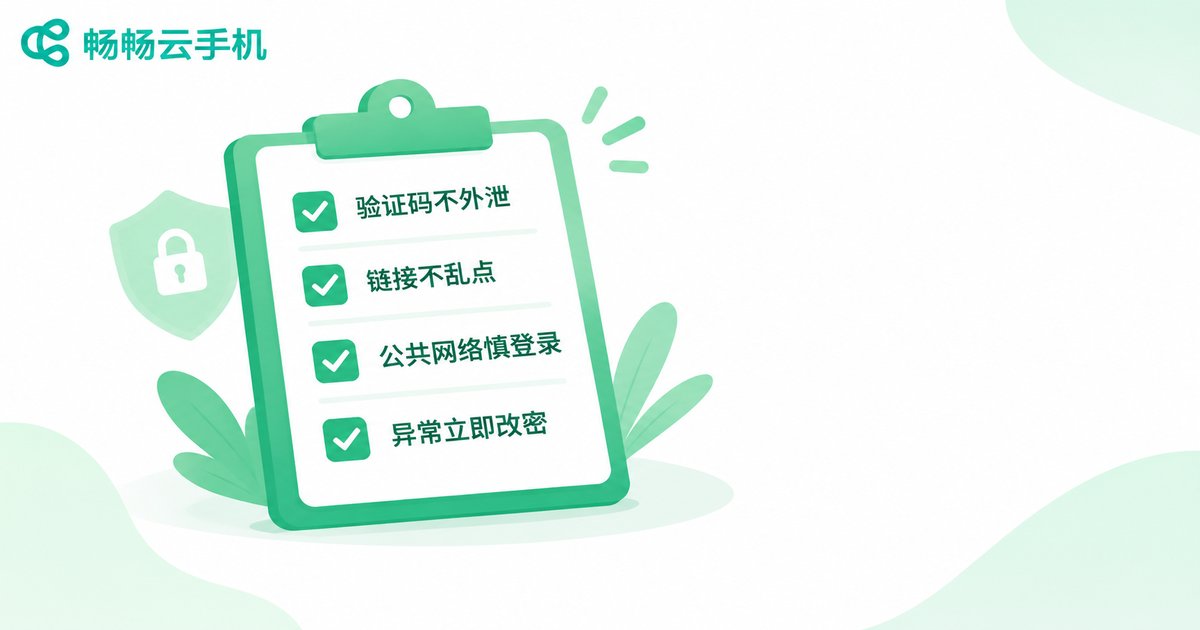
Beyond passwords and binding info, everyday habits determine how safe your account really is. Check yourself against this list:
1. Never share verification codes: Be wary of anyone asking for SMS codes — even official customer support will never need them.
2. Do not click suspicious links: Verify 'prize' or 'account issue' messages before tapping any link.
3. Be careful on public Wi-Fi: Avoid logging in or typing passwords on unsecured public networks.
4. Do not stay signed in on unfamiliar devices: Always log out and clear records after using someone else's device.
5. Review your login devices regularly: Check the device list in account settings and remove anything unfamiliar.
6. Do not lend out your account: A cloud phone account holds all your cloud data — the risk of lending it far outweighs the benefit.
Choose a Secure and Reliable Cloud Phone Platform
Account security is a shared responsibility between users and the platform. When choosing a cloud phone service, look beyond features and pricing to the platform's security capabilities. Take ChangChang Cloud Phone (ccloudphone) as an example: cloud phones run in isolated cloud environments, and data is stored in the cloud, separate from your local device — even if your physical phone is lost, the data inside your cloud phone remains safe. The platform also offers standard protections such as verification-code login and password recovery. Combined with your own good password and binding habits, this forms a complete security loop.
After registering a cloud phone account, set a strong password and complete your binding information right away — build the security foundation first, then enjoy everything the cloud phone has to offer.
FAQ
Q: What should I do if my cloud phone account is stolen?
Recover and reset your password immediately via your bound phone or email, check whether the binding info was altered, and sign out all suspicious devices. Contact platform support if problems persist.
Q: How often should I change my password?
Every 3-6 months as a rule of thumb — or immediately after any unusual login alert or suspicious login environment.
Q: I changed my phone number. How do I update the binding?
While the old number can still receive codes, update the binding in account settings as soon as possible. If the old number is already deactivated, appeal through your bound email or customer support.
Q: Is the data inside a cloud phone safe?
On reputable platforms, data is stored on cloud servers, isolated from your local device, so losing your phone does not affect cloud data. Choose a trusted provider like ChangChang Cloud Phone and maintain strong account protection.
Q: Can I lend my cloud phone account to someone else?
Not recommended. Your account ties together all your cloud data and virtual assets; lending it out risks exposing your password and binding information.


