

How to Plan Cloud Phone Game Multi-Instance: Practical Ideas for Resource Allocation and Cost Control
Why You Need a Plan Before Multi-Opening
Many players spin up as many instances as possible the moment they get a cloud phone. Two days later, lag and disconnects appear, accounts drop, and the monthly bill goes over budget. Multi-instance is not about quantity, it is about matching: every instance should run a suitable task on a suitable configuration.
Planning ahead brings two benefits: steadier operation, since resource contention is less likely to cause mass disconnects, and better cost control, since you never pay for configurations you do not use. Below is a practical framework covering both resource allocation and cost control.
Step 1: Classify Tasks Before Talking Specs
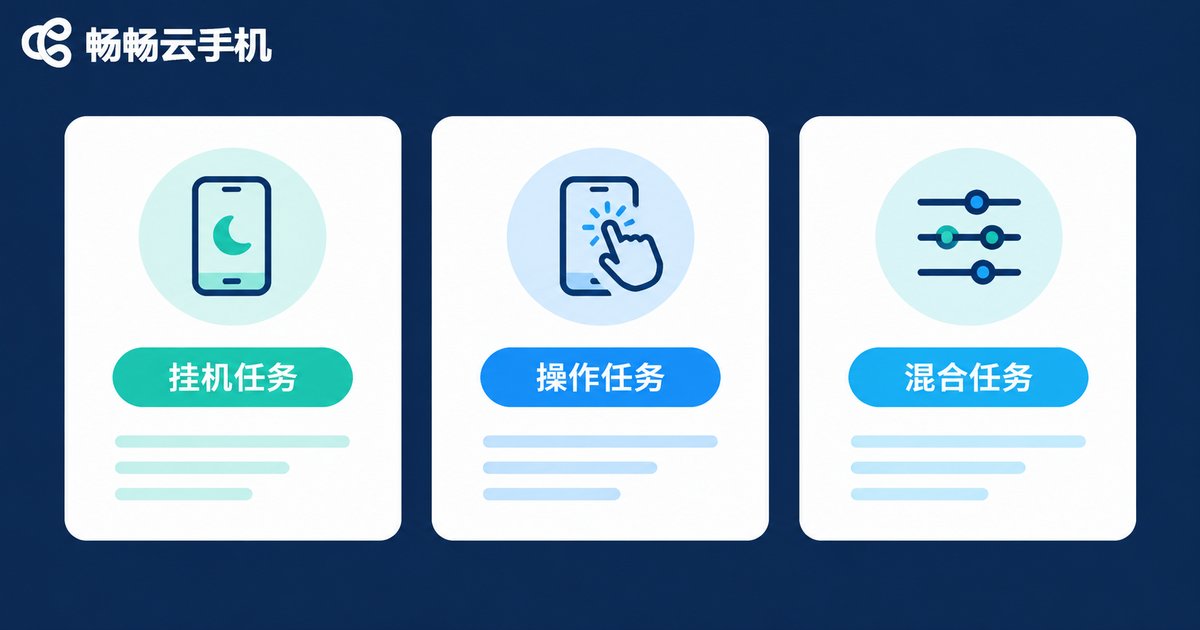
Different game tasks have very different resource needs. Running every instance at high graphics settings is the most common waste. Sort your tasks into three groups first:
| Task Type | Typical Scenarios | Configuration | Instance Count |
|---|---|---|---|
| Idle / AFK | Daily quests, stamina farming, auto material runs | Low graphics, low frame rate, effects off | Can run many |
| Active play | Dungeons, PvP, manual matches | Medium-high graphics, stable frame rate | A few, well tuned |
| Mixed | Mostly idle with occasional manual takeover | Medium graphics, medium frame rate | Moderate |
Three setting principles: resolution just good enough, because idle tasks do not need HD; frame rate on demand, since 30 fps is plenty for turn-based games; and downscale background tasks to save resources for the instance you are actively playing.
Step 2: Find Your Smoothness Threshold with a Small Test
Do not max out on day one. Start with 2 to 4 instances using the configurations above and run them for a full day, watching for lag, disconnects, or performance warnings. If everything stays smooth, add two more the next day, and keep stepping up until the first stutter appears. That point is your smoothness threshold.
Rule of thumb: 8 instances running stably beat 12 instances that all disconnect. The time cost of re-logging is usually far higher than running fewer instances.
Step 3: Four Practical Cost Control Habits
Once resources are allocated, make sure every cent goes into running tasks rather than idling:
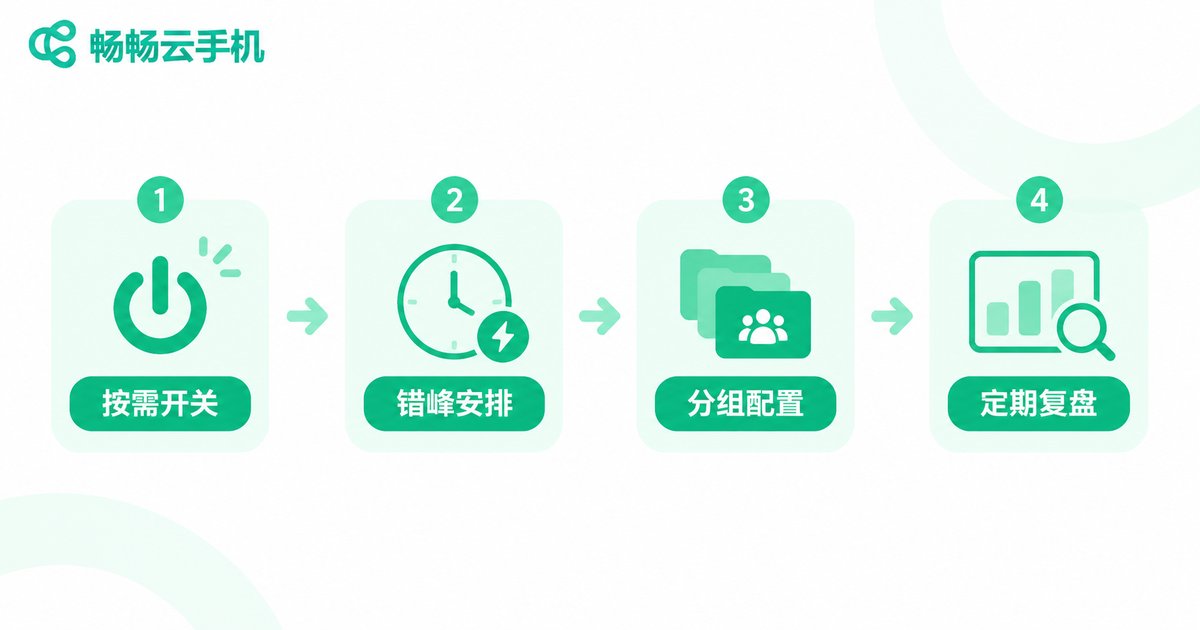
1. Shut down on demand. Turn off instances that are not running tasks. Cloud phone costs are usually tied to usage time, and idle time is money burned.
2. Schedule tasks off-peak. Put idle tasks at night or while you are away, and cluster active tasks into the hours you are online, keeping the total number of running instances low at any moment.
3. Group configurations instead of one-size-fits-all. Keep the idle group on low specs and the active group on higher specs, so you never upgrade everything for the sake of a few demanding instances.
4. Review regularly. Check usage hours and instance counts weekly, cut instances that produced nothing for a full week, and reallocate resources to tasks that actually run.
Putting the Plan into Practice with ChangChang Cloud Phone
Ideas need the right tool. ChangChang Cloud Phone (ccloudphone) supports multi-instance management and batch operations: you can separate idle instances and active instances into different groups with their own graphics and frame rate settings, and use batch functions to run daily routines across many instances at once instead of tapping through them one by one. Data syncs in the cloud across devices, which suits long-term multi-account players.
For available device configurations and plans, always refer to the official site ccloudphone.com for real-time details. Start small, find your smoothness threshold, then decide on your final scale.

A Quick Checklist Before You Scale Up
Here is the whole article condensed into five checks:
1. Tasks classified? Idle, active, and mixed groups separated.
2. Configs tiered? Low specs for idle, higher specs for active.
3. Threshold tested? Scale up gradually until the first stutter.
4. Shutdown discipline? Off when idle, scheduled off-peak.
5. Bills reviewed? Cut unproductive instances weekly.
FAQ
Q: Are more instances always better value?
Not necessarily. Value comes from instances that actually run tasks. Idle instances only generate costs, so estimate the workload per instance before deciding on quantity.
Q: Do idle tasks need high graphics settings?
Basically no. Idle tasks are mostly automated, so low graphics and low frame rates are enough, saving resources for instances you play manually.
Q: When lag appears, should I upgrade specs or cut instances?
Cut instances first. Most lag comes from exceeding capacity, and removing low-priority tasks often fixes it at a lower cost.
Q: How many instances should a beginner start with?
Start with 2 to 4, confirm stability over a full day, then increase gradually over about a week to find your smoothness threshold.


