
Operations · Engineering · Trends
Hands-on playbooks, product updates and cross-border insights from the CCloudPhone team.
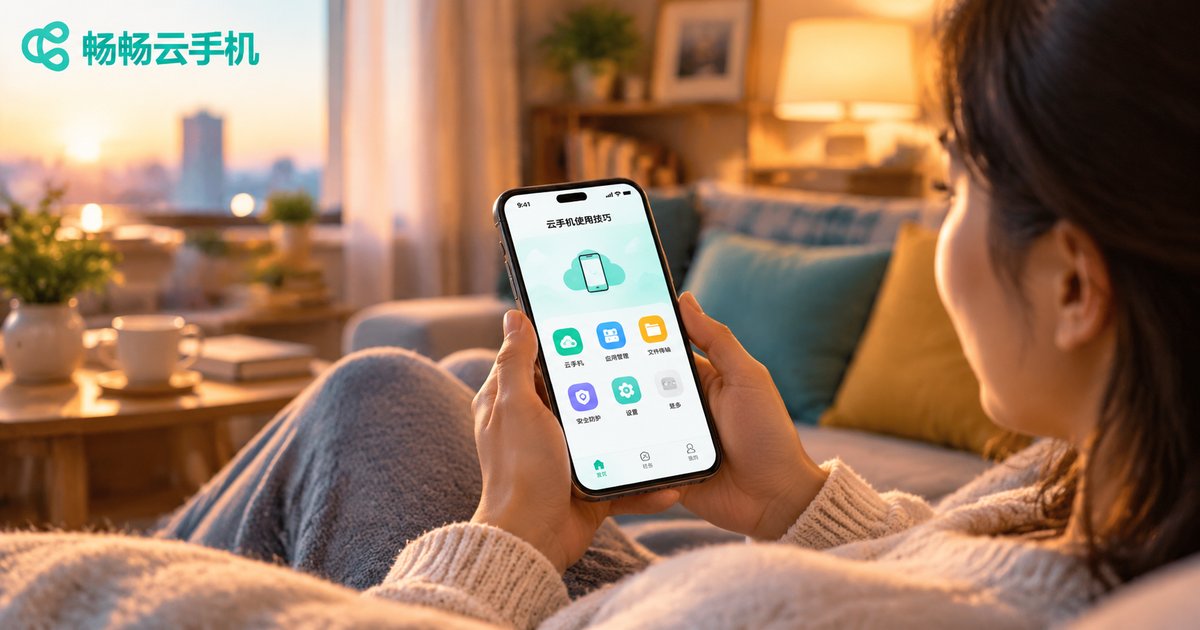
Cloud Phone Mobile Tips: Getting Started with Gestures, Input, and Display Settings
New to cloud phones and not sure where to start? This beginner's guide covers the three things that matter most on mobile: gestures, input, and display settings. Learn how edge-swipe back and swipe-up home gestures work, how clipboard sync and voice input make typing painless, and how to balance resolution, frame rate, and data usage for games, videos, and background tasks. A short FAQ at the end answers the most common beginner questions, so you can turn your cloud phone from usable into genuinely enjoyable within minutes.
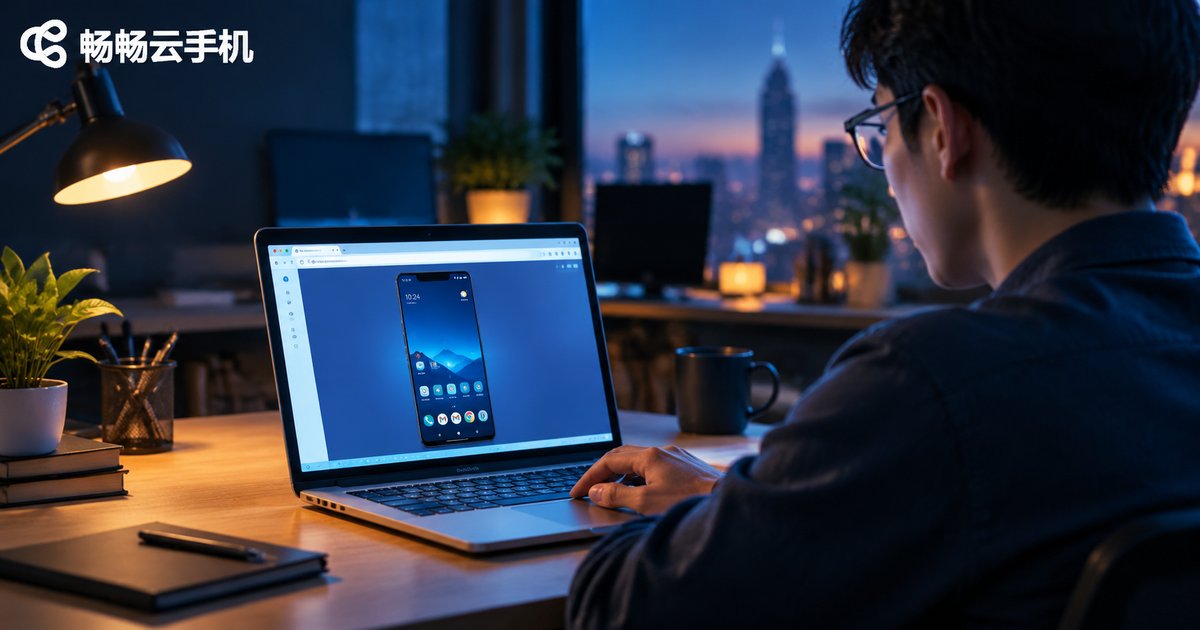
Cloud Phone Web Version Experience: Login Methods, Feature Limits, and Compatibility Tips
The cloud phone web version requires no client installation — just open a browser, sign in, and start using a cloud phone instantly, making it the lowest-barrier way to experience cloud phone technology. This article breaks down the three common login methods (account password, SMS verification code, and QR code scan), explains their pros and cons, and outlines the web version's limitations in picture quality, frame rate, key mapping, file transfer, and batch management. You will also find practical compatibility tips covering browser choice, network optimization, full-screen settings, and sleep prevention, plus an introduction to the web experience of ChangChang Cloud Phone (ccloudphone).
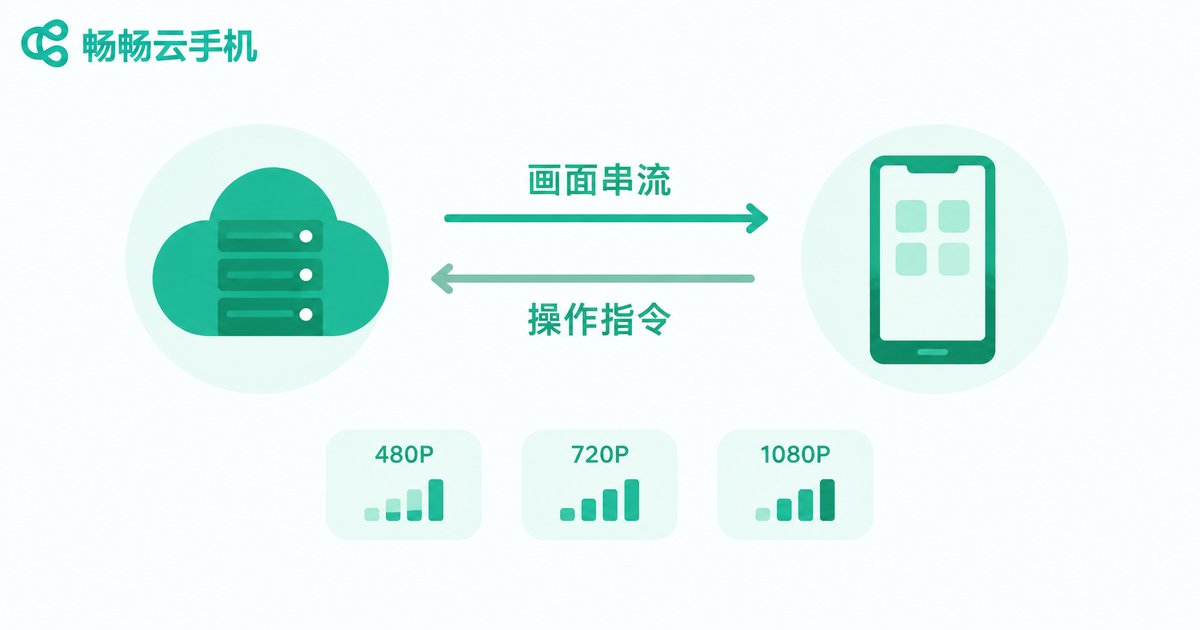
Does a Cloud Phone Use a Lot of Data? Cost Breakdown for Daily Use, AFK, and Live Streaming
A cloud phone consumes data mainly through screen streaming, which works much like watching video: the higher the resolution and the longer the session, the more data you use. Light daily use costs only a few hundred MB per day, 720P gaming streams roughly 700MB-1GB per hour, and 1080P can exceed 2GB. In AFK mode, once you disconnect the screen stream, the cloud device keeps running while local data usage drops to nearly zero. For live streaming, the cloud handles the outgoing stream, so your local data only carries the preview. This article breaks down costs across all three scenarios and shares practical data-saving tips.
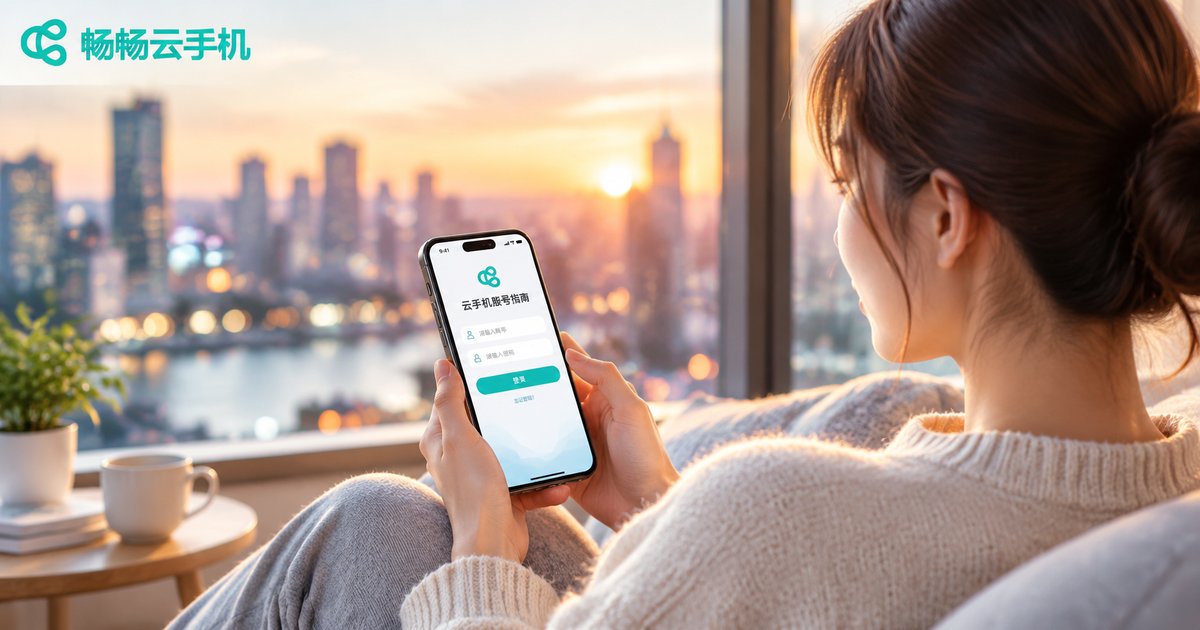
Cloud Phone Account Registration and Login FAQ: Verification Codes, Binding and Troubleshooting
Missing verification codes, failed account binding, and unexpected login errors are the three most common hurdles new cloud phone users face. This guide breaks down every step of the registration process, offers a five-step method to fix undelivered verification codes, compares binding options in a clear table, and provides a quick-reference chart for the most frequent login errors. You will also find practical account security advice, such as preparing backup recovery channels before changing your phone number. Finally, we introduce how ccloudphone streamlines registration and login so you can start your cloud experience smoothly and securely.
Cloud Phone Notifications and Message Management: Alert Settings, Sync Mechanisms, and FAQs
Notification management on a cloud phone decides whether you catch game events, social media messages, and trading updates in time. This guide walks through the complete path a notification takes from the cloud to your physical device, shows you how to build an alert system with tiered app rankings, Do Not Disturb windows, and multi-device syncing, and provides a five-step checklist for missing or delayed messages. It also answers the most frequently asked questions about cloud phone notifications, so every cloud phone you run stays quiet when it should and alerts you when it matters.

Cloud Phone Location Guide: Permissions, Privacy, and Troubleshooting
A cloud phone has no physical GPS chip — its location data is simulated by cloud services, which makes correct permission setup and privacy management essential. This guide explains how to use cloud phone location features properly: enabling both app-level and system-level location permissions, key privacy practices to protect your data, and a clear troubleshooting workflow for common issues such as location drift, failure to acquire position, and slow map loading. It also introduces ChangChang Cloud Phone (ccloudphone), a service with stable, ready-to-use location features and an intuitive permission interface.
How to Use the Cloud Phone Camera: Invocation Methods, Permission Setup and Use Cases
A cloud phone has no physical lens, yet thanks to camera mapping technology it can invoke your local camera exactly like a real device — enabling QR code scanning, face verification, video chat, live streaming and photo recognition tools. This guide walks you through the three common camera invocation methods, the two-layer permission setup across your local system and the cloud phone, and typical use cases such as QR login and identity checks. It also covers practical troubleshooting for black screens, laggy feeds and missing authorization popups, and answers the most frequently asked questions so you can master the cloud phone camera feature quickly and use it with confidence.
2026 Cloud Phone Audio Settings Guide: Fixing Audio Desync and Noise Issues
Audio desync and crackling noise on a cloud phone usually trace back to network jitter, Bluetooth latency, sample rate mismatch, or cache buildup. This 2026 guide walks you through a complete troubleshooting workflow: testing your connection, switching server nodes, choosing between wired and Bluetooth headsets, and tuning sample rate and sound-effect settings until the hiss and the lag are gone. You will also learn how ChangChang Cloud Phone (ccloudphone) keeps audio latency low at the source through low-latency streaming channels and nearby nodes, so games, videos and voice chat stay in sync. Follow these steps to restore clean, synchronized sound on any cloud phone setup.
How to Connect a Keyboard and Mouse to a Cloud Phone: Peripheral Setup and Experience
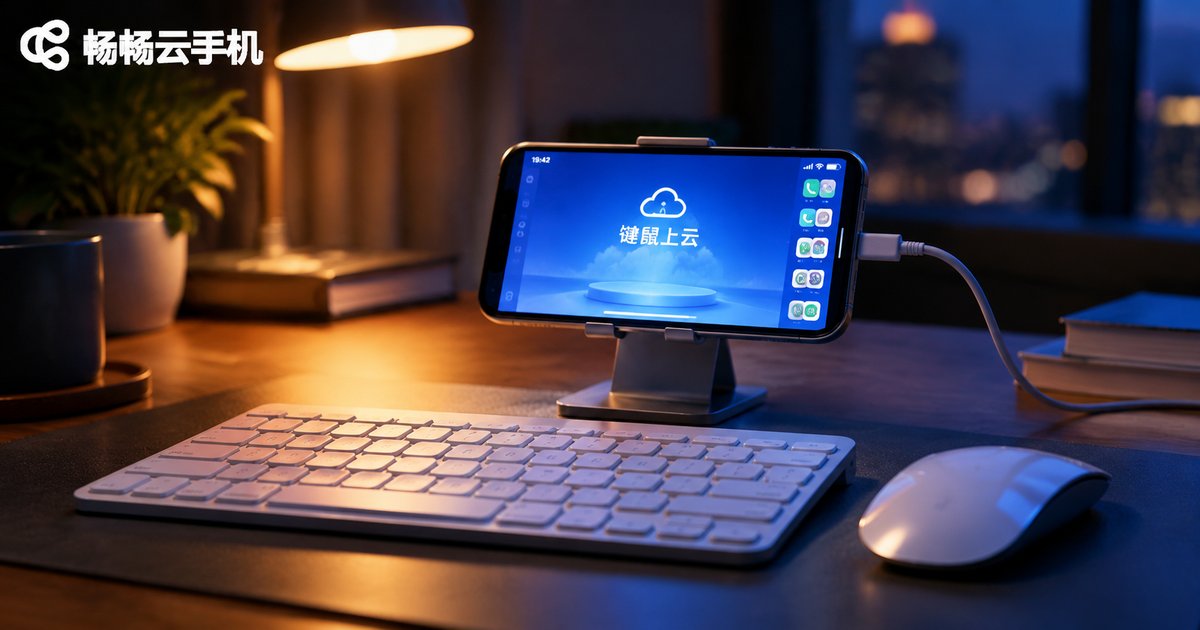
This guide explains how to connect a keyboard and mouse to a cloud phone, covering three main methods: Bluetooth wireless, wired OTG, and direct control from a PC browser or client. We compare latency, hardware requirements and ideal use cases for each approach, then share practical key-mapping tips for mobile games and network optimization advice to keep input lag low. Whether you want to play Android games on a big monitor with precise controls or handle typing-heavy tasks inside your cloud phone, this article helps you pick the right peripheral setup and enjoy a smooth, PC-like experience.
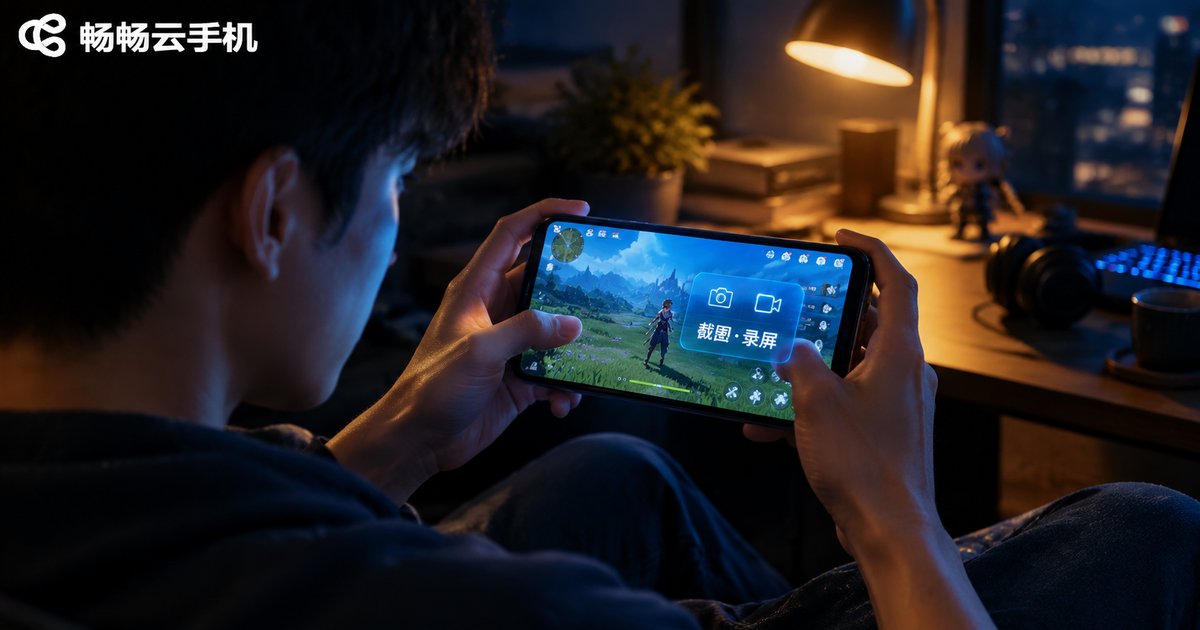
Cloud Phone Screenshot and Screen Recording Guide: Clarity Settings and File Management
This guide explains everything you need to know about taking screenshots and recording the screen on a cloud phone. Learn the most common capture methods, including the floating window and control toolbar, understand how to start and stop a recording, and discover how to choose between 720P, 1080P, and 2K clarity levels to balance image quality against file size. The article also covers where screenshots and videos are stored, how to export them to your local device, and why cloud backup keeps your files safe across devices. Finally, it recommends ChangChang Cloud Phone (ccloudphone) for smooth capture and effortless file management, and closes with answers to frequently asked questions.
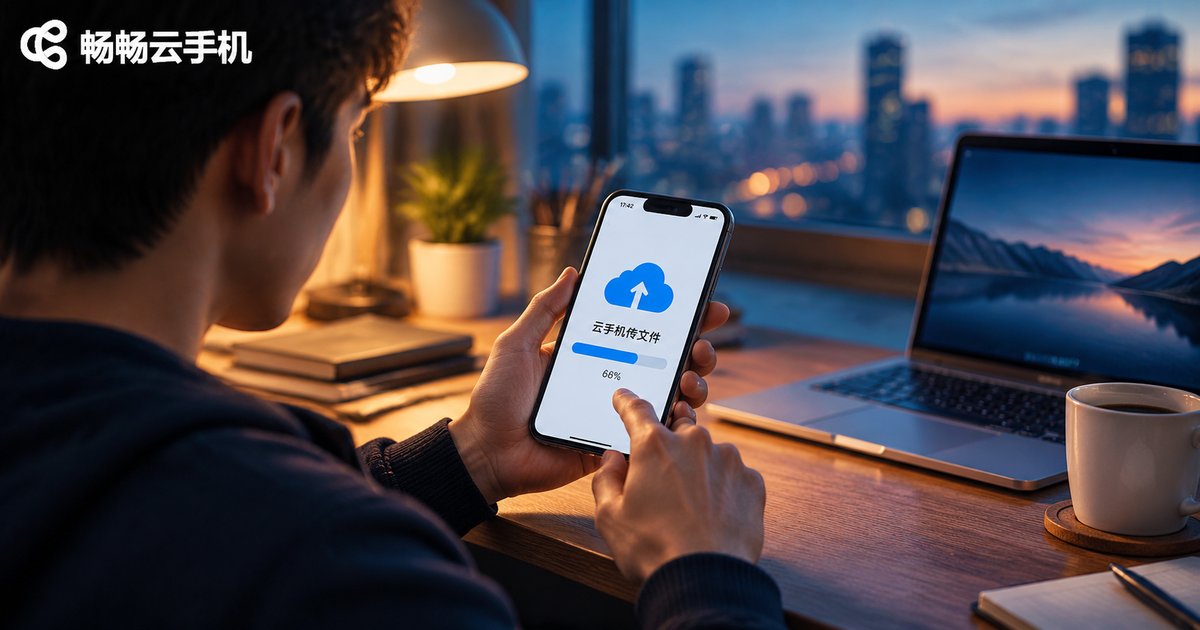
How to Transfer Files on Cloud Phones Easily: Common Methods, Speed Optimization and Key Tips
Moving files between your local device and a cloud phone is something almost every user needs to do. This guide explains the most common transfer methods, including built-in file manager uploads, cloud drive relays, clipboard sync and batch uploads, and compares them by speed and convenience. You will also learn practical optimization tips such as compressing files into a single archive, using a stable Wi-Fi connection and transferring during off-peak hours, plus key precautions covering file size limits, format compatibility, account security and copyright compliance, so every transfer is fast and safe.

Cloud Phone File Transfer Guide: Upload, Download, Batch Organization & Efficiency Tips
This guide summarizes the most practical ways to transfer files on a cloud phone, covering built-in file manager uploads, drag-and-drop batch uploading, in-app direct transfers, and safe downloading and exporting. It also shares a three-step batch organization system — create category folders, follow a unified naming scheme, and archive regularly — plus efficiency tips such as compressing files before sending, transferring off-peak, choosing universal formats, and verifying files after upload. Finally, it highlights how ChangChang Cloud Phone (ccloudphone) simplifies cloud-based file management, keeping your data accessible across devices while freeing up local storage, so you can move files in and out of your cloud phone faster and with fewer errors.