
Operations · Engineering · Trends
Hands-on playbooks, product updates and cross-border insights from the CCloudPhone team.

How to Use a Cloud Phone on PC: Big-Screen Control, Shortcuts, and Peripheral Setup
A cloud phone runs in the cloud, so your PC is simply a window for display and control — which makes a big monitor, keyboard, and mouse the most comfortable way to use it. Using ChangChang Cloud Phone (ccloudphone) as an example, this guide walks you through the complete PC workflow: downloading and signing in to the client, big-screen techniques such as fullscreen and multi-window layouts, common shortcuts and custom key mapping, and peripheral setup for keyboard, mouse, gamepad, camera, and microphone. An FAQ at the end covers account syncing, hardware requirements, latency, and multi-instance tips.
2026 Cloud Phone Migration Guide: How to Reconnect Accounts and Data After Switching Devices
Switching to a new phone or computer usually means re-logging into every app, moving chat histories by hand, and hoping nothing gets lost along the way. This 2026 cloud phone migration guide explains a far simpler approach: why cloud phone data naturally survives any device change, a quick pre-migration checklist, three steps to reconnect your accounts and data, and the key things to verify after switching. It also answers common questions about simultaneous login, app session retention, and whether idle-farming tasks keep running during the move, so your next device upgrade takes minutes instead of hours.

How to Back Up and Restore a Cloud Phone: Data Management, Migration and Key Precautions
This guide explains how to back up and restore data on a cloud phone step by step. It starts with an inventory of the data that matters most, including account credentials, chat histories, game progress, app configurations, and media files, then compares three common backup methods: in-app cloud sync, the cloud phone's built-in backup or snapshot feature, and manual export to a cloud drive. A five-step migration process covers backing up the old device, recording key credentials, restoring on the new device, verifying data integrity, and safely retiring the old phone. The article also highlights key precautions such as network stability, avoiding simultaneous multi-device operations, handling factory resets carefully, and protecting account security.

How to Manage Cloud Phone Storage: Cleaning, Expansion and File Archiving
A cloud phone runs in the cloud, but every instance still comes with a fixed storage quota. This guide starts with a simple storage audit to identify the four main space consumers: apps and games, cached data, chat and media files, and system leftovers. You will learn a three-step routine cleanup process, the warning signs that tell you it is time to upgrade capacity or run additional instances, and a three-tier hot, warm and cold archiving system, plus a weekly, monthly and quarterly management rhythm so your cloud phone always has room to breathe and your important files stay safe.
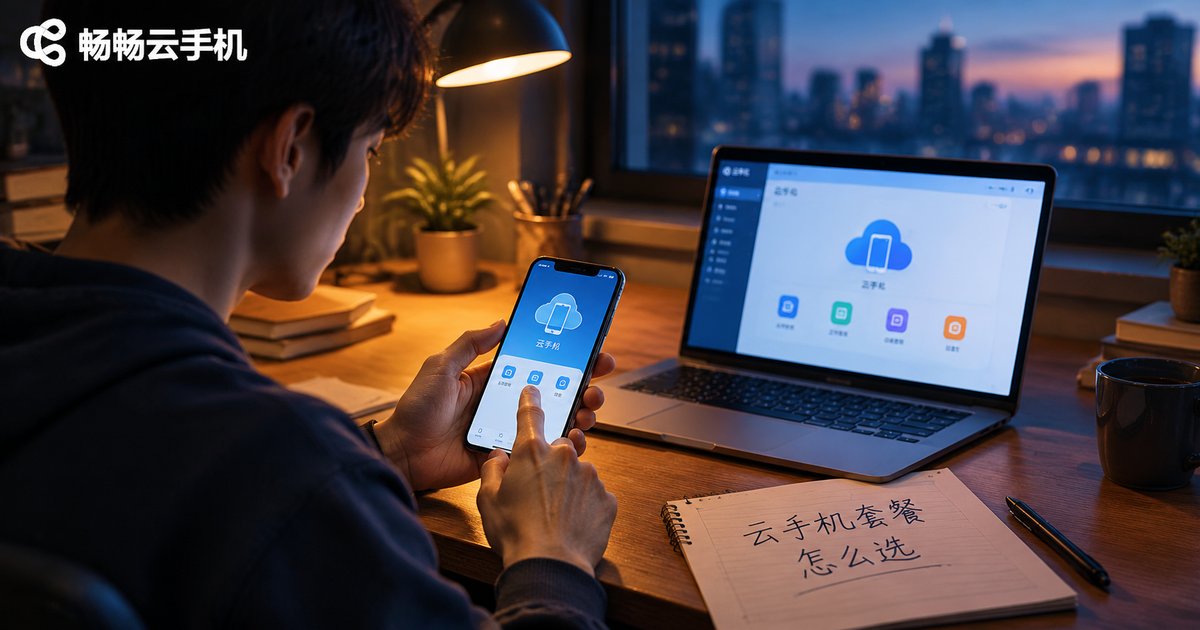
How to Choose a Cloud Phone Plan: Usage Duration, Configuration Needs, and Data Cost Analysis
Choosing a cloud phone plan comes down to three cost factors. First, usage duration sets the base price: light users need only 1-2 hours a day, while heavy multi-instance users should plan for 10+ hours. Second, configuration must match your main scenario — entry tiers handle check-ins and social apps, standard tiers run mainstream games smoothly, and high-performance tiers are reserved for high-graphics gaming and batch multi-account work. Third, data usage is the most overlooked hidden cost: higher resolution and frame rates multiply consumption, so WiFi scheduling and quality tuning matter. This article breaks down all three factors with comparison tables and a real decision example, and explains how ChangChang Cloud Phone (ccloudphone) lets you match a plan to your actual needs — start small, measure real usage, then upgrade.
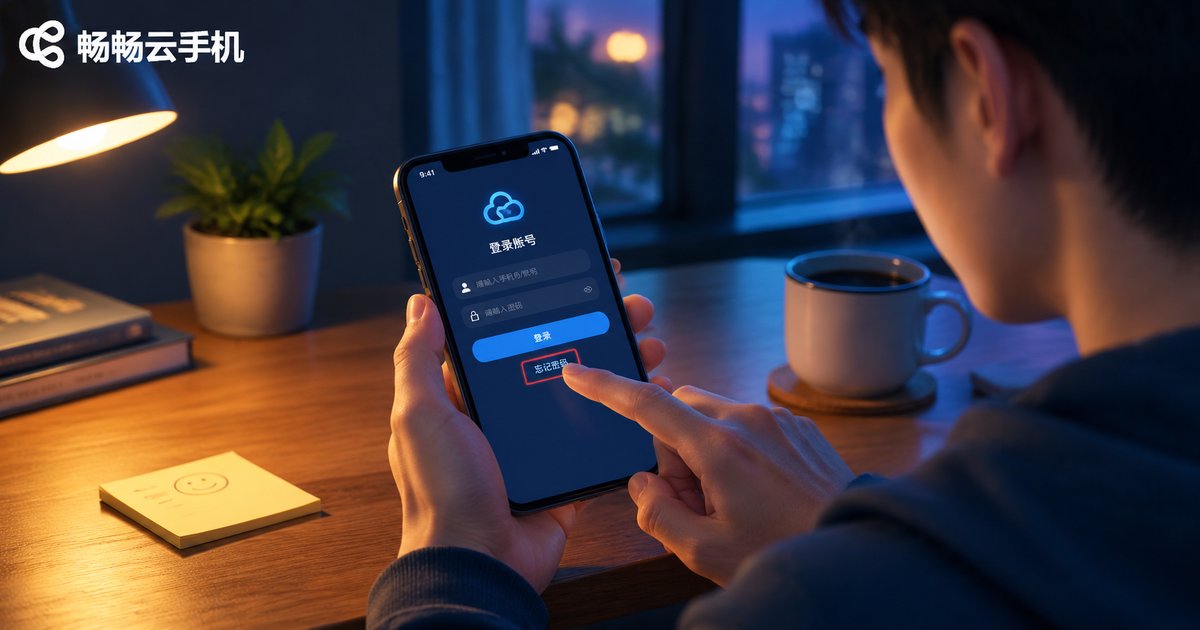
Forgot Your Cloud Phone Password? Account Recovery Steps and Security Tips
Forgetting your cloud phone password is frustrating, but recovery is usually quick and simple. This guide walks you through the complete account recovery process: requesting a verification code via your registered phone number, verifying your identity, and setting a new password. You will also learn how to troubleshoot missing verification codes, what to check immediately after regaining access, and how to create strong yet memorable passwords. Finally, we share practical daily security habits to prevent future lockouts and keep your CC Cloud Phone (ccloudphone) account protected for the long term.
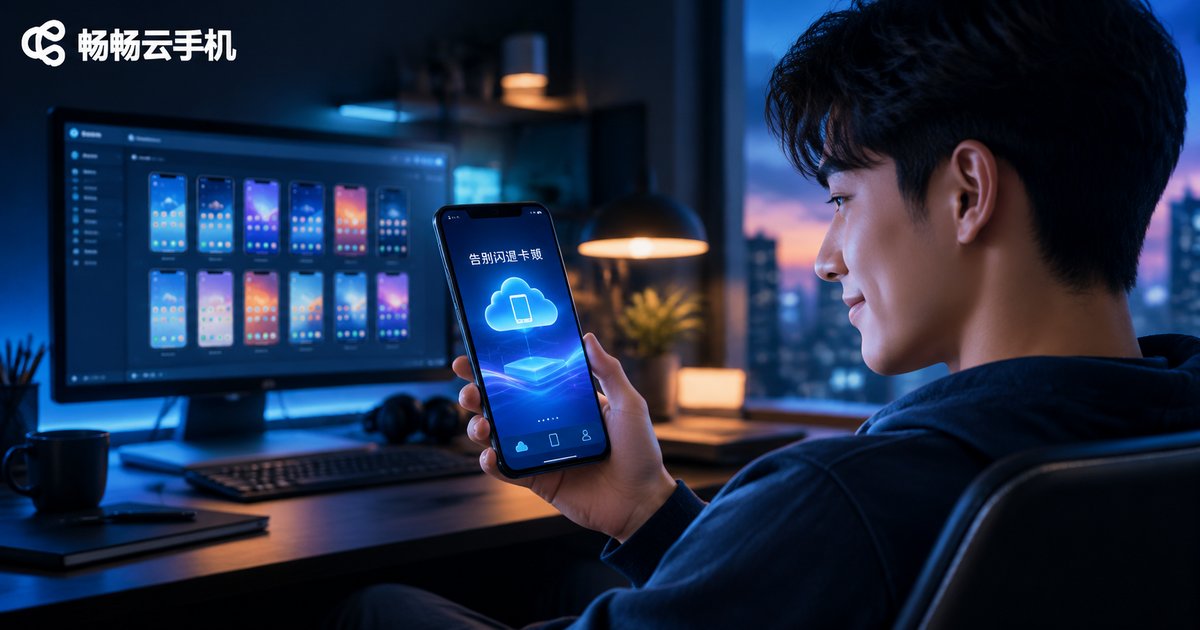
Fixing Cloud Phone Crashes and Lag in 2026: From Settings to Resource Management
Cloud phone crashes and lag rarely stem from a single cause. This guide begins with a three-layer diagnosis covering local device, network, and cloud resources, then walks through practical fixes: adjusting resolution and frame rate, clearing background apps, managing storage, and controlling how many instances run at once. You will also learn why latency and packet loss matter more than raw bandwidth, how to schedule heavy tasks off-peak, and why choosing a stability-focused platform like ccloudphone reduces crashes at the source. Follow this checklist to restore smooth, reliable cloud phone performance in 2026.
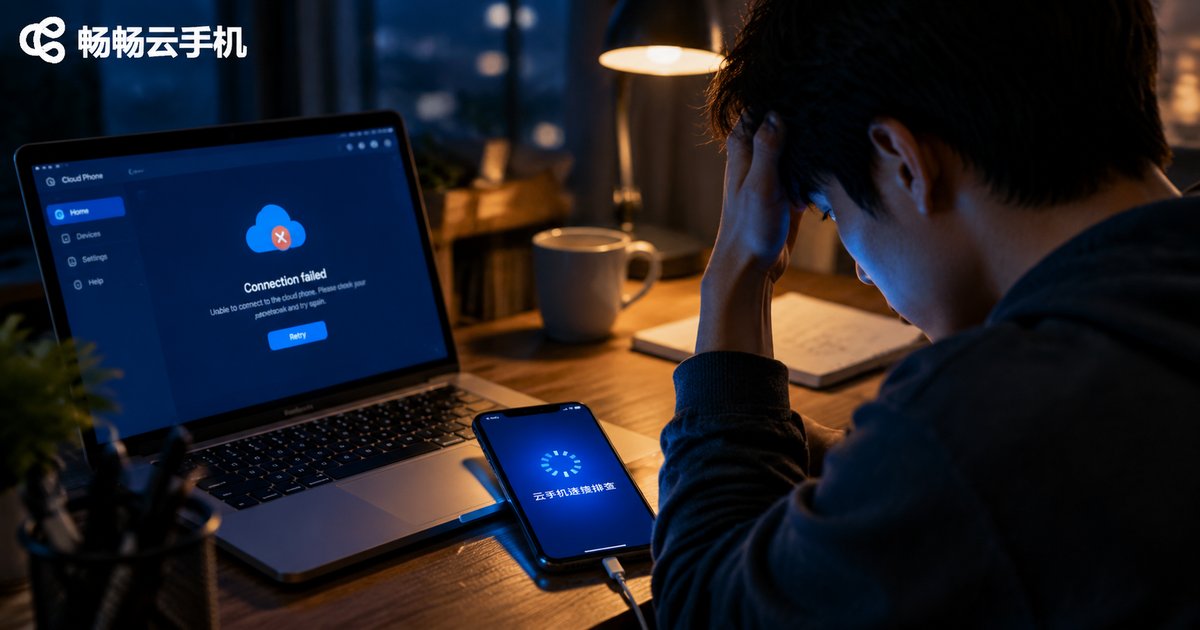
What to Do When Your Cloud Phone Won't Connect: Network, Account, and Client Troubleshooting
When your cloud phone refuses to connect, the cause almost always lies in one of three areas: your local network, your account status, or the client app itself. This guide walks you through a systematic troubleshooting process — switching networks, rebooting your router, changing DNS settings, verifying login credentials and concurrent sessions, updating or reinstalling the app, and clearing corrupted cache. You will also learn how to quickly tell whether the fault is on your side or the provider's server using a simple symptom comparison table. Finally, we recommend ChangChang Cloud Phone (ccloudphone), a service focused on stable connections and responsive support, so you can spend less time troubleshooting and more time getting things done in the cloud.
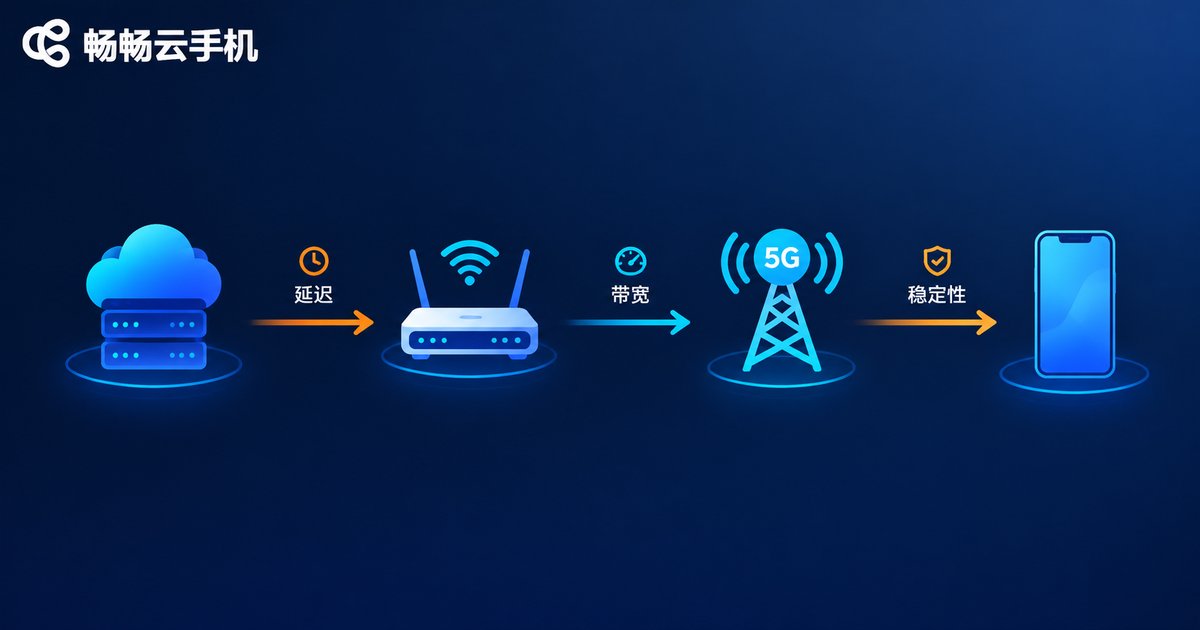
Cloud Phone WiFi vs Mobile Network: Stability and Data Cost Comparison
Cloud phones render everything in the cloud, so your network connection decides how smooth the experience feels. This article compares WiFi and mobile networks (4G/5G) for running a cloud phone across two key dimensions: stability and data cost. WiFi wins on consistent latency and flat-rate broadband pricing, making it ideal for long AFK sessions at home or in the office. Mobile networks win on flexibility—you can log in anywhere—but data consumption adds up quickly and signal quality fluctuates. You will find side-by-side comparison tables, realistic data-usage estimates per hour, scenario-based recommendations, and practical tips to reduce traffic, so your cloud phone stays stable without burning through your data plan.

Do Cloud Phones Have High Network Requirements? Bandwidth, Latency, and Stable Connection Basics
Cloud phones are less demanding on your network than most people think — roughly on par with streaming HD video. This guide breaks down the three metrics that matter in plain language: bandwidth (about 10Mbps download to start, 15-20Mbps for real-time gaming, with minimal upload needs), latency (under 50ms feels like a local phone; 50-100ms is fine for daily use), and stability (packet loss under 1% and jitter under 30ms prevent stutters). You will find a scenario-based bandwidth table, a simple ping test, practical Wi-Fi and router optimization tips, and an explanation of why cloud-side tasks keep running even when your local connection drops briefly.

Cloud Phone Frame Rate Settings and Smoothness Optimization: When to Use High Frame Rate Mode
Frame rate is the single most important parameter behind how smooth a cloud phone feels. This guide explains in plain language the real difference between 30 fps, 60 fps and 120 fps, and breaks down how cloud phones deliver visuals through cloud rendering plus video streaming. A scenario comparison table shows when high frame rate mode is worth enabling: competitive mobile games, action titles and live streaming benefit the most, while idle farming and multi-instance tasks do not need it. You will also find four practical optimization tips covering network quality, bitrate, local device performance and cloud scheduling, plus a recommendation of ccloudphone as a smooth and stable cloud phone service, helping you strike the right balance among fluidity, data usage and stability.

How to Set Cloud Phone Resolution: Image Quality Tips for Different Scenarios
Cloud phone resolution directly affects image sharpness, smoothness, and data usage. This guide explains the real differences between 720P, 1080P, and 2K presets, and offers practical quality recommendations for the scenarios people actually use: mobile gaming, video streaming, multi-instance idle farming, and live streaming or recording. You will also learn how DPI affects text and icon size, how to change resolution step by step in ccloudphone, and how to quickly troubleshoot blurry or laggy screens, so you can strike the perfect balance between clarity and performance on any network.