
How to Choose a Cloud Phone Plan: Usage Duration, Configuration Needs, and Data Cost Analysis
Answer Three Questions Before You Buy
When people buy their first cloud phone plan, they either grab the cheapest option or follow someone else's recommendation. The result is often running out of hours, or a configuration that cannot handle their apps — money wasted either way.
Choosing a plan really comes down to three questions: How long will you use it each day? What apps will you run? Is your mobile data enough? These correspond to the three core cost factors of any plan: usage duration, configuration tier, and data cost. Get these three numbers right and you will not buy wrong.
Factor 1: Calculate Your Usage Duration
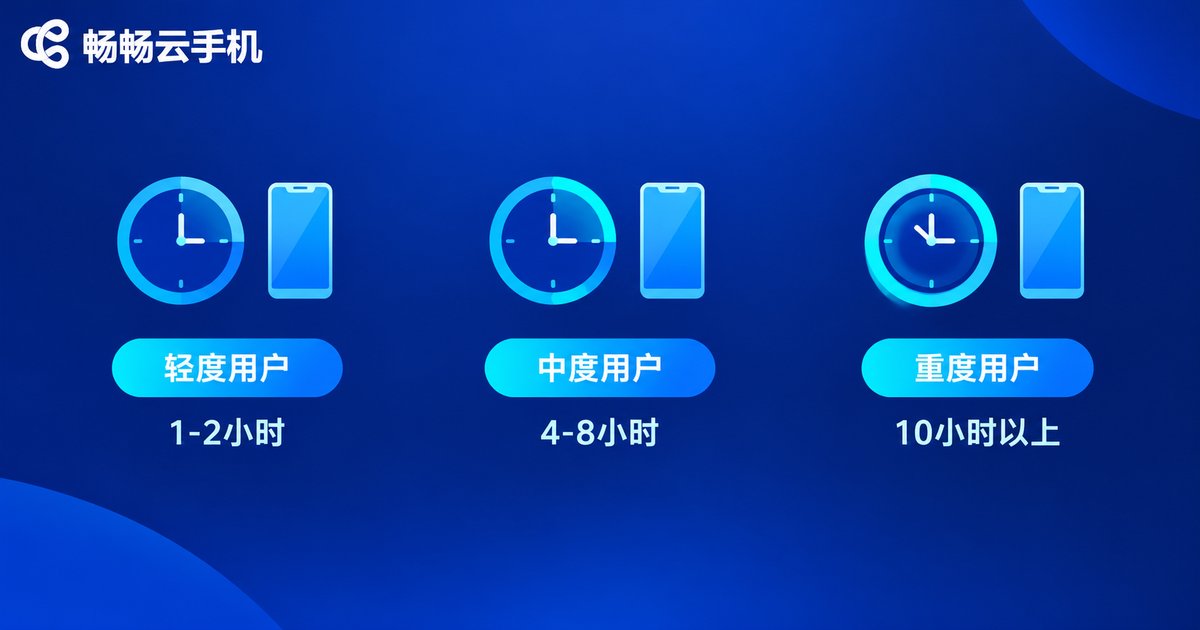
Cloud phone plans are usually billed by usage hours, so how long you stay online — and on how many devices — directly determines the price range. Start by classifying yourself:
| User Type | Typical Scenario | Daily Online Time | Recommendation |
|---|---|---|---|
| Light user | Messages, daily check-ins, one or two small tasks | 1-2 hours | Entry tier; don't pay for hours you won't use |
| Moderate user | Daily task automation, one or two always-on apps | 4-8 hours | Standard tier; check hour allowance and flexibility |
| Heavy user | Multi-instance farming, long sessions, multi-account operation | 10+ hours | High-hour tier or multiple devices; compare per-device cost |
A simple estimation method: add up the time your phone truly needs to stay online each day, then add 20% as a buffer. If you need 6 hours of online time, look for plans with 7-8 hours of allowance — enough to avoid interruptions without paying for idle time.
Factor 2: Match Your Configuration Needs
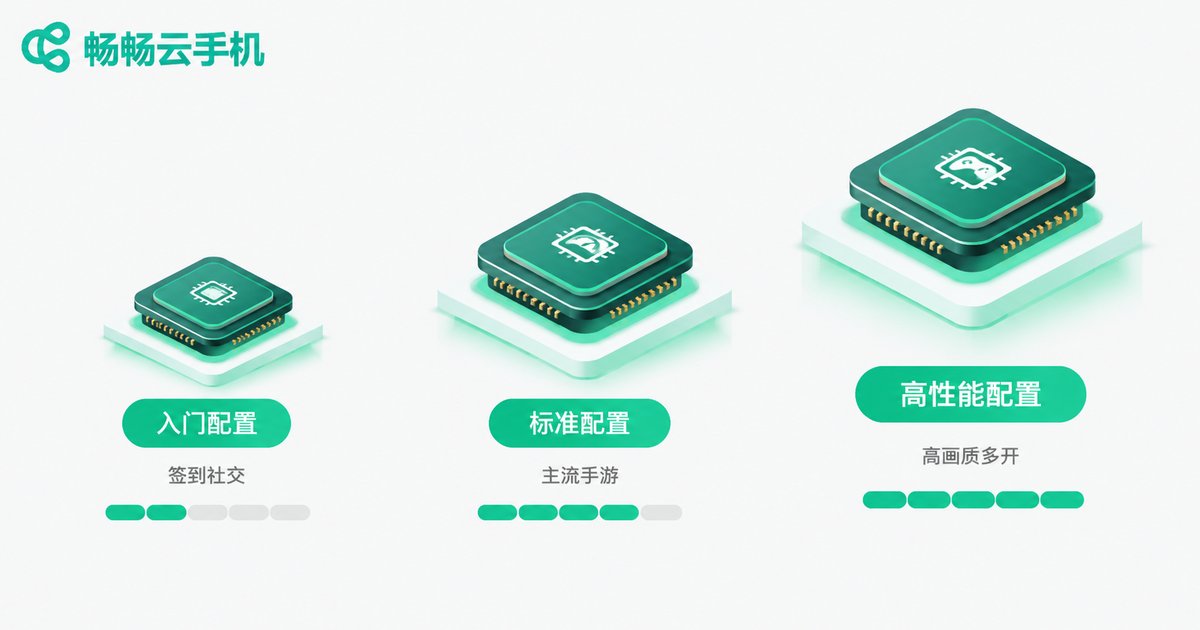
Configuration sets the ceiling of your experience. Focus on three things: CPU cores, RAM, and GPU/graphics capability. The goal is not maximum specs, but 'enough plus a little headroom':
| Use Case | What Matters | Suggested Tier |
|---|---|---|
| Check-ins, social apps, lightweight tools | Basic cores and memory | Entry |
| Mainstream mobile games, 2-3 instances | Mid-range CPU and RAM, smooth frame rate | Standard |
| High-graphics games, batch multi-account | High cores and RAM, strong GPU and stability | High-performance |
Two common mistakes: buying low specs to save money, then suffering lag and crashes; or overbuying the top tier for simple check-in tasks and wasting most of the performance. The right approach is to pick the tier for your main scenario, with a little room to grow.
Factor 3: Don't Ignore Data Costs
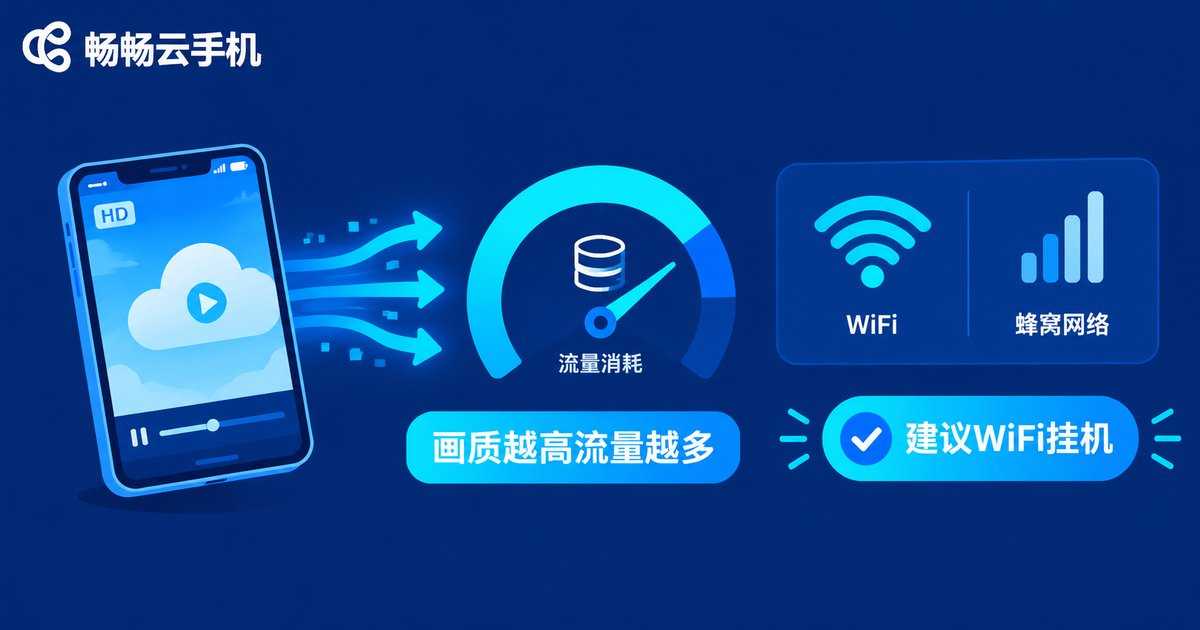
A cloud phone runs in the cloud and streams its screen to your device in real time, so it consumes noticeably more data than ordinary apps. Three factors drive data usage:
1. Resolution and frame rate: the higher they are, the more data is transferred per second — consumption multiplies quickly. 2. Scenario type: idle screens change little and save data; fast-moving game scenes consume much more. 3. Network environment: on WiFi the marginal data cost is zero; on cellular data you need to budget carefully.
As a rough guide, low-quality idle streaming uses tens of MB per hour, while HD gaming can reach several hundred MB per hour or more. If you often run a cloud phone on cellular outdoors, this hidden cost adds up over a year.
Money-saving tips: schedule farming tasks on WiFi, and lower resolution and frame rate when on cellular — the experience difference is small, but the data savings are significant.
Putting It Together: A Real Decision Flow
Example: you need one cloud phone for 6 hours of daily farming on a mainstream game, on WiFi at work, occasionally on cellular on weekends. Your decision path:
Step 1: lock in a 7-8 hour allowance based on daily needs. Step 2: a mainstream game only needs the standard tier. Step 3: cellular usage is occasional, so your existing data plan is enough — no extra spending required. With these three confirmed, your options narrow to one or two tiers; just compare prices and buy.
Remember the formula: duration sets the base price, configuration decides the upgrade cost, and data usage is the hidden cost. Their sum is your true monthly cost.
Why ChangChang Cloud Phone (ccloudphone)
If you would rather not compare plans endlessly, take a look at ChangChang Cloud Phone (ccloudphone). It offers multiple configuration tiers and duration options, covering everything from light task farming to heavy multi-instance use. See the official website for current plan details.
Advice for beginners: start with an entry or standard tier for a few days, record your actual online hours, smoothness, and data usage, then decide whether to upgrade — try first, decide later, and almost no budget goes to waste.
FAQ
Q: Is the hour allowance shared across all apps?
Yes. Hours are counted by device online time regardless of which apps you run — farming, gaming, and social apps are billed the same way.
Q: What if I bought a tier with too little power?
You will see lag, frame drops, and struggling multi-instance performance. Most services support tier upgrades; check the upgrade policy before purchasing. For ChangChang Cloud Phone's tier details, refer to its official website.
Q: How do I reduce data consumption?
Use WiFi whenever possible; lower resolution and frame rate on cellular; choose low-quality mode for pure idle farming to cut usage significantly.
Q: What configuration do I need for multi-instance use?
Multi-instance demands more RAM and stability. Go straight to the high-performance tier and compare different combinations by per-device cost, not total price.
Q: What plan should a first-time buyer get?
Run the smallest viable combination for 3-5 days, record real usage, then adjust using the three-factor method above. This is the safest way to avoid mistakes.


