
Operations · Engineering · Trends
Hands-on playbooks, product updates and cross-border insights from the CCloudPhone team.
How to Choose a Cloud Phone Provider: Evaluating Stability, Response Speed, and Technical Support
Choosing a cloud phone provider is about far more than comparing prices. This guide breaks down the three dimensions that matter most—stability, response speed, and technical support—and shows you exactly how to test each one in the real world. You will learn how to check uptime and disconnect frequency during peak hours, how to feel out display latency with a control-heavy game, and how to probe support quality with a simple pre-sales question. A side-by-side comparison table and a practical FAQ section round out the article, helping you avoid the most common selection traps and confidently pick a cloud phone service that stays reliable when it counts.
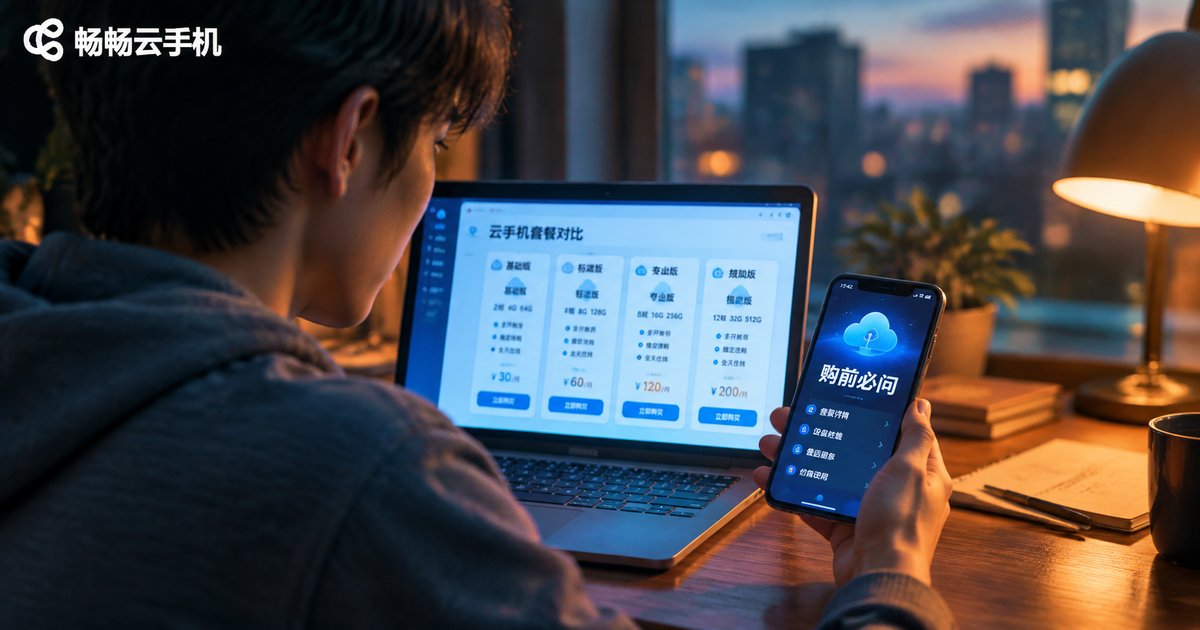
Essential Questions to Ask Before Buying a Cloud Phone: Specs, Service, After-Sales & Pricing
Before paying for a cloud phone, you need clear answers in four areas: hardware specs, service capabilities, after-sales support, and pricing. This checklist-style guide walks you through exactly what to ask: how many CPU cores and how much RAM you actually need, whether storage can be expanded, uptime guarantees, multi-instance limits, file transfer rules, support response times, data retention after expiry, billing cycles, renewal pricing, and hidden fees. Ask these questions up front and you will avoid the most common buying mistakes, match the right plan to your real workload, and choose a cloud phone service with confidence instead of guessing.

2026 Cloud Phone Rental Cost Control: Budget Planning and Package Selection Guide
Cloud phone rental costs keep climbing as more individuals and teams rely on virtual devices for multi-account operations, game AFK farming, and app testing. In 2026, smart budget planning matters more than ever. This guide breaks down the three main billing models, walks you through a three-step process to calculate your real capacity needs, and explains the core principle of matching packages to actual workloads. You will also learn five practical cost-saving tactics, including committing to long-term plans, releasing idle devices promptly, and monitoring usage data, so you can control spending without sacrificing performance.
Cloud Phone Rental Guide: Daily vs Monthly vs Yearly Cost Comparison
Cloud phone rental usually comes in three billing modes: daily, monthly, and yearly. Daily rental offers maximum flexibility for short-term or trial needs, monthly plans suit mid-term projects and game seasons, while yearly plans deliver the lowest per-day cost for long-term users. This guide breaks down the real cost differences with a clear comparison table, matches each mode to common scenarios, and shares practical money-saving tips. Whether you run a multi-account studio, grind a game season, or just need a temporary backup device, you will learn how to pick the right plan and stop overpaying. An FAQ at the end answers the most common rental questions.

Cloud Phone Batch Operation Efficiency: Process Design, Group Management and Exception Handling
Running dozens or hundreds of cloud phones through one-by-one tapping is a losing game. This guide breaks down batch operation efficiency across three dimensions: process design, group management, and exception handling. Learn how to decompose actions into standard steps with fixed sequences and time windows, how to group devices by business, stage, and risk level, and how to recover fast with an isolate-retry-escalate workflow. It also shows how to put the whole system into practice with ChangChang Cloud Phone (ccloudphone), whose always-on cloud Android devices and multi-device management make batch operations stable and scalable, and closes with a FAQ on risk, grouping thresholds and troubleshooting.
Cloud Phone Bulk Login Essentials: Account Security, Operation Frequency, and Risk Control Boundaries
Cloud phones make bulk login and multi-account management efficient, but batch behavior is exactly what platform risk-control systems watch for. This guide covers the three pillars of safe bulk login: keeping every account in its own isolated environment, pacing logins to mimic real human rhythm, and understanding where the risk-control red lines sit. You get practical parameters for login intervals, daily online time and scaling speed, a pre-flight checklist, answers to common questions, and how ccloudphone turns staggered, disciplined batch login into a repeatable daily workflow before you scale up.
How to Plan Cloud Phone Multi-Instance Counts: Balancing Capacity, Cost, and Stability
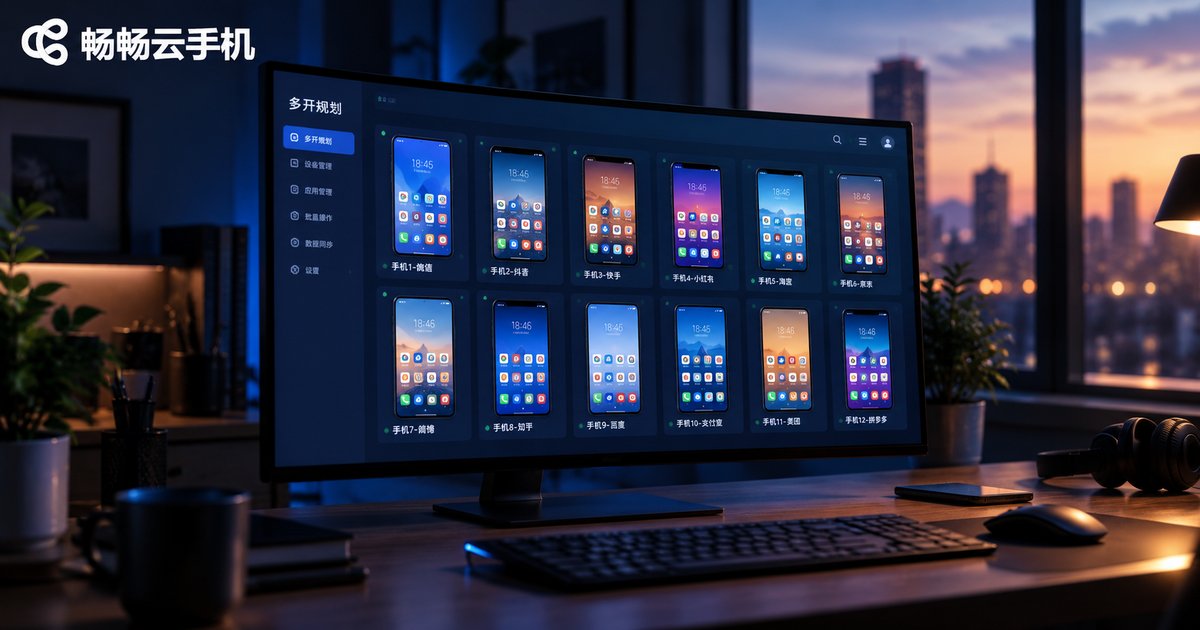
Running multiple cloud phone instances is not about maximizing quantity. This guide explains how to plan your multi-instance count by balancing three factors: configuration capacity, total cost, and long-term stability. You will learn how to estimate the load ceiling of different configuration tiers, how to account for hidden costs such as management time and risk, and how to keep a large fleet stable with headroom, batch rollouts, and staggered operations, plus a practical four-step planning workflow.

How to Reduce Cloud Phone Latency in 2026: Network Optimization and Parameter Settings
Cloud phone responsiveness depends far more on your network and settings than most people realize. This guide walks you through practical ways to reduce cloud phone latency in 2026: switching to 5GHz WiFi, freeing up bandwidth, avoiding peak hours, and tuning in-app parameters such as resolution, frame rate, quality mode, and performance mode. You will also learn how to keep your local device from adding lag, see a comparison table of recommended settings, and get answers to frequently asked questions. Whether you use a cloud phone for gaming, multi-account workflows, or background tasks, these steps will make every tap feel noticeably more responsive.

Cloud Phone Screen Blurry? How to Fix It: Clarity, Bandwidth and Resolution Optimization
A blurry cloud phone screen usually comes down to three things: a low quality preset, a compressed video bitrate, or insufficient network bandwidth. This guide explains how cloud phone streaming works and walks you through each fix step by step: raising the in-app clarity setting, testing and optimizing your bandwidth, matching resolution and frame rate to your screen, and checking local factors such as window scaling, battery saver mode and outdated clients. A comparison table shows which network setup delivers the sharpest picture, and a FAQ section answers the most common follow-up questions.

How to Fix Cloud Phone Audio Desync: Audio Settings and Latency Troubleshooting
When sound lags behind the picture on a cloud phone, the cause is usually network latency, audio buffering, or a delay in your local devices—most often Bluetooth headphones. This guide shows you how to diagnose the problem in minutes: tell fluctuating delay apart from constant delay, run a speed test, switch to 5GHz Wi-Fi or 5G, tune audio quality and resolution settings, and test with wired speakers. You will also find everyday habits to prevent desync from coming back, plus answers to the most frequently asked questions, so your cloud phone sessions stay perfectly in sync.

Cloud Phone Black Screen Troubleshooting Guide: Display, Network and Client Settings Check
A black screen on a cloud phone is rarely a broken device — it usually comes down to one of three links: display rendering, network transmission, or client settings. This guide walks you through a clear troubleshooting order — display first, then network, then client — covering resolution and frame rate, rendering modes, bandwidth and latency, cache clearing, and version updates. A quick symptom-matching table helps you pinpoint the cause within minutes, and a final FAQ answers the questions users ask most, so you can restore a smooth cloud experience without guesswork.
Cloud Phone Starts Slowly? Optimization Tips for Cache, Network and Configuration
A slow-starting cloud phone is usually caused by three things: accumulated cache, unstable network connections, and mismatched device specifications. This guide walks you through a practical troubleshooting workflow — clearing app cache, optimizing your local network, and choosing the right cloud phone configuration — so your cloud phone boots and launches apps noticeably faster. You will also find a comparison table of key network metrics, a recommended cloud phone service, and answers to the most frequently asked questions about cloud phone startup performance.