

Cloud Phone Bulk Login Essentials: Account Security, Operation Frequency, and Risk Control Boundaries
Bulk Login Is Not About Logging In as Much as Possible
Teams running account matrices, multi-store operations, or multi-instance gaming all run into the same task: bulk login. A cloud phone puts dozens of devices into a single dashboard so one person can manage hundreds of accounts. But look at it from the platform side, and bulk behavior is one of the most sensitive signals for risk control: real users do not log into thirty accounts in the same second, and they do not stay online around the clock. The goal of bulk login is not speed — it is looking human and staying stable.
Account Security: Nail Down Isolation First
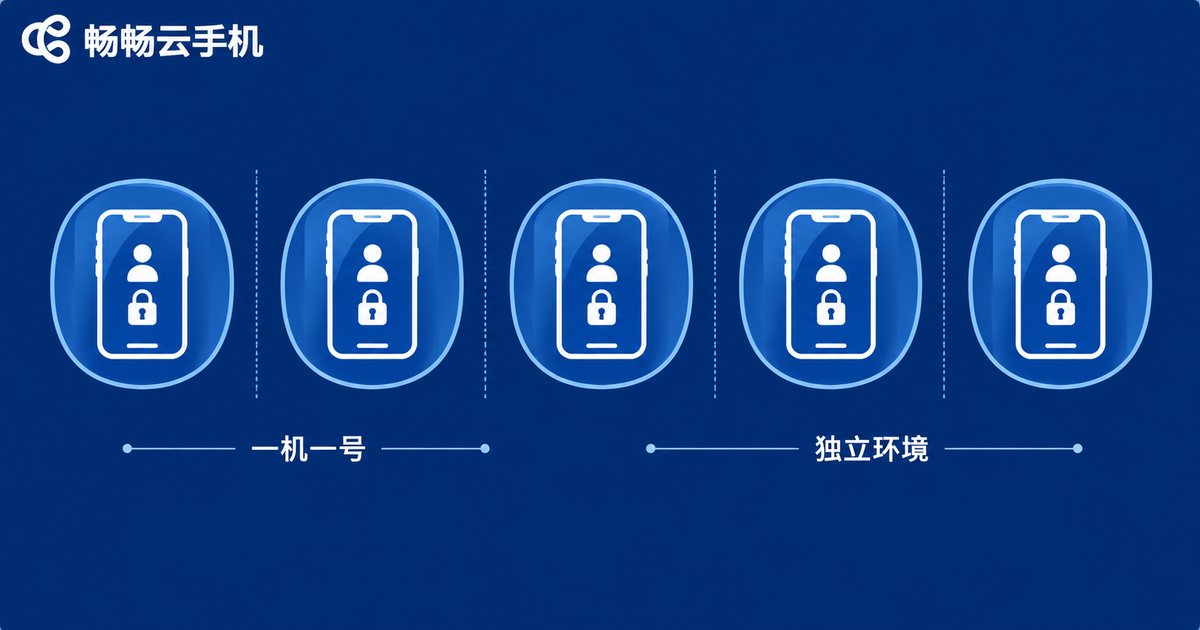
Risk-control systems look at the environment first when judging whether accounts are linked. To lower the risk of bulk login, start with one device, one account, one environment:
1. One core account per cloud phone. Avoid switching several important accounts on and off the same device. Mixed environments are the most common source of account linking.
2. Independent, strong passwords. Do not reuse one password everywhere. Enable the second verification option offered by each platform, and store credentials somewhere safe — not in a pinned group message.
3. Warm up new accounts first. Do not push freshly registered accounts into heavy activity. Use them at a normal human pace for a few days so the platform builds a normal behavioral profile.
4. Keep the environment consistent. Keep login hours and frequently used features stable, and avoid an account jumping between regions from one day to the next.
Operation Frequency: Make Machines Act with Human Rhythm
The biggest convenience of batch tools — executing everything with one click — is also the biggest risk: when every account moves in perfect unison, nothing looks natural. Set a few ground rules:
| Behavior | High-risk habit | Safer approach |
|---|---|---|
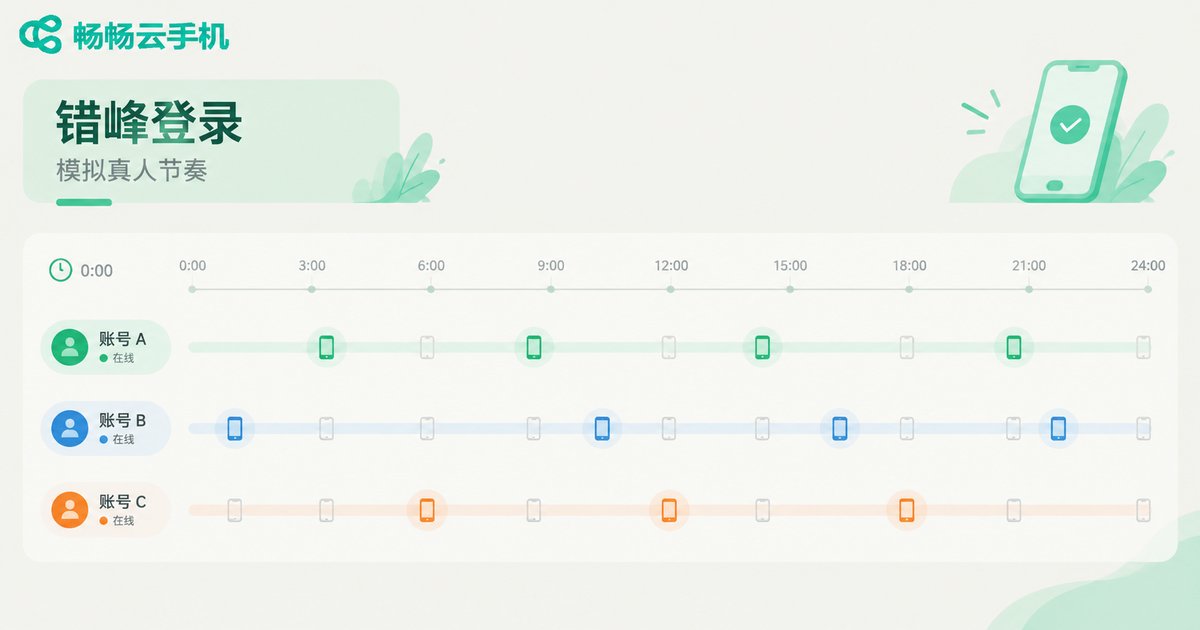
| Login intervals | Dozens of accounts going online in the same second | Space accounts minutes to tens of minutes apart, with randomization |
| Online duration | Running 24 hours non-stop | Mimic human schedules: online in sessions, offline on a timer |
| Actions | Every account running an identical action sequence | Vary paths and dwell time per account |
| Scaling speed | Adding dozens of new device logins in one day | Grow in small daily batches and stabilize before adding more |
A simple principle: bulk does not mean synchronized. Turn same-time-same-action into same-batch-staggered-time, and what risk control sees is a group of independent, ordinary users.
Risk Control Boundaries: Know the Red Lines Before You Cross Them
Platform risk control mainly watches four kinds of signals: device fingerprint, network environment, behavior trajectory, and account linkage. Bulk login most easily trips the last two — many accounts behaving identically, or sharing recognizable linking features.
Common mistakes include a flood of logins from the same environment in a short window, identical operation timetables copied from one template, and new accounts interacting heavily on day one. To stay inside the boundary, give every batch a grace period: run new accounts or devices at low frequency first, observe for a few days, and only ramp up to target frequency once verification prompts and disconnect rates stay flat. If batch verifications or warnings appear, slow down and investigate immediately instead of pushing through.
Turn Boundary Management into a Daily Routine with ccloudphone
ccloudphone gives every account its own isolated cloud phone environment, so accounts never interfere with each other — reducing the linking risk that comes from mixed environments at the source. Its batch management lets you view and control many cloud phones from one place, turning staggered login, off-peak operation, and scheduled online sessions into a repeatable workflow instead of a manually tracked timetable. Stabilize the rhythm first, then scale — that is how accounts last.

A Practical Bulk Login Checklist
Here is the whole article compressed into a checklist to run before every scale-up:
Before login: confirm one account per device, credentials and verification ready, and login slots staggered.
During login: cap the batch size, run new devices at low frequency, and log the online time of each batch.
After login: watch verification and disconnect rates, slow down on any anomaly, and review account status regularly instead of waiting for a ban to investigate.
FAQ
Q: How many accounts can one cloud phone hold?
Technically several, but for safety, keep one core account per cloud phone and limit switching even for secondary accounts to avoid over-mixing environments.
Q: Does bulk login always lead to bans?
No. Bans usually follow same-second mass logins, mixed environments, and templated behavior. With isolated environments, human-like pacing, and restrained scaling, the risk is fully manageable.
Q: How long should a new account warm up before bulk operations?
Use it like a normal user for a few days as a grace period, then raise the frequency step by step. Do not scale on day one.
Q: Is running accounts overnight more likely to trigger risk control?
Round-the-clock online presence does not look human. Rather than obsessing over one time slot, shape the online schedule around your target users real daily rhythm.


