

How to Plan Cloud Phone Multi-Instance Counts: Balancing Capacity, Cost, and Stability
Why Multi-Instance Counts Need Planning Up Front
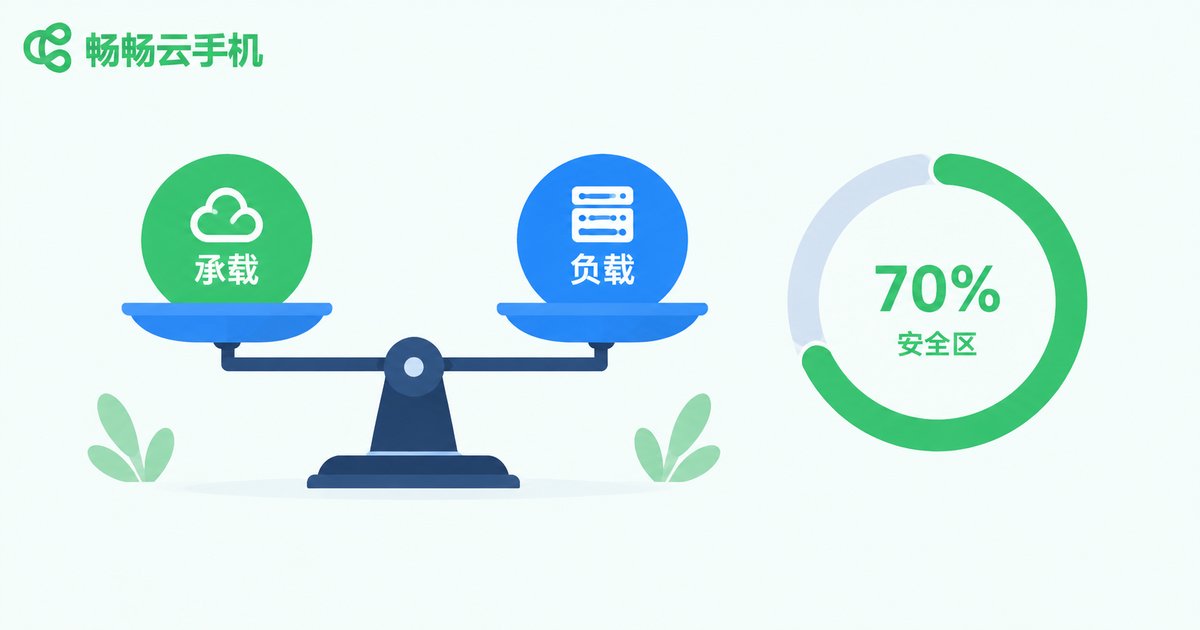
Many users assume that since cloud phones support multi-instance operation, they should simply run as many as possible. In practice, problems like lag, disconnections, and account restrictions appear quickly as the count grows. The right instance number is never a guess. It follows a clear logic chain: the configuration of each instance determines how much workload it can carry, the workload scale determines your cost structure, and the load headroom determines long-term stability. Planning means finding the balance point among all three.
Layer One: Configuration Sets the Ceiling
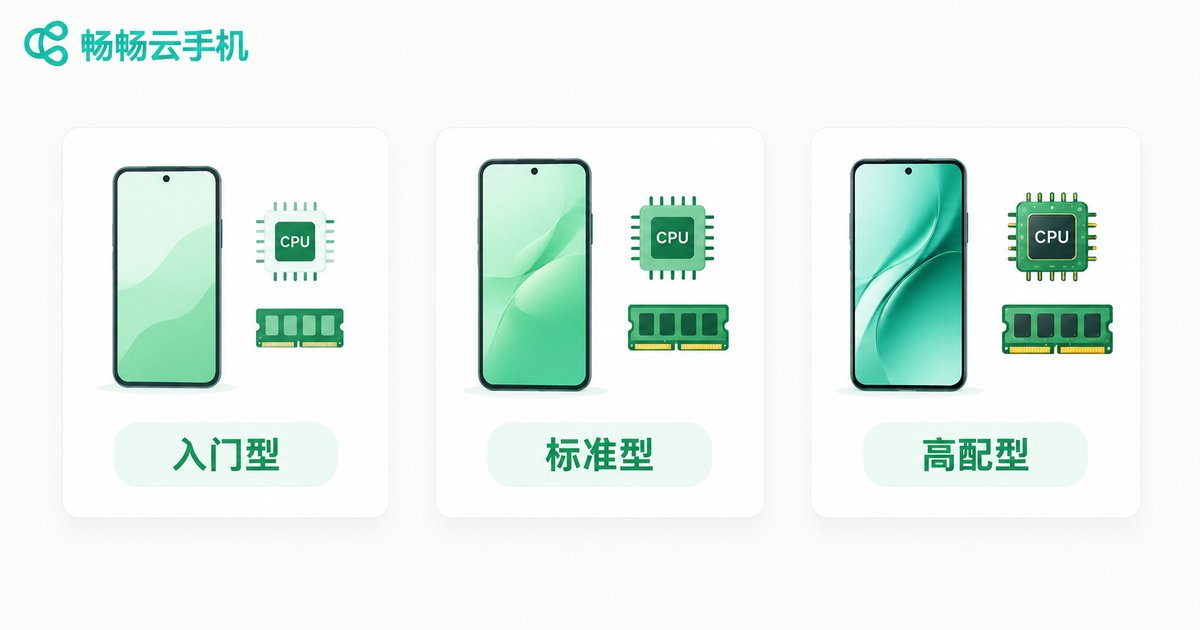
Every cloud phone instance consumes computing resources, mainly CPU cores, RAM, and storage. Higher configurations run heavier apps smoothly but cost more per instance. Common tiers can be understood roughly as follows:
| Tier | Typical Specs | Best For |
|---|---|---|
| Entry | Around 1 core / 2GB RAM | Lightweight idle apps, always-on messaging, simple automation |
| Standard | Around 2 cores / 4GB RAM | Mainstream mobile games, daily social media matrix operations |
| High-End | Around 4 cores / 8GB RAM | Demanding 3D games, parallel multitasking, smoothness-critical workloads |
A practical estimation method: measure the resource usage of one app on a normal phone, multiply it by the number of instances you plan to run, then reserve 20% to 30% of headroom. If the total exceeds what your chosen configuration can carry, either reduce the instance count or move up a tier instead of running at the edge.
Layer Two: Count the Full Cost
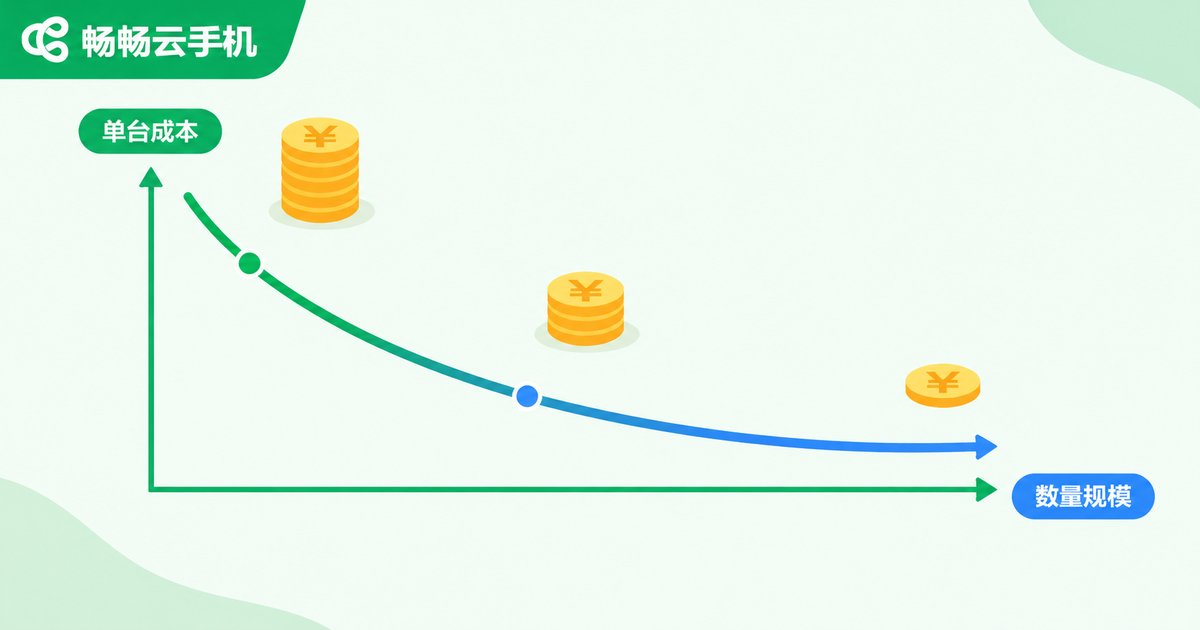
Many users only look at the monthly fee per instance and ignore hidden costs. The true cost of running many instances includes at least three parts: instance fees, time costs, and risk costs. Instance fees are straightforward: quantity times unit price. Time cost refers to the effort of managing and maintaining the fleet; larger fleets lower the per-instance management overhead but still increase total workload. Risk cost is the most overlooked: if overloading causes mass disconnections or account restrictions, the loss usually far exceeds what you saved on instance fees.
| Scale Stage | Cost Characteristics | Planning Advice |
|---|---|---|
| 1-10 instances | High per-instance cost, low trial cost | Validate workflows and prove the single-account model |
| 10-50 instances | Bulk advantages appear, management cost rises | Build grouping and batch operation habits |
| 50+ instances | Strong scale effects, high stability demands | Load headroom and redundancy become mandatory |
In short: calculate the output of a single account first, then work backward to how many instances you can afford, not the other way around.
Layer Three: Stability Comes From Headroom and Rhythm
Most stability problems come from pushing configurations to their limits. When CPU stays maxed out and RAM keeps hitting alerts, disconnections and lag are inevitable. To keep a large fleet stable, follow three principles:
First, keep headroom. Hold actual load at around 70% of capacity, leaving buffer for app updates and traffic peaks.
Second, ramp up in batches. Run new workloads at small scale for a few days, watch disconnection rates and resource usage, then scale up gradually instead of maxing out at once.
Third, stagger operations. Avoid having every instance run heavy tasks at the same moment; spread batch operations across a timeline so peak load stays manageable.
A Practical Four-Step Planning Workflow
Combine the ideas above into four steps you can follow directly:
Step one, define your workload. List the apps each account runs and classify them as light idle, daily operations, or heavy gaming.
Step two, match the configuration tier. Choose entry, standard, or high-end based on resource usage. When in doubt, pick the higher tier rather than running at the limit.
Step three, pilot at small scale. Start with 20% to 30% of your planned count for three to five days and record lag and disconnection issues.
Step four, scale gradually and review. Observe for one or two days after each expansion. Continue only when the load is stable, and stop to reassess once you approach the 70% load line.
Choose a Service That Scales Flexibly
Even the best plan needs the right tool. ChangChang Cloud Phone (ccloudphone) lets you start with a small number of instances and expand gradually based on pilot data, so you never lock in an oversized fleet from day one. Its batch management and group control features also cut the daily management overhead typical of multi-instance scenarios. For available configuration tiers and package details, visit the official ChangChang Cloud Phone website at ccloudphone and refer to what the official pages display.
FAQ
Q: Are more instances always more cost-effective?
Not necessarily. Once the count exceeds what your configuration can carry, lag and disconnections eat into revenue, and risk costs can outweigh the extra output. Keep load at around 70% of capacity.
Q: How do I know I am approaching the ceiling?
Watch for three signals: noticeably slower response, frequent disconnections during batch tasks, and app crashes or loading failures. Any one of these means it is time to reduce the count or upgrade the configuration.
Q: Can game multi-instance and social app multi-instance share the same tier?
Not recommended. Demanding 3D games need high-end instances with one account per instance, while social and light apps run fine on standard or entry tiers. Separating them lowers total cost significantly.
Q: Should I scale up all at once or in batches?
Batches are safer. Observe load for one or two days after each expansion and continue only when stable, keeping any failure impact contained.


