
Operations · Engineering · Trends
Hands-on playbooks, product updates and cross-border insights from the CCloudPhone team.

Cloud Phone Advanced Guide: Efficiency Scenarios, Automation, and Security Boundaries
Cloud phones are far more than a tool for running multiple game accounts. This advanced guide breaks down three directions worth mastering. First, efficiency scenarios: manage multiple accounts with grouped multi-instance control and 24/7 cloud uptime. Second, automation: hand repetitive work such as scheduled check-ins, idle progression, and batch operations to the cloud, keeping your real device free. Third, security boundaries: understand account isolation, compliant automation, and data protection before going deeper. The article includes a practical comparison table, a FAQ section, and a recommendation of ChangChang Cloud Phone (ccloudphone), a stable and easy-to-use cloud Android service for both beginners and advanced users.
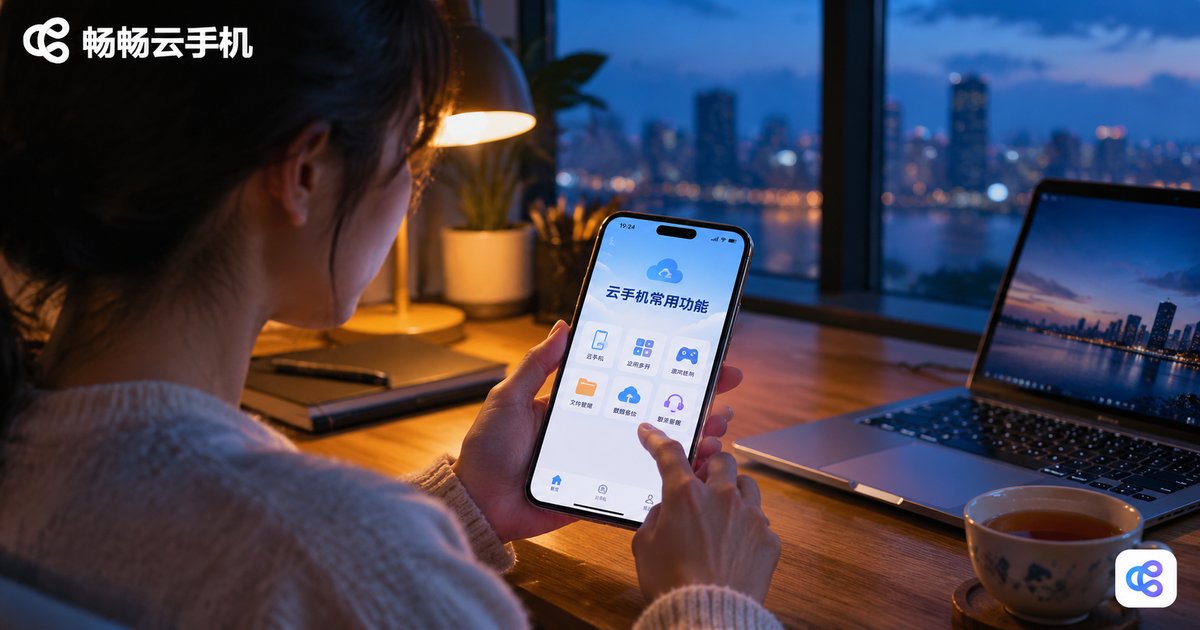
What Are the Common Cloud Phone Features: A Complete Guide from File Management to Multi-Instance Operation
A cloud phone is a virtual smartphone that runs on remote servers instead of your physical device. In this guide, we walk through the most commonly used cloud phone features, from file management—uploading APKs, syncing photos and videos, and long-term cloud storage—to multi-instance operation that lets you run many independent systems for games, e-commerce, and app testing. We also cover background AFK running, keyboard and mouse control, device model switching, one-tap reset, and app keep-alive, then compare cloud multi-opening with local multi-opening so you can see the difference in resource use and uptime. Finally, we explain who benefits most from a cloud phone and recommend ChangChang Cloud Phone (ccloudphone) as a reliable option to get started.

2026 Cloud Phone Quick Start Guide: Master Common Settings and Features
New to cloud phones in 2026? This hands-on guide walks you through registration and first launch in three minutes, then explains every essential setting — display quality, ROOT access, virtual location, push notifications, and auto cleanup — in plain language. You will also learn the features you will use daily: multi-instance management, group control, file transfer, scheduled tasks, and cloud screenshots. Whether you are a mobile gamer, a content creator managing multiple accounts, or a studio operator, follow along and get productive with ChangChang Cloud Phone (ccloudphone) in a single read. By the end, you will know exactly how to configure, run, and manage your cloud devices with confidence.
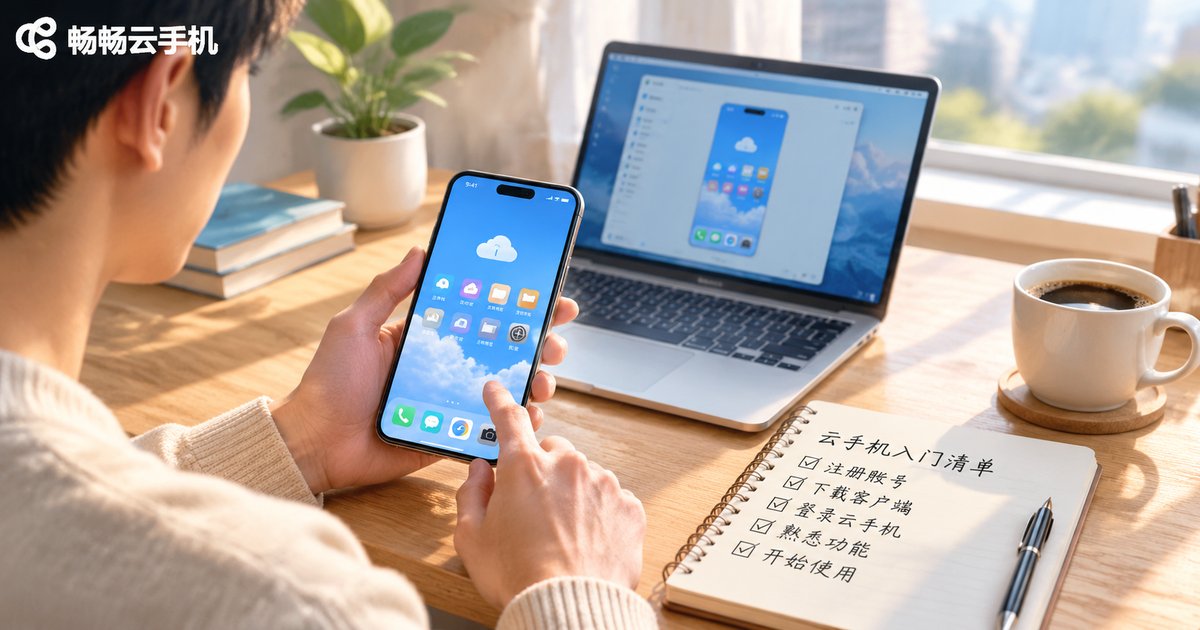
What to Prepare Before Using a Cloud Phone: Accounts, Network & Peripherals Starter Checklist
A little preparation makes your first cloud phone experience far smoother. This starter checklist walks you through everything worth arranging in advance: registering and securing your account, testing your network's bandwidth and latency, and matching the right control device and peripherals to your needs. It also includes a quick-reference table, answers to common beginner questions, and simple thresholds so you can tell at a glance whether your setup is ready. Whether you plan to run games, manage multiple accounts, or simply explore what a cloud phone can do, these ten minutes of preparation will save you hours of troubleshooting later.
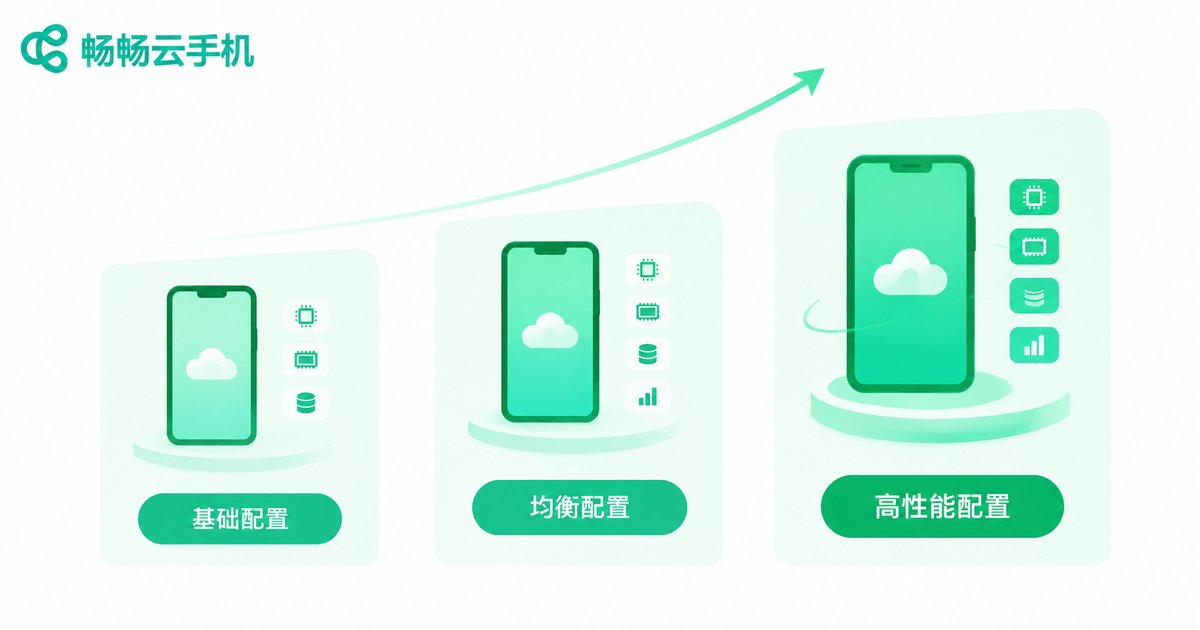
Cloud Phone Beginner Mistakes: Why Higher Specs Aren't Always Better
Many first-time cloud phone users assume that higher specs always mean a better experience, and end up overpaying. This article breaks down the most common beginner misconceptions: judging a cloud phone only by cores and RAM, blaming lag on specs while ignoring network quality, expecting one top-tier plan to cover every need, and assuming cloud phone specs equal real phone specs. You will also get a practical three-step method — define your use case, start with a modest configuration, then upgrade as needed — so every dollar goes where it matters and you find the setup that truly fits you.

How to Choose a Cloud Phone Membership: Comparing Duration, Specs, and Support
Choosing a cloud phone membership by price alone often ends in frustration: the hours run out faster than expected, the device specs struggle with your apps, and support is slow exactly when you need help. This guide breaks down a practical three-dimension framework for comparing plans—usage duration, device configuration, and service support. You will learn how to calculate your real monthly usage, work backward from app requirements to the specs you actually need, and treat service quality and data safety as deciding factors rather than afterthoughts. A side-by-side comparison checklist, scenario-based recommendations for AFK gamers, multi-account operators, and light users, plus a helpful FAQ section are all included, so you can confidently pick a cloud phone plan that truly fits the way you play and work.
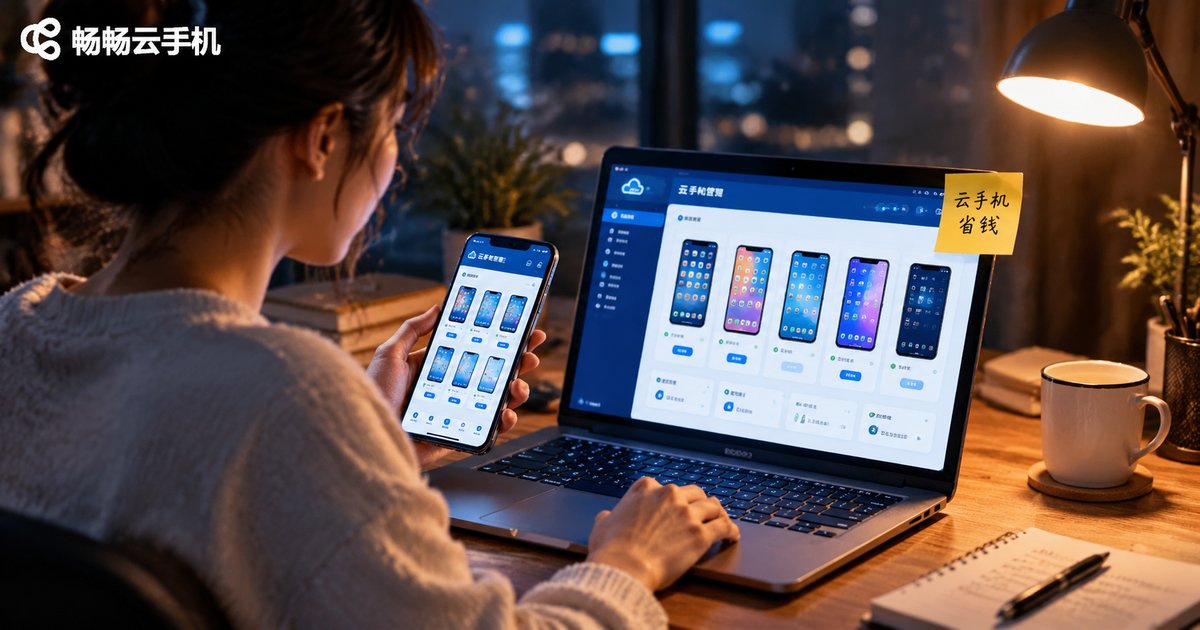
Cloud Phone Money-Saving Tips: Plan Selection, Usage Habits, and Resource Release
Cloud phone costs are not fixed. The three keys to controlling them are choosing the right plan, building good usage habits, and releasing resources promptly. This article starts with a comparison of billing modes, showing you how to choose between monthly subscriptions and pay-as-you-go based on your real usage scenarios. It then shares practical habits such as logging off when done, limiting multi-opening, cleaning up background apps, and merging tasks. Finally, it explains how to back up and release idle instances, set auto-stop rules for tasks, and run a monthly resource audit, and recommends ChangChang Cloud Phone (ccloudphone) for its flexible plans and stable performance, helping you make every dollar count.

Can You Use a Free Cloud Phone? Feature Limits, Usage Time & Best Use Cases
Yes, free cloud phone plans are usable—but they come with trade-offs. Free tiers typically offer lower device specifications, limited daily online hours, a single concurrent instance, and locked advanced features such as multi-instance control. This guide explains the most common restrictions in detail, breaks down how usage time works on free plans, including daily caps, task-based credits and data retention rules, and maps out the scenarios where a free cloud phone is genuinely enough: first-time trials, app compatibility testing, and light low-frequency tasks. It also covers the clear signals that it is time to upgrade to a paid plan—heavy game automation, multi-account operation, and long-term data safety—so you can decide whether the free tier fits your needs.

2026 Cloud Phone Fee Items Explained: Extra-Package Charges and Hidden Costs
Many people assume a cloud phone costs nothing beyond the plan fee. In reality, extra devices, spec upgrades, data and storage overages, and premium features can all generate charges outside the package, while auto-renewal, data retention windows, idle-time billing, multi-device stacking and migration costs are the hidden expenses most users overlook. This article breaks down the common cloud phone fee items of 2026, shows how to read billing rules, and helps you calculate your true monthly cost instead of comparing sticker prices alone. It ends with a practical five-step checklist before you buy, plus answers to the most frequently asked questions.

Cloud Phone Benchmarks vs Real-World Testing: Which Matters More and What Metrics to Look For
A high benchmark score doesn't always mean a great experience. This article explains the real difference between cloud phone benchmark scores and hands-on testing, and why scores should only ever be a reference point. You will learn what benchmarks actually measure, what real-world testing should cover, and the five metrics that truly matter when choosing a cloud phone — latency, image quality, stability, multi-instance performance, and after-sales support. With a side-by-side comparison table, a practical testing method, and answers to common questions, this guide helps you avoid spec-sheet traps and pick a cloud phone that is genuinely stable and smooth.

How to Test a Cloud Phone Trial: Latency, Image Quality, Multi-Instance & Stability Checklist
A cloud phone trial is only useful if you know what to test. This guide walks you through a practical four-part evaluation: measure touch latency with fast-paced games at peak and off-peak hours, check sharpness and frame rates against a real device, scale up multi-instance running to verify background keep-alive and resource scheduling, and run overnight sessions with disconnect-reconnect tests to gauge stability. A weighted scorecard turns your observations into a clear verdict—4 out of 5 or higher means the service is safe for long-term use. FAQ answers cover how long to test, how home network affects results, and how many instances count as a pass.

How to Evaluate Cloud Phone After-Sales Service: Fault Response, Resolution Time, and Communication
When choosing a cloud phone provider, after-sales service matters as much as price and performance. Because a cloud phone is a long-term online service, issues such as login failures, device disconnections, or lag can happen at any time, and how quickly they are handled defines your real experience. This article breaks down three key dimensions for evaluating service quality: fault response speed, issue resolution time, and communication transparency. You will learn practical ways to test a provider before paying, a service-level comparison table, and answers to frequently asked questions, so you can subscribe with confidence and avoid providers that go silent when problems arise.