

Cloud Phone Money-Saving Tips: Plan Selection, Usage Habits, and Resource Release
Why Is Your Cloud Phone Bill Higher Than Expected?
Many first-time cloud phone users focus on whether the service works well and overlook how to use it cost-effectively — until the end-of-month bill exceeds the budget. In fact, cloud phone costs are mainly determined by three factors: plan selection, usage habits, and resource management. With a few optimizations in these three areas, you can cut spending significantly for the exact same needs. This article covers all three, so every dollar is well spent.
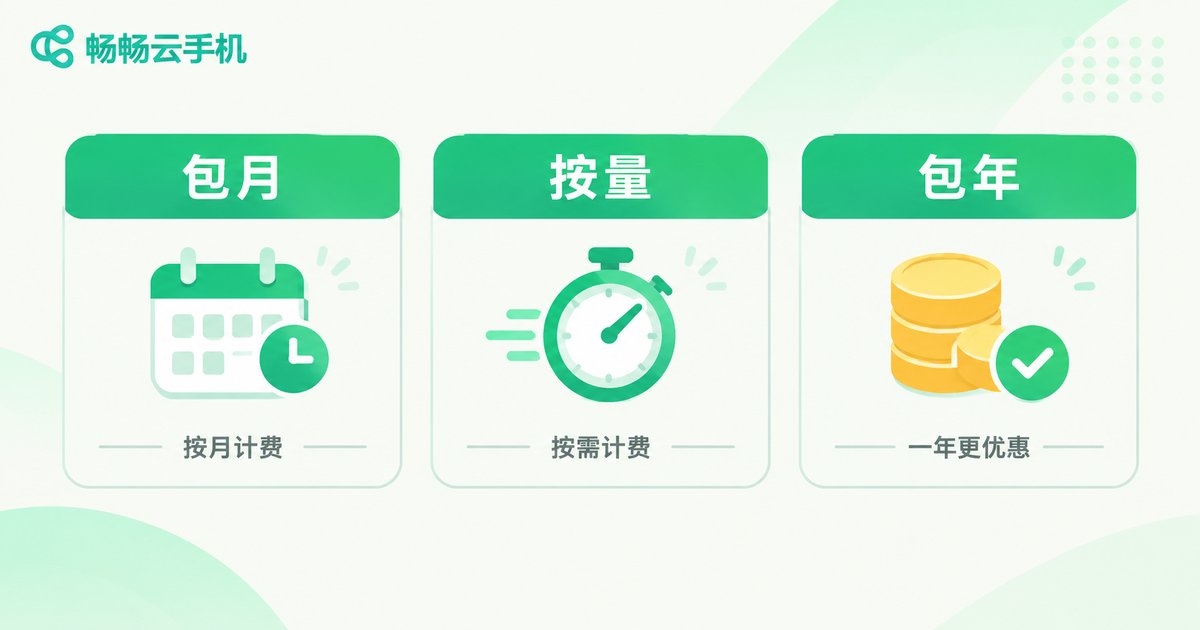
Step 1: Pick the Right Plan
Choosing a plan is the first — and most easily overlooked — money-saving step. Some users blindly pick high specs; others choose a billing mode that doesn't fit their needs and end up paying more. Before choosing, ask yourself three questions: How many hours per day? How many devices? What tasks will run?
Different scenarios call for different billing modes. This table helps you find your fit quickly:
| Scenario | Recommended billing | Why it saves money |
|---|---|---|
| Long daily sessions, long-term projects | Monthly / yearly plan | The longer the term, the lower the average cost |
| Occasional logins, short-term testing | Pay-as-you-go | Pay only for what you use, no idle cost |
| Batch tasks across many devices | Bulk plan | Configuring in bulk costs less |
A simple rule of thumb: if you use the service more than half the days of a month, a monthly plan is cheaper; if usage is sporadic, pay-as-you-go is more flexible. Take ChangChang Cloud Phone (ccloudphone) as an example: it offers a variety of flexible plans, so you can start small and scale up or down based on real usage, instead of paying for specs you never use.
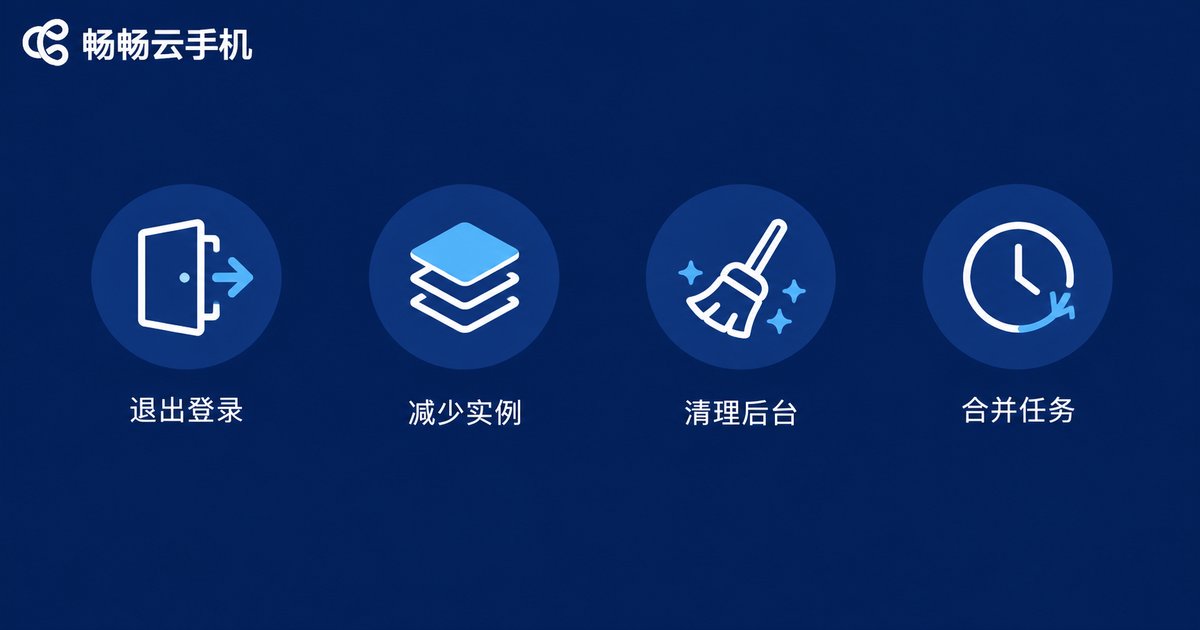
Step 2: Optimize Usage Habits to Cut Hidden Consumption
With the same plan, different habits can lead to costs that differ several times over. Four habits worth keeping:
1. Go offline when not in use. A cloud phone consumes resources while online; an idling device is money burning away. Make "log off when done" a habit — even two or three saved hours a day add up over a month.
2. Control the number of instances. Multi-opening is convenient, but every instance costs real money. Audit regularly: which devices do you use daily? Which haven't been opened for a week? Shut the latter down without hesitation.
3. Close unnecessary background apps. Leftover background programs keep consuming computing power, slowing things down and adding cost. Clean up the background regularly so every bit of computing power works on real tasks.
4. Merge tasks. If several devices run similar tasks, consolidate them onto fewer devices in different time slots — trade time for devices and eliminate redundant instances.
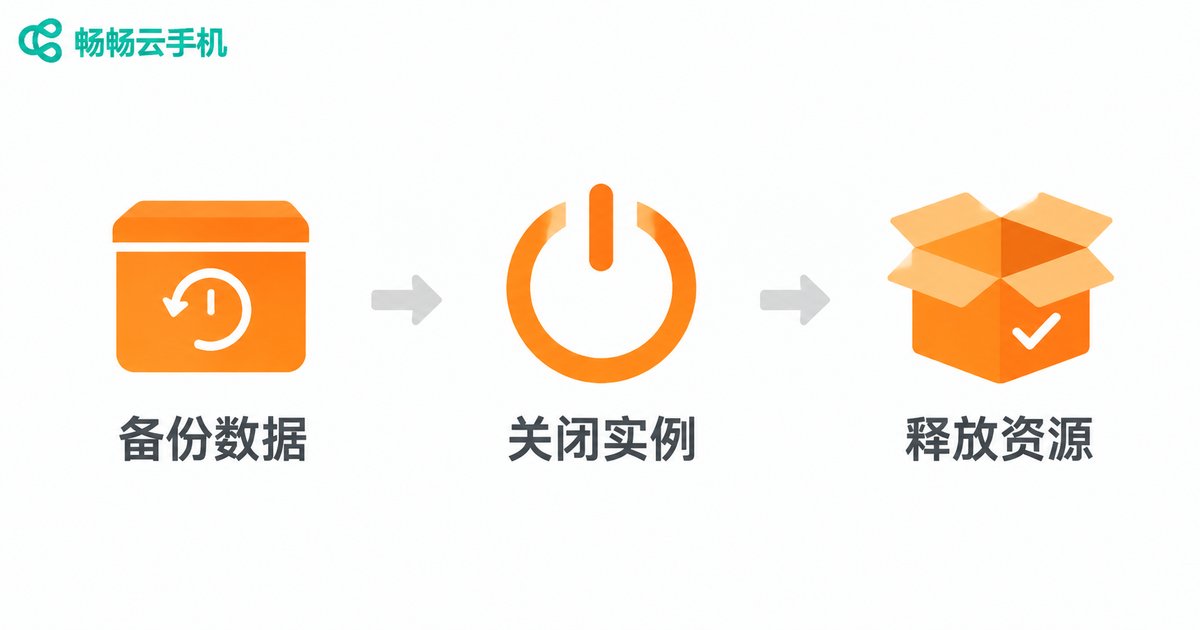
Step 3: Release Resources Promptly to Eliminate Invisible Waste
Saving money isn't only about spending less — it's also about making every dollar already spent count. Releasing idle resources is the key to zeroing out wasted cost.
Shut down when done; back up before canceling. For instances you no longer use, back up your data to a local or another device first, then release or cancel them promptly to stop paying for idle devices.
Set auto-stop for background tasks. When running batch tasks, define a completion time or condition in advance so instances shut down automatically once the job is done — no more devices idling all night while you sleep.
Do a monthly resource audit. Pick a fixed day each month to review every instance you own: optimize the ones in use, release the idle ones immediately. Ten minutes of housekeeping can save you dozens of hours of pointless billing.
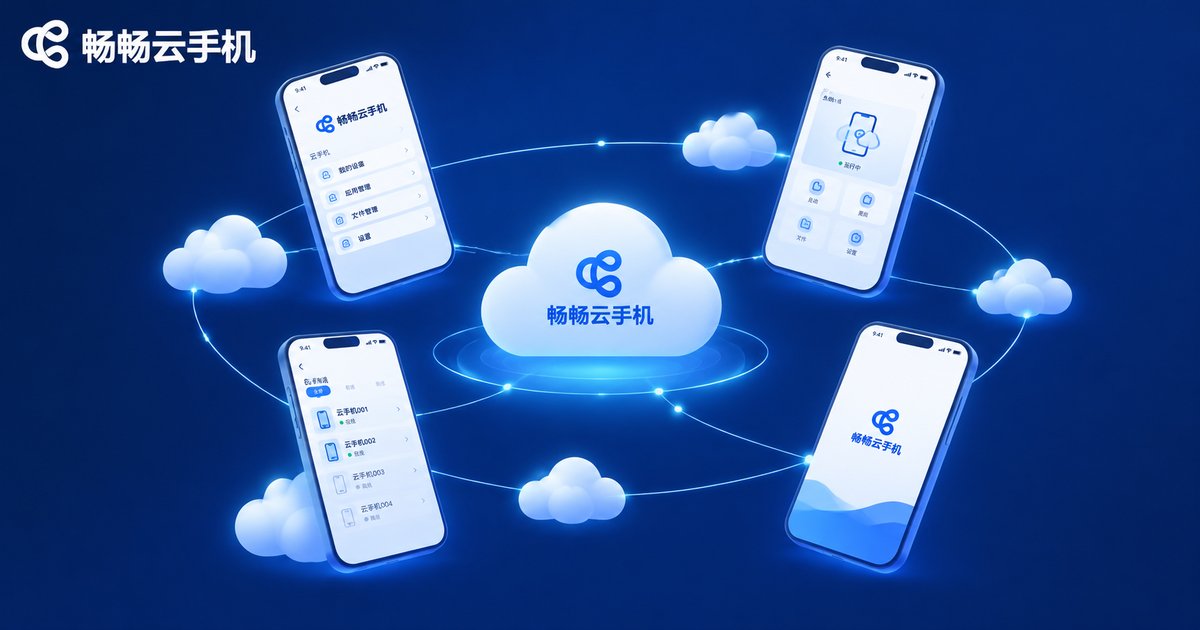
The Right Platform Makes Saving Easier
Beyond personal habits, a platform's value for money and feature design directly affect your costs. ChangChang Cloud Phone (ccloudphone) does well here: it supports centralized management and batch operations across multiple cloud phones, saving time and effort; it runs stably and smoothly, staying online through long sessions and reducing waste from reconnects and re-runs; and its flexible plan options fit everyone from light individual users to bulk multi-opening, so you only pay for the specs you actually need. If you're looking for a hassle-free, budget-friendly cloud phone platform, ChangChang Cloud Phone is worth trying first.
FAQ
Q: Which is cheaper for cloud phones — a monthly plan or pay-as-you-go?
A: It depends on frequency. If you use it more than half the days of a month, a monthly plan has a lower average cost; if usage is sporadic, pay-as-you-go is more flexible and you don't pay for idle days.
Q: Will my data be lost after releasing an instance?
A: Yes. Always back up important files and account data to a local or another device before releasing, and only release after confirming everything is safe.
Q: More instances mean higher costs — how do I strike a balance?
A: Clarify each device's purpose and cut long-idle instances; merge similar tasks onto fewer devices in time slots; use batch management features to boost per-device efficiency — aim for fewer but better.
Q: How can I reduce consumption while running background tasks?
A: Close unnecessary background apps inside the cloud phone, turn off non-essential high frame rate and high graphics settings, and set an auto-stop time so instances are released as soon as tasks finish.


