
Cloud Phone Advanced Guide: Efficiency Scenarios, Automation, and Security Boundaries
From Basic Multi-Instance to Advanced Play: What Else Can a Cloud Phone Do
If you have already mastered the basics of a cloud phone, such as signing in, installing apps and running multiple instances, it is time to ask a deeper question: how can the cloud actually work for you. The essence of a cloud phone is an Android device that lives in a data center, free from battery drain, overheating and shutdowns. Once you understand this, the three pillars of advanced usage, namely efficiency scenarios, automation and security boundaries, fall naturally into place.
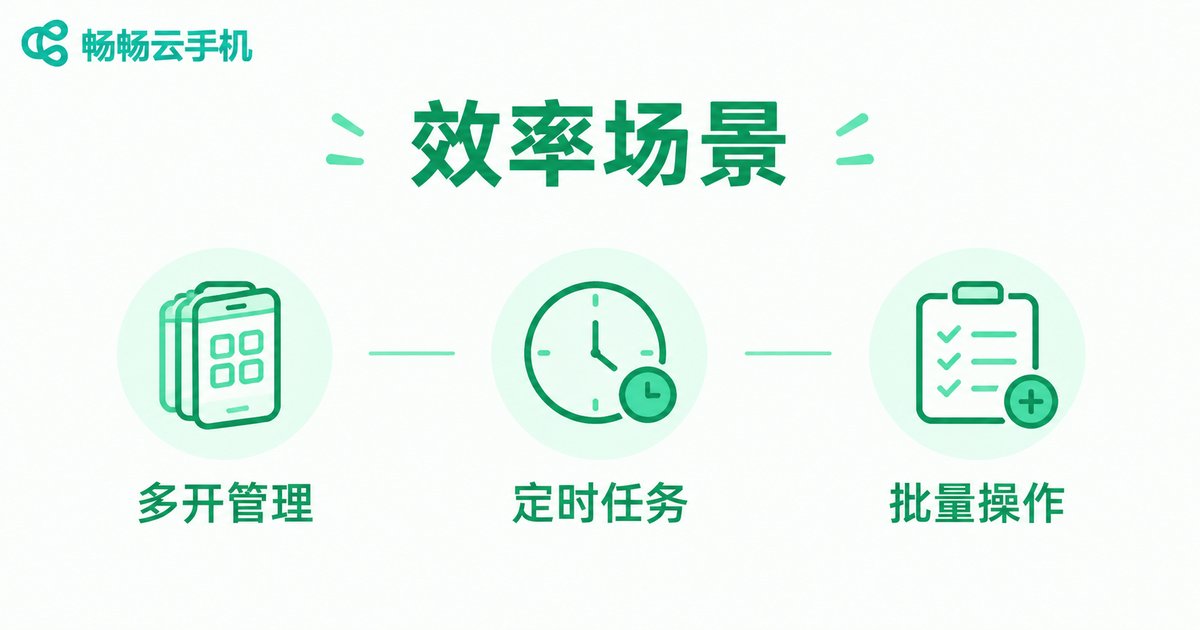
Efficiency Scenarios: The Right Way to Manage Multiple Accounts
The most common need among advanced users is running multiple accounts at the same time, whether it is a matrix of game accounts, daily maintenance across several platforms, or a clean separation between work and personal life. Running many instances locally may look cheap, but your phone will quickly struggle.
Cloud phones take a completely different approach: each cloud phone is an independent environment, isolated from the others and online around the clock. You can group cloud phones by purpose, for example one group for idle progression and another for daily tasks, and switch between them instantly without repeated logins.
| Item | Local Multi-Instance | Cloud Phone Multi-Instance |
|---|---|---|
| Device load | Noticeable heat and fast battery drain | Computing happens in the cloud, your phone stays light |
| Uptime | Depends on your device staying on | 24/7 cloud uptime |
| Isolation | Same device, environments easily linked | Independent environment per instance |
| Scaling | Buy more devices, high cost | Add or remove on demand |
Automation: Let the Cloud Handle Repetitive Work
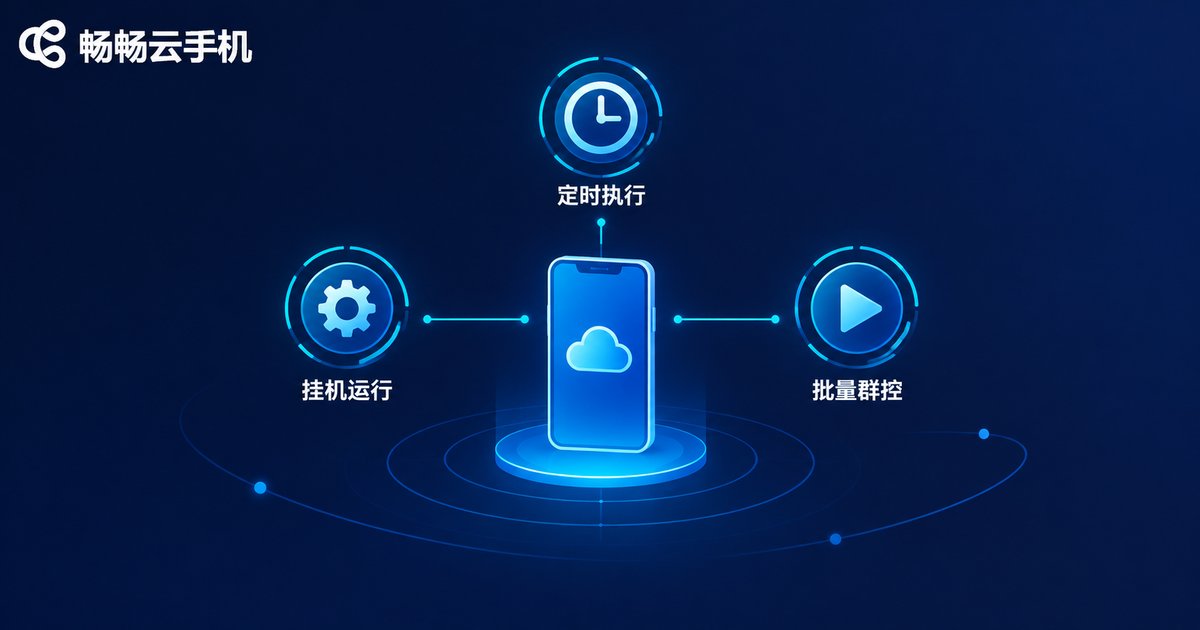
The always-on nature of cloud phones makes them an ideal carrier for automated tasks. Common advanced patterns include:
Scheduled tasks: automatically complete daily check-ins and reward claims at fixed times, so oversleeping never costs you progress.
Idle progression: games and apps that require long online hours simply run on a cloud phone while your real device stays free.
Batch operations: send the same command to many cloud phones at once, such as syncing app updates or processing materials in bulk, one setup applies to all.
One reminder: automation does not mean doing whatever you want. Every operation should follow the rules of the app platform itself. Normal-frequency assistance improves efficiency, while cheats and fake-traffic tactics carry high risk and clearly cross the line.
Security Boundaries: Bottom-Line Thinking for Advanced Users
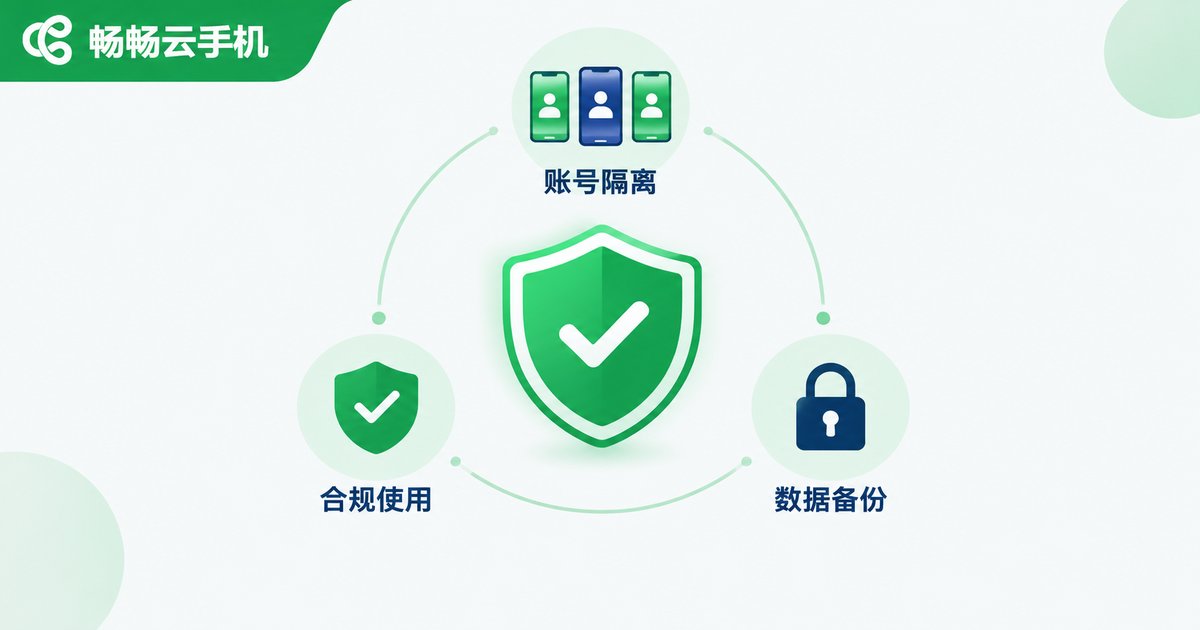
The deeper you go, the more important it is to know where the boundaries are. Three principles worth memorizing:
First, account isolation. Keep important accounts away from experimental operations, and use different cloud phones for different purposes, so a problem in one environment never drags down all of your assets.
Second, compliant use. Stay away from cracking, cheating and fake registrations, keep automation scripts within what platforms allow, with restrained frequency and natural behavior.
Third, data security. Do not store highly sensitive personal information such as ID documents or bank cards inside a cloud phone, and back up important data to your local device regularly.
Choosing a Tool: Why We Recommend ChangChang Cloud Phone
Advanced usage demands far more stability than casual use, and picking the right provider makes all the difference. ChangChang Cloud Phone (ccloudphone) delivers a stable cloud Android environment with unified management of multiple cloud phones, a clean interface and a gentle learning curve, ready for idle progression, multi-instance setups and batch operations alike. Simply visit the official website to register and try it, then choose the configuration that fits your needs.

FAQ
Q: Will automation on a cloud phone get my account banned?
As long as you follow platform rules, keep operation frequency reasonable and avoid cheat-like tools, the risk of normal automation is controllable. Good account isolation further reduces any knock-on effects.
Q: Do tasks keep running after I close the web page?
Yes. A cloud phone runs on cloud servers and does not depend on your local device being on. Tasks continue after you close the page, and you can pick up where you left off at the next login.
Q: How many accounts can one cloud phone hold?
Each cloud phone works like an independent phone, so one account per instance is recommended for cleaner isolation and easier management. For more accounts, simply run more instances and group them.
Q: How should a beginner start with advanced usage?
First run one cloud phone through the basic workflow, then try scheduled tasks and instance grouping, and finally introduce batch operations step by step. Steady progress beats scaling up dozens of accounts on day one.


