
What Are the Common Cloud Phone Features: A Complete Guide from File Management to Multi-Instance Operation
What Is a Cloud Phone? Where the “Cloud” Comes In
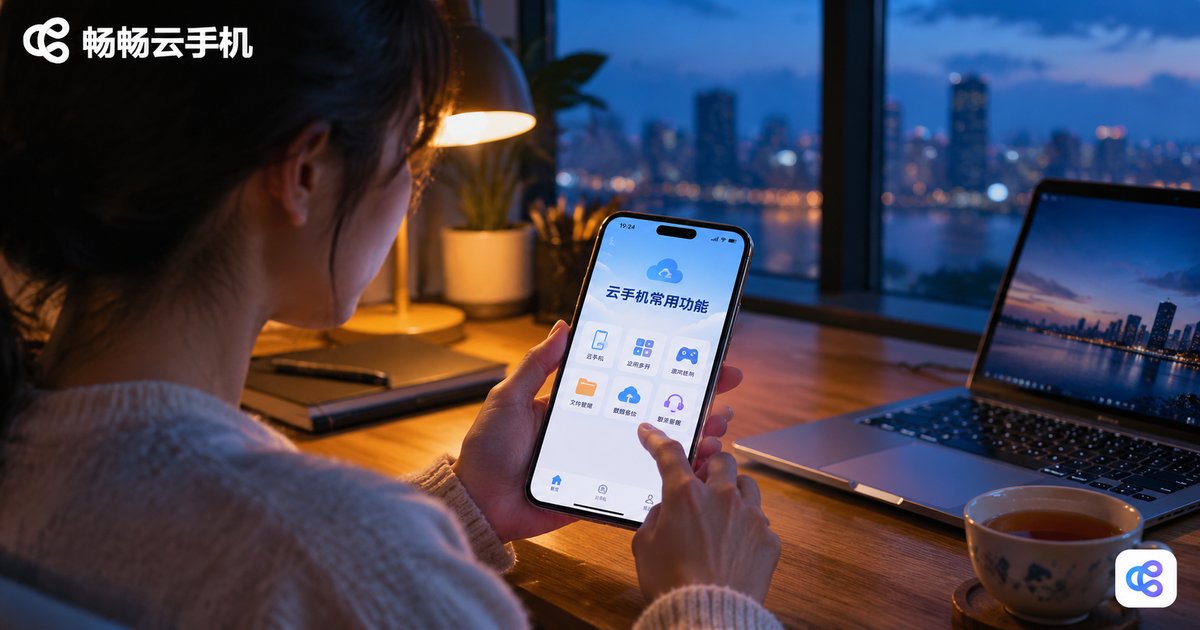
When people first hear “cloud phone”, they often wonder: how can a phone live in the cloud? The idea is simple — a cloud phone is a virtual smartphone running on remote cloud servers. It has its own independent Android system, and just like a physical phone it can install apps, store files, and stay logged into accounts. The difference is that all computing and storage happen on cloud servers, while the screen you see is streamed to your real device in real time.
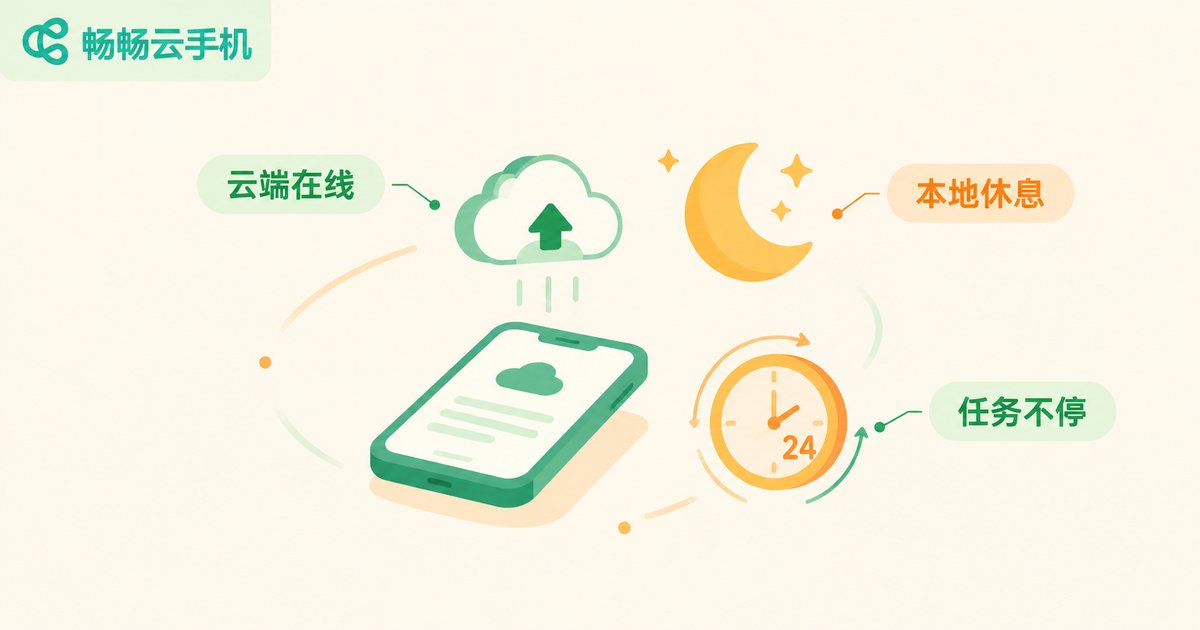
This architecture brings natural advantages: your local phone uses no storage, generates no heat, and drains no battery, and the cloud phone stays online 24/7. Even when you power off at night, it keeps running in the cloud. Let's walk through the most commonly used cloud phone features one by one.
File Management: Upload, Download, and Install Anything
File management is one of the most frequently used cloud phone features. Because a cloud phone is an “independent phone”, it comes with a complete file system, including:
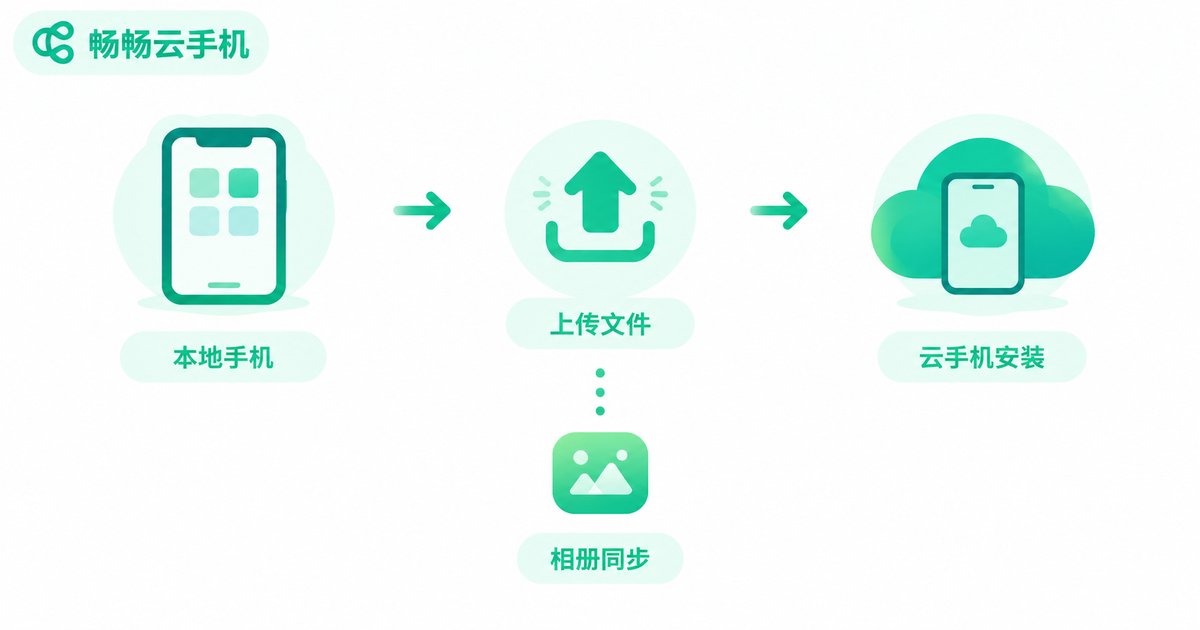
1. APK upload and installation: Installation packages (APK files) downloaded on your local device can be uploaded directly to the cloud phone and installed there — no need to search and download again inside the cloud phone. This is especially handy for apps that are not listed in app stores.
2. Photo and video transfer: Screenshots and screen recordings in the cloud phone's album can be exported to your local device, while local photos and videos can be uploaded into the cloud phone. Data flows both ways.
3. Long-term cloud storage: Files live in the cloud, taking up no local space and surviving a lost or broken phone. After switching to a new device, just log in and everything is still there waiting for you.
Multi-Instance Operation: One Device Becomes Many
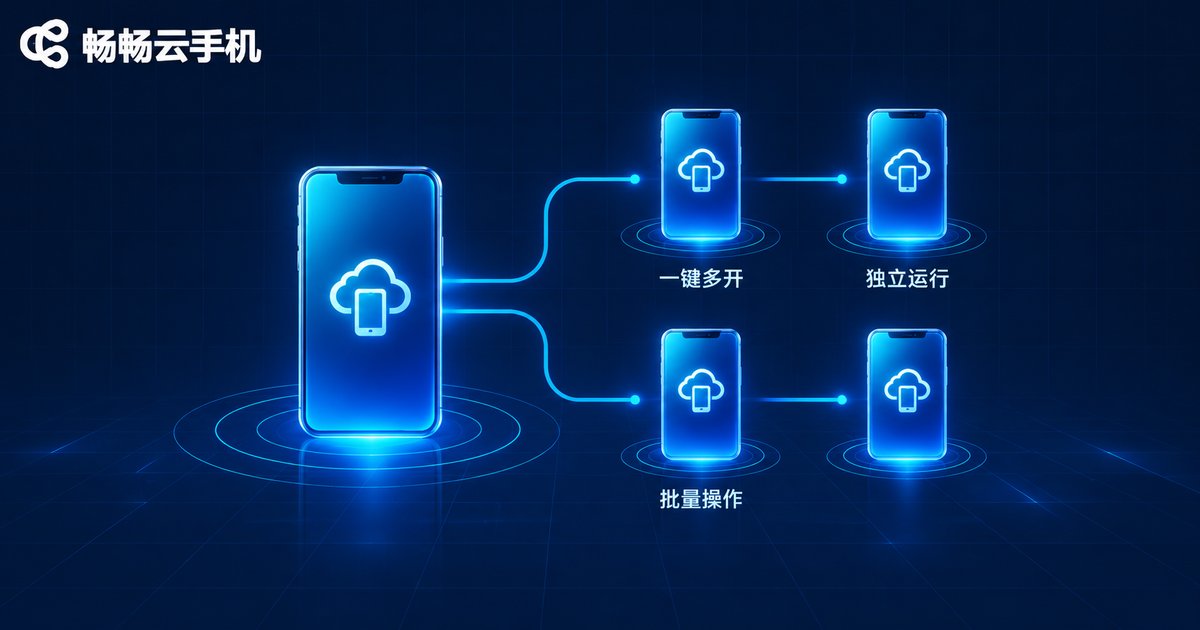
If file management is the basics, then multi-instance operation is the number one reason many people buy a cloud phone. A cloud phone service can run multiple independent system instances at the same time. Each instance behaves like a complete, separate phone where you can log into a different account without any interference.
Typical scenarios include gamers raising several alt accounts at once, e-commerce and social media operators keeping work accounts separate from personal ones, and testers who need to check apps in batches. Many services also support batch control, letting you command multiple cloud phones to perform the same actions from a single dashboard, multiplying your efficiency.
| Aspect | Local multi-opening | Cloud multi-opening |
|---|---|---|
| Number of instances | Limited by RAM, usually two at most | Create as many as needed, running simultaneously |
| Local resource usage | Heavy memory and battery drain | Computing happens in the cloud, minimal local load |
| Online time | Depends on the local device staying on | Online around the clock in the cloud |
Background AFK: Tasks Keep Running After You Leave
Because a cloud phone runs continuously in the cloud, it is naturally suited for AFK farming. You can log into a game on the cloud phone, set up daily quests or resource collection, then close the app on your local device entirely — the tasks on the cloud phone keep going. For players who need long sessions online, this feels like a hardware-level advantage: your real phone stays free while the cloud phone “stands watch” for you in the cloud.
Other Frequently Used Features at a Glance
| Feature | What it does | Best for |
|---|---|---|
| Keyboard and mouse control | Operate the cloud phone with a keyboard and mouse on PC | Large-screen users, office workers |
| Screenshot and recording | Capture cloud phone screens anytime | Content creators |
| Device model switching | Emulate different phone model parameters | App testers |
| One-tap reset | Restore the cloud phone to factory state | Multi-account operators |
| App keep-alive | Prevent background apps from being killed | AFK players |
Who Benefits Most from a Cloud Phone?
Based on the features above, these groups get the most value:
Multi-account users: manage game alts, work accounts, and store accounts on separate devices without carrying several physical phones or mixing accounts by mistake.
Heavy mobile gamers: AFK farming, multi-opening, and keyboard-mouse control on a big screen, while the local phone stays cool.
Owners of older phones: large files and heavy apps run in the cloud, giving an aging device a second life.
Ready to Get Started? Try ChangChang Cloud Phone
Among the many cloud phone products available, ChangChang Cloud Phone (ccloudphone) offers complete support for the everyday features covered above — file management, multi-instance operation, and background AFK running — with a clean interface and a gentle learning curve. You can manage your cloud devices from both the web and mobile clients. If you are ready to try a cloud phone, visit the official ChangChang Cloud Phone website to learn more and sign up.
FAQ
Q: How is a cloud phone different from an Android emulator on PC?
An emulator depends on your local computer's performance and stops when the computer shuts down. A cloud phone runs on cloud servers, stays online 24/7, uses no local resources, and is unaffected by your local device's power state.
Q: Does a cloud phone demand much from my local device?
Not at all. All computing happens in the cloud; your device only renders the streamed screen and touch controls. Any ordinary phone with a stable network works fine.
Q: Is my data on a cloud phone safe? Will it be lost if I switch devices?
Data is stored in the cloud and is independent of your local device. As long as you log into the same account, you can access the same cloud phone and its data from any new phone or computer.
Q: How many accounts can run on one cloud phone?
Each cloud phone instance is an independent system for one account. For multiple accounts, simply create multiple instances — they run side by side without interfering with each other.
Q: Does a cloud phone cost money?
Yes. A cloud phone occupies real cloud server resources, so it is generally billed by device and usage duration. For exact pricing, refer to the official information published on the ChangChang Cloud Phone website.


