
Cloud Phone Starts Slowly? Optimization Tips for Cache, Network and Configuration
Why Is Your Cloud Phone Getting Slower to Start?
Many users notice the same pattern: a cloud phone that opened instantly at first gradually takes longer and longer to boot, with loading spinners, black screens and apps that take a dozen seconds to launch. Slow startup is not mysterious — it almost always comes down to three causes: accumulated cache, unstable network, and mismatched configuration. Troubleshoot them in order and most cases improve dramatically.
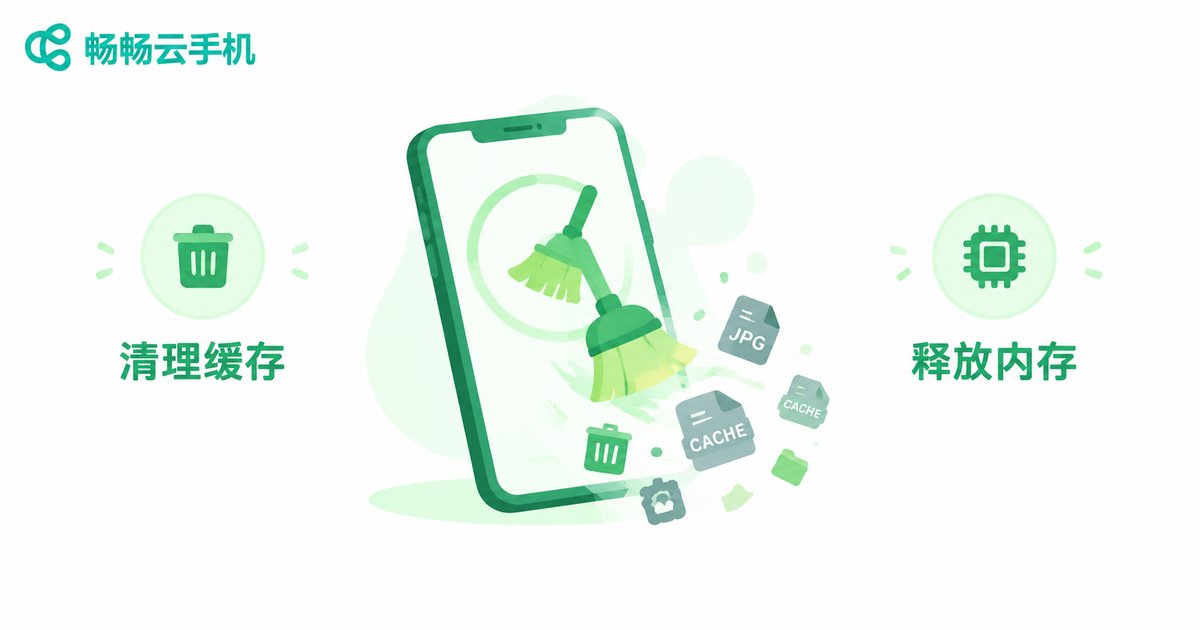
Step 1: Clear the Cache to Lighten the Load
Like any phone, a cloud phone generates app caches, leftover installation packages and background processes over time. Cache buildup slows down system reads and is the most common cause of slow startup.
Follow these steps:
1. Go to Settings → Storage → Clear Cache inside your cloud phone to remove system and app caches;
2. Uninstall apps you no longer use to reduce auto-start items;
3. Close unnecessary background apps and restart the cloud phone instance to free up memory;
4. Make cache cleaning a weekly habit to prevent buildup from returning.
Note: clearing the cache does not delete your account data or game progress, but it is wise to confirm that important files are backed up or synced first.
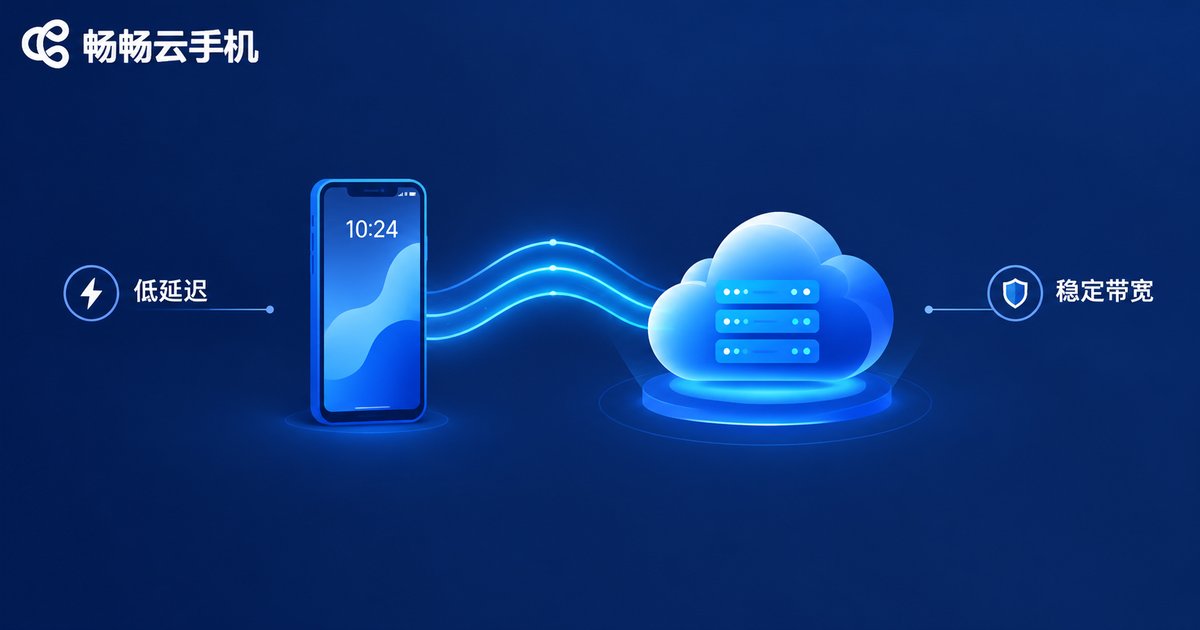
Step 2: Optimize Your Network to Cut Latency and Packet Loss
A cloud phone runs in a remote data center; everything you see and every tap you make travels over the network in real time. A poor connection slows not only video streaming but also app loading and startup. Check the following:
1. Test your local speed: use a speed test tool and aim for at least 10 Mbps download with latency under 50 ms;
2. Use a stable Wi-Fi connection: stay close to the router, avoid thick walls, and prefer the 5 GHz band when available;
3. Avoid peak hours: networks get congested in the evening; compare with a 4G/5G connection;
4. Free up bandwidth: pause downloads, livestreams and large file transfers before starting your cloud phone.
| Metric | Smooth Experience | If Below |
|---|---|---|
| Download bandwidth | ≥ 10 Mbps | Blurry video, slow loading |
| Latency (ping) | ≤ 50 ms | Laggy input, endless spinner |
| Packet loss | ≤ 1% | Stuttering, frequent reconnects |
Step 3: Check Your Configuration — the Right Device Makes All the Difference
If the cache is clean and the network is stable but startup is still slow, your device configuration may not match your workload. Large games and multi-instance farming demand more CPU and RAM, which low-spec devices struggle to deliver.
A quick way to tell: if a single app already stutters, the device is underpowered; if things only slow down when running many instances at once, reduce the number of concurrent instances or upgrade to a higher-spec device.
Choose the Right Provider: CCloudPhone for Faster, Steadier Starts
Beyond local optimization, the provider's data center quality and scheduling capacity directly determine startup speed. CCloudPhone (ccloudphone) offers multiple device tiers covering everything from everyday apps to demanding games, and supports multi-instance and group control workflows. With stable node scheduling, app launches and video streaming stay smooth. If slow startup keeps bothering you, visit the CCloudPhone official website to find a device plan that fits your needs.
FAQ
Q: Is slow startup caused by my local phone?
Not entirely. The computing happens in the cloud; your local phone only handles display and input. Slow startup is usually related to the cloud instance, its cache, or the network — but a poor local connection drags the experience down too, so check both ends.
Q: Will clearing the cache delete my game progress?
Generally no. Clearing the cache removes temporary files only; account data and saves stay in the app or the cloud. To be safe, bind your account or enable cloud sync before cleaning.
Q: How often should I clear the cache?
A light cleaning once a week works for most users. If you install and uninstall apps frequently or run large games, clean more often.
Q: Is it worth upgrading to a higher-spec device?
If startup remains slow after cleaning the cache and optimizing the network, and you regularly play large games or run many instances, upgrading is the most direct fix. CCloudPhone offers multiple device tiers to choose from.


