

Essential Questions to Ask Before Buying a Cloud Phone: Specs, Service, After-Sales & Pricing
Why Ask Questions Before Buying a Cloud Phone?
A cloud phone is not a device you own — it runs in a remote data center, and what you actually pay for is usage time plus supporting services. That is why specs, stability, after-sales support, and pricing transparency all directly affect your experience. Many buyers focus only on the price tag, then discover underpowered cores, laggy multi-instance performance, or unreachable support after paying.
This guide organizes the questions you must confirm before purchase into four categories — specs, service, after-sales, and pricing — and turns them into a checklist you can literally read out to the sales team.
Category 1: Are the Specs Enough?
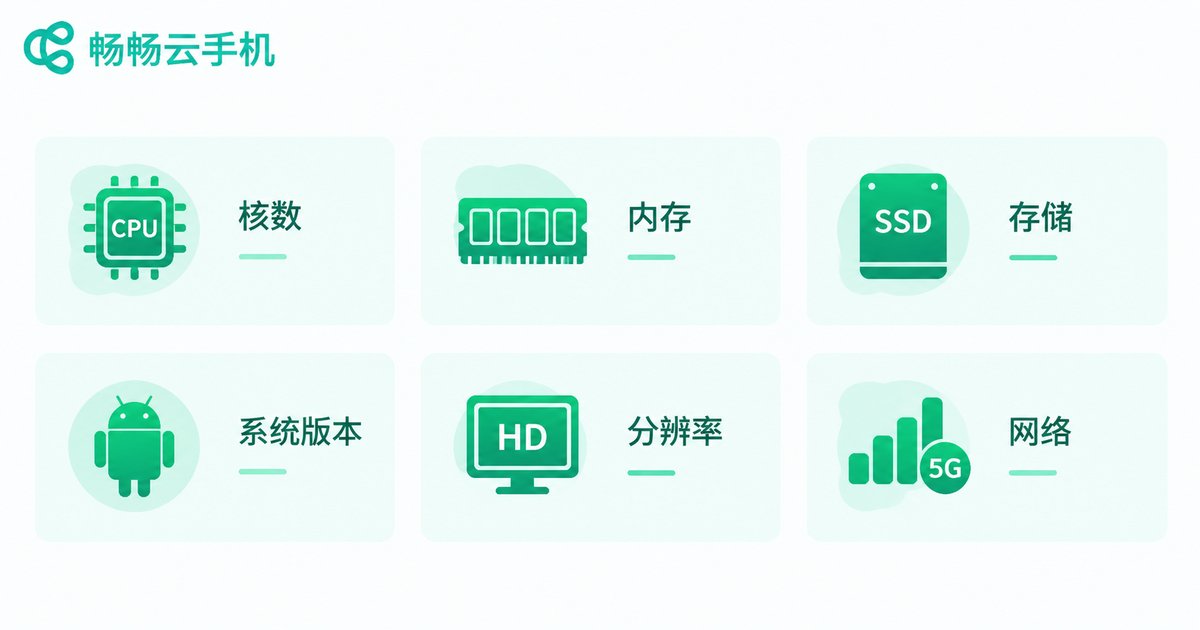
Specs decide what a cloud phone can run smoothly. Confirm each item before ordering:
CPU cores and RAM: everyday messaging and light apps are undemanding, but large games or multi-instance use need more cores and memory. The best move is to describe your exact use case and let support recommend a matching plan.
Storage: ask how much base storage you get, whether it can be expanded, and what expansion costs — critical if you install many apps or keep files on the device.
OS version: some apps require newer Android versions, so confirm the provided system version supports the apps you plan to run.
Resolution and quality: if image quality matters, ask which resolution tiers are available and whether you can trade quality for smoothness.
Network and IP: confirm whether bandwidth is dedicated and whether the IP is stable — this affects connection quality and long-term reliability.
Category 2: Does the Service Fit Your Use Case?
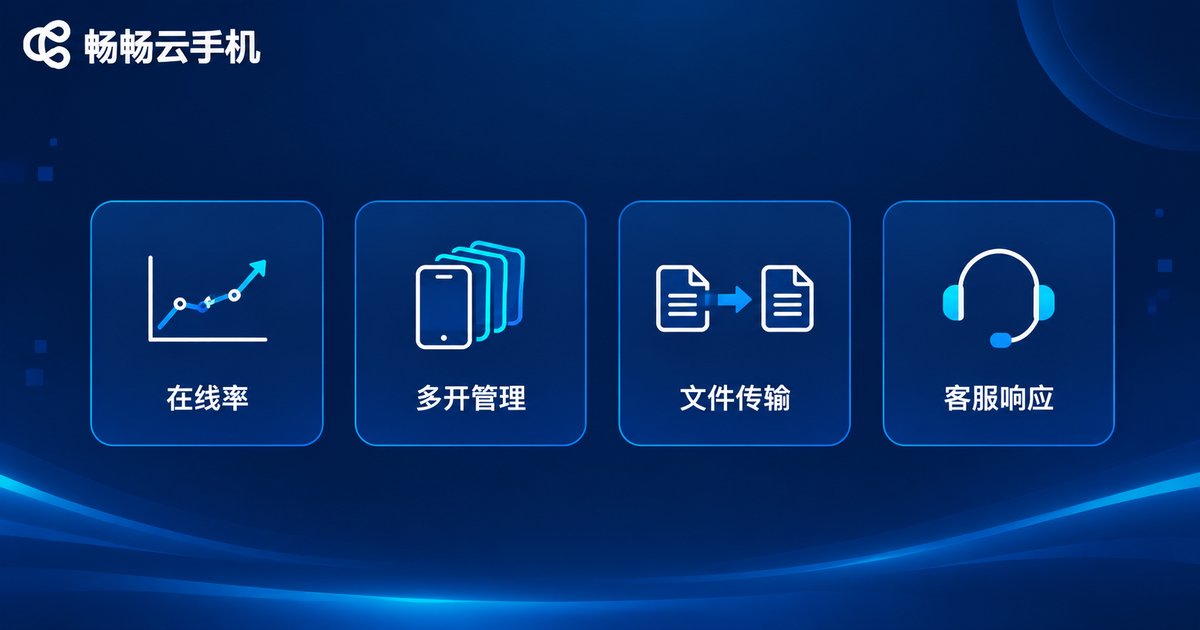
Uptime and stability: ask directly about online rates and fault handling. Nothing hurts more than a cloud phone dropping at a critical moment — stability always comes first.
Multi-instance and batch management: if you need many cloud phones at once, confirm the maximum device count per plan and whether batch-control tools are available.
File and APK transfer: check how easily you can upload installation packages and files, and whether size or count limits apply.
App compatibility: tell support exactly which apps you plan to run and confirm they install and work properly before you pay.
Category 3: Is After-Sales Support Reliable?
Support channels and response time: ask which channels exist (live chat, tickets), the service hours, and typical response times — you need to reach a human fast when things break.
Fault handling policy: how are device failures resolved, and what is the handling process? Knowing the rules in advance removes the panic later.
Data safety and retention: confirm how data is stored, how long it is kept after a plan expires, and whether migration is supported, so a late renewal never costs you important files.
Usage policies: read the platform rules and confirm your intended usage is allowed, so your account is never restricted unexpectedly.
Category 4: How Does Pricing Actually Work?
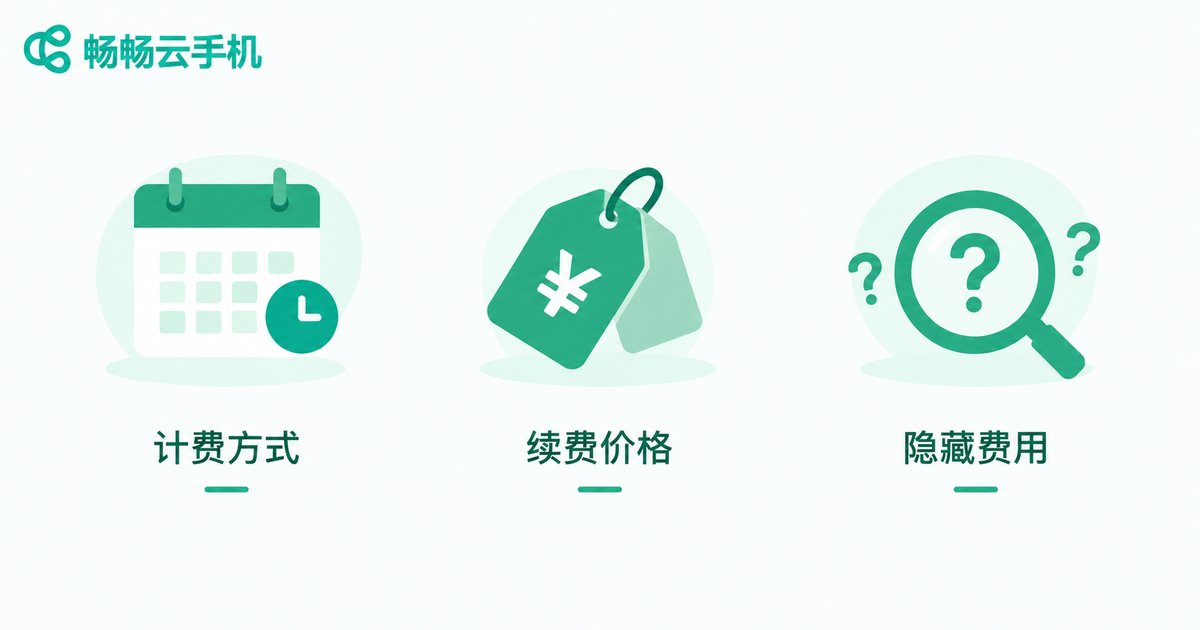
Billing model: plans are usually monthly, quarterly, or yearly, with lower unit prices for longer terms. Start short, verify the experience, then commit to a longer cycle.
Renewal pricing: confirm whether the renewal price matches the first purchase price and whether long-term price protection exists, so costs do not quietly climb in year two.
Possible extra fees: check whether storage expansion, extra devices, or higher quality tiers cost extra — list every item so your budget is accurate.
Official channels only: treat the official website and official support as the single source of truth for prices and promotions; never rely on third-party claims or off-platform deals.
The Pre-Purchase Checklist: Just Ask These
| Category | Must-Ask Questions |
|---|---|
| Specs | How many cores and how much RAM? Can storage be expanded? Which OS version? What resolution tiers? |
| Service | What is the uptime? How many instances at once? Batch management available? Will my apps run? |
| After-sales | Which support channels? How are faults handled? How long is data kept after expiry? |
| Pricing | What billing cycles exist? Is renewal the same price? What costs extra? |
Bottom Line: A Reliable Provider Answers Half the Questions for You
A trustworthy provider volunteers these answers. Take ChangChang Cloud Phone (ccloudphone) as an example: plan specs and prices are clearly published on the official website, and you can describe your use case to support before ordering so they match you to the right tier. Remember the four-step rule — clarify specs, verify service, confirm after-sales, itemize costs — and you will rarely regret a cloud phone purchase.
FAQ
Q: How many cores and how much RAM do I actually need?
It depends on your workload. Messaging and light apps are fine on entry tiers; gaming or multi-instance use calls for higher cores and memory. Describe your exact use case to support and let them recommend a matching configuration.
Q: What billing cycles do cloud phones usually offer?
Monthly, quarterly, and yearly plans are common, with lower unit prices for longer terms. Start with a short plan to validate the experience before committing longer.
Q: What happens to my data when the plan expires?
Policies differ by provider. Always ask about the retention window after expiry and migration options, and renew or back up important files on time.
Q: Where can I see real plans and prices for ChangChang Cloud Phone?
Visit the official website at ccloudphone. All available plan specs and prices are subject to the official site and official support — ignore third-party claims.


