
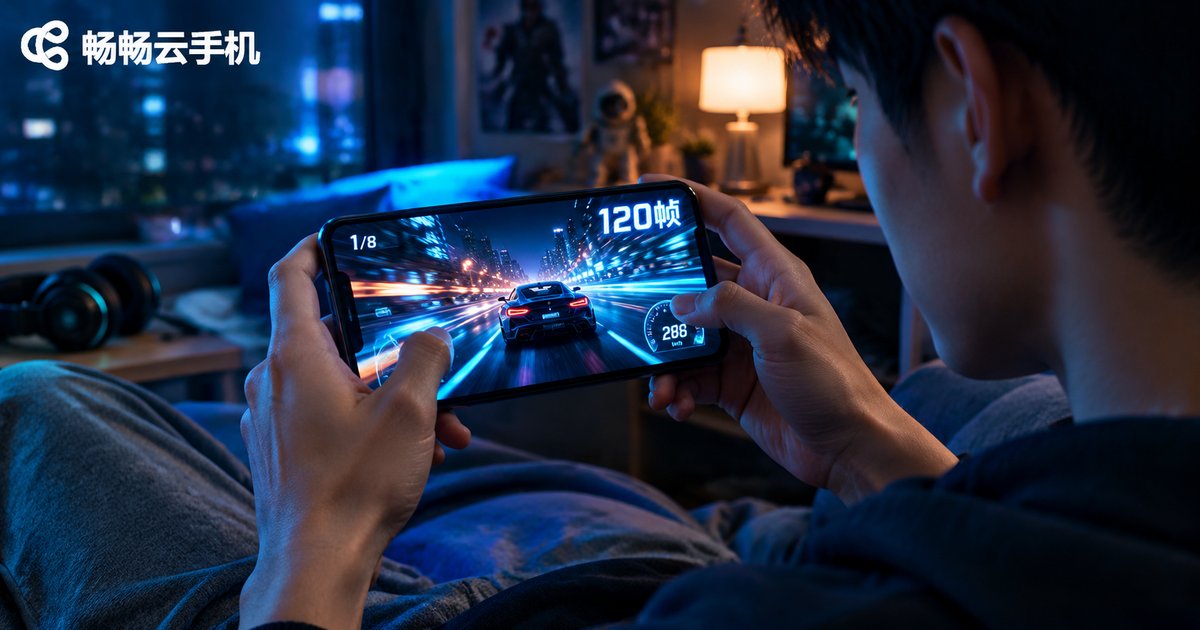
Cloud Phone Frame Rate Settings and Smoothness Optimization: When to Use High Frame Rate Mode
What Is Frame Rate, and Why Does It Decide How Smooth Your Cloud Phone Feels
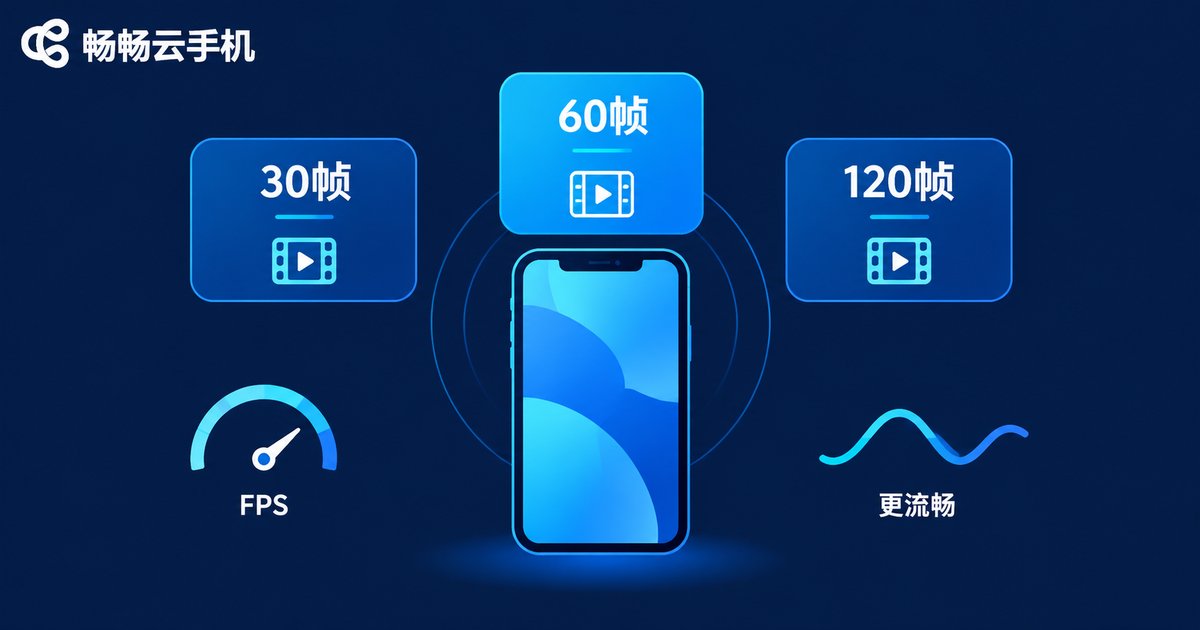
Frame rate (FPS, frames per second) is the core metric of visual smoothness. On the same content, 30 fps shows noticeable stutter, 60 fps feels smooth, and 90-120 fps delivers that 'buttery, instant-response' experience. Think of frame rate like a flipbook: the more pages flipped each second, the more continuous the motion looks.
On a cloud phone, visuals are not rendered on your physical device. They are rendered on a cloud server and streamed to your screen as video. Smoothness therefore depends on two things: how many frames the cloud can render, and whether the stream can deliver those frames completely and with low latency. That is why frame rate settings deserve more attention on a cloud phone than on a regular one.
Cloud Phone Frame Rate Settings: Choosing Among Three Tiers
Most cloud phone services offer several frame rate tiers, which usually fall into three groups:
| Tier | Experience | Data and resource use | Best for |
|---|---|---|---|
| 30 fps (standard) | Watchable, slight stutter on fast scrolling | Lowest | Idle farming, turn-based games, multi-instance tasks |
| 60 fps (high frame rate) | Smooth, touch-responsive scrolling | Moderate | Daily use, video, most games |
| 90-120 fps (ultra high) | Ultra-responsive, no motion blur in fast scenes | Highest | Competitive games, action titles, live streaming |
The guiding principle is balancing three things: scenario needs, network conditions, and data budget. Higher is not always better; 'stable and sufficient' is the real goal.
When High Frame Rate Mode Is Worth It: Scenario Analysis
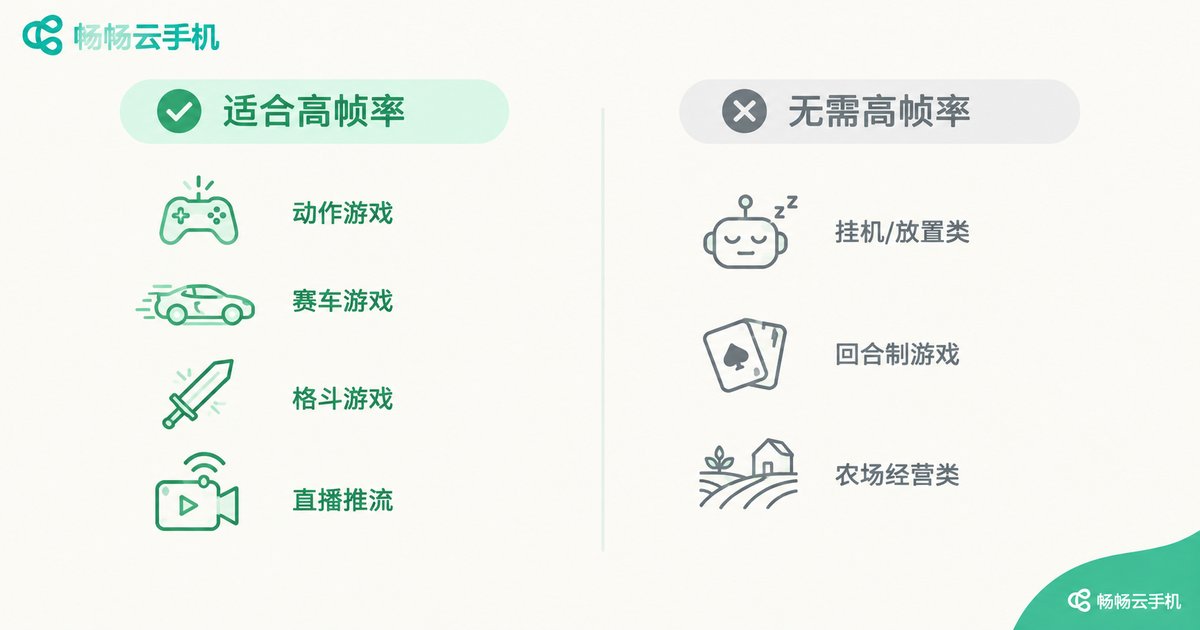
The value of high frame rate comes down to two things: faster response to input and smoother fast-moving visuals. Based on that, common scenarios fall into two camps:
| Scenario | High frame rate? | Why |
|---|---|---|
| Competitive games: MOBA, shooters, racing | Strongly recommended, 90 fps+ | Skill casts, recoil control and drifting are extremely sensitive to response time |
| Action and fighting games | Recommended, 60 fps+ | Combo timing and visual continuity directly affect game feel |
| Live streaming and short videos | Recommended, 60 fps | Fast motion looks noticeably smoother |
| Turn-based, card, simulation games | 30 fps is enough | Slow-changing scenes gain little from high fps |
| Idle farming, multi-instance, scripted tasks | 30 fps is enough | Saves data and resources; instance count and stability matter more |
In one sentence: the more intense the input and the faster the motion, the more high frame rate pays off; the more static and automated the task, the less it matters. Reserve high frame rate for scenarios that truly need it, and you get fluidity and efficiency at the same time.
Beyond Frame Rate: Four More Factors That Affect Smoothness
1. Network quality: latency and packet loss are the top causes of cloud phone lag. Prefer a stable 5GHz WiFi or 4G/5G connection, aim for 10 Mbps or more, and avoid heavy simultaneous bandwidth use on the same network.
2. Resolution and bitrate: higher picture quality demands more bandwidth. On a mediocre network, stepping down the quality tier often improves smoothness more than forcing high frame rate.
3. Local device performance: your phone handles video decoding. Older devices may struggle with high-fps streams, so lowering image quality slightly can buy a stable frame rate.
4. Cloud-side capacity: server performance and the platform's scheduling strategy set the ceiling for rendering and streaming, which is the most important hardware factor when choosing a cloud phone service.
Practical routine: test your speed before choosing a tier; secure low latency first, then chase high fps; enable high frame rate only for competitive sessions and keep standard mode for idle tasks.
ccloudphone: High Frame Rate Without the Hassle
If you would rather skip the trial and error, go straight to ccloudphone. It provides an independent Android environment in the cloud with stable frame scheduling and flexible frame rate and picture quality options, handling both the high-fps demands of competitive gaming and the long-session stability required by multi-instance idle tasks. Visit the official ccloudphone website to learn more.
Combine it with the settings strategy in this guide: high frame rate for competitive play, standard mode for idle tasks, and lower image quality first when the network wobbles. That is how you find the balance point among smoothness, data usage and stability.

FAQ
Q: Does a higher frame rate consume more data on a cloud phone?
Yes. The higher the frame rate and the faster the on-screen motion, the more data is transferred each second. Standard mode is fine for idle and turn-based scenarios; save high frame rate for when it truly matters.
Q: Will high frame rate mode feel laggier on an average network?
Quite possibly. High frame rate demands more bandwidth and stability, so on an unstable network it can backfire. Start with standard mode, confirm overall smoothness, then step up tier by tier; always prioritize low latency over high fps.
Q: Do idle farming and multi-instance tasks need high frame rate?
Usually not. These tasks have little on-screen change, so 30 fps is plenty, and it notably reduces resource and data usage for more stable multi-instance running.
Q: How do I know if my current frame rate setting is right?
Check two things: whether scrolling and dragging feel responsive without ghosting, and whether skill casts and camera switches in games look continuous. If not satisfied, move up one tier at a time until smoothness and data usage balance out.


