
Cloud Phone Account Registration and Login FAQ: Verification Codes, Binding and Troubleshooting
Why Do Registration and Login Problems Happen?
First-time cloud phone users often get stuck at the very first step: verification codes never arrive, phone number binding fails, or logging in from a new device triggers an error. The good news is that most of these issues follow predictable patterns. Your cloud phone account is the single gateway to all your cloud devices, so a stable registration and login experience directly determines everything that comes after. This article breaks down the most common problems and shows you exactly how to fix them.
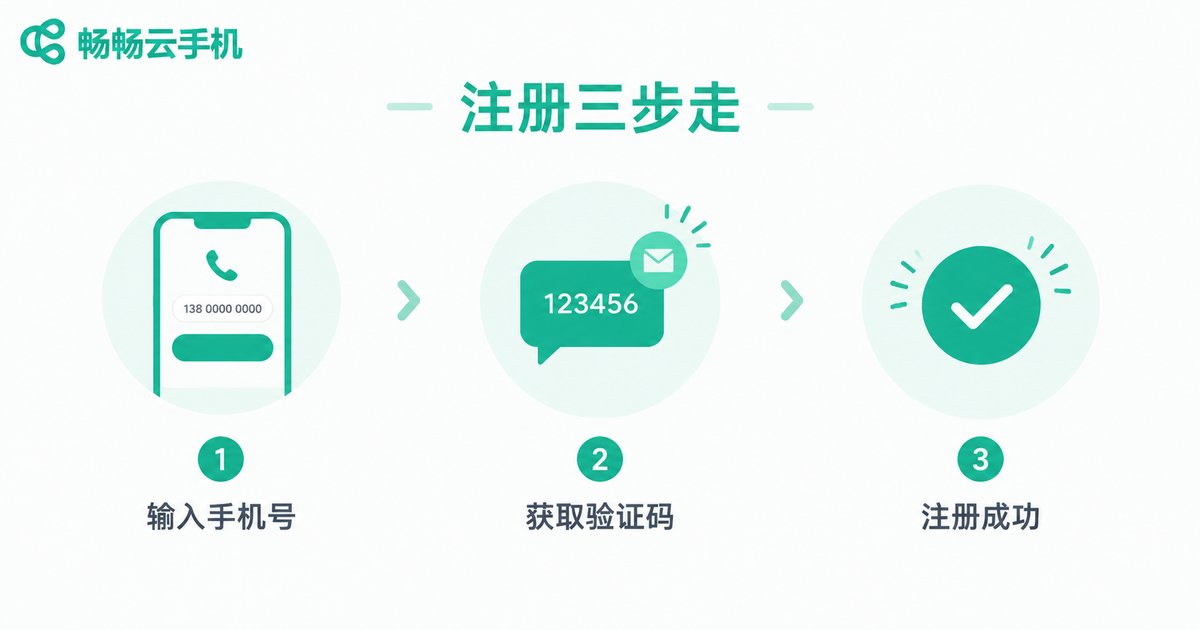
Registration in Three Steps: Where Things Go Wrong
Most cloud phone platforms use a simple three-step sign-up flow: enter your phone number → receive and input the verification code → set a password and finish. Each step, however, has its own pitfalls:
Step 1: Phone number entry. Make sure the correct country code is selected, especially for overseas numbers. Newly released number segments and virtual carrier numbers may not be supported by some platforms, so a mainstream carrier number is the safest choice.
Step 2: Code verification. Verification codes usually expire within 5 to 10 minutes. Requesting codes repeatedly in a short time triggers rate limiting, which typically requires a 10 to 30 minute wait.
Step 3: Password creation. Use at least 8 characters combining letters and numbers, and avoid reusing passwords from other platforms to reduce credential-stuffing risk.
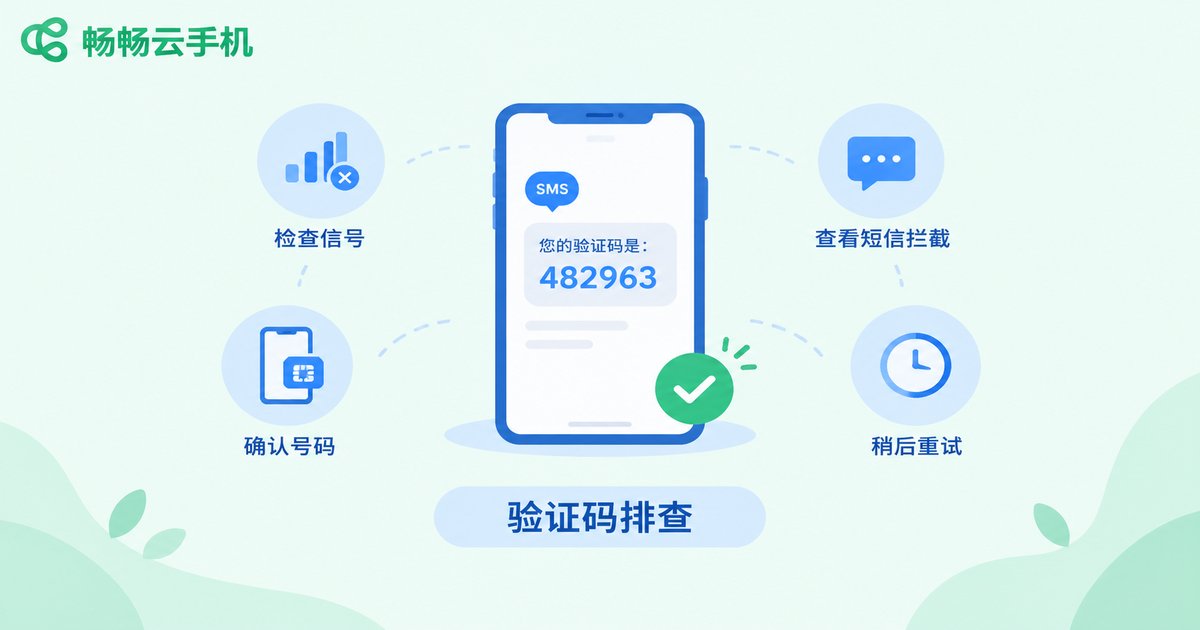
Not Receiving Verification Codes? Follow These Five Steps
Missing codes are the number one complaint, and the vast majority of cases can be fixed with this checklist:
1. Check the spam folder. Carrier filters or your phone system may misclassify the code as marketing text.
2. Confirm the number is correct. Users who changed numbers or switched carriers often type their old number by mistake.
3. Disable blocking and do-not-disturb. Security apps sometimes silently block messages from unfamiliar senders.
4. Wait out the rate limit. Frequent code requests trigger risk controls; wait 10 to 30 minutes and try again.
5. Check signal and network. Weak signal or a misconfigured default SIM on dual-SIM phones can delay or drop messages.
If none of these works, contact platform support with your phone number and registration time so they can trace the delivery records.
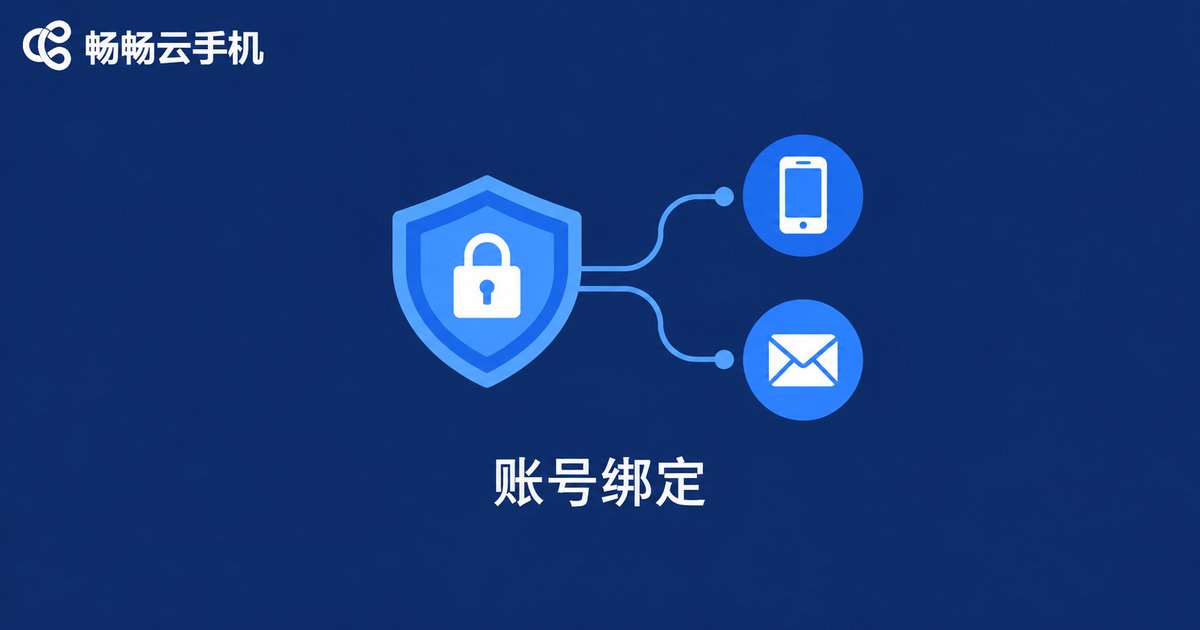
Account Binding: Add a Second Safety Net
Once registered, complete your binding options immediately. An account protected by a single phone number becomes very hard to recover if you switch numbers or the number gets recycled. Common binding methods and their purposes:
| Binding Method | Main Purpose | Recommendation |
|---|---|---|
| Phone number | Primary credential for login and recovery | Essential |
| Backup recovery channel after changing numbers | Strongly advised | |
| Third-party account | Quick sign-in with less typing | Optional |
| Device lock or 2FA | Extra check on unfamiliar logins | Advised |
When changing your bound number, you usually verify your identity through the old number or bound email first. Always rebind before abandoning an old number; once a carrier recycles and reissues it, your account could be exposed.
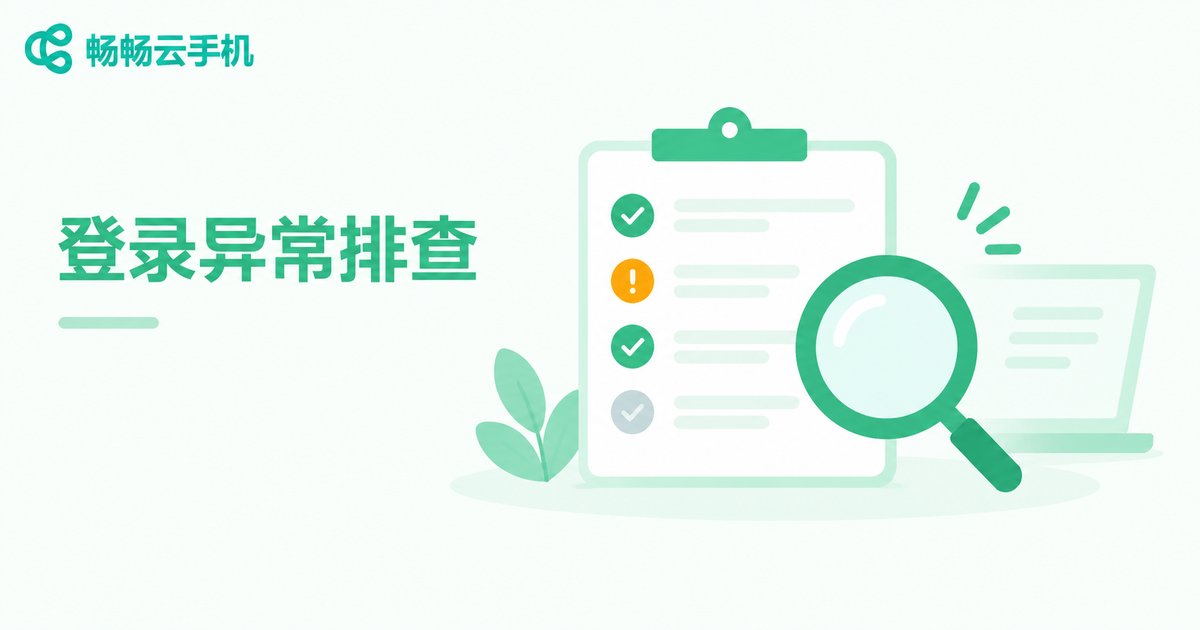
Login Error Quick-Reference Table
| Symptom | Likely Cause | Fix |
|---|---|---|
| Wrong password message | Typo or caps lock on | Reset via password recovery |
| Account not found | Wrong login method chosen | Use the method you registered with |
| Too many attempts | Repeated tries in a short window | Wait 10 to 30 minutes |
| Unusual environment warning | New device or location triggered risk control | Complete SMS or 2FA verification |
| Blank screen after login | Network glitch or outdated app | Switch networks and update the app |
Important: if you receive an unfamiliar login alert from another location, change your password immediately and check whether your binding details were tampered with.
ccloudphone: Making Account Management Effortless
Choosing the right platform prevents many problems at the source. ccloudphone pays close attention to the account experience: the sign-up flow is clean and straightforward, verification codes are delivered reliably, and you can register and log in directly through the official website ccloudphone. Each account maps one-to-one with your cloud devices, so once you are logged in, your cloud apps are ready to go.
Whether you run multiple game accounts, manage several social profiles, or need apps online around the clock in the cloud, register an account on the ccloudphone official website and experience how smooth and stable cloud devices can be.
FAQ
Q: My verification code never arrives. Am I blocked?
Unlikely. Work through the four checks above — spam folder, number accuracy, blocking apps, and rate-limit waits. If it still fails, contact ccloudphone support to trace the delivery record.
Q: I changed my phone number. How do I update the binding?
Log in, open security settings, verify your identity with the old number or bound email, then bind the new number. Doing this before abandoning the old number is safest.
Q: How many accounts can one phone number register?
Typically one number maps to one account. For extra accounts, use a family member's number or email-based options, subject to platform rules.
Q: What does the unusual login environment warning mean?
It is a risk-control safeguard. Complete the SMS verification as prompted; if it appears often, check whether your network connection is unstable.
Q: What registration methods does ccloudphone support?
Check the sign-up entry on the official website ccloudphone. Phone number verification is the standard method, and binding an email afterwards is recommended as a backup recovery channel.


