

How to Manage Cloud Phone Team Collaboration: Permission Assignment, Operation Standards, and Audit Best Practices
Why Cloud Phone Teams Need Management Rules
For one person, running a few cloud phone instances and switching between them is easy. But once it becomes a team effort—several people sharing a pool of devices running tasks at the same time—the questions pile up fast: Who changed the settings? Who logged out of the account? Who answers when something goes wrong? Most teams don't fail because the tool is bad; they fail because permissions are messy, operations are improvised, and nothing can be traced afterward.
Cloud phones move devices to the cloud, which makes them naturally suited for centralized team management: devices no longer depend on any single person's physical handset, and accounts become team assets instead of living in someone's pocket. The precondition, however, is a solid framework of permission assignment, operation standards, and audit practices. This article walks through all three.
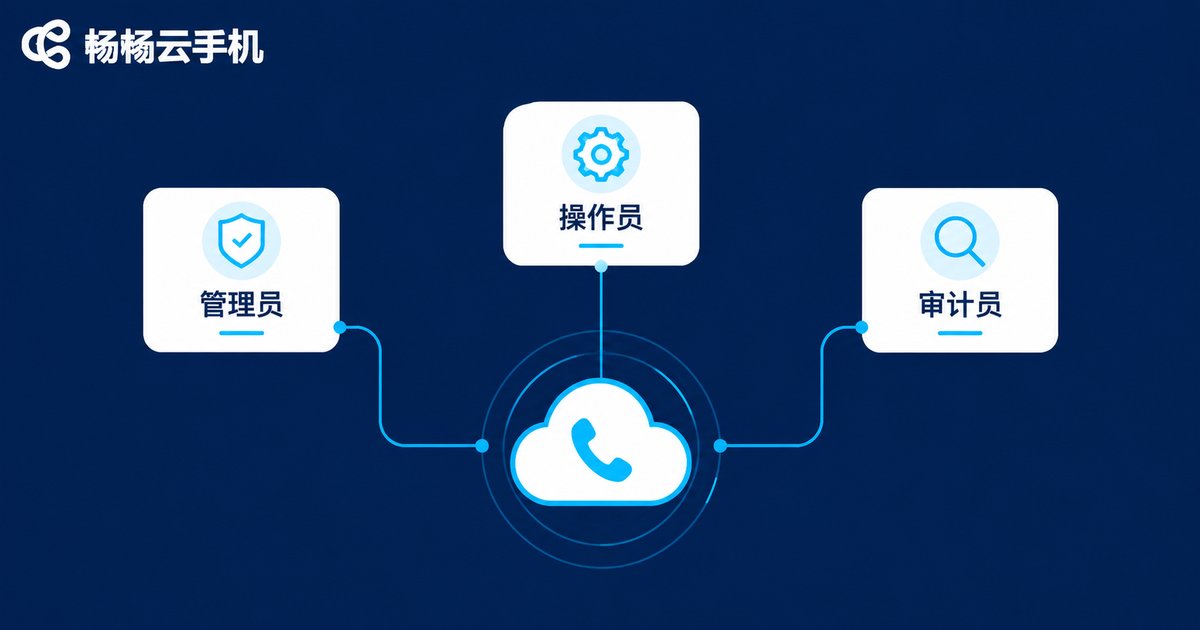
Step 1: Assign Permissions by Role, Not by Person
The core principle of permission management boils down to one phrase: least privilege. Everyone gets exactly the access they need to do their job—nothing more. Start by splitting the team into three roles:
| Role | Can Do | Should NOT Get |
|---|---|---|
| Admin | Assign and reclaim devices, manage members, handle renewals and basic settings | —(keep admins few and stable, 1–2 people) |
| Operator | Day-to-day logins, running tasks, handling routine work | Member management, device deletion, password changes |
| Auditor | View operation records, export reports, review anomalies | Any write or operation permissions |
Once roles are defined, map devices to people: one cloud phone should have exactly one named owner during any given time window. Shared devices fail in the same way—everyone can touch them, yet no one answers for them. With a named owner, accountability becomes instantly clear. Whenever personnel change—onboarding, transfer, or departure—the admin should adjust or revoke access the same day. This is the step most teams forget.
Step 2: Set Operation Standards—Turn Unspoken Habits into Written Rules
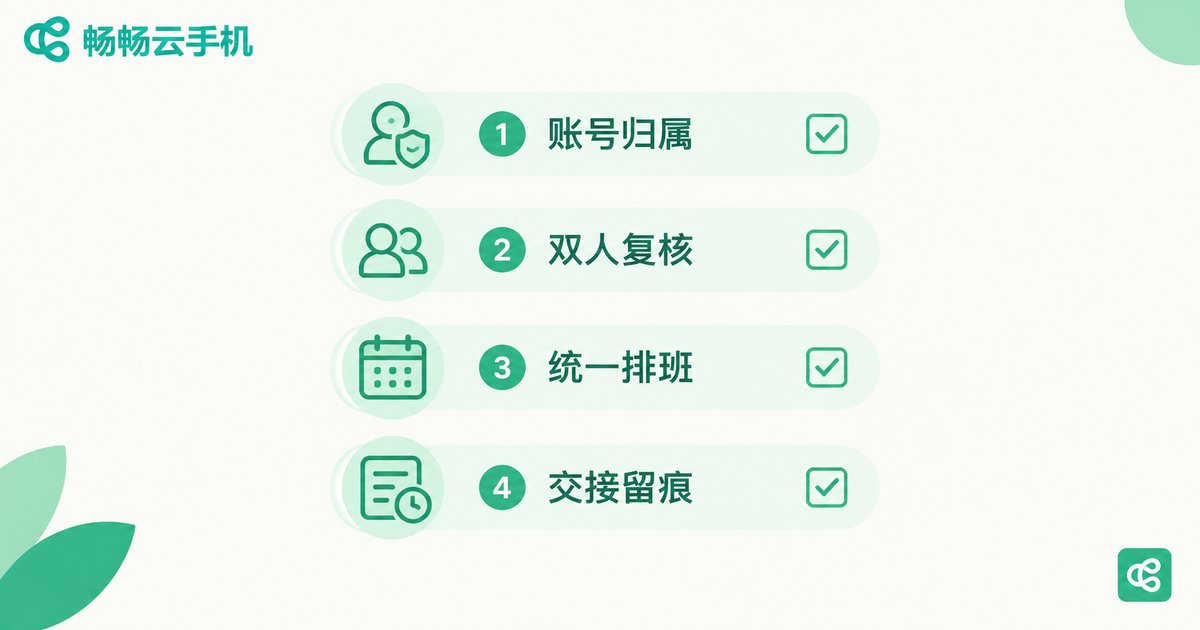
Permissions alone are not enough; you need rules too. A one-page checklist beats a thick policy document, as long as everyone has read it and actually follows it:
1. Document account ownership. Keep a reference sheet listing which platform accounts are logged into each cloud phone and who owns each one. New members verify against the sheet, preventing missed or mistaken logins.
2. Require dual review for sensitive actions. Password changes, phone re-binding, fund-related confirmations—any irreversible action should follow a 'one person executes, another confirms' rule. This blocks the vast majority of costly mistakes.
3. Align online schedules. Avoid multiple people squeezing into the same device at once, especially for tasks that must stay online. Agree on handover times so nobody kicks anyone else out of a session.
4. Leave a trail for every handover. When devices change hands—shift swaps, vacations, departures—record one line in a group chat or document: device X handed from A to B. Future investigations will thank you.
Step 3: Audit Recommendations—Make Every Action Traceable
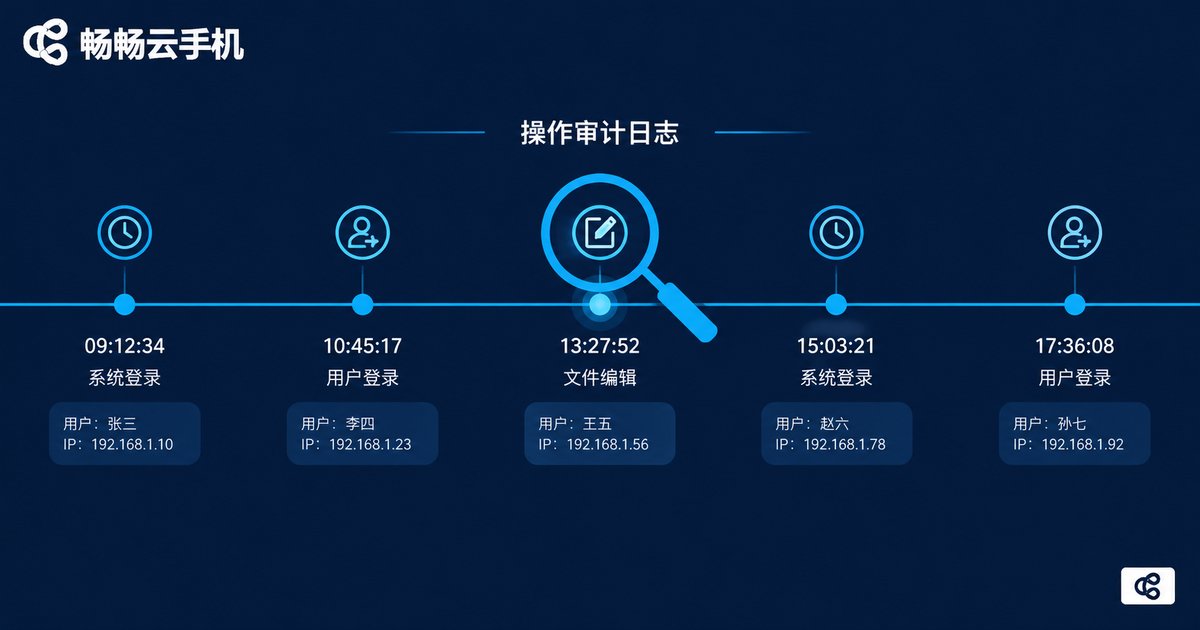
Permissions and standards handle prevention; auditing ensures you can always reconstruct what happened. Three actionable recommendations:
1. Enable and retain operation logs. Key actions—logins, device assignments, configuration changes—should all be recorded with time, operator, and action. Retain logs for at least 3 months; longer for longer business cycles.
2. Review on a fixed cadence. Spend ten minutes each week going through the records: any logins outside working hours? Any actions beyond someone's permissions? Repeated failed login attempts? Small anomalies, asked about early, rarely grow into big incidents.
3. Set alerts for critical actions. Bulk deletions, logins from unusual locations, frequent re-binding—when these happen, the admin should know immediately. Shift from digging through logs afterward to knowing while it happens.
Putting It into Practice with CCloudPhone
On the tooling side, a cloud phone platform built for centralized management makes team collaboration far easier. Take CCloudPhone (ccloudphone) as an example: the team keeps all devices in the cloud, admins assign them to members as needed, and routine batch operations and centralized maintenance all happen in one console. No physical device sits in anyone's drawer—devices and account assets stay with the team. Combine that with role-based permissions, a one-page operation checklist, and weekly log reviews, and orderly collaboration falls into place.
One final note: don't try to build a perfect system on day one. Start with the three smallest things—define roles, name a device owner, keep logs—run for two weeks, then iterate. That beats a comprehensive policy nobody reads.
FAQ
Q: Our team is only 3–5 people. Do we still need permission management?
Yes, but keep it simple. At minimum: one designated admin, and one named owner per device. Small teams pay the same price for messy permissions—they just investigate through memory instead of records.
Q: How do we handle cloud phones and accounts when a member leaves?
Three standard steps: the admin revokes the member's access; verify every device's accounts against the ownership sheet; change passwords for accounts involving funds or core assets, and have the successor log in to confirm.
Q: What should we focus on when reviewing operation logs?
Four things first: logins outside working hours, actions beyond assigned permissions, bulk or repetitive operations, and repeated failed logins. These are where problems—and early warning signs—show up most.
Q: Will multiple people operating the same cloud phone conflict with each other?
Yes. Simultaneous logins on one device can cause session conflicts and lost state. Use scheduling or agreed time windows so only one person operates a device at any given time.
Q: What if people ignore the standards we set?
Bind the rules to the tooling: remove the ability to bypass them—for example, operators simply don't have device-deletion permissions—and review compliance in the weekly audit. Rules enforced by tools stop being decoration.


