
Operations · Engineering · Trends
Hands-on playbooks, product updates and cross-border insights from the CCloudPhone team.
Cloud Phone vs Virtual Machine: Which Is More Stealthy? A Technical Breakdown of Device Fingerprint Spoofing
Cloud phones and virtual machines can both run Android environments, but their fundamentally different architectures create a significant stealth gap at the device fingerprint level. This article provides a technical breakdown of both solutions across key dimensions including CPU architecture, sensor data models, device parameter independence, and performance overhead. It also explains how risk-control detection systems work through three lines of defense—static feature comparison, dynamic behavioral analysis, and environment correlation analysis—and why virtual machines are heavily exposed at each layer while cloud phones maintain real-device-level characteristics. Finally, scenario-based recommendations help you choose the right cloud device solution for multi-account operations, app testing, or privacy protection needs.
Does a Cloud Phone Have Hardware Requirements? The Truth About Smooth Performance on Low-End Devices
A cloud phone performs all its core computing in remote data centers, while your local device only handles screen display and input transmission—so the hardware requirements for your own phone are almost nonexistent. Even a budget handset from several years ago can run demanding games and multi-instance tasks smoothly. This article explains how cloud phones actually work, the three conditions your local device truly needs, a detailed hardware comparison between running apps locally and through the cloud, typical use scenarios for low-end devices, and practical optimization tips. We also recommend CCPhone, a cloud phone service especially friendly to older devices.
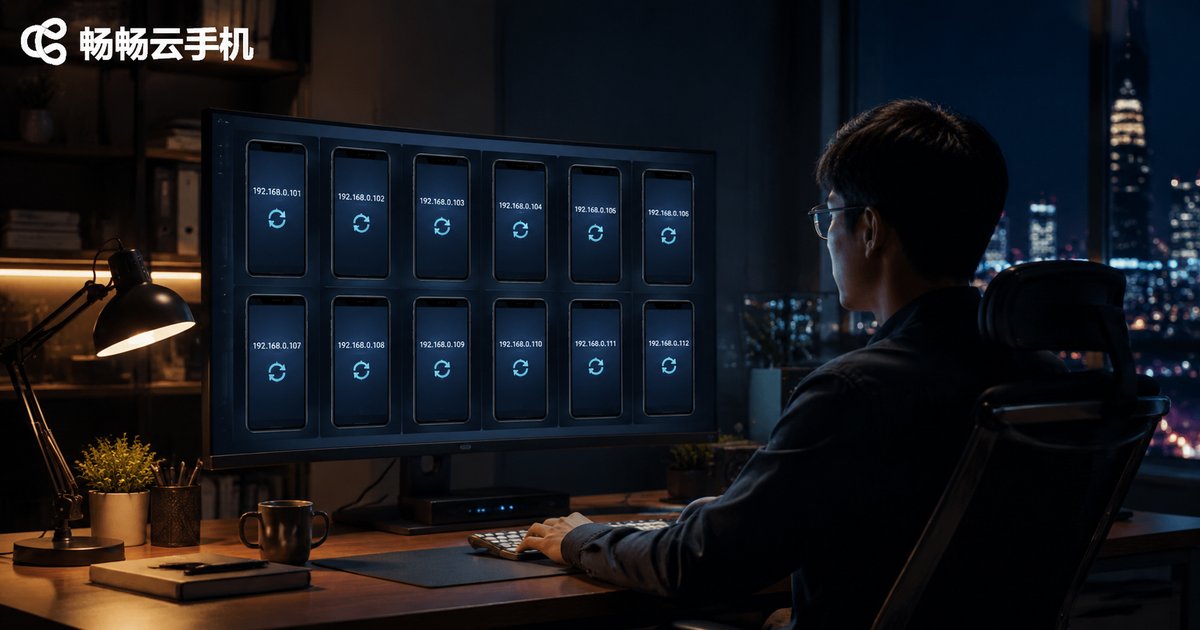
How to Change IP Address on a Cloud Phone: Key Operations for Network Isolation and Account Anti-Association
Changing the IP address on a cloud phone is a key operation for achieving network isolation and account anti-association. When multiple accounts share the same IP address, platform risk-control systems can easily link them together and trigger penalties. This guide explains how IP-based account association works, walks you through the exact steps to change a cloud phone's IP address, shares the one-device-one-IP best practice, and covers typical scenarios such as cross-border e-commerce, social media matrix management, and app testing.

Are Cloud Phones Good for Automation Scripts? Real Performance of Tasker and Similar Tools in the Cloud
Can cloud phones reliably run automation scripts built with Tasker and similar tools? This article examines real-world performance in the cloud, covering background survival, 24/7 availability, and batch deployment advantages over local devices. We compare running scripts on a physical phone versus a cloud phone, walk through common use cases such as scheduled check-ins, data collection, app testing, and multi-account operations, and share practical tips to keep your automation tasks stable in the cloud.
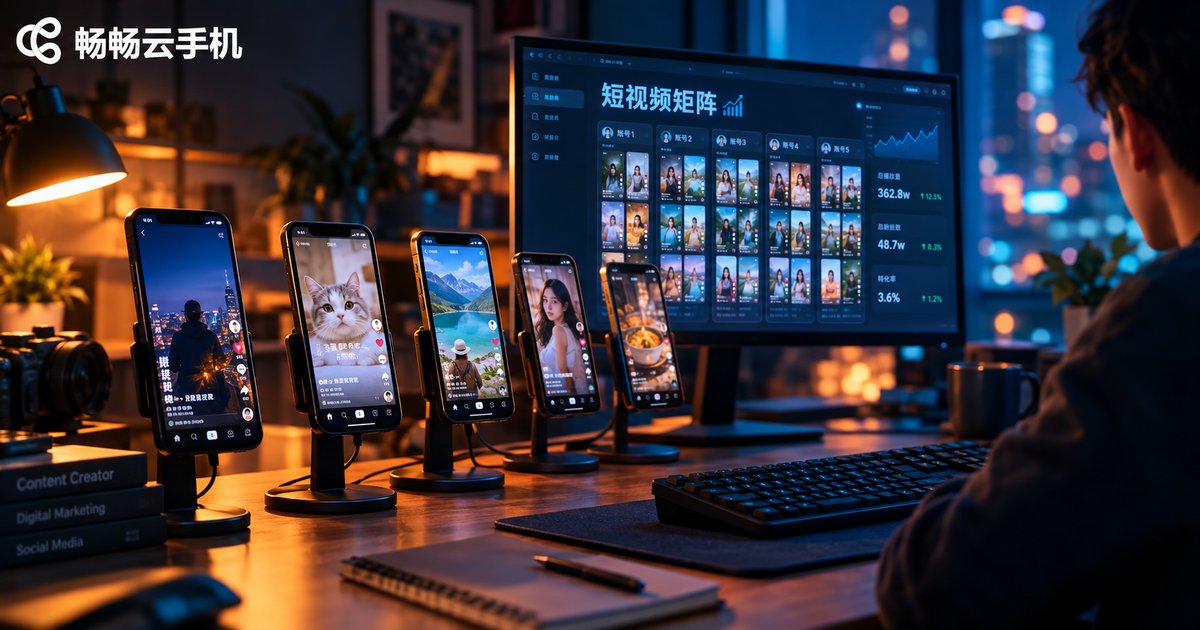
How to Use Cloud Phones for Short Video Matrix Operations? Multi-Account Content Distribution and Trending Recommendation Mechanics
Short video matrix operations is a proven way to multiply content traffic, and cloud phones are the key tool that makes multi-account management practical. This guide explains how to use cloud phones for short video matrix operations, covering layered account positioning, multi-account content distribution rhythms, and the traffic-pool logic behind trending recommendation mechanics. You will also find a complete workflow from account warm-up and content production to staggered publishing and weekly data review, plus a comparison between physical multi-phone setups and cloud phone matrices. Whether you are a solo creator or a growing team, this guide helps you scale from one account to a full matrix.

How Do Cloud Phones Enable Batch Group Control? A Solution for Running Multiple Cloud Phones from One Computer
Cloud phone group control makes it possible for one computer to operate dozens or even hundreds of cloud phones at the same time. This article breaks down the three core principles behind group control—cloud-based cluster deployment, command synchronization from the master end, and real-time screen mirroring—then walks through a complete workflow using ChangChang Cloud Phone (ccloudphone) as an example: creating cloud phones in batch, installing the group control client, running synchronized operations, and setting up grouping and scheduled tasks. It also covers typical use cases and the key factors to consider when choosing a group control platform, helping you quickly build an efficient batch management process.

How to Use Cloud Phones in Store Group Operations: Practical Experience on Multi-Account Listing and Anti-Association
Store group operations multiply traffic by running many store accounts at once, but account association remains the biggest cause of mass store bans. This guide starts from how platforms detect linked accounts, then walks through the practical experience of using cloud phones to build an independent device environment for every store—covering device fingerprint isolation, network management, daily listing discipline, and batch management techniques. Whether you are just starting your first store group or scaling up dozens of shops, these field-tested practices will help you expand steadily while keeping every account safe from association bans.
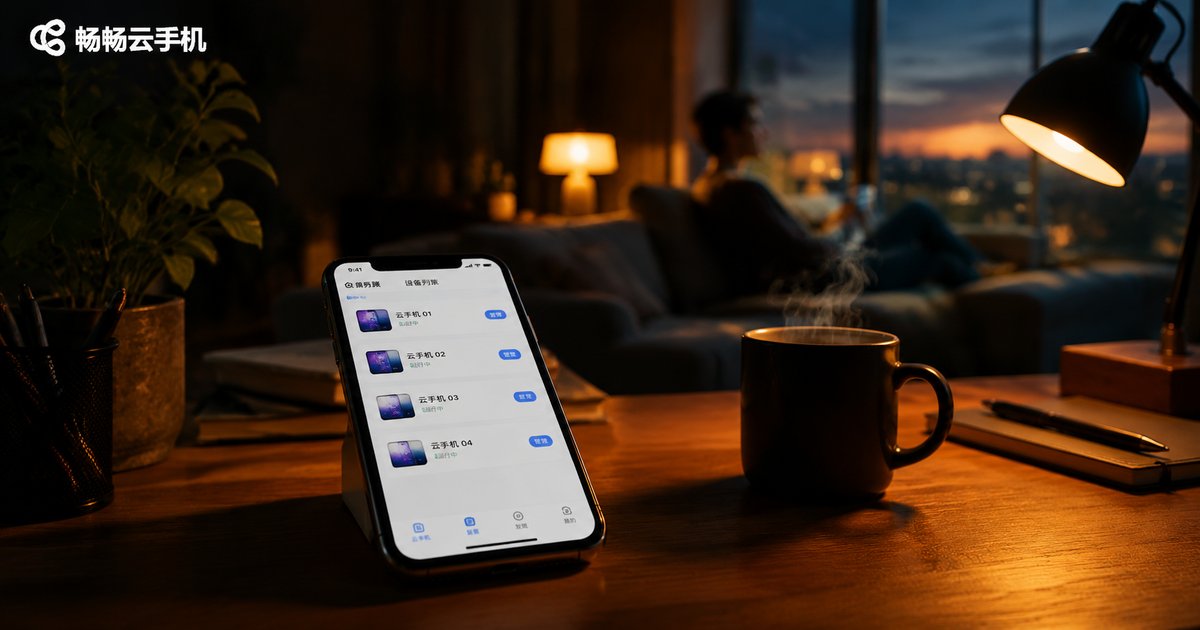
How to Use Cloud Phone Scripts to Automate Daily Tasks: A Beginner-Friendly Recording Tutorial
Cloud phone script automation frees you from tedious daily routines—game check-ins, stamina collection, and dungeon sweeps are all handled in the cloud around the clock, without occupying your real phone. This beginner-friendly guide walks you through script recording in three simple steps: enter your cloud phone, record your actions once, and configure the launch. No programming knowledge is required. You will also find a real-device vs. cloud-phone comparison table, a list of daily tasks best suited for automation, practical tips for stable runs, and answers to frequently asked questions. By the end, even complete beginners can set up their first automated task within minutes.
Cloud Phone Flagged by Platforms? Fingerprint Spoofing & Behavior Humanization Anti-Ban Guide
Getting 'abnormal environment' warnings on your cloud phone accounts? This guide breaks down how platform risk-control systems actually work, then walks you through a complete anti-ban playbook: keeping device fingerprints independent and stable, humanizing operation rhythms and active hours, a five-step recovery plan for flagged accounts, and a weekly self-check checklist. Whether you run multiple accounts for app testing, game idling, or daily operations, these fingerprint spoofing and behavior humanization techniques will help you keep every account safe and long-lived, plus the common mistakes that quietly get accounts linked.

How to Use Cloud Phones for Social Media Automated Marketing: Batch DM and Auto-Reply Strategies
Cloud phones are reshaping the efficiency ceiling of social media marketing. Instead of juggling dozens of physical devices, marketers can run multiple independent cloud phone instances from a single computer. This guide explains how to build an account matrix with cloud phones and implement batch DM outreach, keyword-triggered auto-replies, and welcome message automation. It covers practical details including script template design, sending rhythm control to stay within platform limits, and anti-ban techniques such as account warming and content differentiation, and recommends CCPhone as a stable cloud phone solution for scaling your social media operations.
What Is the Essential Difference Between Cloud Phones and Cloud Real Devices? Real Hardware vs. Virtual Devices Compared
Cloud phones and cloud real devices both move the smartphone experience to the cloud, but they are fundamentally different under the hood. A cloud phone is a virtual instance running on ARM servers, where one physical server hosts dozens of Android environments. A cloud real device is an actual physical smartphone racked in a data center that you control remotely. This article compares the two across architecture, performance, stability, sensor support, cost, and scalability, explains the strengths and weaknesses of real hardware versus virtual devices, and offers clear criteria to help you choose the right one for gaming, multi-accounting, app testing, or long-term cloud hosting.
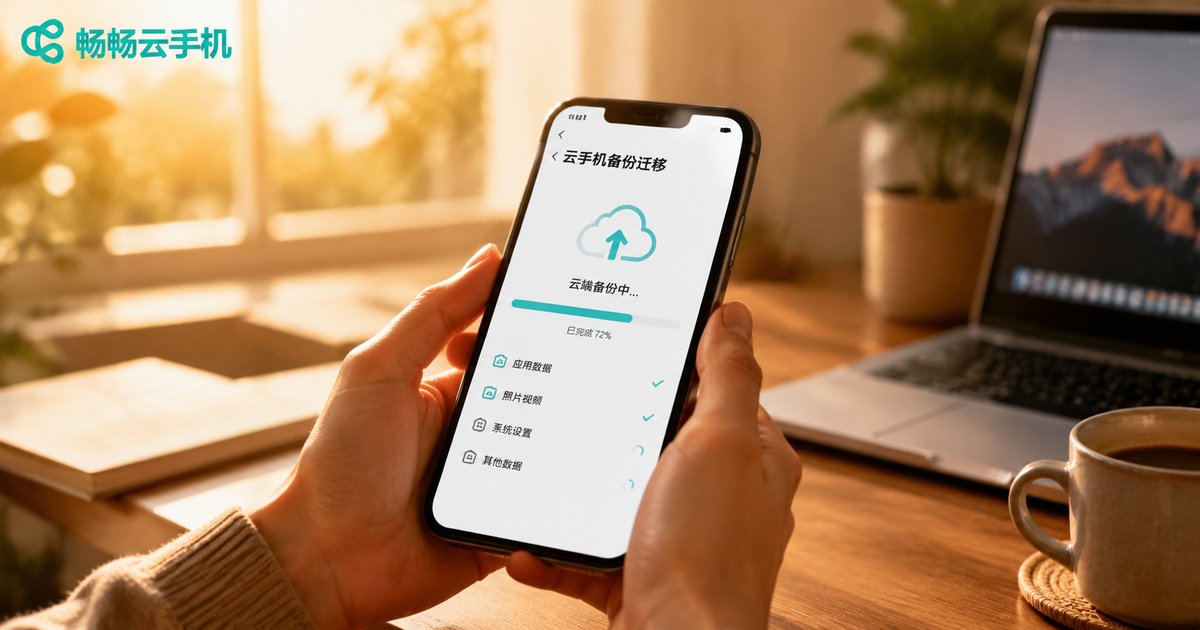
How to Backup and Migrate Your Cloud Phone Account Environment: Complete Data Recovery and Cross-Platform Transfer Tutorial
Your cloud phone's account environment holds your apps, login states, and game progress—losing it can be costly. This complete tutorial explains what an account environment actually contains, walks you through the full backup process step by step, and shows how to migrate environments between instances so you can switch devices without re-logging in. You will also learn practical data recovery techniques for accidental deletions and instance failures, plus cross-platform transfer methods for moving data between local phones and cloud phones. Finally, we compare manual per-app backup with full-instance backup so you can choose the right strategy and build a reliable data safety system.