
Operations · Engineering · Trends
Hands-on playbooks, product updates and cross-border insights from the CCloudPhone team.

Which Cloud Phone Has the Strongest Performance in 2026? Configuration, Benchmarks & Fluency Comparison
In 2026, performance is the number one criterion for choosing a cloud phone. This guide builds a complete evaluation framework across configuration, benchmarks, and fluency: learn to read the three key spec indicators (vCPU, RAM, GPU), spot benchmark fluctuation and resource overselling traps, and test input latency, frame rate, and 72-hour stability like a pro. A tier-by-tier comparison table is included, along with a recommendation for CCloud Phone as one of the most balanced high-performance options, plus a three-step buying guide.
How to Use App Cloning Software? Dual-Space Tools vs Cloud Phones
App cloning software lets you run two instances of the same app on a single phone—simple to use, but limited by your device's performance. Cloud phones, on the other hand, run on remote servers, consuming no local resources while supporting multi-device management and 24/7 cloud operation. This guide walks you through how to use app cloning software in three simple steps, breaks down the core differences between dual-space tools and cloud phones in a clear comparison table, and helps you choose the right solution for your needs.
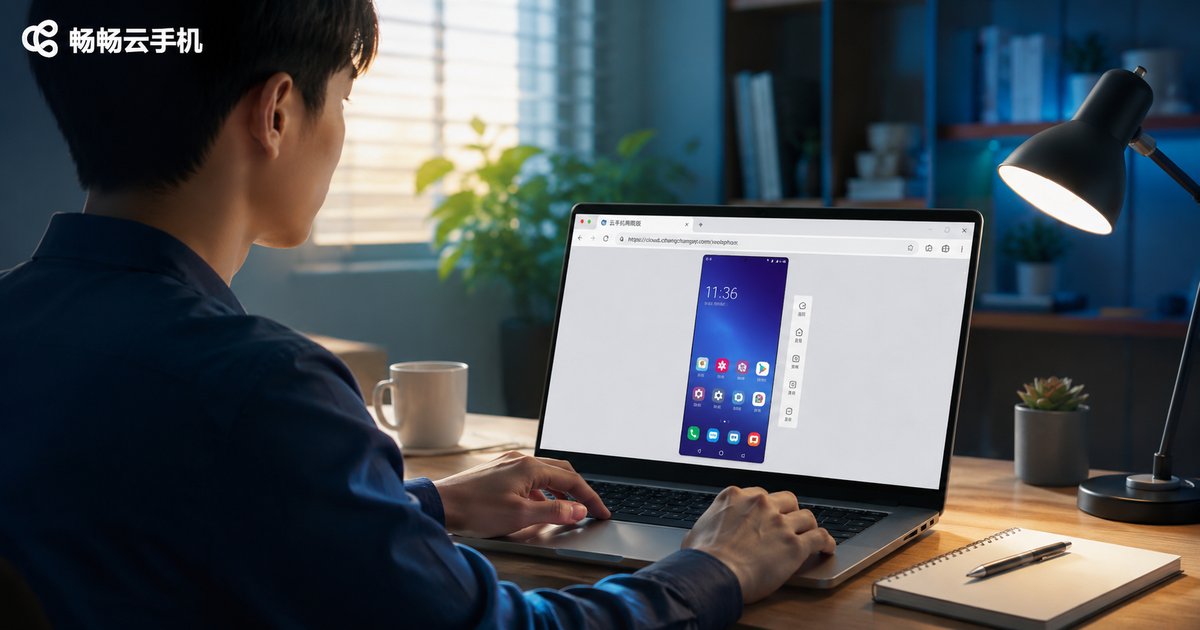
How to Use Cloud Phone Web Version: Open Cloud Phone Directly in Browser
The cloud phone web version lets you open and control a cloud-based Android phone directly in your browser, with no client download required. Using ccloudphone as an example, this tutorial walks you through every step: registering an account, connecting to your cloud device, controlling the phone with your mouse and keyboard, and uploading files. We also compare the web version with the desktop client and a physical phone, and answer frequently asked questions to help you get started quickly and manage your cloud device anytime, anywhere.

What Is Cloud Phone Idle Running? Key Differences from Real Device Idle Running Explained
Cloud phone idle running means hosting your games or apps on remote cloud servers so they keep farming resources and completing tasks automatically—without tying up your local device. This article explains what cloud phone idle running means and compares it with real device idle running across key dimensions: device occupation, battery consumption, 24/7 uptime, multi-instance capability, and hardware wear. Whether you want to automate daily grinding in mobile games or manage multiple accounts, you will learn why cloud phones deliver true around-the-clock operation while keeping your real phone free, cool, and fully charged. The guide also covers common use cases and recommends a reliable cloud phone service to get started.
Complete Guide to Mobile Super Terminal Commands: Common Commands and Usage Tutorial
The mobile super terminal is an essential tool for advanced users, developers, and anyone seeking deeper control over an Android device. This guide systematically compiles the most commonly used terminal commands, covering file and directory management, system information queries, process and memory control, network diagnostics, and advanced app management techniques. Each command comes with clear usage examples and practical precautions to help you avoid common mistakes. Whether you are just getting started or looking for a handy reference, this tutorial will build your command-line skills step by step. We also explain why practicing on a cloud phone is a safer way to learn, protecting your daily device from accidental damage.

Is Doing Trial Tasks on Cloud Phones Reliable? The Right Way to Earn from App Trials
Is earning money through app trial tasks on cloud phones actually reliable? This article starts with the real income level of trial tasks, then explains why cloud phones shine at multi-device management, data isolation, and saving local resources. You'll also learn how to spot common trial-platform scams—such as pay-to-earn schemes and fake automation promises—and follow a practical, step-by-step approach to doing trial tasks the right way. By the end, you'll know how to treat this side income rationally, scale your devices safely, and avoid the pitfalls that trip up most beginners who jump in without a plan.
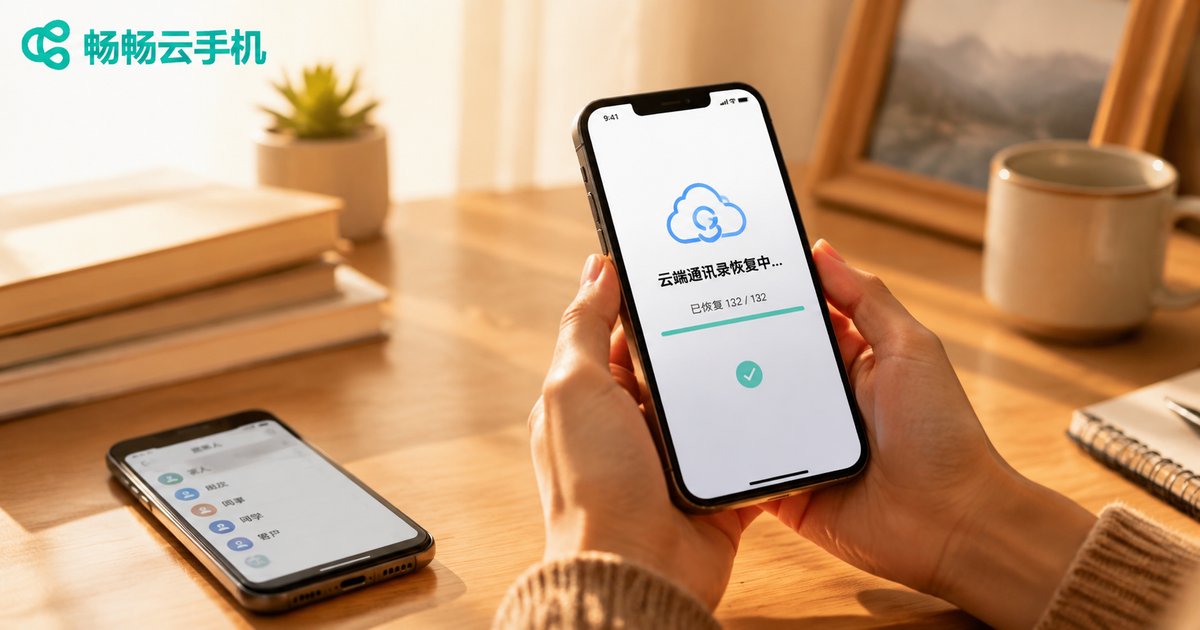
How to Restore Cloud Contacts to a New Phone? Complete Data Migration Tutorial
Getting a new phone is exciting until you realize hundreds of contacts need to move over. The good news: if your contacts were synced to the cloud, restoring them takes only minutes. This complete data migration tutorial covers pre-migration backup checks, three main restoration methods—system cloud sync, SIM card import, and vCard file export—plus cross-platform migration tips for switching between Android and iPhone. You will also learn how to troubleshoot common sync failures like account mismatches and duplicate contacts, and discover how ccloudphone keeps your apps and data permanently in the cloud, making every future device switch completely painless.
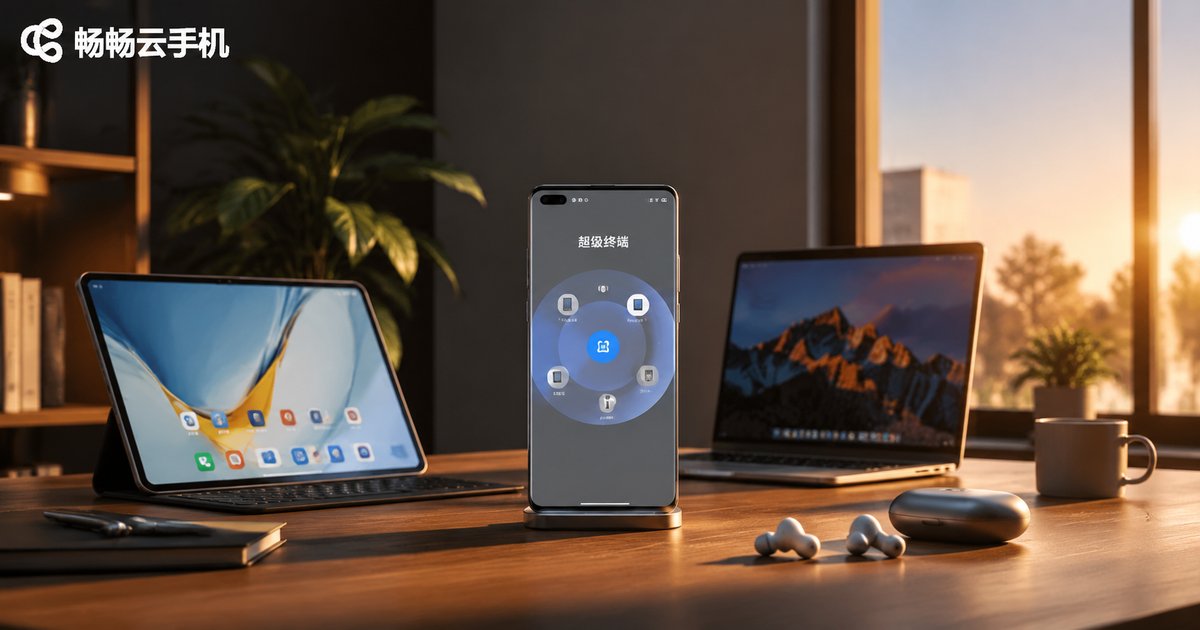
What Is Phone Super Device? Where to Enable It and How to Use It
Super Device is a multi-device collaboration feature of HarmonyOS that links your phone, tablet, computer, and smart screen into one seamless whole, enabling screen sharing, quick file transfers, and instant audio streaming between devices. This guide explains in plain language what Super Device is, where to enable it (through the Control Center or system settings), and how to connect devices with a simple drag-and-drop gesture. It also covers practical usage tips, common troubleshooting answers, and how a cloud phone can serve as an alternative path for devices outside the ecosystem—helping you master multi-device collaboration in just a few minutes.
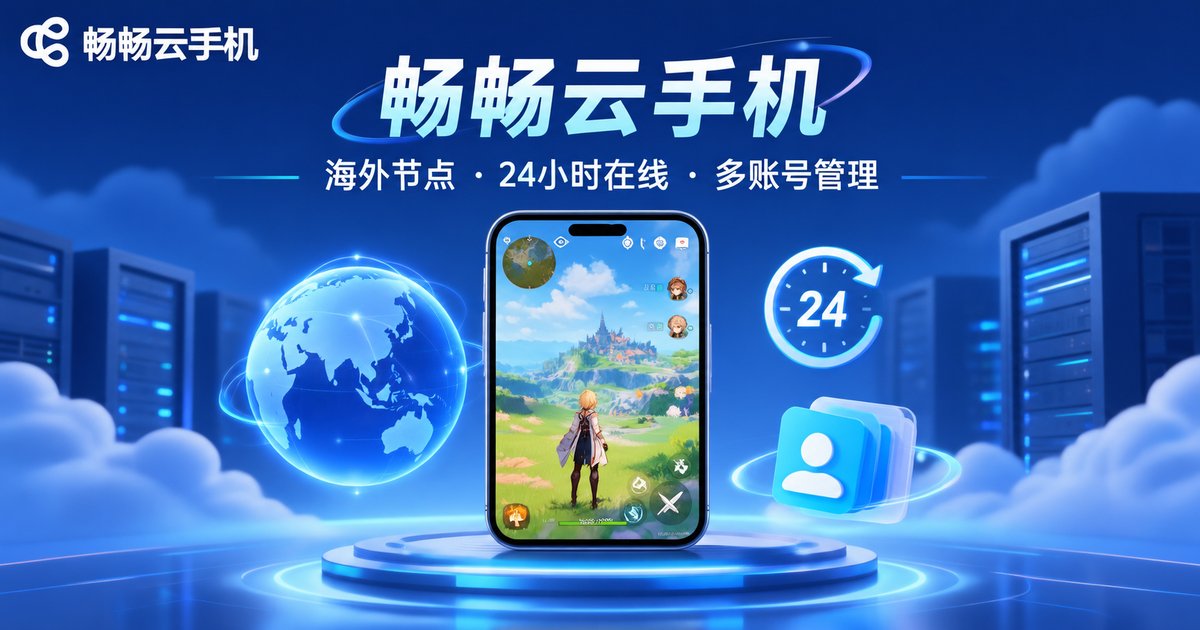
How to Play International Server Games on a Cloud Phone: Solutions for Running Foreign Server Mobile Games
Struggling with difficult downloads, complicated account registrations, and high latency when trying to play international server mobile games? This guide breaks down a complete cloud phone solution for running foreign server games smoothly. Discover how overseas nodes connect directly to game servers just like local players, how 24/7 cloud uptime keeps your characters farming overnight, and how flexible multi-account management lets you juggle several servers at once. Follow a simple four-step workflow from choosing the right node to launching your first game, and learn why ChangChang Cloud Phone is a stable, worry-free platform for enjoying the world's most popular mobile games without draining your local device.

How to Get Cloud Gaming Trial Access? Ways to Claim Free Trial Time
Cloud gaming trial access is essentially permission to try cloud-based devices, and a cloud phone is the best gateway to cloud gaming. This guide covers three practical ways to claim free trial time: new-user registration rewards, daily check-ins and tasks, and official event bonuses. Using ccloudphone as an example, it walks you through a four-step process to claim trial access in under five minutes, so even a low-end phone can run demanding games smoothly. Tips on testing latency, graphics, and AFK features help you make the most of every free minute.
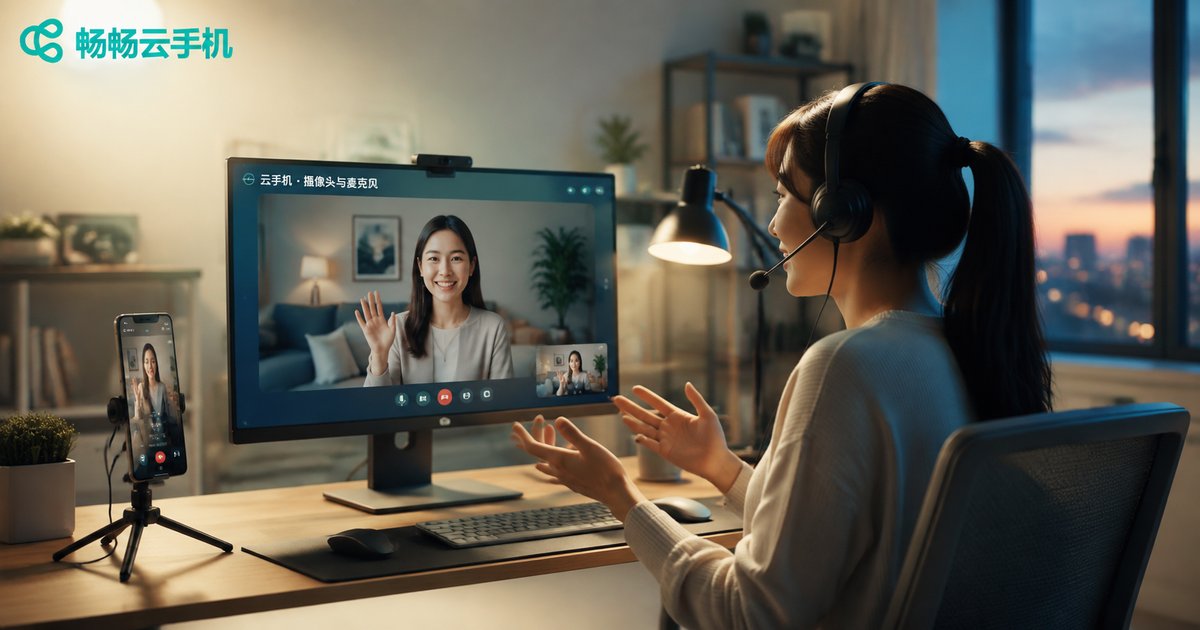
Can Cloud Phones Access Cameras and Microphones? A Complete Setup Guide for Local Hardware
Cloud phones run in the cloud, while your camera and microphone sit on your local device—can the two work together smoothly? The answer is yes. This guide explains how hardware redirection lets a cloud phone access your local camera and microphone, then walks you through the complete setup process on Windows clients, mobile apps, and web browsers. Covering common scenarios such as live streaming, video calls, and identity verification, plus troubleshooting tips for black screens, silent microphones, and laggy video, this article helps you quickly connect local hardware to your cloud phone.
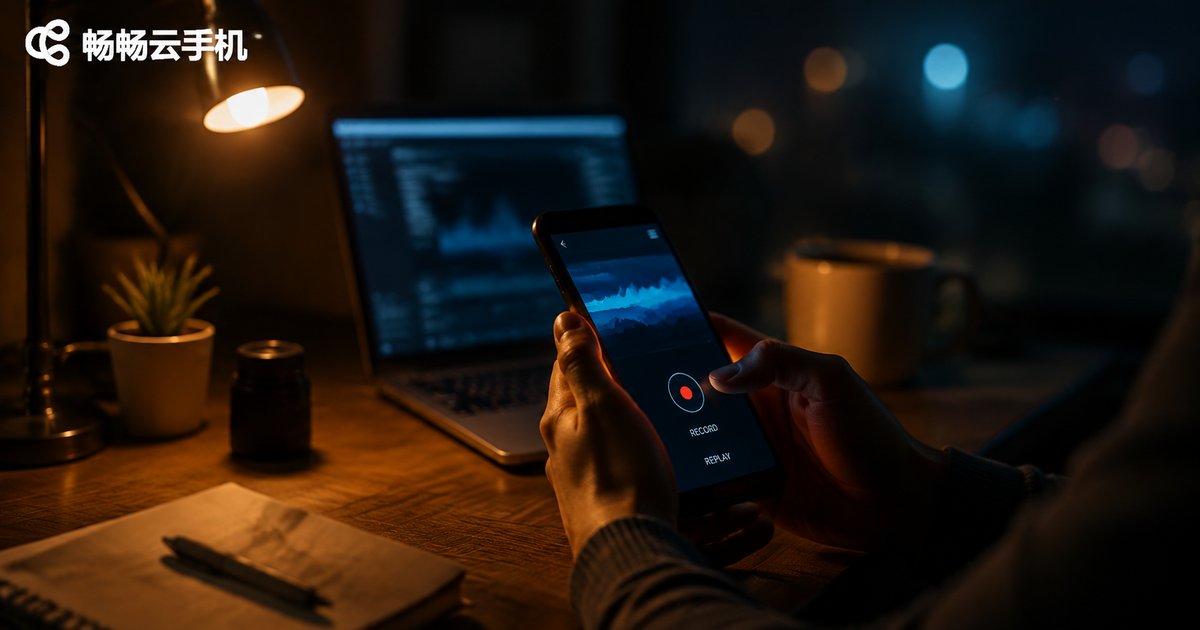
How to Record and Replay Operations on a Cloud Phone? A Practical Tutorial on Script Recording and Automated Execution
Recording and replaying operations on a cloud phone means capturing every tap, swipe, and input as a reusable script, then letting the cloud phone execute it automatically. This tutorial explains how script recording works in plain language, walks you through a four-step recording process, and shows how to set up scheduled replays and batch execution across multiple devices. You will also get five practical tips for keeping scripts stable. Whether it is daily game tasks or app testing, this guide helps you hand repetitive work to automation and save hours every week. From the recording principle to stability tricks, everything is explained in beginner-friendly terms—no coding required.