
Operations · Engineering · Trends
Hands-on playbooks, product updates and cross-border insights from the CCloudPhone team.
What Processor Do Cloud Phones Use? How to Check Cloud Device Configuration Parameters
Cloud phones don't run on mobile SoCs like Snapdragon or Dimensity; they run on ARM-based server processors housed in professional data centers. This guide explains how cloud phone processors actually work, from ARM server clusters to vCPU allocation and video streaming. You'll learn what key configuration parameters—CPU cores, RAM, storage, Android version, resolution, and network latency—really mean, plus three practical ways to check them: the About Phone menu, benchmark apps, and provider plan pages. A comparison table between cloud phones and physical phones helps you confidently choose the right configuration for gaming, multi-accounting, or long-term automation.
Can Cloud Phones Run Apple's iOS? Cloud Phone Operating Principles Explained
Can cloud phones run Apple's iOS? This article breaks down how cloud phone technology actually works, from ARM-based server virtualization to real-time video streaming. You'll learn why virtually all mainstream cloud phone services run Android, why Apple's closed ecosystem makes iOS nearly impossible to virtualize in the cloud, what so-called 'cloud iPhone' services really offer, and which practical scenarios — from 24/7 game farming to multi-account management — Android cloud phones handle well. By the end, you'll know exactly what a cloud phone can and cannot do, and how to choose a reliable provider.
How to Back Up Cloud Phone Data: Saving and Exporting Methods
Cloud phone data lives on remote servers, but that does not mean you can skip backups. Device migrations, plan expirations, or accidental deletions can still put your files at risk. This guide walks you through a complete cloud phone data backup strategy: understanding which data types need protection, using built-in snapshot and full-device backup features, exporting photos and documents through file upload and download, and combining cloud drive sync for extra redundancy. Whether you are a gamer protecting progress or a professional managing files, these steps will keep your cloud data safe, organized, and easy to restore whenever you need it.
Cloud Phone vs. a Second Backup Phone: How to Choose? Cost and Experience Comparison
Should you buy a second physical phone or use a cloud phone for work-life separation or multi-account management? This article compares both options in detail across cost dimensions—including upfront investment, monthly expenses, depreciation, and repair risks—as well as experience dimensions such as portability, battery life, performance, and multi-instance capabilities. We also break down which scenarios suit a physical backup phone and which favor a cloud phone, and share a recommended solution, helping you make a smart, budget-friendly decision without spending on hardware you may not need. By the end, you will know exactly which option fits your habits and budget.
How Are Cloud Phones Priced? By Time, Device, or Features?
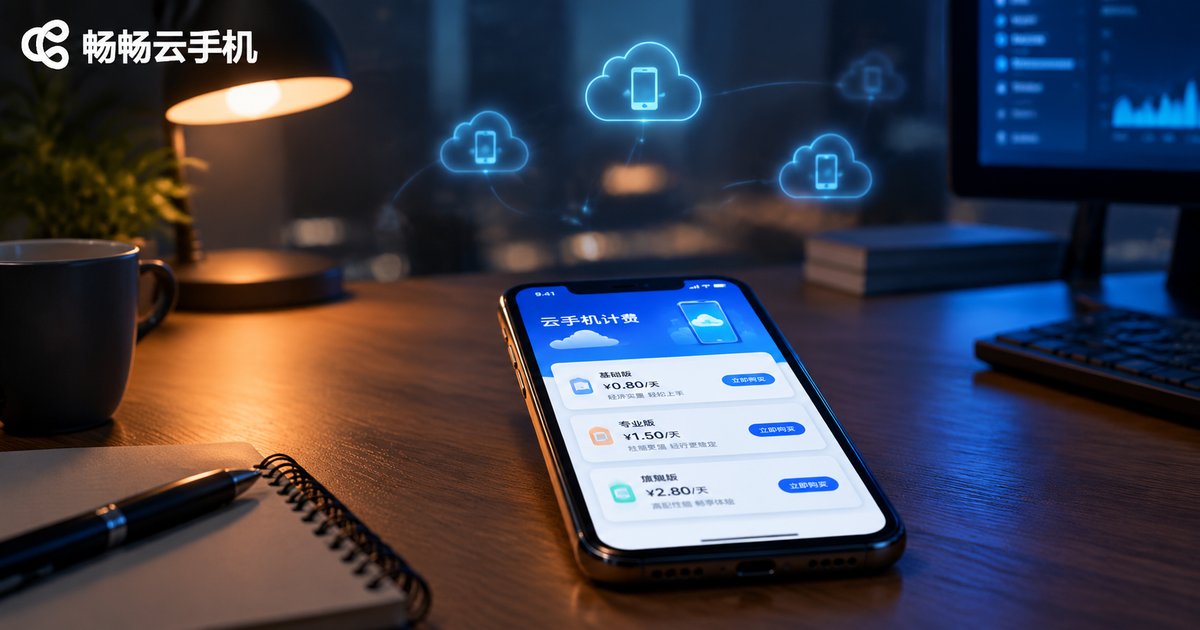
Cloud phone pricing is determined by three main dimensions: rental duration, device configuration, and add-on features. This article breaks down the differences between time-based, device-based, and feature-based billing models in plain language, compares which plans suit different types of users, and highlights hidden costs worth watching, such as renewal prices and feature inclusions. Whether you are a casual user doing daily check-ins, a gamer running multiple instances, or a studio managing batches of accounts, this guide helps you understand how cloud phone providers charge and how to pick the most cost-effective plan for your real needs.
Does Mobile Cloud Storage Cost Money? Apple vs. Android Cloud Service Pricing Comparison
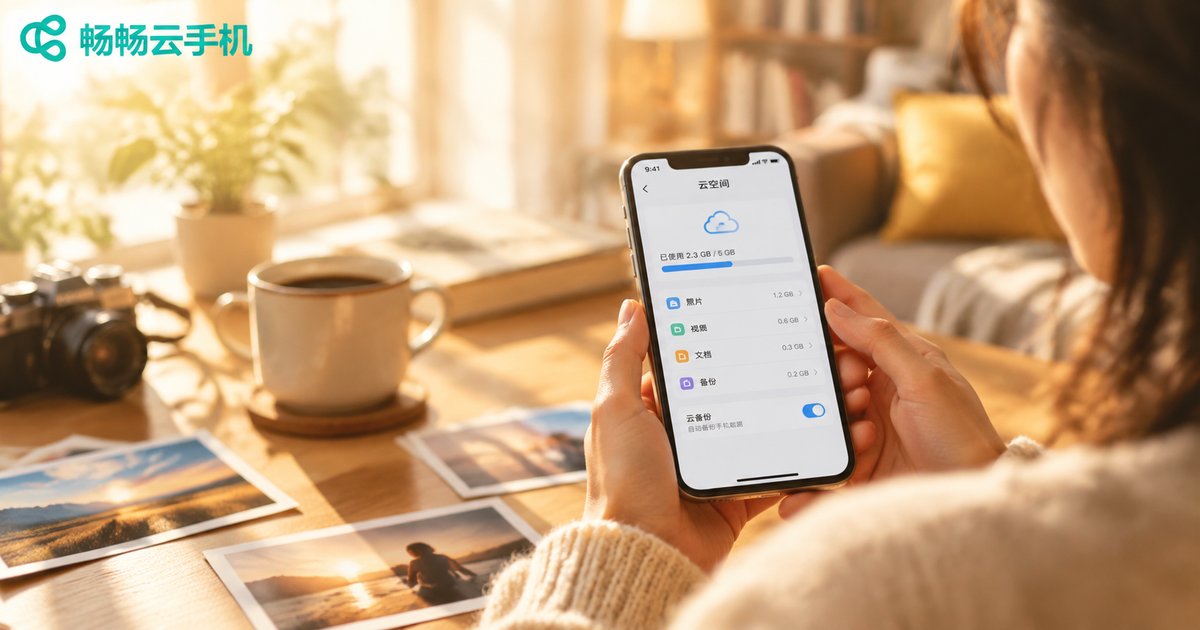
Mobile cloud storage is both free and paid. Apple, Google, and Android manufacturers typically offer 5GB–15GB of free space, then charge a monthly fee once your photos and videos outgrow it. This article breaks down how free tiers work and compares pricing across iCloud+, Google One, Samsung Cloud, OneDrive, and Dropbox, with clear tables covering free allowances, entry plans, and 2TB options. You'll also find money-saving tips like cleaning up before upgrading and using family sharing, plus CC Cloud Phone as a fresh alternative for users whose real pain point is limited phone storage and memory.
How Many Accounts Can One Cloud Phone Run? Multi-Account Limits Explained
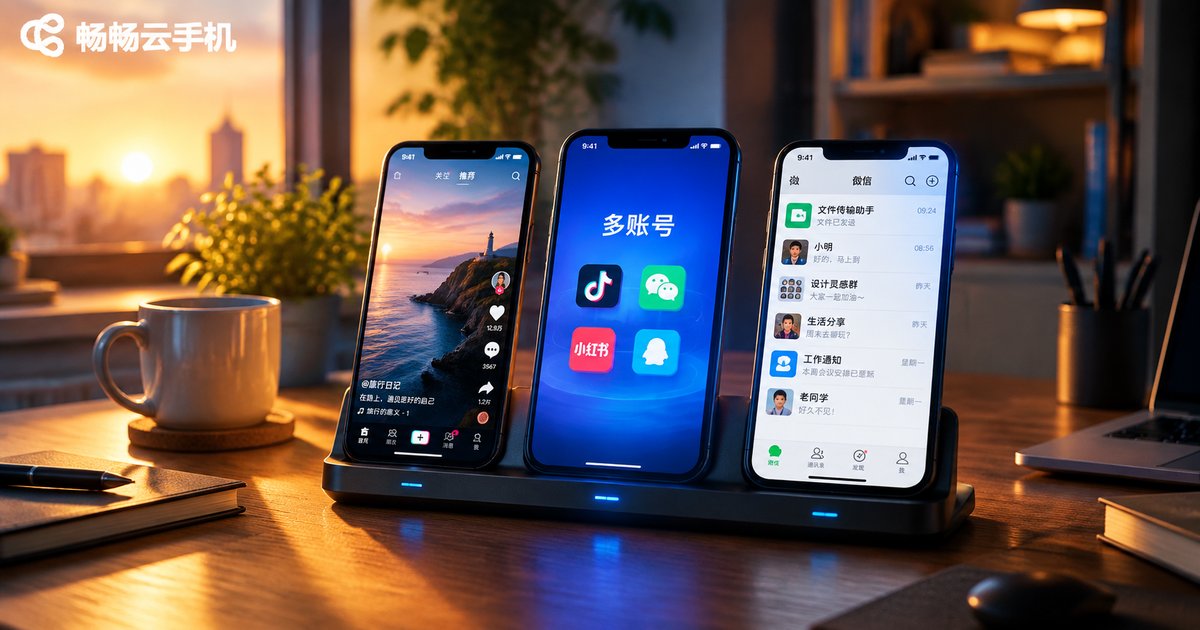
A single cloud phone instance works like a standalone Android device: you can install multiple apps and log in to one account per app, but when running several accounts on the same platform, one account per instance is the safer industry practice. This guide explains how many accounts a single cloud phone instance can hold, how multi-instance management works under one console, and the key factors that determine your account limits, including platform rules, network environments, operational capacity, and instance specifications. It also shares practical best practices for running multiple accounts safely. Whether you manage a social media matrix or multiple online stores, this guide helps you plan a smart multi-instance strategy.
Is Cloud Phone Really Feasible? The Current State and Boundaries of Cloud Phone Technology
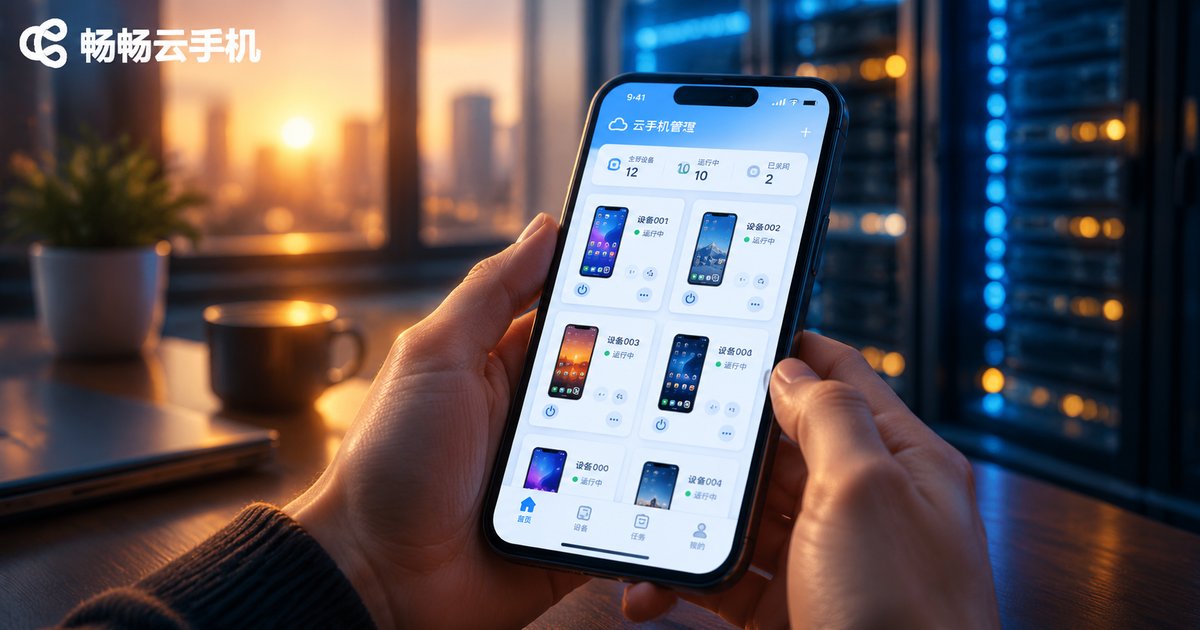
Cloud phones are neither a gimmick nor a magic solution. Starting from the underlying technical principles, this article objectively analyzes the current maturity of cloud phone technology: video streaming, ARM server virtualization, and latency control have all reached practical levels, making cloud phones excel in multi-account management, game idling, and app testing scenarios. At the same time, it draws clear boundaries around network dependence, split-second operation latency, and limited local hardware access—helping you decide whether a cloud phone truly suits your needs and how to choose a reliable service.

Can Cloud Phones Run Offline? Do Tasks Continue After Closing the App?
Can a cloud phone keep running offline? The answer is yes. A cloud phone runs on remote servers, while the app on your device is merely a viewing window—so closing the app, locking your screen, or even powering off your phone will not interrupt the tasks inside the cloud phone, which stays online 24/7. This article explains how cloud phones work in plain language, compares local AFK farming with cloud-based farming, reviews typical scenarios such as game idling, automated tasks, and multi-account management, and shares key points about using ccloudphone.
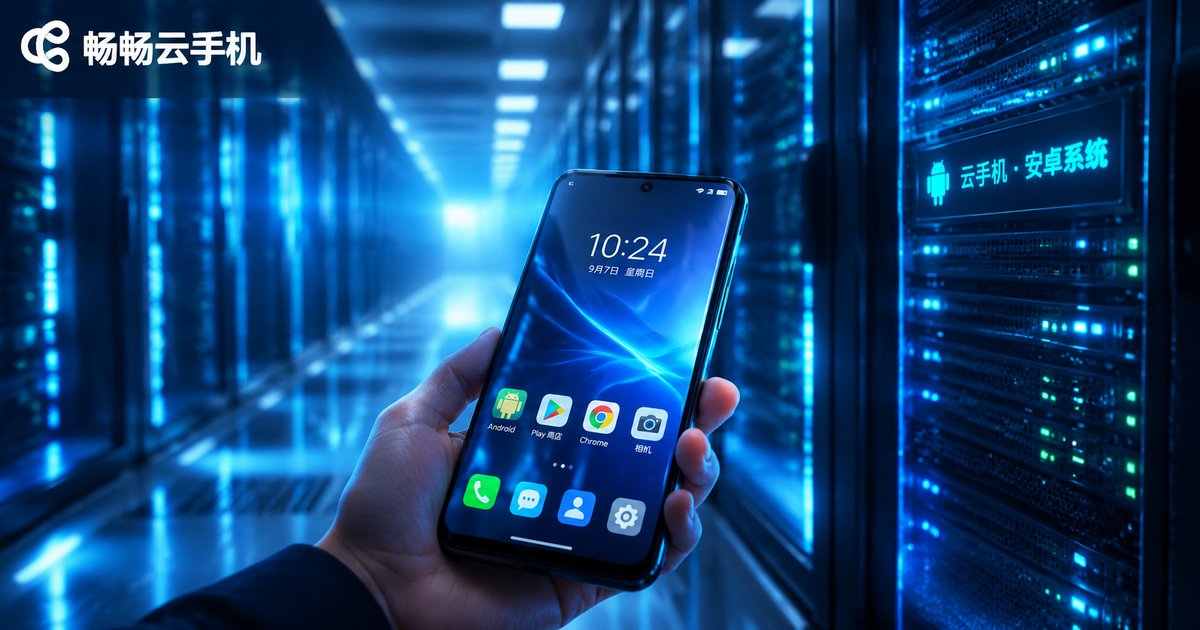
What Operating System Do Cloud Phones Use? Cloud Android Image Principles Explained
Cloud phones run native Android—but not on a physical handset. Instead, the entire system is deployed in isolated virtual environments on ARM-based cloud servers, and your device simply streams the screen while sending your taps back to the cloud. This guide explains what operating system cloud phones use, how cloud Android images are built and cloned, the three-layer architecture of ARM virtualization and real-time streaming, and how cloud phones compare with real devices in performance, battery, multi-instance capability, and data security. Whether you are a gamer, e-commerce operator, developer, or content creator, you will learn why cloud phones can stay online 24/7 without draining your local device, and what to look for when choosing a reliable cloud phone service.
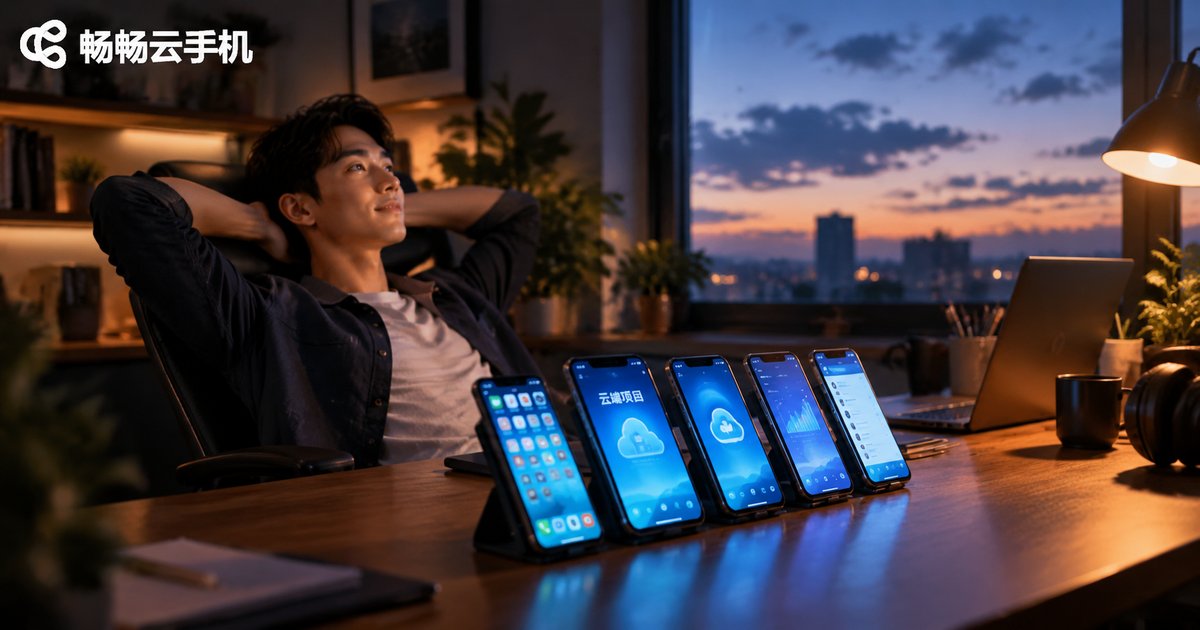
What Projects Are Cloud Phones Best Suited For? A Roundup of Popular Cloud-Based Project Types
Cloud phones—Android devices running on remote servers—have become essential tools for a wide range of online projects thanks to 24/7 availability, multi-instance management, and zero local resource consumption. This article reviews the most popular cloud phone project types, including game farming and multi-boxing, short video matrix operations, cross-border e-commerce, app testing, and community marketing, analyzing the operational essentials and revenue logic of each. A comparison table of difficulty, device requirements, and payback periods is also included to help solo entrepreneurs and small teams quickly find the right cloud-based project direction.

What Is a Cloud Phone? Key Differences from a Real Phone Explained
A cloud phone is a virtual Android smartphone running on remote cloud servers, which you control from your local phone, tablet, or computer through real-time screen streaming. It consumes no local battery, takes up no storage, stays online 24/7, and supports running multiple instances at once — clearly different from a real phone in where it runs, cost, and data security. This article explains in plain language what a cloud phone is, how it works, its core differences from real devices, and who benefits most from using one.