
Operations · Engineering · Trends
Hands-on playbooks, product updates and cross-border insights from the CCloudPhone team.
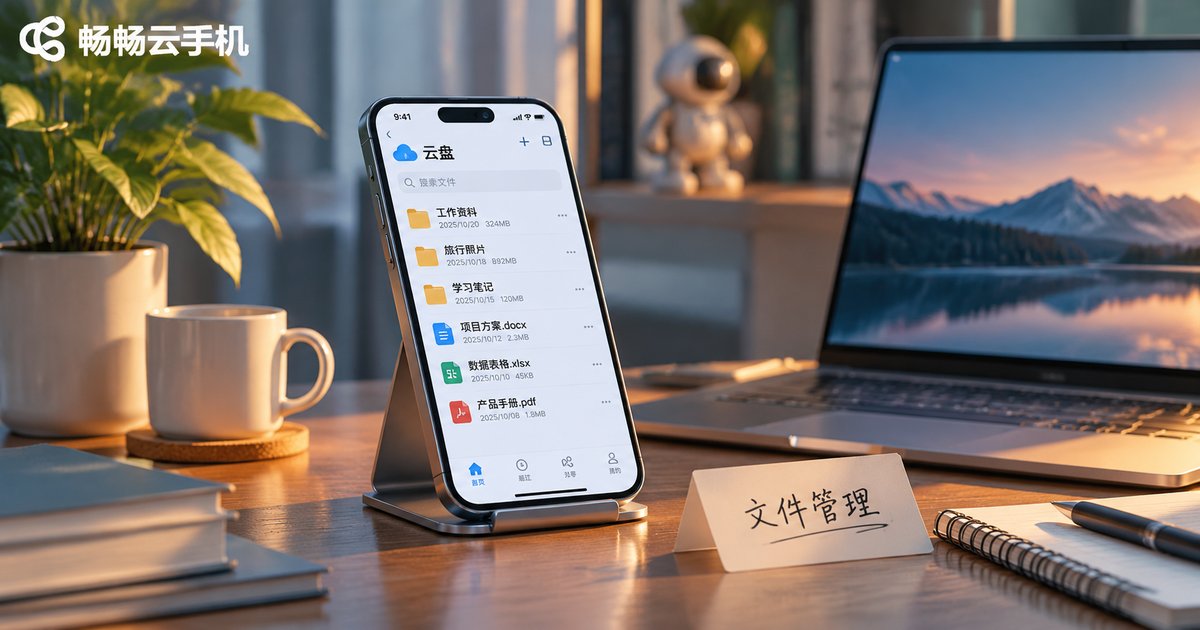
Cloud Phone File Manager Tips: Upload, Download, Rename and Archive
Cloud phone storage fills up fast with screenshots, screen recordings and stray installers. This guide breaks file management into four simple actions: compress and target a folder before uploading, rename and bundle before downloading, use one date-first naming convention, and archive by project rather than by file type. It also includes a quick reference table for each action and answers to five common questions, so you can turn cloud file cleanup into a habit that actually lasts.
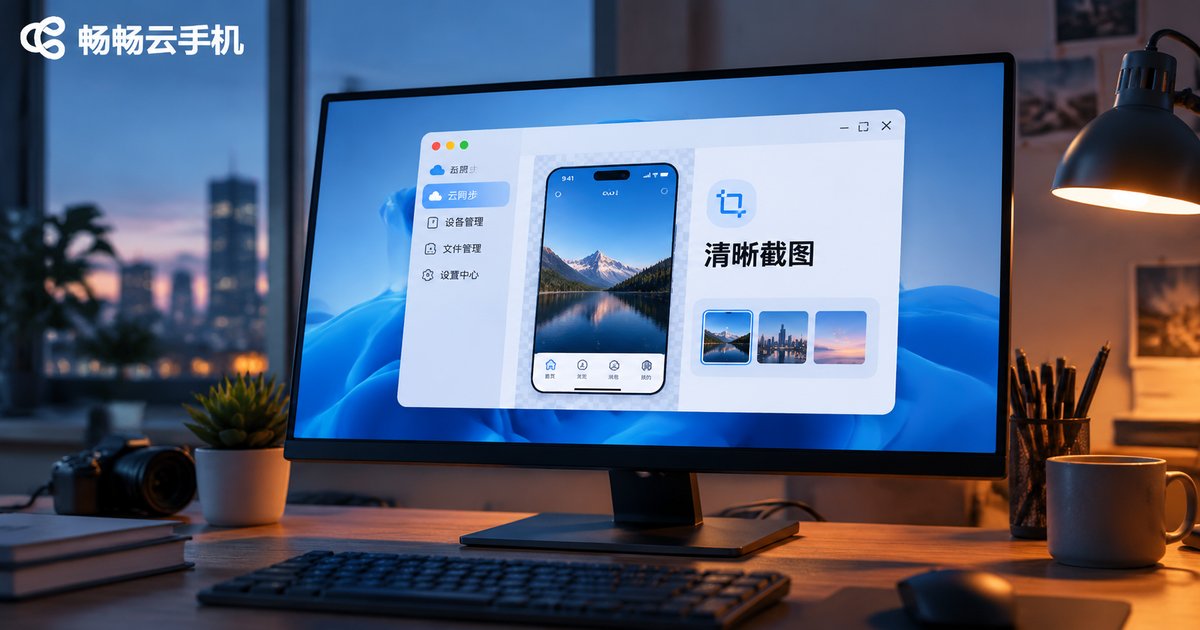
How to Improve Cloud Phone Screenshot Clarity: Resolution and Display Settings Guide
Blurry cloud phone screenshots are rarely caused by the capture action itself. The real culprits sit somewhere in the chain from cloud rendering to encoding, transmission, local decoding and final saving. This guide breaks that chain down step by step, compares resolution tiers, explains how bitrate and frame rate trade off against clarity, ranks three screenshot methods by output quality, and provides ready-to-use parameter presets for social chat, mobile gaming, e-commerce and short video scenarios so you can get sharp cloud phone screenshots in one pass.
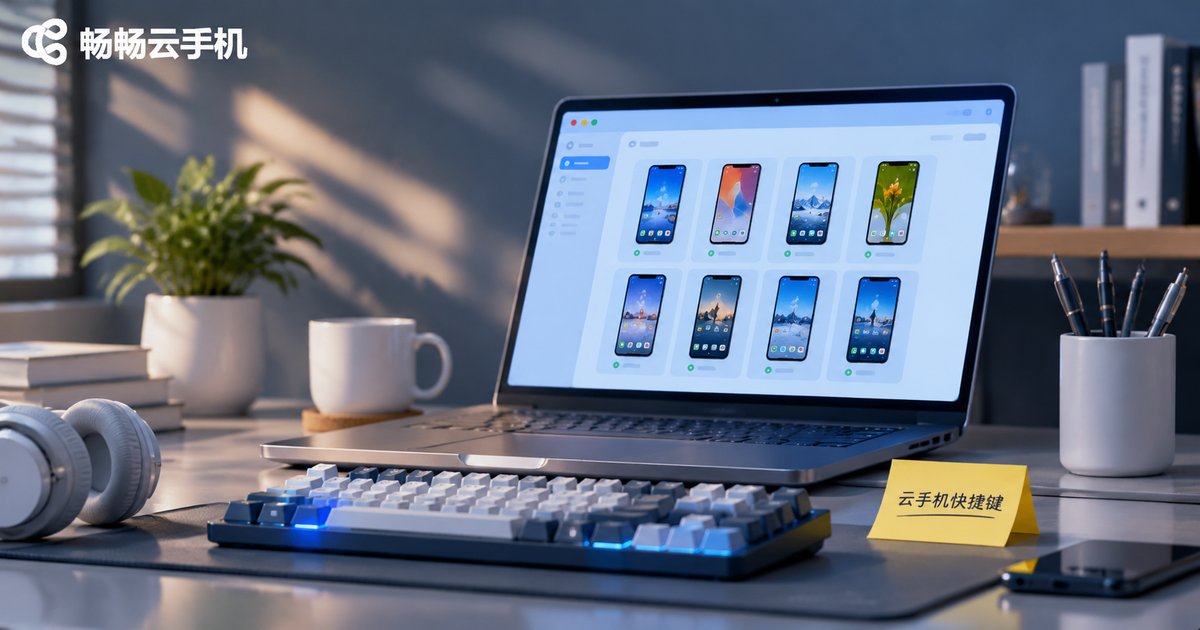
Cloud Phone PC Shortcut Key Settings: Common Operations and Efficiency Tips
Setting up shortcut keys on the cloud phone PC client can save time and reduce repetitive mouse work. This guide explains why shortcuts matter, lists common actions such as switching multi-instance windows, going back, returning to the home screen, taking screenshots, recording screens, rotating the screen, and adjusting volume, and shows a simple three-step setup process. It also shares six efficiency tips, a troubleshooting table for conflicts, and practical advice for using the CcloudPhone (ccloudphone) PC client. Start with a few high-frequency actions, test them in your current client version, and adjust gradually for a smoother multi-instance workflow.
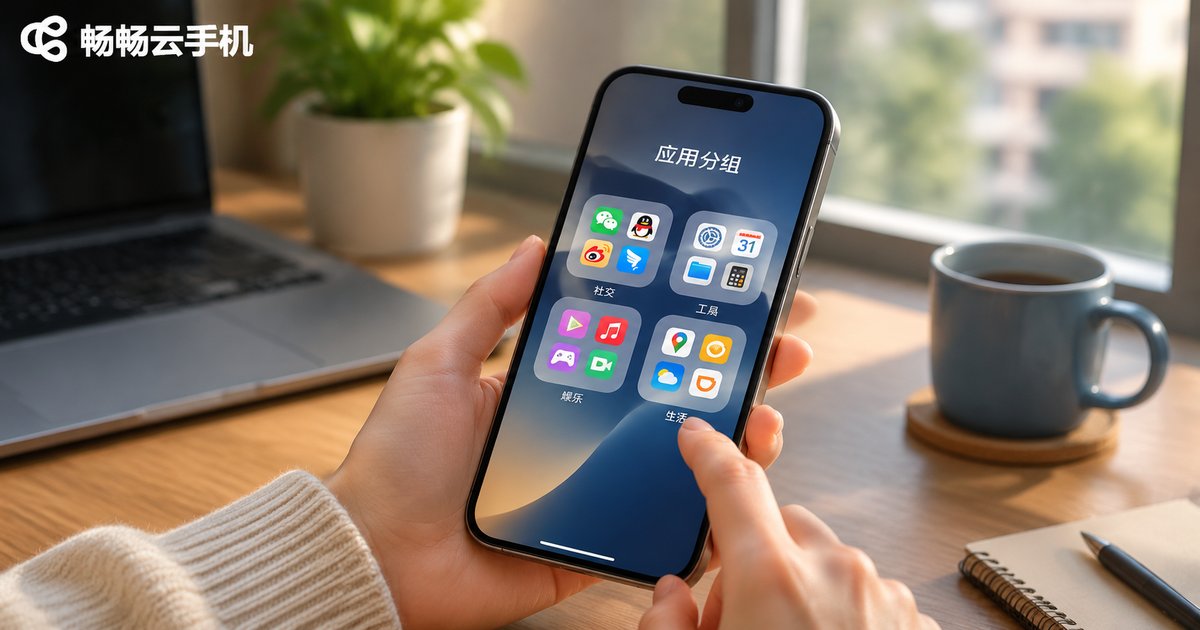
Cloud Phone App Group Management Guide: Bulk Organizing, Searching and Quick Launch
Too many apps on your cloud phone and finding anything means endless scrolling? This guide walks through a practical app group management workflow: set grouping rules first, then use bulk operations to handle a whole group at once, and finally rely on search plus quick-launch shortcuts to open anything in seconds. It includes a comparison of three grouping approaches, a before-and-after time table for bulk organizing, tips for separating multi-instance app groups, and hands-on advice for applying the method on ccloudphone.
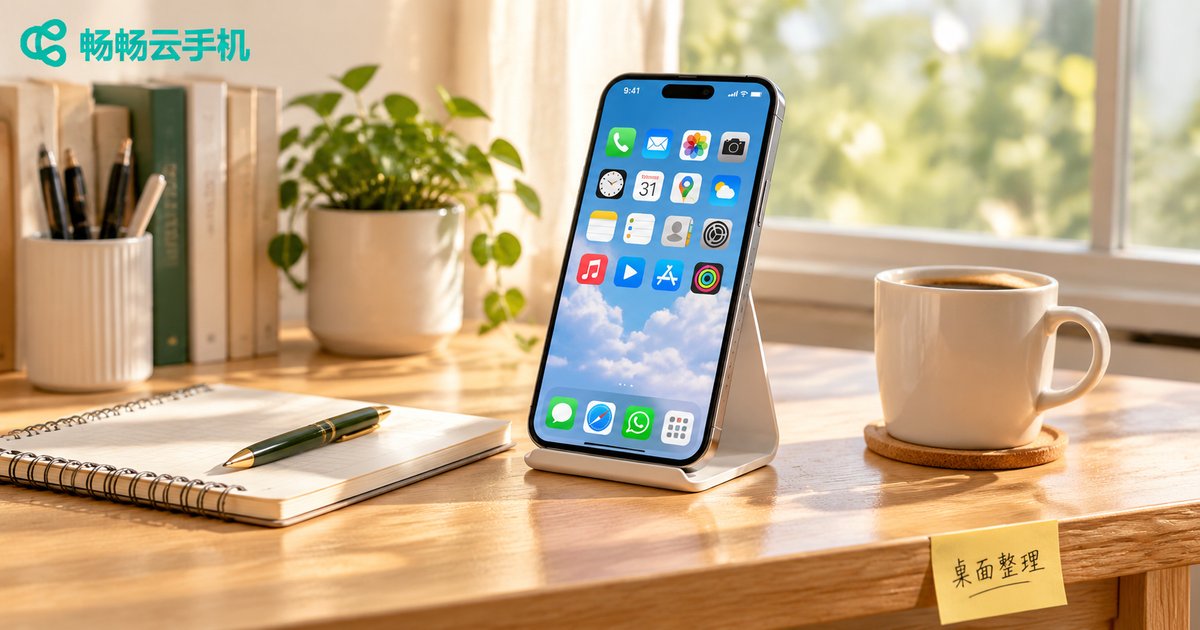
2026 Cloud Phone Desktop Organization Tips: App Grouping and Shortcuts That Boost Efficiency
The longer you use a cloud phone, the more your home screen starts to look like an unorganized storeroom: icons spread across three or four pages, apps found only by blind swiping, and frequently used tools buried among rarely touched ones. This guide walks through five practical steps: group apps by real usage scenarios, move high-frequency actions to the first screen, set a folder naming convention, and use long-press menus, widgets and gestures to cut down on taps. It also includes a five-minute weekly maintenance checklist and explains how ccloudphone's cloud-synced layout and independent multi-instance desktops help you turn a cloud phone into a genuinely efficient workspace in 2026.
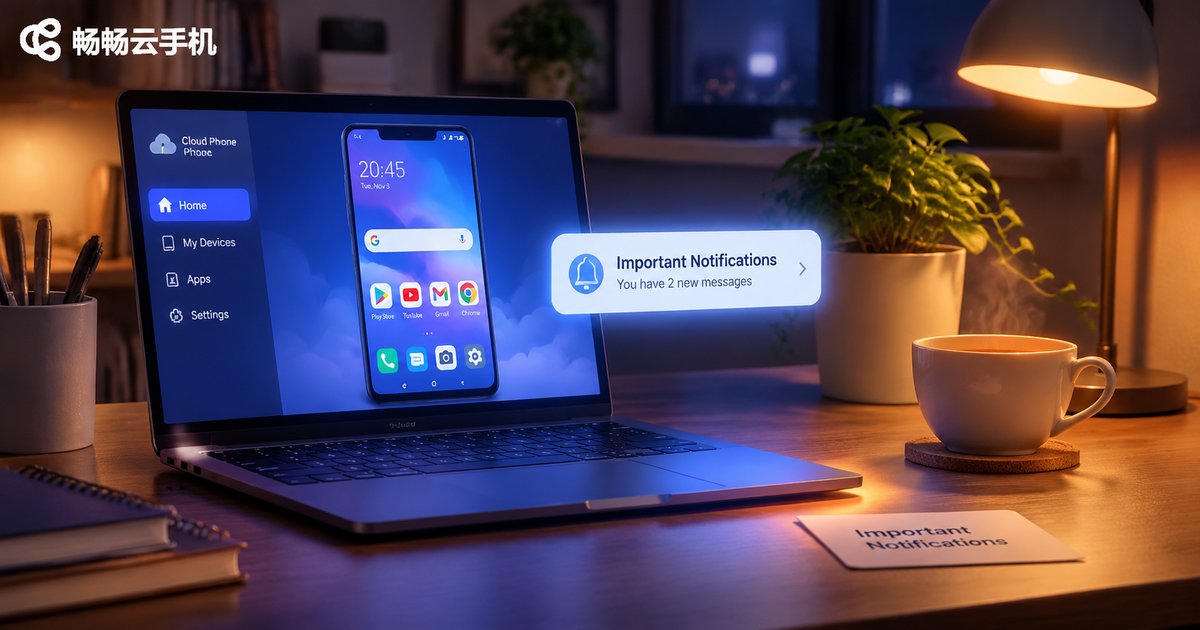
Cloud Phone Message Push and Notification Settings: Configuration Ideas to Never Miss Important Alerts
A cloud phone runs in a data center, so every notification has to travel from the app, through the cloud phone's system notification layer, across the cloud message channel, and finally to your local client. If any link is blocked by notification permissions, background cleanup, or battery-saving rules, important messages get delayed or silently dropped. This guide explains the notification chain in plain language, then walks through a five-step base setup, a scenario-by-scenario comparison of reminder strategies, and a practical troubleshooting checklist so you can keep critical alerts on time without being buried in noise.
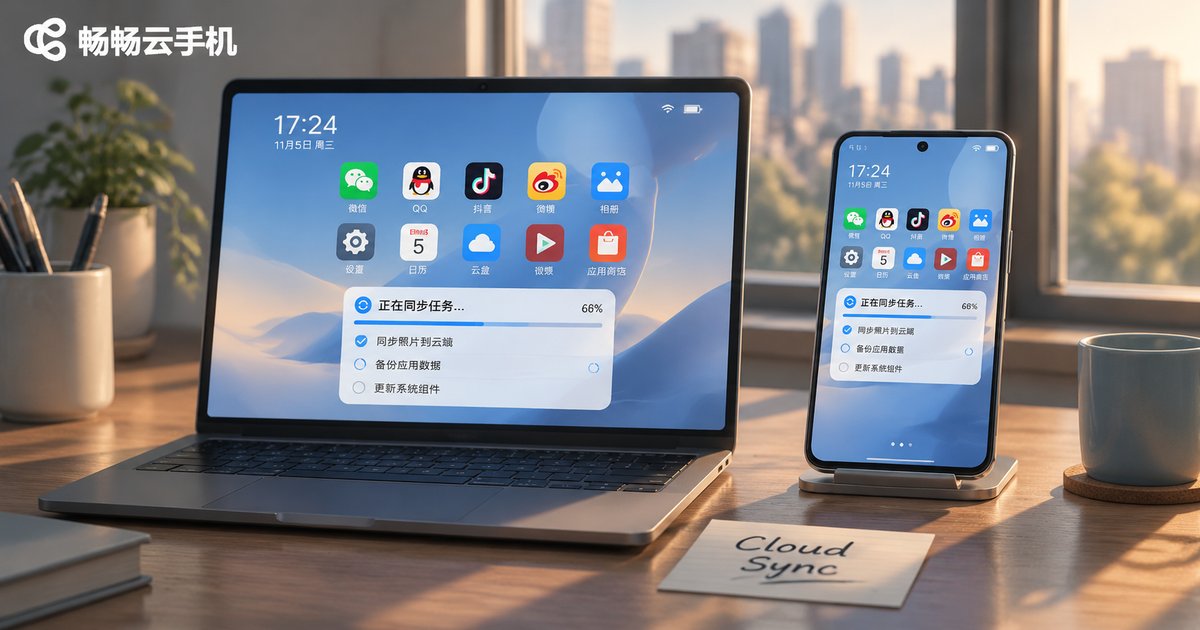
How to Set Up Cloud Phone Cross-Device Sync: Connecting Desktop and Mobile
Your cloud phone tasks keep running on desktop, but everything looks different the moment you open the app on your phone. The problem is usually not the cloud phone itself, but cross-device sync that was never configured properly. This guide walks through three practical steps: aligning accounts and instances, enabling screen and clipboard sync on desktop, and connecting your mobile client without dropping the session. It also includes a comparison table of three sync methods and a troubleshooting checklist for when sync stops working.
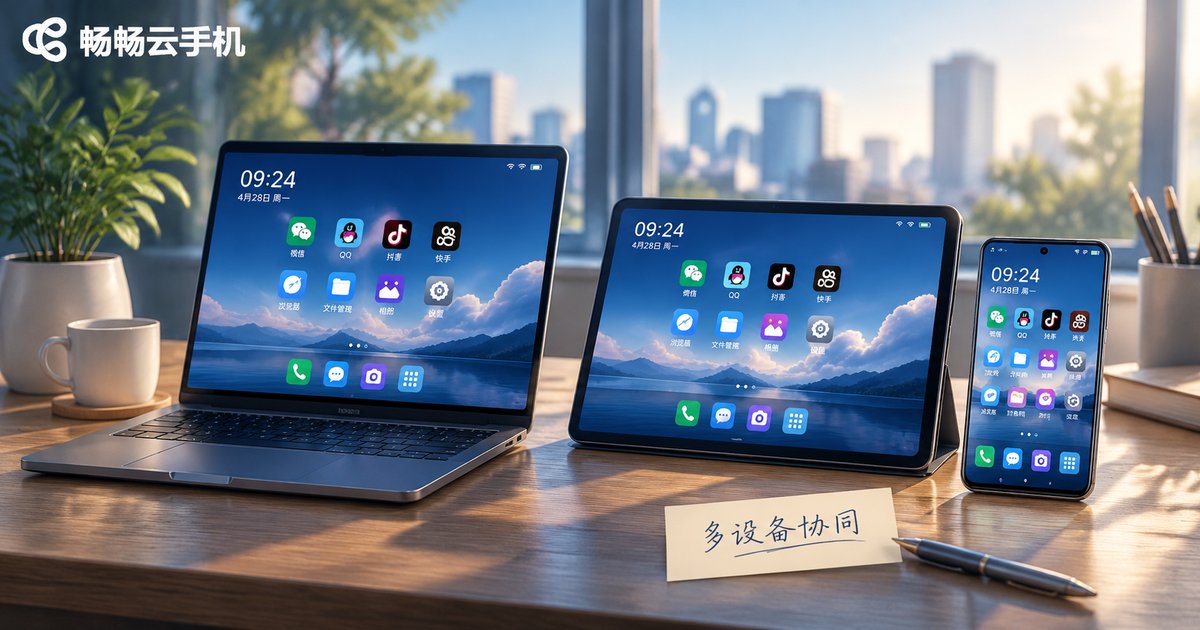
2026 Cloud Phone Multi-Device Collaboration Guide: Account, File and Message Sync
Switching a cloud phone between your phone, tablet and computer is easy, but keeping accounts, files and messages in sync is where most people get stuck. This guide breaks down the three core parts of multi-device cloud phone collaboration, unified account login, cross-device file flow and multi-end message delivery, with practical setup steps and common pitfalls to avoid.
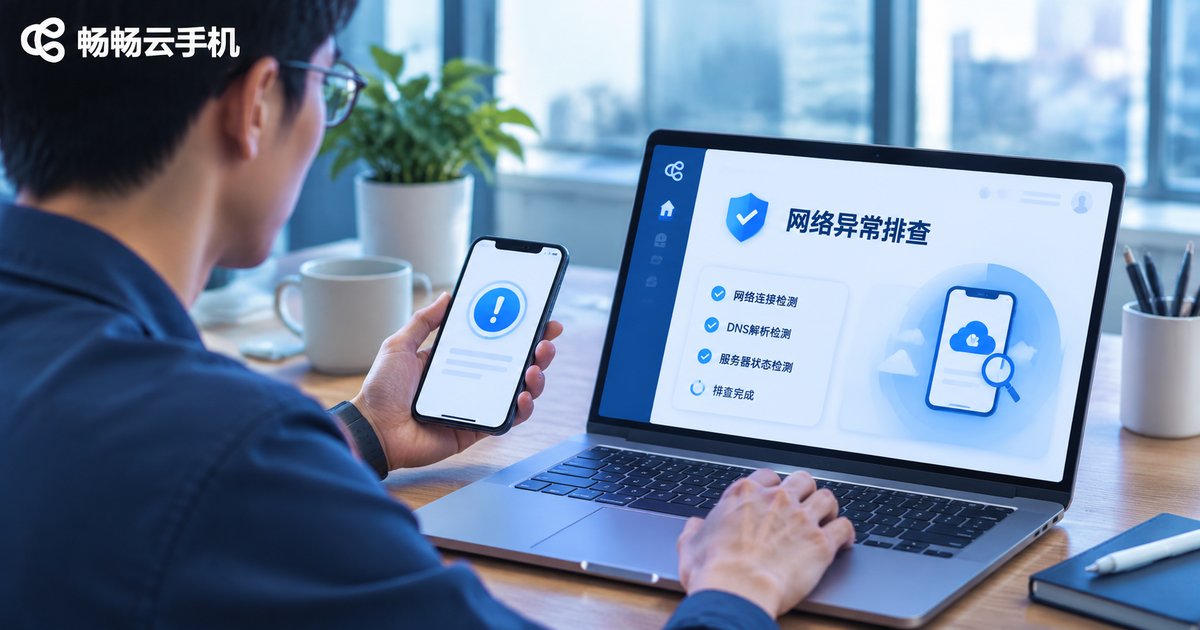
How to Read Cloud Phone Network Error Codes: Common Messages and Troubleshooting Directions
When a cloud phone suddenly shows a network error with codes such as -1001 or -2001, don't panic. This article groups common messages into connection, authentication, instance, and service categories, explains likely causes and first troubleshooting actions in a table, and provides a step-by-step order from local network and client checks to instance status and platform announcements. It ends with a Q&A section to help ccloudphone users locate issues quickly.
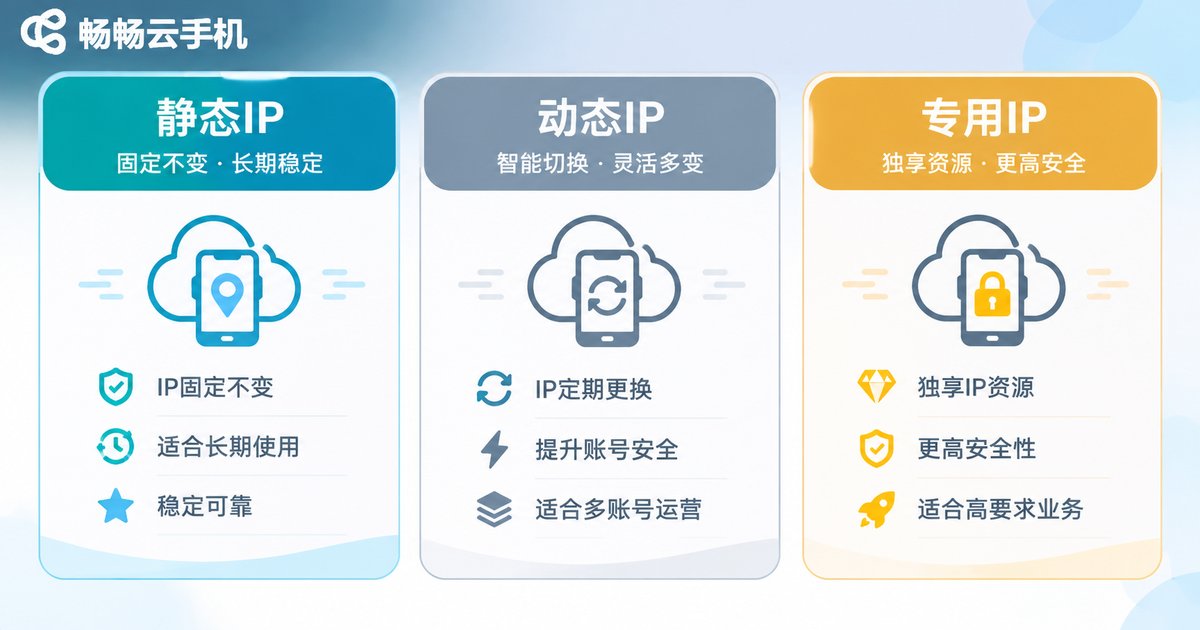
Cloud Phone IP Management FAQ: Login Environment and Account Security Tips
Why does logging into several accounts from the same cloud phone keep triggering a login environment warning? This article breaks down cloud phone IP management from three angles: IP types, device fingerprints and login behaviour. It summarises the most common mistakes in multi-account operations, offers a practical routine you can copy directly, and explains how CcloudPhone (ccloudphone) approaches dedicated network environments and instance isolation, helping you reduce false risk flags while staying compliant.
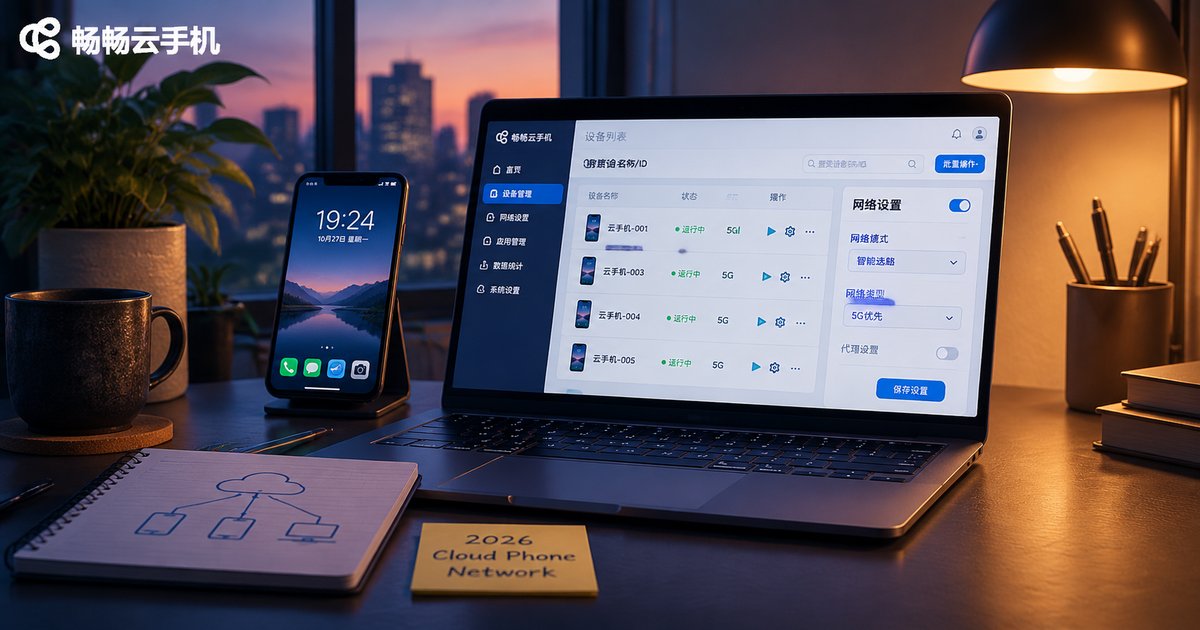
2026 Cloud Phone Network Configuration Basics: Proxies, Nodes, and Connection Types
Newcomers to cloud phones often confuse proxies, nodes and connection types, which makes configuration harder than it needs to be. This guide separates the three ideas clearly: a proxy determines the exit identity a cloud phone uses to reach the internet, a node determines which data center the device actually runs in, and a connection type determines how your own laptop or phone delivers screen frames and input to it. The article includes a node comparison table, three proxy levels and when to use each, a complete step-by-step setup flow with self-check commands, and five common mistakes, so you can get cloud phone network configuration right in 2026.

Cloud Phone Network Switching Tips: Wi-Fi and Mobile Network Handover Issues
Cloud phones rely on a stable connection between your local device and the cloud. When your phone switches from Wi-Fi to mobile data, or the other way around, you may see frozen screens, short disconnects, higher latency, or apps asking you to sign in again. This guide explains the key differences between Wi-Fi and mobile networks, common handover problems, and practical troubleshooting steps. It also lists seven things to check before and after switching networks, so you can work, play, or run background tasks with fewer interruptions. You will also find tips for using CCloudPhone more smoothly and a short FAQ covering IP changes, signal bars, re-login prompts, and black screens.