
Operations · Engineering · Trends
Hands-on playbooks, product updates and cross-border insights from the CCloudPhone team.

How to Check Cloud Phone Running Status: Daily Inspection Checklist and Anomaly Diagnosis
Cloud phone failures usually come with warning signs: CPU creeping up, memory that only grows, packet loss quietly rising. This guide explains the five core metrics worth watching on any cloud phone instance, provides a copy-and-use daily inspection checklist, and offers a symptom-to-cause table that helps you tell an compute bottleneck apart from a memory bottleneck or a network bottleneck, so lag, black screens, crashes and disconnects get caught before they hit your business.

2026 Cloud Phone Monitoring and Alert Setup Guide: Status, Resource, and Anomaly Notifications
The biggest risk when running cloud phones for business is not failure itself, but failure going unnoticed. This guide explains how to set up monitoring and alerts on cloud phones in 2026: from device online status and CPU/memory resources to script anomalies and network drops. Learn how to configure alert rules, choose notification channels, and grade alert severity so your cloud phones become truly worry-free automation tools.

Cloud Phone Task Failure Retry Mechanism: Efficiency Gains and Risk Control
Running batch tasks on cloud phones almost always involves failures: network jitter, instance load, script timeouts and app-side risk controls can keep success rates stuck around 70-80%. This article explains, in plain language, how to design a task failure retry mechanism the right way. Start by classifying failures, then define attempt limits, exponential backoff with jitter, idempotency keys and observability. It also shares four practical ideas for improving efficiency, three common pitfalls in risk control, and a ready-to-use parameter template so you can move fast without amplifying problems.

Cloud Phone Automation Workflow Design: Steps, Exceptions and Retry Mechanisms
Getting a cloud phone automation to run once is easy; keeping it stable across thousands of runs is the hard part. This article breaks down the three engineering questions behind every reliable workflow: how to split a business process into verifiable atomic steps, how to classify exceptions instead of retrying everything blindly, and how to design a retry mechanism that does not amplify failures. It covers step numbering, success criteria, exponential backoff, timeouts, concurrency limits, and logging, and explains why a stable cloud phone foundation matters for long-term automation.
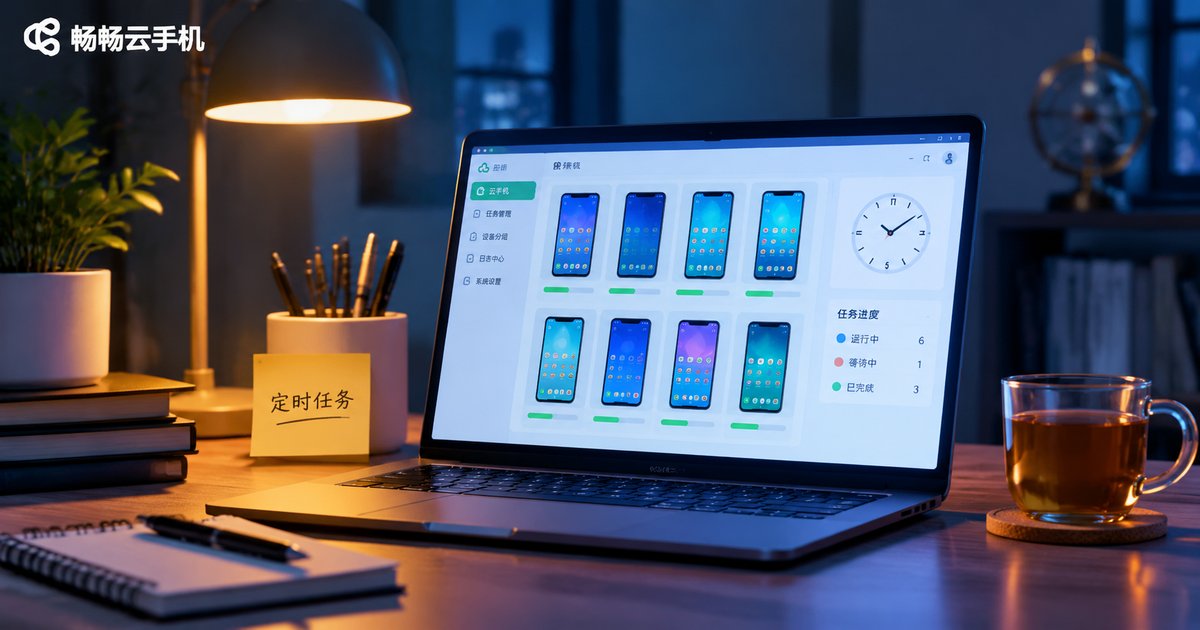
Cloud Phone Scheduled Tasks in 2026: A Beginner's Guide to Automation and Checking Execution Logs
The biggest value of a cloud phone is not running more apps, but running them without you. This guide explains how scheduled tasks work in plain language, walks you through setting them up on a cloud phone step by step, and shows you how to read execution logs to confirm a task actually succeeded. It also covers practical parameter settings for common scenarios such as game idling, daily check-ins and data collection, plus a few habits that keep your automation stable. Written for beginners who are new to cloud phone automation.
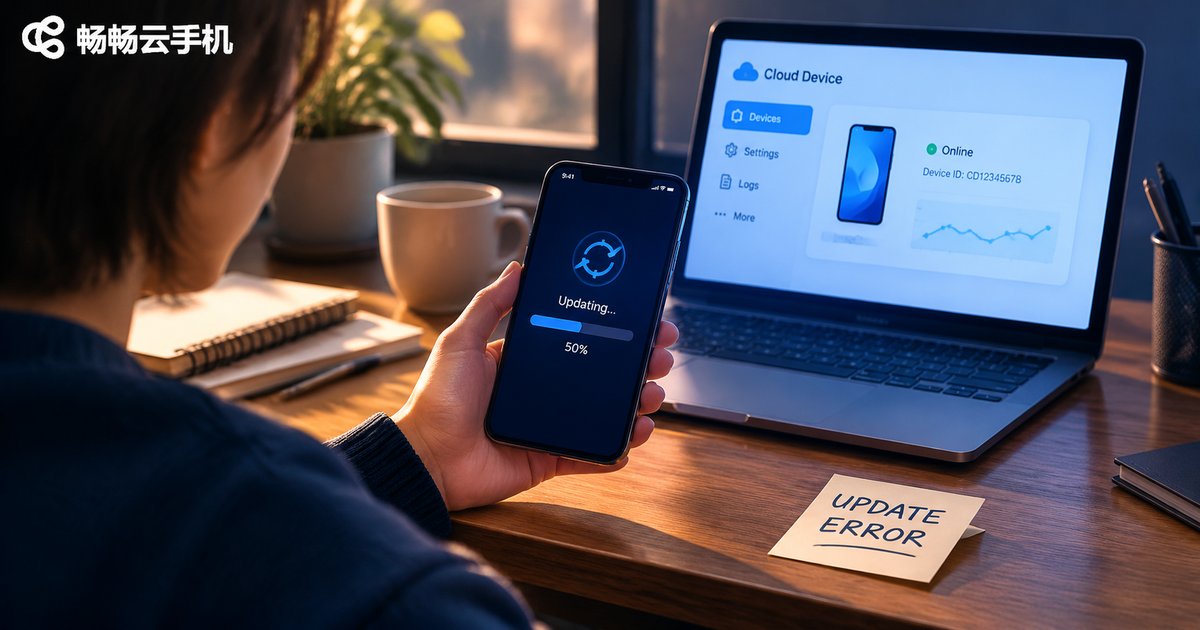
Cloud Phone App Update Failed: Troubleshooting Storage, Network and Compatibility
When an app fails to update inside a cloud phone, the cause is rarely a single issue. This guide walks through three main threads - storage space, network conditions and system compatibility - with a repeatable troubleshooting order, practical commands and a symptom-to-cause reference table, so you can quickly tell whether you are dealing with low disk space, an interrupted download or an Android version mismatch. It also explains how to choose a more stable cloud phone for heavy update workloads, plus a FAQ section.

2026 Cloud Phone Screen Recording Evidence: Video, Audio and File Storage Tips
Recording evidence on a cloud phone is not just about pressing the record button. This guide breaks down the 2026 essentials of screen-recording evidence across three areas: image clarity, audio capture methods, and file naming plus backup. It includes a practical checklist and a comparison table so you can hand over a complete, continuous and traceable recording when you need to prove what happened on screen.
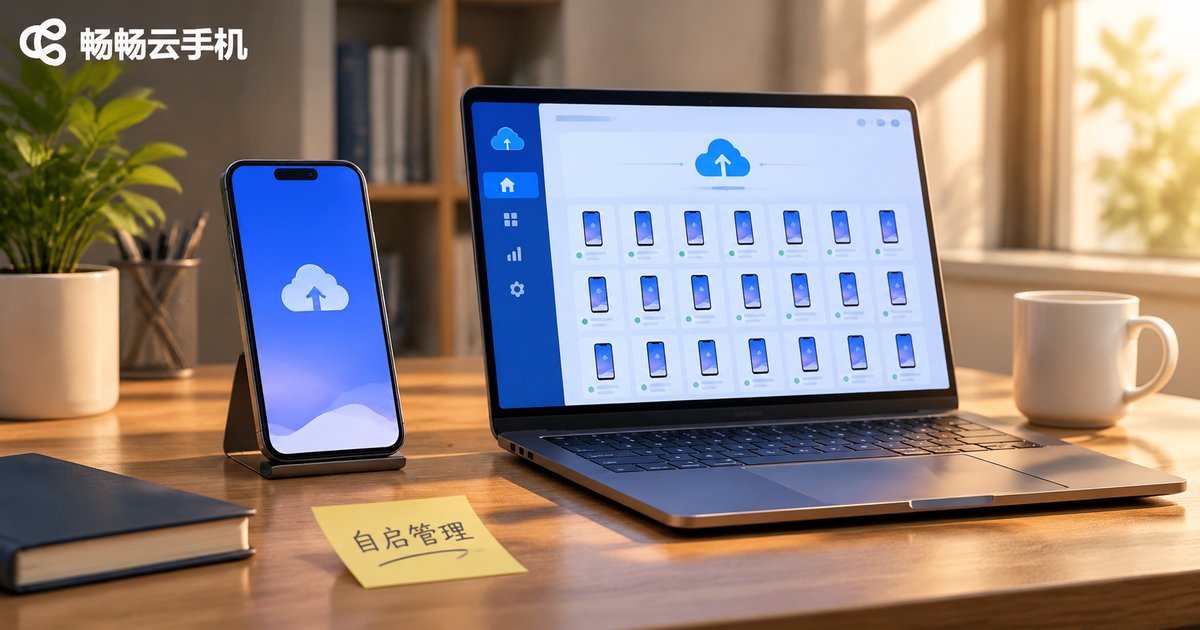
Cloud Phone Autostart Management: Reduce Resource Waste and Boot Conflicts
The more apps that autostart on a cloud phone, the slower the instance boots and the tighter memory becomes. Multiple apps competing for push channels, overlay permissions and background services can also trigger boot conflicts. This article explains what autostart really consumes, how cloud phones differ from physical phones, and offers practical advice such as tiered management, delayed startup, whitelist templates and regular audits to make your cloud instances boot faster and run more reliably.
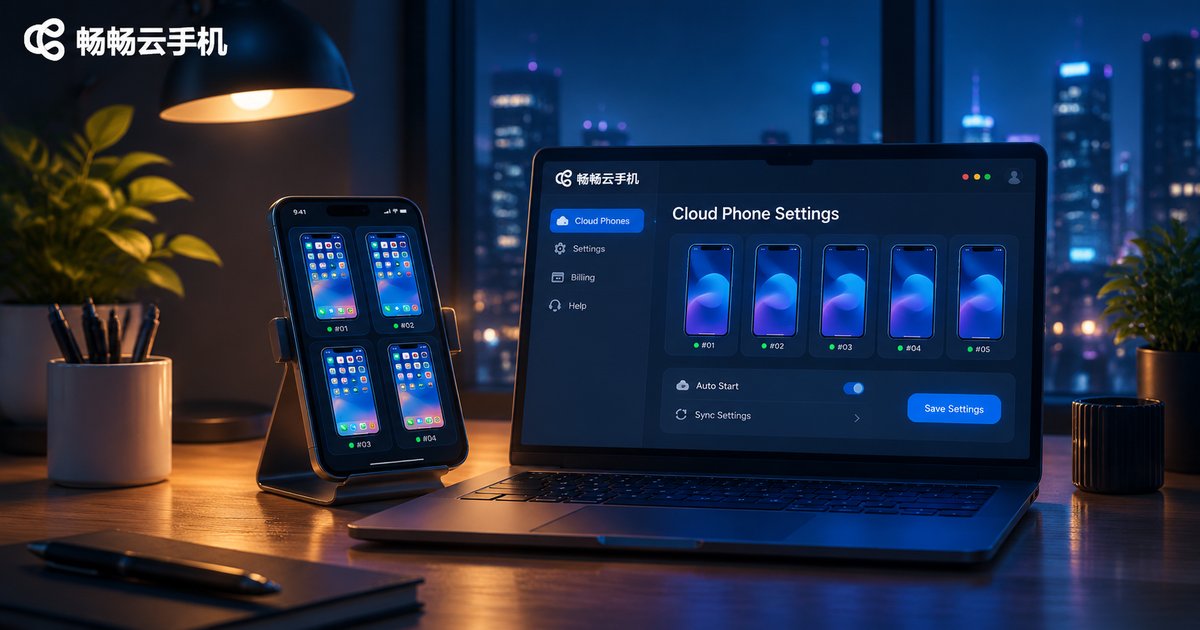
Cloud Phone Background Running Settings: Resource Usage, Power Saving, and Stability Optimization
Many people treat a cloud phone as another phone in the cloud and install apps without adjusting anything. In fact, background running settings directly affect resource usage, local power consumption, and long-running stability. This article explains the differences between cloud phone background running and local phone background running in plain language, and provides practical optimization checklists for CPU and memory, storage and network, local power saving, cloud keep-alive, scheduled tasks, and regular maintenance. It also introduces ccloudphone practices for background idle tasks, multi-open management, and cross-device operations.
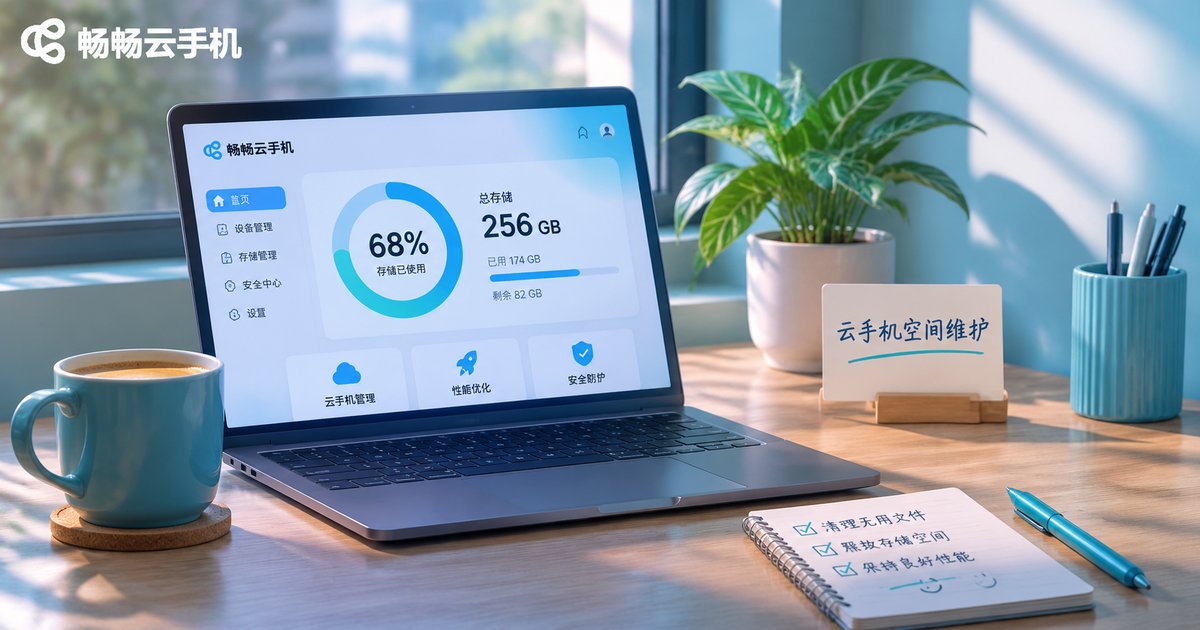
Cloud Phone Cache Cleanup and Storage Release in 2026: A Regular Maintenance Guide
A cloud phone runs in the data center, but its storage still gets eaten by app caches, logs and downloaded files, which makes apps launch slowly and screenshots fail to save. This guide breaks down what really fills up a cloud phone, walks through a four-step cleanup from clearing caches to uninstalling unused apps, provides a daily, weekly, monthly and quarterly maintenance schedule, and shares habits that slow cache growth so your device stays smooth over the long run.
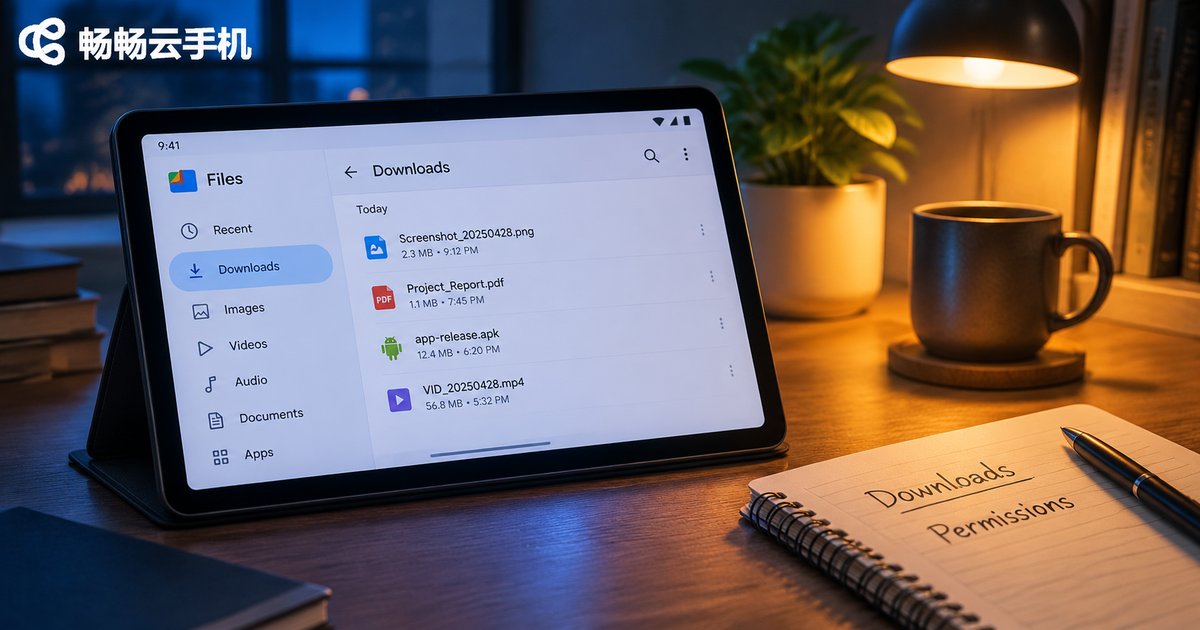
Cloud Phone Browser Usage and Download Management: File Locations and Permission Settings
Managing downloads on a cloud phone browser usually raises two questions: where the file actually went, and why a download stalls with no progress. This guide walks through the real storage paths inside an Android cloud phone — the public Download folder, browser private directories, and picture and video folders — then shows three ways to locate a file: the file manager, the browser download list, and opening it from inside an app. It also covers the storage, notification, background-running and unknown-source installation permissions, with a quick comparison table. Five practical habits for keeping downloads tidy come next, plus why ccloudphone makes file access and permission control simpler.
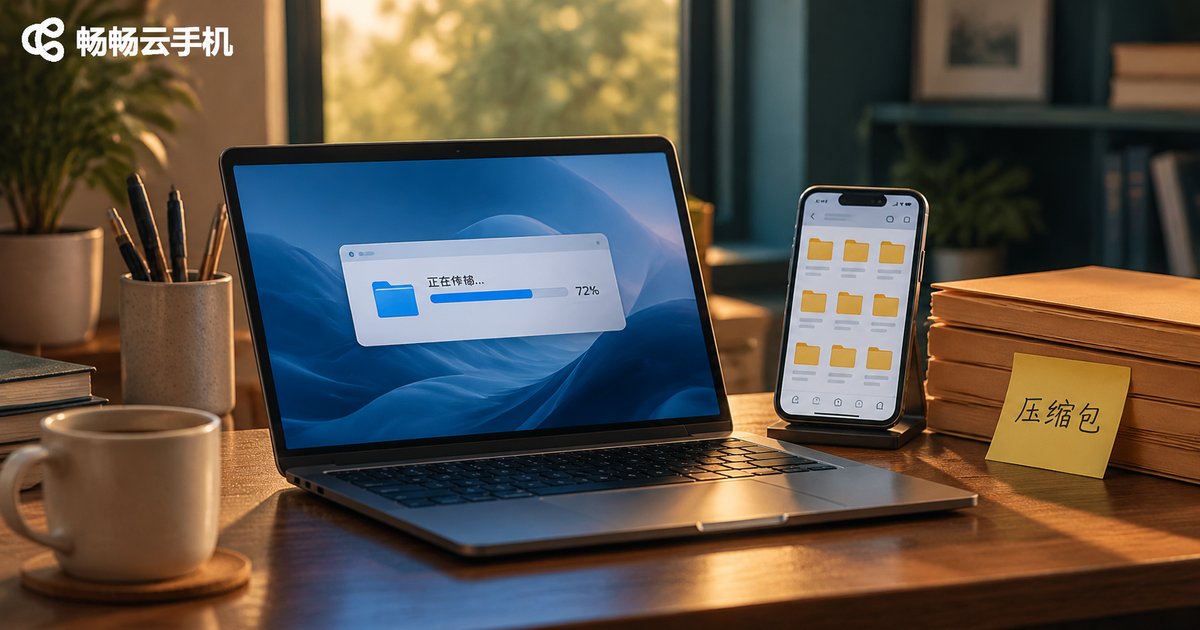
2026 Cloud Phone Archive Extraction & Upload Guide: Handling Common Formats
Working with archives on a cloud phone usually runs into the same handful of problems: formats the system will not open, garbled Chinese filenames after extraction, and large uploads that fail halfway through. This guide walks through the whole workflow in three stages — before upload, during upload, and after upload — covering zip, rar, 7z and split archives, filename encoding settings, how to choose an upload method, where extracted files actually land, and a simple troubleshooting order you can follow when something goes wrong. It closes with practical advice on picking a cloud device for the recurring pack-upload-extract-install loop.