
Operations · Engineering · Trends
Hands-on playbooks, product updates and cross-border insights from the CCloudPhone team.
Why Do Cloud Phones All Focus on Game AFK? An In-Depth Industry Analysis
Open any cloud phone product page and game AFK is almost always the headline feature. This is no coincidence—it reflects a triple alignment of technology, demand, and business logic. Cloud architecture makes 24/7 uptime natural, daily-quest-heavy mobile games create massive idle-farming demand, and the clear use case gives vendors their highest-converting subscription scenario. This article examines the industry status from these three angles, analyzes the homogenization challenge, and offers practical advice for choosing the right cloud phone for AFK farming.
Cloud Phone vs Real Phone: Which Is Better? A Selection Guide for Different Users
Cloud phone or real phone — which is better? The answer depends entirely on your use case. Real phones handle daily calls, photos, and everyday apps, while cloud phones excel at 24/7 idling, multi-account operations, and app development testing. This article breaks down the core differences in a clear comparison table covering uptime, battery drain, multi-instance capability, and hardware features, then offers practical recommendations for mobile gamers, e-commerce operators, developers, and everyday users — helping you decide whether a cloud phone deserves a spot as your second device.
Does Cloud Phone Idle Mode Use Data? The Real Truth About Data Consumption
Cloud phone idle running barely consumes any data on your local device. All apps run on remote servers in the cloud, and data usage only occurs when you open the screen to watch or interact, similar to streaming a live video. This article breaks down the real numbers behind every scenario — overnight idle farming with the screen closed uses under 10MB, while HD active play can reach 800MB per hour — and shares three practical tips to help you save data, plus honest answers to the most common questions about cloud phone data consumption. Whether you farm dungeons overnight or run multiple instances, understanding these numbers helps you spend your data where it truly matters.
How to Achieve 24-Hour AFK Running on a Cloud Phone: Setup Tips for Zero Disconnection
A cloud phone runs entirely on remote servers, which gives it a natural ability to stay online around the clock—but keeping AFK tasks truly stable still requires the right configuration. In this guide, we explain how cloud phones achieve 24-hour continuous uptime, walk you through three essential pre-flight checks, and break down five core settings that prevent disconnections, from disabling power-saving cleanup to scheduling daily restarts. We also share recommended parameters for common scenarios such as idle game farming, live streaming, and scripted automation, so you can set up a reliable, hands-free cloud phone that keeps working while you sleep.
How to Renew a Cloud Phone: Package Renewal and Plan Switching Guide
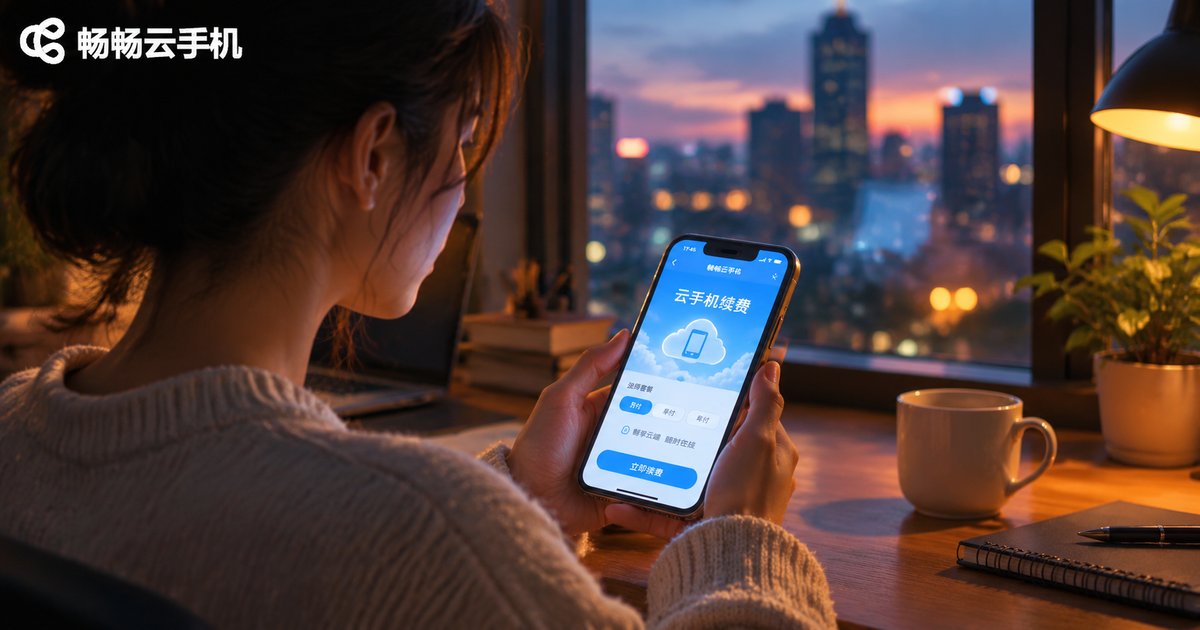
When your cloud phone package expires without timely renewal, the device gets suspended and your data may eventually face reclamation. This guide walks you through the standard four-step renewal process, from signing in and finding the renewal entry to choosing a billing period and completing payment. It also explains two common ways to switch plans—switching before expiration or switching while renewing—along with practical advice on choosing the best renewal timing for different use cases, from game automation to multi-instance farming. A closing FAQ covers data retention periods, billing cycle changes, and what to do if your device is suspended, helping you manage your cloud phone smoothly and avoid downtime and data loss.
Is a Cloud Phone Worth It? Cost Comparison with Buying a Second Physical Phone
Thinking about buying a second phone but worried about the cost? This article breaks down the full expense of owning a backup physical phone—purchase price, depreciation, repairs, and upgrade cycles—against the subscription model of a cloud phone. A backup device can easily cost over a hundred dollars per year in total ownership cost, while a cloud phone requires no hardware investment and charges a small monthly fee. We compare both options side by side, explore hidden differences beyond price such as portability, data safety, and 24/7 operation, and help you decide which solution fits your needs best—so you can spend your money where it truly matters.
What Can a Cloud Phone Do? Lesser-Known Uses Most People Don't Know
A cloud phone is far more than a game idling tool — its hidden potential is much bigger than most people imagine. This article rounds up several lesser-known uses that even experienced users may have missed: reviving an aging handset as a brand-new device, trying new apps without cluttering your main phone, running multi-account matrices for social media and e-commerce, keeping downloads and background tasks alive 24/7 in the cloud, and isolating your privacy with a second digital identity. It also explains how ChangChang Cloud Phone (ccloudphone) makes each of these workflows simple and reliable, helping you unlock the full value of a device that lives entirely in the cloud.

What Cloud Phone Brands Are There? A Guide to Mainstream Product Types and Positioning
The cloud phone market is full of brands, but when it comes to product form, mainstream cloud phones fall into four major categories: gaming-oriented, multi-account operation, office-oriented, and development and testing. Each type differs significantly in performance configuration, feature focus, and applicable scenarios. This article outlines the positioning and characteristics of each cloud phone type, helps readers understand the overall market landscape, and explains how to evaluate and choose the right cloud phone service across four key dimensions—performance, stability, data security, and pricing—so you can find the option that best fits your actual needs.
Does a Cloud Phone Take Up Your Real Device's Storage? App Size and Cache Usage Explained
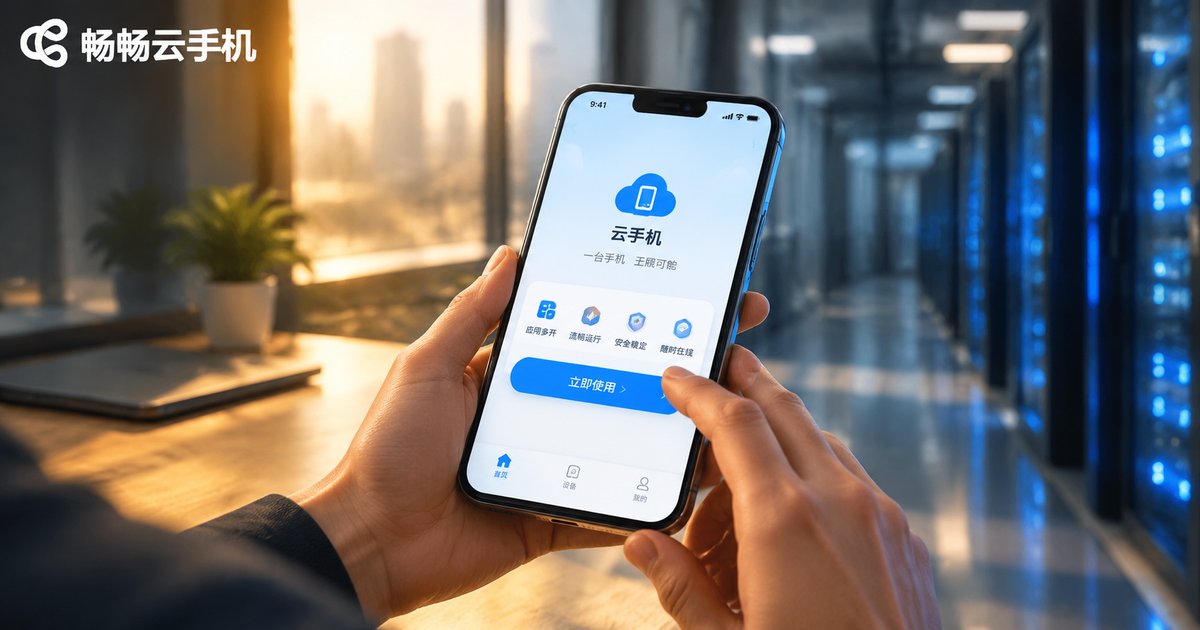
A cloud phone does not take up storage on your real device. It is an Android device running on remote cloud servers, where the system, every app, and all cached data live entirely in the cloud. Your real phone only runs a lightweight client that displays the cloud screen in real time. The only local footprints are the client app itself and a small amount of streaming cache, which can be cleared anytime with one tap. This article uses comparison tables to explain how app sizes and cache usage actually work, and shows how ChangChang Cloud Phone (ccloudphone) helps small-storage devices run large apps with zero burden.
How to Run Cloud Phones Remotely? Methods to Manage Cloud Devices While Away
Cloud phone remote idle running keeps your games and apps running 24/7 on cloud servers, so your local phone can be switched off anytime without losing progress. This guide explains in plain language how remote idle running works, typical use cases, and three practical ways to manage cloud devices while away — through a mobile app, a web console, and batch management tools. It also walks you through the setup steps with CC Cloud Phone and shares key tips to keep your cloud idle running smooth, stable, and hassle-free.
Where Is the Official Cloud Phone Download Entrance? Spot Genuine Channels and Avoid Fake Apps
A cloud phone runs your mobile system in the cloud and handles sensitive data such as accounts, chat history, and payment information. Installing a counterfeit client can lead to anything from constant crashes and broken features to account theft, privacy leaks, and real financial loss. This guide walks you through the three legitimate download entrances—the official website, official app stores, and official customer service—and teaches you how to spot copycat websites and bundled installers in three simple steps. A clear comparison table between genuine and fake channels helps you steer clear of common traps, so you can download ccloudphone safely and get started with total peace of mind.
Cloud Phone Developer Essentials: Best Practices for Remote Debugging and Fast Recovery in a Native ARM Environment
This guide is written for mobile app developers who want to debug reliably in a native ARM environment using cloud phones. It explains how ARM-native cloud phones differ from x86-based local emulators, walks through the complete ADB remote connection workflow, and shares practical best practices for day-to-day debugging, including log-driven troubleshooting, clean instance management, and version control in the cloud. It also covers snapshot-based backup and recovery strategies that restore a full debugging environment within minutes, plus multi-instance parallel testing techniques. Finally, it explains why ccloudphone is a solid choice for developers who need a genuine ARM environment, stable remote access, and fast recovery.