

2026 Cloud Phone Resource Allocation Guide: Scaling Up, Scaling Down and Balancing Cost
Why You Should Revisit Cloud Phone Specs in 2026
For the past two years, many teams have treated cloud phone specifications as a one-time decision. The business changes, the specs do not — and that leads to two kinds of waste: not enough power when you need to scale up, causing lagging scripts, frequent disconnects and tasks stuck in a queue; and idle resources when you should scale down, paying every month for CPU and memory you barely touch.
In 2026, cloud phone use cases have become far more specific: short-drama and short-video distribution, social media matrices, game idling, app automation testing and cross-border store operations. Each has different needs for CPU, memory, storage, bandwidth and instance count. Here is a practical framework for deciding when to scale up, when to scale down, and how to find the right balance.
1. First, Understand What You Are Actually Paying For
A cloud phone bill usually consists of several parts: instance specs (CPU and memory), storage, public bandwidth, instance count, and possibly dedicated IP or batch management capabilities. Before adjusting anything, do a quick inventory — the biggest waste is often not "specs too high" but "specs that do not match the workload."
| Resource | Common cause of waste | How to adjust |
|---|---|---|
| CPU and memory | Bought for peak load and kept all month | Tier your workloads, scale up only at peaks |
| Storage | Chat logs, cache and files never cleaned | Regular cleanup, archive sensitive data separately |
| Public bandwidth | Video workloads and text-only workloads share one tier | Assign bandwidth tiers by workload type |
| Instance count | Many instances stay inactive for months | Plan by active devices, not total devices |
2. When to Scale Up: Four Clear Signals
Scaling up should be driven by metrics, not feelings. Watch for these signals:
1. Task completion time is growing. If the same script or batch now takes 30% longer than it did a month ago, compute or memory is likely the bottleneck.
2. Reconnects are more frequent. Frozen screens, unresponsive apps and repeated reconnects often point to insufficient memory causing background processes to be killed.
3. You cannot add more instances. When adding a few more sessions slows everything down, the per-instance headroom is gone — upgrade the spec instead of squeezing more in.
4. Your business has clear peaks. Launches, campaigns and ad pushes cluster into a few days. Targeted scaling during the peak is usually cheaper than running high specs all month.
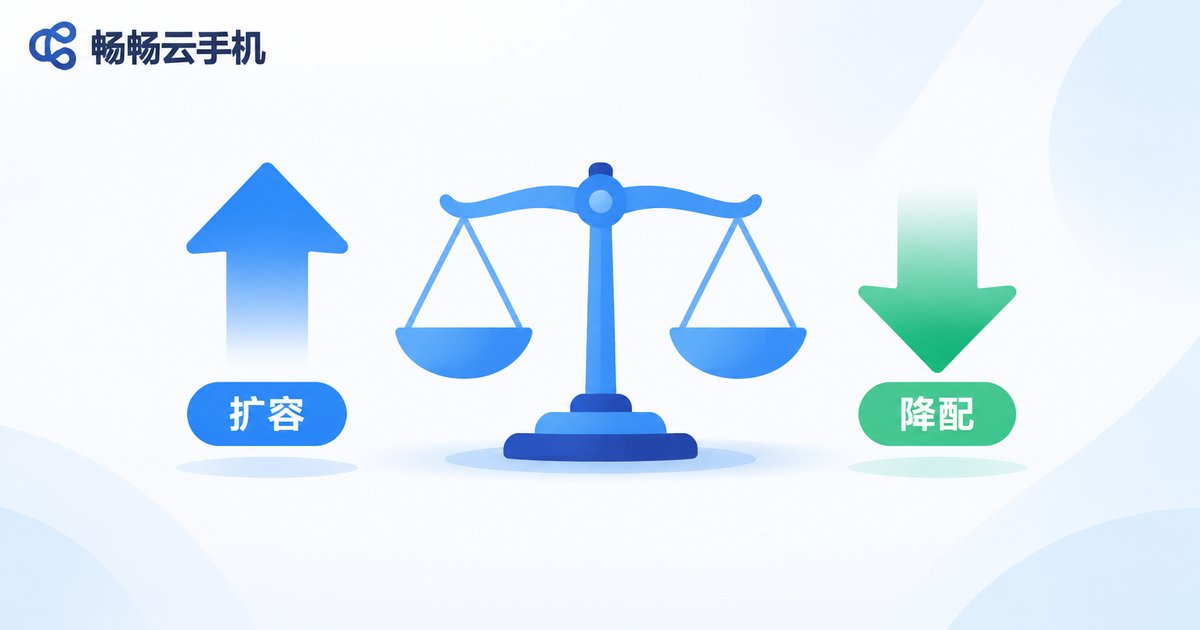
3. When to Scale Down: Three Overlooked Wastes
Scaling down is often ignored because it does not "hurt" like lag does — but it drains budget every hour.
1. Sustained low CPU and memory usage. If utilization stays below roughly 30% most of the time, the spec is oversized. Drop one tier and observe for a week.
2. Fixed working hours only. Some teams operate only during business hours while instances sit idle all night. These workloads should be planned around actual usage patterns.
3. Far more instances than active devices. Your ledger may list two hundred devices while only eighty are used daily. The rest is pure cost.
4. Scenario Comparison: Scale Up vs Scale Down
Use this table as a quick reference when adjusting configurations:
| Scenario | Recommended action | Key metrics | Cost impact |
|---|---|---|---|
| Short video and drama distribution | Raise bandwidth and storage first, then compute | Upload success rate, playback smoothness | Bandwidth cost up, conversion steadier |
| Social media matrix operations | Add instances, keep per-instance specs moderate | Response speed, online stability | Total up, unit cost controlled |
| Game idling | Prioritize stability, raise memory slightly | Disconnect rate, long-run memory usage | Slight increase, more online hours |
| App automation testing | Scale temporarily per test round, release after | Queue time, concurrency | Short peaks, lower total cost |
| Low-activity account upkeep | Scale down specs and reduce instance count | Active device count, login success rate | Clear reduction |
5. Six Practical Tips for Balancing Cost
1. Tier your workloads. Do not run a simple message-checking task on a high-spec instance reserved for core operations.
2. Adjust in small steps. Move one tier at a time and observe for a week before the next change, rather than buying large headroom up front.
3. Treat compute and storage separately. Many teams bundle them together, yet storage is usually the easier one to reduce through cleanup and archiving.
4. Set a weekly or monthly review. Track active instances, average load and disconnect counts — three months of data reveals the real trend.
5. Keep 10–20% elastic headroom. Sizing exactly to average load guarantees a bottleneck the moment traffic spikes.
6. Choose a provider that supports flexible adjustment. How easy it is to change specs determines whether you can truly follow your business.
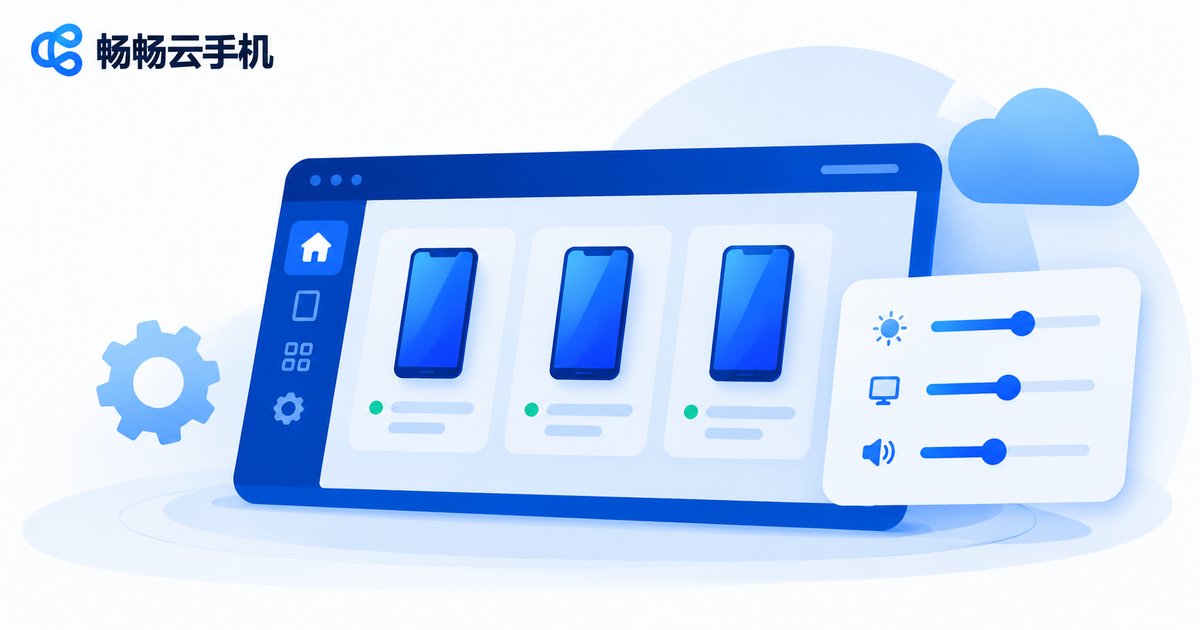
6. CCloud Phone: Simpler Configuration Management
CCloud Phone (ccloudphone) provides Android instances that run in the cloud. Users can view the currently available specifications and configurations in the console and manage their own instances according to business needs. For teams running operations at scale, a centralized management interface reduces the burden of handling devices one by one and leaves more time for the business itself.
When choosing a configuration, start with a small number of instances, observe real load and stability, then decide whether to expand the scale or adjust the spec. For available specifications, features and pricing, please refer to the official CCloud Phone website.
Frequently Asked Questions
Q1: How often should I review scaling up or down?
At least once a month. If your business has clear seasonality or campaign cycles, review before and after each campaign.
Q2: Will scaling down affect accounts that are already logged in?
Spec changes usually require an instance restart, so schedule a maintenance window and confirm key account status. Avoid making changes during peak working hours.
Q3: CPU looks idle — is that enough to go on?
No. Memory, storage and bandwidth can all become hidden bottlenecks. Insufficient memory, for example, leads to background processes being killed, which shows up as frequent reconnects.
Q4: Is it better to run more instances or upgrade one instance?
It depends on the workload. Isolated multi-account operations favor more instances; a single account running heavy tasks favors higher specs. Run a small-scale test to compare both options.
Q5: How do I know cost optimization actually worked?
Watch two numbers together: cost per completed task and task success rate. A real improvement means lower cost with the same success rate.


