

2026 Cloud Phone Cost and Efficiency Balance Guide: Budget and Scenario Analysis
Why the Cloud Phone Math Deserves a Rethink in 2026
For several years, cloud phones were treated as task runners: if it could keep scripts alive, run multiple instances and stay online overnight, that was enough. In 2026 the picture has changed. On one side, flagship local handsets keep getting more expensive, and building a stable multi-instance setup with physical phones easily runs into thousands; on the other side, per-instance cloud pricing has kept falling under large-scale competition while compute, networking and stability have clearly improved. The result: cloud phones are no longer just a fallback, they are the more economical primary option in many scenarios.
But economical does not mean cheapest. The real balance involves three variables: budget, scenario and efficiency. Buying more than you need wastes money, buying less than you need stalls the work, and that is where most people trip up. This guide breaks the 2026 cloud phone math down from three angles: cost structure, budget tiers and typical scenarios.
What a Cloud Phone Actually Costs
Most price comparisons stop at the monthly fee per instance, but the real cost includes far more. Once you add the hidden items, the conclusion often flips.
| Cost item | Local physical phone | Cloud phone |
|---|---|---|
| Hardware purchase | High upfront cost, one device per instance | Pay per instance, no large upfront investment |
| Power and cooling | Continuous running, costs accumulate daily | Borne by the cloud, near zero on your side |
| Network environment | Broadband, routers and extra network cost | Provided uniformly by the platform |
| Depreciation and wear | Battery and screen degrade, replacement every few years | No hardware depreciation, specs adjustable anytime |
| Operations labor | Reboots, disconnects and reflashing need attention | Centralized management and batch operations |
| Elastic scaling | New devices require purchase and shipping time | New instances can be created in minutes |
Read the table once and you will notice that the visible low price of local phones is quietly eaten by power, depreciation and labor. The real advantage of cloud phones is not a lower unit price, it is predictable cost and elastic capacity.
Three Budget Tiers, Three Different Playbooks
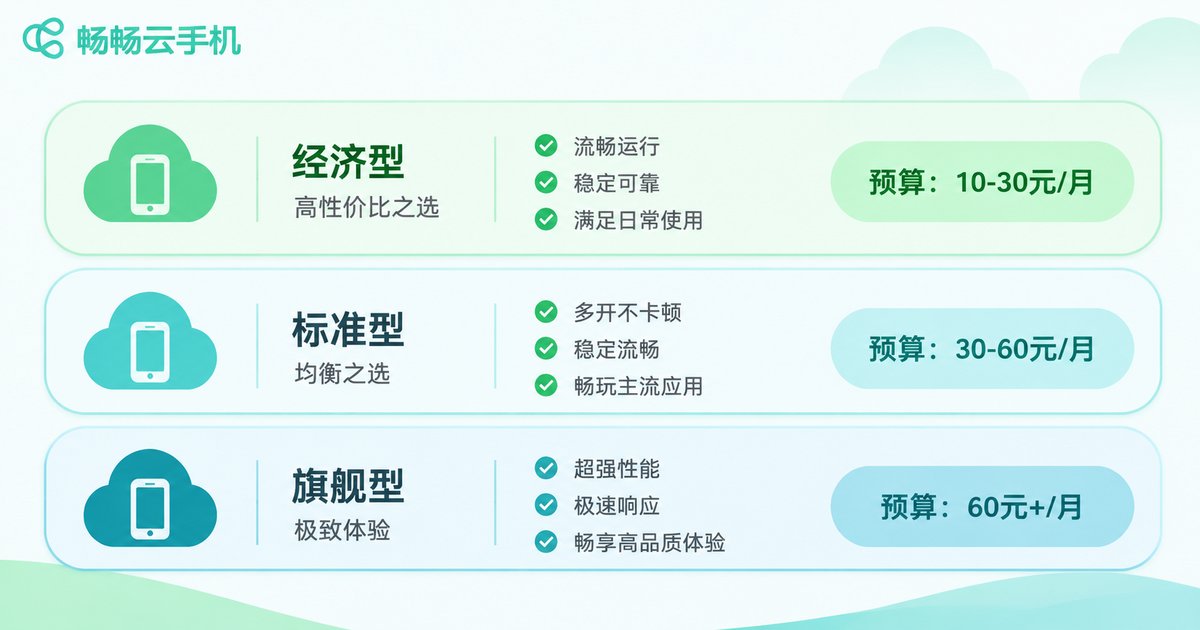
Users fall into three rough tiers by budget. Find yourself first, then read the details.
Tier 1: Light exploration (individuals, side projects)
The typical need is one to three instances running a couple of apps for content distribution, account maintenance or automation testing. The priority at this stage is getting the workflow to run end to end, not maxing out specs. Choose entry-level configurations and short billing cycles to avoid a heavy upfront commitment. What really deserves attention is stability: time lost to frequent disconnects costs far more than the few dollars you saved.
Tier 2: Steady output (small teams, studios)
Demand usually sits between 5 and 30 instances with round-the-clock uptime. At this point the per-instance price is no longer the only metric; batch management, recovery speed and support responsiveness start to define real efficiency. Prioritize platforms that support bulk startup, bulk app deployment and a unified status view. A feature that saves 30 minutes of manual checking every day pays for itself within a month.
Tier 3: Scaled operations (enterprises, project teams)
From dozens to over a hundred instances, the focus shifts to cost structure and control: can costs be split by project, can capacity be reduced at any time, is the network environment stable, and can you reach a human when something breaks. This tier should never buy on unit price alone, because one large-scale outage can cost more than a whole year of price differences.
Scenario Analysis: Efficiency Means Different Things
With the same cloud phone, efficiency can mean very different things depending on the scenario. The table below helps you locate yourself quickly.
| Typical scenario | Core requirement | Configuration priority | Cost sensitivity |
|---|---|---|---|
| Background tasks and task hosting | Long uptime, no disconnects | Stability over compute | High |
| Multi-account matrix operations | Batch management, isolated environments | Batch capability over single-device power | Medium |
| App compatibility testing | Multiple device models and OS versions | Coverage over price | Low |
| Livestream and short video support | Smooth visuals, low latency | Network and graphics over storage | Medium |
| Mobile work and remote access | Access anywhere, data stays in the cloud | Usability over high specs | Low |
A common mistake is that everyone compares the price of the top configuration. In reality, most scenarios never need the top tier, and paying for compute you never touch is the most invisible form of waste.

Turn Cost and Efficiency Into One Number
Instead of relying on gut feeling, run a rough calculation. What really determines value is the cost per effective hour.
Effective cost per instance per hour = (instance fee + operations labor + outage loss) / effective running hours

Example (illustrative math only, not a real quote):
Instance fee        30 per month
Operations labor    20 per month (about 2 minutes per day)
Outage loss         10 per month
Effective running   600 hours per month

Effective cost per hour = (30 + 20 + 10) / 600 = about 0.1 per hour
Pay attention to the last input: effective running hours. If the platform is unstable and only delivers 300 hours in a month, your cost instantly doubles. Stability is not a user-experience detail, it is a direct cost item.
Three Efficiency Moves You Can Make Today
First, validate small before you scale. Run the full workflow on one or two instances, confirm the network, compatibility and automation logic all work, then expand in batches. This single step prevents most wasted spending.
Second, split instances by scenario. Keep stability-critical long-running tasks separate from temporary test tasks instead of forcing one configuration to do everything. Releasing temporary instances as soon as the job is done is the fastest way to compress cost.
Third, replace manual checks with batch operations. If you can start instances, install apps and check status in bulk, stop clicking one by one. Time cost is the most underestimated item in high-frequency workflows.
Why ccloudphone Is Worth Considering
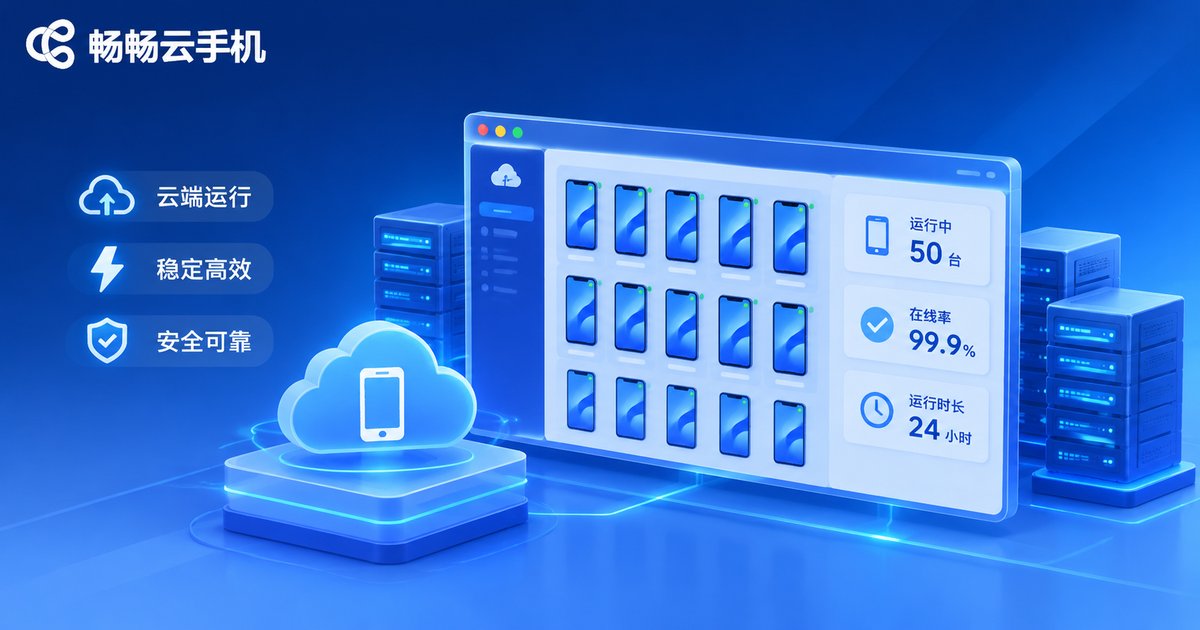
ccloudphone provides Android instances that run in the cloud. You operate them remotely through a client, so there is no hardware to buy and no aging device to worry about. For the Tier 2 and Tier 3 users above, this kind of solution delivers value in three main ways.
First, configurations can be chosen on demand. Compute and storage requirements vary a lot between scenarios, and choosing on demand means you do not pay for performance you never use, so cost tracks actual usage more closely.
Second, multiple instances can be managed centrally. Multi-instance operation, batch actions and a unified status view significantly cut manual checking time, turning people-watching-machines into people-managing-workflows.
Third, instances stay online around the clock in the cloud. Tasks do not depend on whether your local device is switched on, and the network environment is provided by the cloud, so a local disconnect or power cut does not stop the instances.
One honest reminder: real results depend on the specific app scenario, network conditions and instance configuration. Start with a small trial and small-scale validation, then decide whether to expand based on actual performance. That is also the safest way to keep your budget under control.
Frequently Asked Questions
Q1: Is a cloud phone always cheaper than buying a real device?
Not always. If you only need it for an hour or two occasionally, a local device is plenty. But when the need is long uptime, parallel multi-instance work and elastic scaling, the advantages in power, depreciation and labor become very obvious. The test is simple: is your need continuous and parallelizable?
Q2: With a limited budget, should I cut specs or cut quantity first?
Cut specs first. In most scenarios an entry-level instance already runs the business workflow, while too few instances blocks the work outright. The right order is: prove it on one low-spec instance, then add quantity, and only then upgrade specs as needed.
Q3: How do I judge whether a cloud phone is stable?
Look at three things: continuous uptime, whether it recovers automatically after a disconnect, and whether anomalies are clearly reported. Real stability only shows up after a few days of continuous running, which is exactly why a short trial matters.
Q4: Does running multiple instances affect single-instance performance?
Each cloud phone instance is independent. Multi-instance means several instances running in parallel with isolated resources, so they do not compete with each other the way split-screen multitasking does on a local phone. Single-instance performance depends on that instance configuration alone.
Q5: When should I consider scaling up?
Two signals. One, a single instance stays at full load and tasks start queuing. Two, manual operations have become the bottleneck. The first means you need more compute, the second means you need more parallel instances or stronger batch management.
Final Thoughts
In 2026 the cloud phone market is transparent enough on price, and the real difference lies in fit. Spend on the capabilities you actually use, and put the time you save back into the business itself. That is where cost and efficiency meet. Calculate first, choose second, validate in small steps last, and this order holds true at every budget level.


