

Cloud Phone Service Stability Evaluation: Continuous Testing and Multi-Scenario Validation
Why stability matters more than specs
When people pick a cloud phone, the first things they look at are usually CPU cores, memory size, and benchmark scores. But what really decides whether your project keeps running is stability: does the device drop offline at 3 a.m., does your script lose its connection halfway through, does the screen turn into a slideshow when you open dozens of instances at once. Specs define the ceiling; stability defines whether you can keep getting results.
The trouble is that stability barely shows up on a spec sheet. Two providers with identical specs can perform very differently in practice. So the more reliable approach is to take a repeatable testing method and run it yourself. The method below takes anywhere from one day to one week and will give you a fairly clear picture of what a cloud phone service is really like.
Step one: decide what you are actually measuring
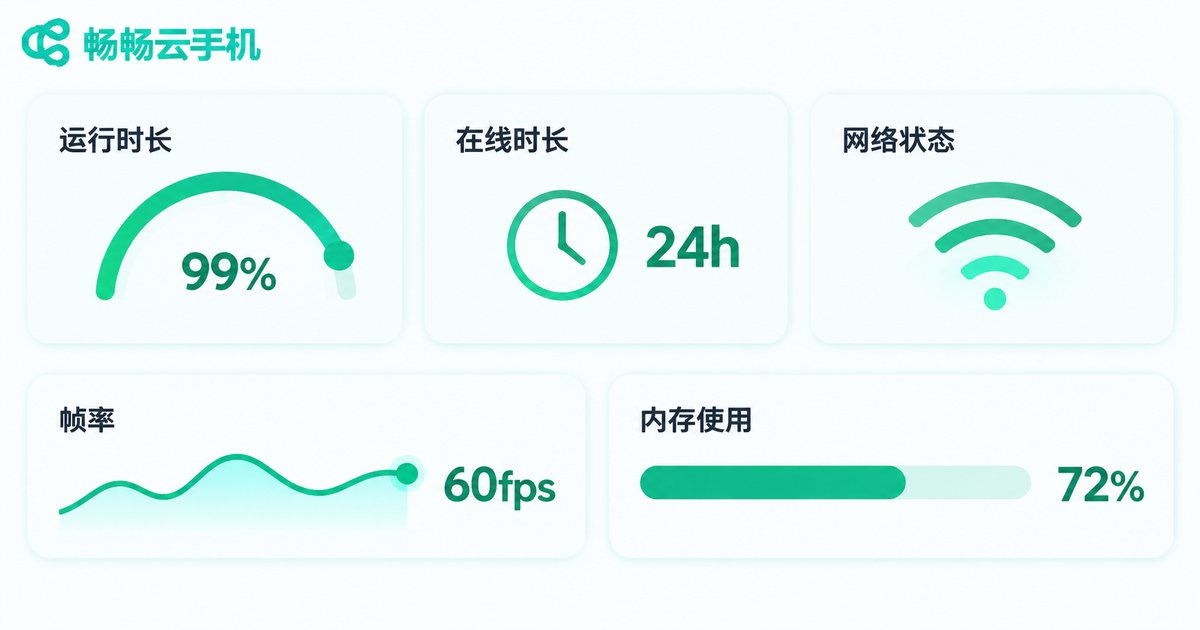
Stability is not a vague feeling. It can be broken down into a handful of things you can observe and record. Watch at least these five:
| Metric | What it means | How to observe | Reference benchmark |
|---|---|---|---|
| Uptime | Share of scheduled time the device stays reachable | Heartbeat reports, scheduled probes | Consistently above 99% |
| Mean time between failures | How long it runs continuously between incidents | Run-log statistics | Longer is better; no manual reboot in a week |
| Reconnection speed | How long it takes to become usable again after a drop | Timer after a deliberate disconnect | Automatic recovery in seconds |
| Response and smoothness | Tap-to-screen latency and whether frame rate jitters | Screen recording plus sampled timing | Steady latency, no obvious stutter |
| Resource drift | Trend of CPU, memory, and battery over long runs | Scheduled sampling from the panel | No steady climb, no saturation |
Turn these five into a simple sheet, one row per instance per time slot. What you end up with is not an impression but a record you can compare.
Step two: continuous testing forces intermittent problems out
Many problems never appear in the first ten minutes. Slowly climbing memory, late-night network fluctuations, gradually degrading visuals after hours of running: all of these only surface under continuous operation. A sensible rhythm looks like this:
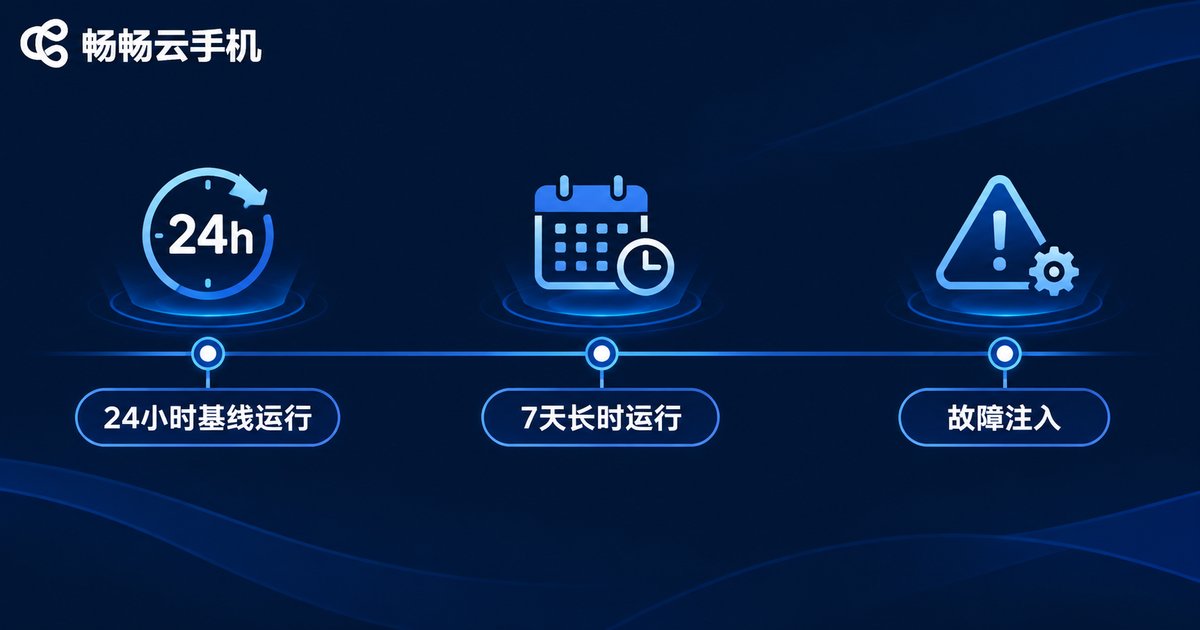
1. A 24-hour baseline run. Take one instance, run your most common operation, do not restart along the way, and log the duration and success of each operation. This becomes your baseline for every later comparison.
2. A 7-day long run. Keep the device online and record its status, response latency, and resource usage at the same time each day. After a week you will know exactly when drops happen, how long they last, and whether they recover on their own.
3. Scheduled probes. Use a script to connect every ten to fifteen minutes and do something simple, such as taking a screenshot or running one command. The probe itself is lightweight, but it produces a continuous uptime curve.
for i in 1..96:            # once every 15 minutes, covering a full 24 hours
    start = now()
    ok = connect_to_cloud_phone_and_take_screenshot()
    record(duration=now()-start, result=ok)
    wait(15 minutes)

# Summary: successful runs / total runs = uptime
# Max duration and spread = response stability
4. Fault injection. Create a little trouble on purpose: cut your local network for ten seconds, force-close the client, open several apps on the device at once. Watch whether it recovers by itself. Fast recovery, with a normal state afterwards, is what stable looks like.
Step three: multi-scenario validation, because one scenario is not enough
The most common trap with cloud phones is this: it performs fine in scenario A and falls apart in scenario B, because different scenarios stress completely different resources. Pick at least three scenarios close to your actual business and cross-check them.
| Scenario | Stress focus | Signals to watch |
|---|---|---|
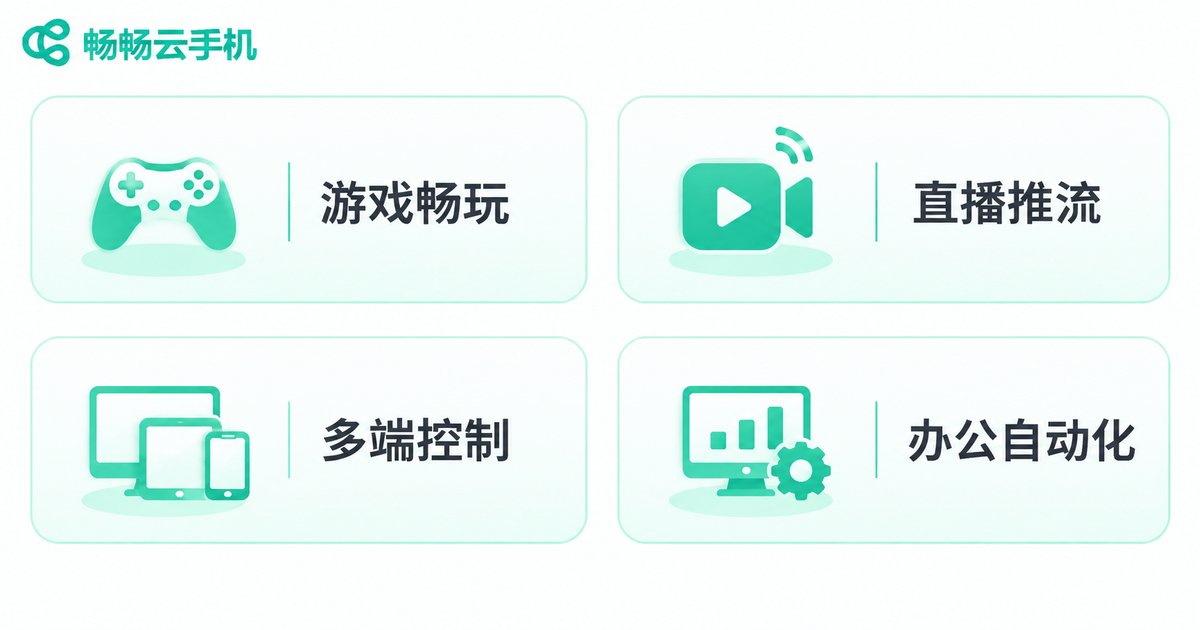
| Game idling | Long rendering sessions, persistent uptime | Frame drops after hours, being kicked offline |
| Live and short-video streaming | Continuous upload, visual continuity | Stream interruptions, audio-video desync |
| Multi-instance control | Driving many instances at once | Command lag in batch operations, individual instances falling behind |
| Office automation | Frequent app switching, file read/write | Slower app launches after long runs |
| Cross-region access | Network quality of remote connections | Latency differences across time of day |
One detail to note: multi-instance use amplifies stability problems. A single stable instance does not mean stable at scale. When you open ten or twenty instances, a few repeatedly dropping instances are enough to stall the whole workflow. Always test multi-instance use as its own round.
A reusable evaluation process
Describe your business first. Write down what you will run, at what hours, for how long each time, and how many instances at once. This decides how you test.
Establish a baseline. Use the same actions over the same time window to produce your first dataset. Without a baseline, later numbers mean nothing.
Run continuous tests. Start with 24 hours and stretch to 7 days if you can. What matters is that it is uninterrupted and recorded on a schedule.
Cross-check scenarios. At least three scenarios, each run for half a day or more.
Inject faults. Cut the network, close the client, add load, and see how well it recovers.
Score and decide. Weight the five metrics by your business priorities. For idling workloads, uptime carries the most weight; for multi-instance control, consistency across instances matters most. Choose with a total score, not a gut feeling.
Three common pitfalls
Pitfall one: testing for ten minutes. Ten smooth minutes prove nothing. Real stability is measured in hours and days.
Pitfall two: only testing one instance. Your actual workload is probably multi-instance, and pretty single-instance numbers often fail at scale.
Pitfall three: treating can connect as stable. Connecting is only the passing grade. Staying connected and staying smooth afterwards is what counts.
Applying the method to ccloudphone
Once you have a method, the next step is to run it on a real device. ccloudphone provides Android instances running in the cloud, supporting long online sessions, multi-instance management, and group control. The exact configuration options, instance types, and usage documentation are all available on the official website for you to verify. A practical approach: follow the process above, start with a single instance for a 24-hour baseline, then spin up several for a multi-instance consistency test, and finally run your most-used scenario end to end. Record the data before you decide whether to scale up.

One last reminder: every provider deserves to be tested once. Test with the same method and the same actions so the comparison is fair, and you will have a much easier time finding the instance that truly fits your workload.
FAQ
Q: Do I have to run the stability test for a full 7 days?
Not necessarily. Seven days is ideal and covers more intermittent issues. If time is limited, make sure you complete at least one uninterrupted 24-hour run plus samples from several different time windows.
Q: Can I do this without a technical team?
Yes. There are only three core actions: connect on a schedule, record whether it succeeded, and record how long it took. A spreadsheet works fine; consistency matters more than tooling.
Q: Is 99% uptime good enough?
It depends on the workload. 99% can mean close to two hours of unavailability in a week. That is fine for idle farming but may not be enough for continuous streaming, so set the threshold based on real impact.
Q: How many instances make a meaningful multi-instance test?
Get close to your real scale, and do not stop at one or two. The closer you are to production scale, the more realistic the problems you uncover.
Q: What do I do with the data?
Build a side-by-side comparison table and score it with business weights. Testing several providers with identical actions makes the differences obvious, and far more trustworthy than any marketing page.


