
Cloud Phone IP Management FAQ: Login Environment and Account Security Tips
1. Why cloud phone users keep seeing a "login environment warning"
Many people meet the same scene the first time they run social, e-commerce or game accounts on a cloud phone: the account logs in, and the platform immediately says it detected an abnormal login environment and asks for identity verification. The platform is not picking on you — it has noticed that this login does not match the network location, carrier line and device details it saw before. Platforms judge risk by the environment, not by whether you are really you.
A cloud phone moves the handset into a remote data centre. If you change nothing, several instances on the same server may share a single outbound line. To the platform, that looks like dozens of different people walking in and out of one door number, and extra scrutiny is almost inevitable.
2. First, what does "IP" mean on a cloud phone
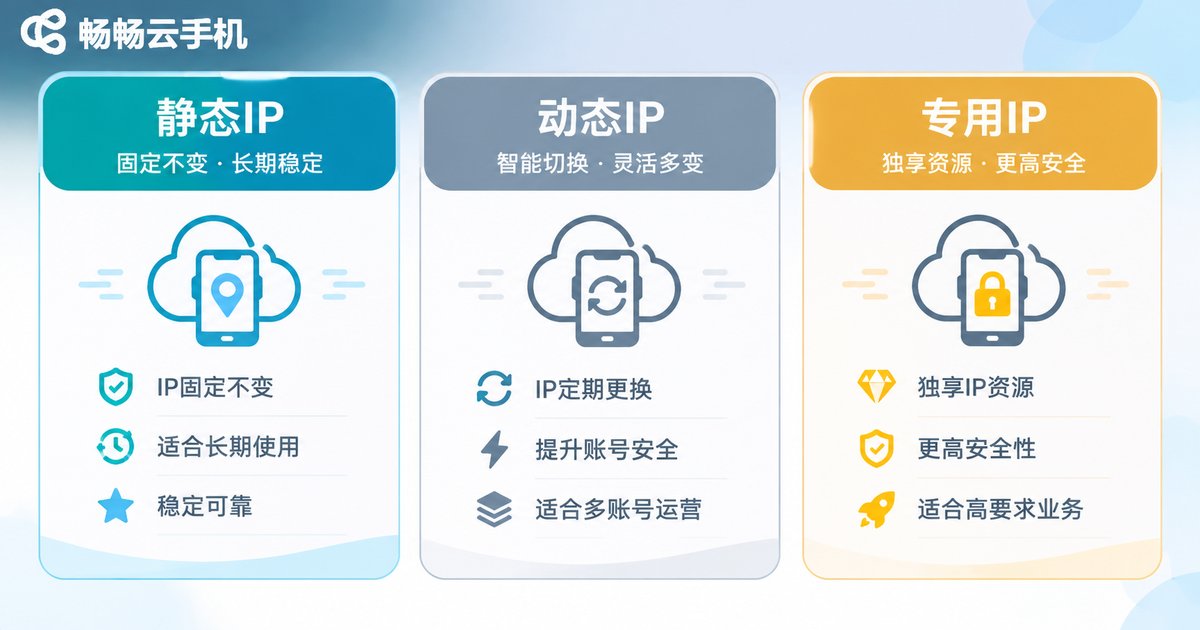
Simply put, the IP is your cloud phone's street address on the internet. Platforms use it to judge which city you are in, which carrier you are on, and whether you share an exit with a batch of known problem accounts. A cloud phone is a cloud instance, and its network line is assigned by the provider. What you see usually falls into three types:
| Type | Characteristic | Typical use | What to watch |
|---|---|---|---|
| Shared IP | Several instances share one outbound line | Trial use, light single-account work | Neighbours' behaviour shapes your account profile |
| Dedicated IP | One instance keeps one fixed line | Long-term key accounts | Needs planning and configuration in advance |
| Dynamic IP | The outbound line changes periodically | Scenarios that require switching networks | Changing too often itself looks suspicious |
None of them is "absolutely safe". What matters is matching how an IP is used with what the account is really for. If an old account that logs in steadily from one city suddenly appears in Beijing today, Guangzhou tomorrow and overseas the day after, that alone is an anomaly signal.
3. Four typical signs of an unclean login environment
1. Verification at every login. The password is correct but SMS or face verification keeps appearing — the platform is unsure about this network location.
2. Frequent forced logouts. Dropping offline after a few minutes, or being asked to re-verify after switching devices, usually points to an environment conflict.
3. Online in several places at once. Main and backup accounts active in different cities at the same time will be read as shared or lent accounts.
4. Sudden throttling or downranking. Content looks normal but reaches no one — often the account profile has been tagged as unstable.
4. Three mistakes that multi-account operators make most often
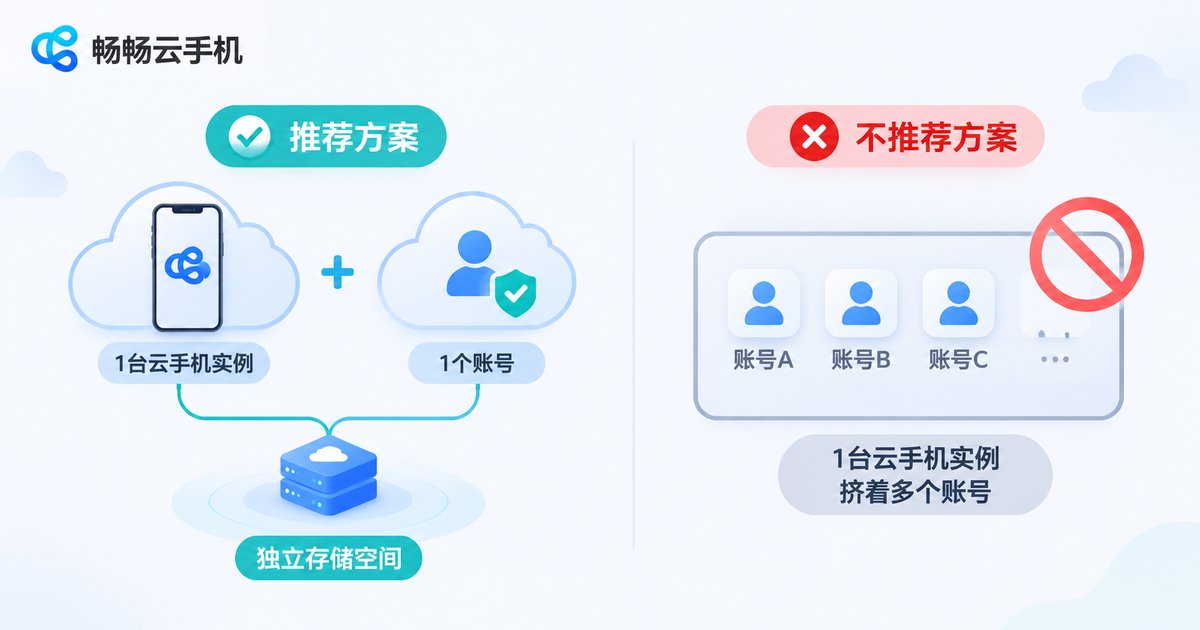
Mistake one: switching accounts but not environments. Logging out of one account and into another inside the same instance is like putting two accounts in the same room. The right approach is one stable account per instance.
Mistake two: assuming a new IP solves everything. IP is only part of the environment. Device model, system version, fonts and leftover storage are also used to judge linkage. Changing the network without changing device parameters leaves the linkage risk in place.
Mistake three: letting accounts visit each other. The same phone number for verification, one payment method bound to several accounts, mutual likes and comments — these human traces are easier to spot than an IP.
5. A routine you can copy directly
Plan ahead. Sort accounts by importance first. Give key accounts a fixed network environment, and consider flexible options only for secondary accounts. Do not wait for a ban to start organising.
One account, one instance. Give every cloud phone instance independent storage and a separate system environment. Uninstalling and reinstalling does not fully clear residual data.
Keep login behaviour steady. Stick to roughly the same hours and devices, and avoid repeatedly switching networks or logging in from new locations within a short window.
Keep records. Use a simple table to note which instance, network environment and purpose belongs to each account, so you can pinpoint what changed when something goes wrong.
6. Device fingerprints: the part everyone overlooks
A device fingerprint is the identity tag a platform assigns to a device: model, system version, screen parameters, sensor data and more. If a batch of cloud phone instances ships with identical parameters, dozens of devices look to the platform like clones of the same machine.
That is why IP management and device environment management have to be done together. Handling only the network is like changing an account's coat without changing its face. When choosing a cloud phone service, it is worth confirming whether instances have independent device parameters and independent storage.
7. How CcloudPhone handles IP and login environments
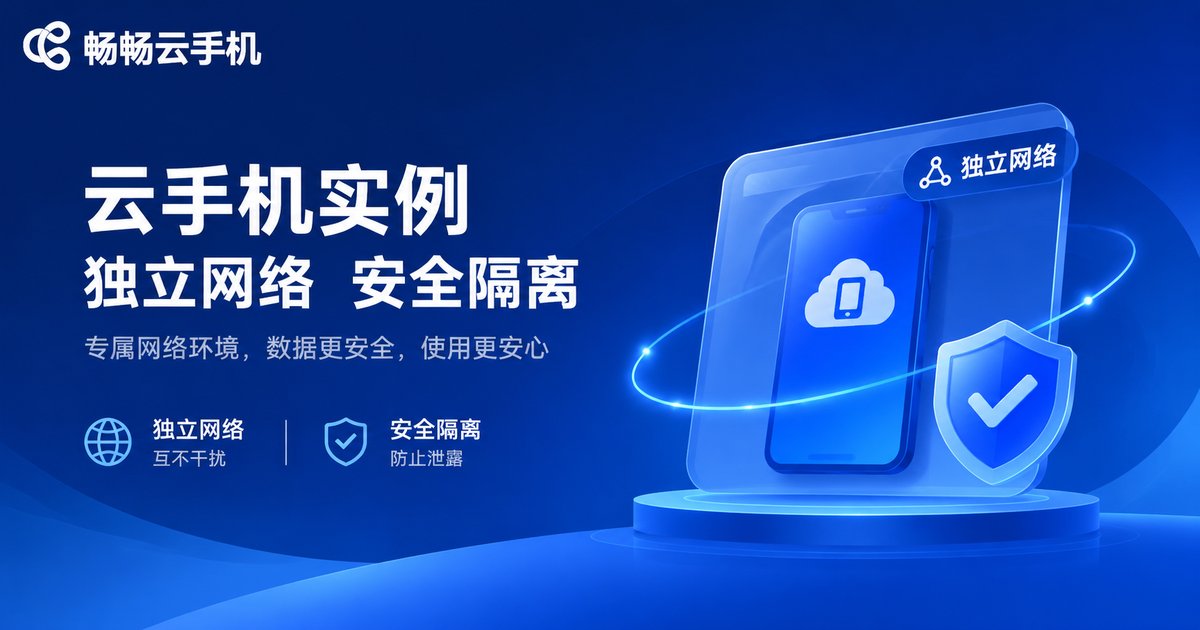
CcloudPhone (ccloudphone) provides Android instances that run in the cloud. You operate them remotely through a client, while account data and device environments stay in the cloud, so no local device has to stay switched on. In multi-account scenarios it focuses on instance isolation: each instance has its own system space, so data from different accounts does not linger in the same place.
On the network side, CcloudPhone lets users choose network options according to need, so lines can be planned around what each account actually does instead of every instance crowding onto one exit. Available configurations should always be confirmed against the official website — check that the plan fits your use case before you buy.
One reminder: any tool only helps keep the environment clean; it cannot replace compliant operation. Following each platform's user agreement is the real foundation of a stable account.
FAQ
Q: If a cloud phone shows a login environment warning, is the IP blocked?
Not necessarily. IP is only one factor; device parameters, login timing and behaviour patterns can all trigger a warning. First check whether you recently changed instances or networks, or logged in from new locations.
Q: How many accounts can one cloud phone instance hold?
We recommend one main account per instance. Repeatedly switching accounts inside the same instance leaves residual data and increases linkage risk.
Q: Is a shared IP completely unusable?
Not absolutely. It is usually fine for light or temporary use, but long-term key accounts deserve a fixed, dedicated network environment.
Q: Does changing device parameters eliminate linkage entirely?
No. Platform risk control is multi-dimensional — device, network, behaviour and social connections between accounts all play a part. No single measure is a silver bullet.
Q: Who are cloud phones suitable for?
Typically users who need long online hours, multi-account coordination or remote operation — social media operations, e-commerce customer service, game idling and similar. Please confirm your business complies with the relevant platform rules before use.


