

The Boundaries of Using Cloud Phones in Social Media Operations: Account Security and Operation Frequency
First, a Reality Check: A Cloud Phone Is Not an Anti-Ban Plugin
Anyone running a social media matrix has heard the claim: use a cloud phone and your accounts will never get banned. That is only half true. A cloud phone solves the device and environment problem. It does not solve the behaviour problem. A perfectly clean cloud phone that logs into twenty accounts in ten minutes and fires off three hundred likes will still be flagged.
So the real question is not whether cloud phones can be used, but how far you can safely push them. This article splits the topic into two layers: account security, which is about the environment, and operation frequency, which is about behaviour.
What Platform Risk Models Actually Look At
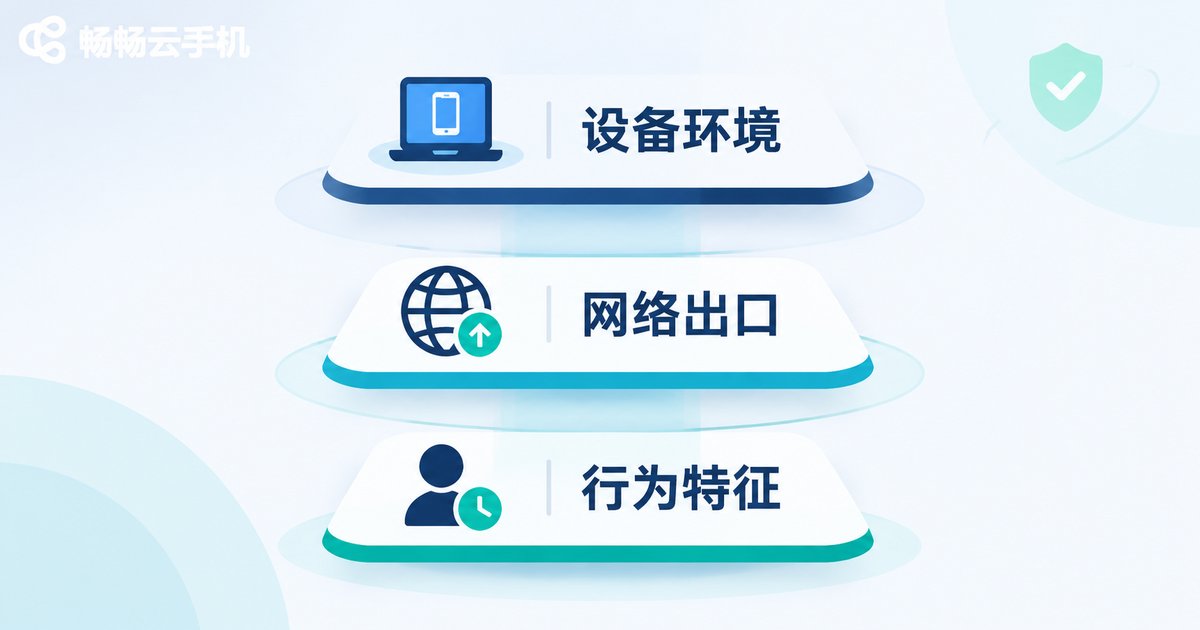
Whether you run image posts, short video or private traffic, mainstream social platforms score accounts across three dimensions:
| Dimension | What the platform is judging | Can a cloud phone help |
|---|---|---|
| Device environment | Whether one device keeps logging into many accounts, whether the device fingerprint looks abnormal | Yes. One cloud phone equals one independent device environment |
| Network exit | Whether the IP changes too often or is shared by a large number of accounts | Partly. It depends on the provider network setup |
| Behaviour pattern | Whether login times, action intervals and posting rhythm resemble a real person | No. This part can only be controlled by operating rules |
The table points to one key conclusion: device problems can be solved with a tool, behaviour problems can only be solved with discipline. Many bans are not caused by dirty devices but by impatient operators.
Account Security: Three Layers, Starting With the Environment
Layer one: environment isolation. Do not stuff ten accounts into one device. One account per independent device environment is the minimum requirement. That is exactly where a cloud phone earns its place: every instance you open is a fresh set of device parameters, so accounts do not bleed into each other.
Layer two: independent network exits. Dozens of accounts sharing one IP is one of the most sensitive patterns for risk control. When choosing a cloud phone, ask clearly whether network exits are shared or can be assigned per device. For important accounts, try to keep the exit separate.
Layer three: stable login habits. Keep an account on the same cloud phone and around the same time windows. Logging in from one city in the morning and another city at night is itself an anomaly signal.
Operation Frequency: Move a Human Rhythm Into the Cloud
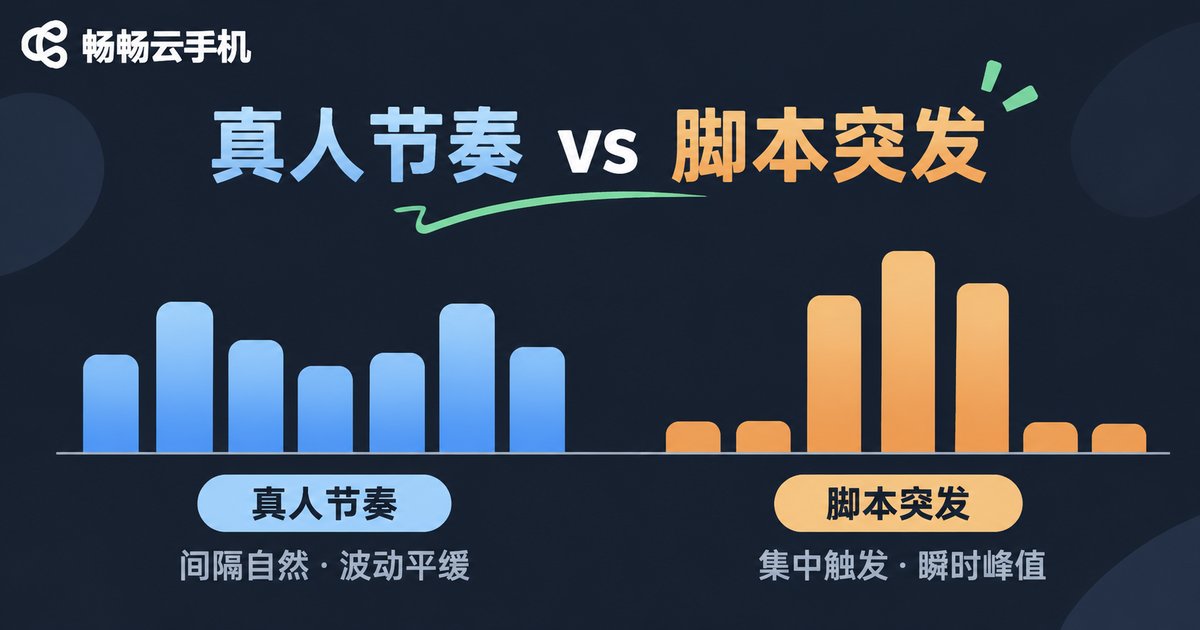
In risk scoring, behaviour frequency carries as much weight as device signals. A real user posts three updates a day, likes twenty things and watches forty minutes of video. A runaway script posts fifty times and likes eight hundred. That gap does not need sophisticated algorithms to spot.
| Operation mode | Typical daily volume | Risk feel |
|---|---|---|
| Manual work | 1-3 posts, 20-50 interactions | Most natural, but labour intensive |
| Planned cloud phone operation | 1-3 posts, 30-80 interactions spread across the day | Close to human, sustainable over time |
| Unrestrained scripting | 20+ posts, hundreds of interactions | Very likely to trigger limits |
Three principles you can apply today:
- Split the day. Break activity into 3-5 windows of 20-40 minutes each, with real gaps in between. Never run everything at once.
- Cap the volume. Keep new accounts below half the volume of mature accounts for the first two weeks, then open up gradually.
- Add randomness. Do not let a batch of accounts perform the same action in the same minute. Adding jitter to intervals is the cheapest risk reduction available.
Choosing a Cloud Phone: Four Questions You Must Ask
There are many cloud phone products on the market. For social media operations, spend your budget checking these four things:
- Is the device environment independent? Every instance should have its own device parameters, not share one set across many.
- Can network exits be assigned? Different devices should be able to use different exits.
- Stability and uptime: an instance going offline means an abnormal logout, so stability is worth more than spec sheets.
- Batch management: can you switch quickly between devices and see their status in one place?
CcloudPhone (ccloudphone) takes this approach: cloud phones run on real ARM environments in the cloud, with an independent device environment for each instance. You open and operate them directly in a browser or the client, and closing the local page does not stop the cloud device from staying online. Multiple devices can be managed together, which suits social media teams maintaining many accounts at the same time.
A Daily SOP You Can Copy Directly
Putting the principles onto a timetable looks roughly like this:
| Time window | Main actions | Frequency reference |
|---|---|---|
| 09:00-09:40 | Log in, check messages, reply to comments | 5-10 interactions per account |
| 12:30-13:10 | Publish the first post of the day | 1 post per account |
| 16:00-16:40 | Browse niche content, like and save | 10-20 actions per account |
| 20:00-21:00 | Publish the second post, handle DMs | 1 post + 5-15 interactions per account |
Run it for two weeks before judging the results. Accounts with a steady rhythm recover and scale far more smoothly. Doubling volume overnight is often where things start to fall apart.
FAQ
Q: Will a cloud phone guarantee my accounts never get banned?
No. A cloud phone handles device and environment isolation. Frequency, rhythm and content compliance still depend on your own operating discipline. The tool lowers environment risk, not all risk.
Q: How many accounts can one cloud phone hold?
One account per independent device environment is the recommended baseline. Even for unrelated accounts managed by the same person, keep it to one or two per device and keep login times and habits stable.
Q: Is there a standard number for operation frequency?
No universal figure. Use the ranges in the table above as a starting point, then adjust for account age, niche and platform feedback. The goal is to resemble a real person, not a script.
Q: Does the cloud phone go offline when I close my browser?
No. Cloud phones run on remote servers, and your local page is just a remote view. After you close the tab or client, the device stays online and the account is not logged out because of it.
Q: What matters most for a new account?
Three things: a fixed device, fixed time windows, and low frequency. Build regular behaviour first, then think about scaling content and engagement.


