
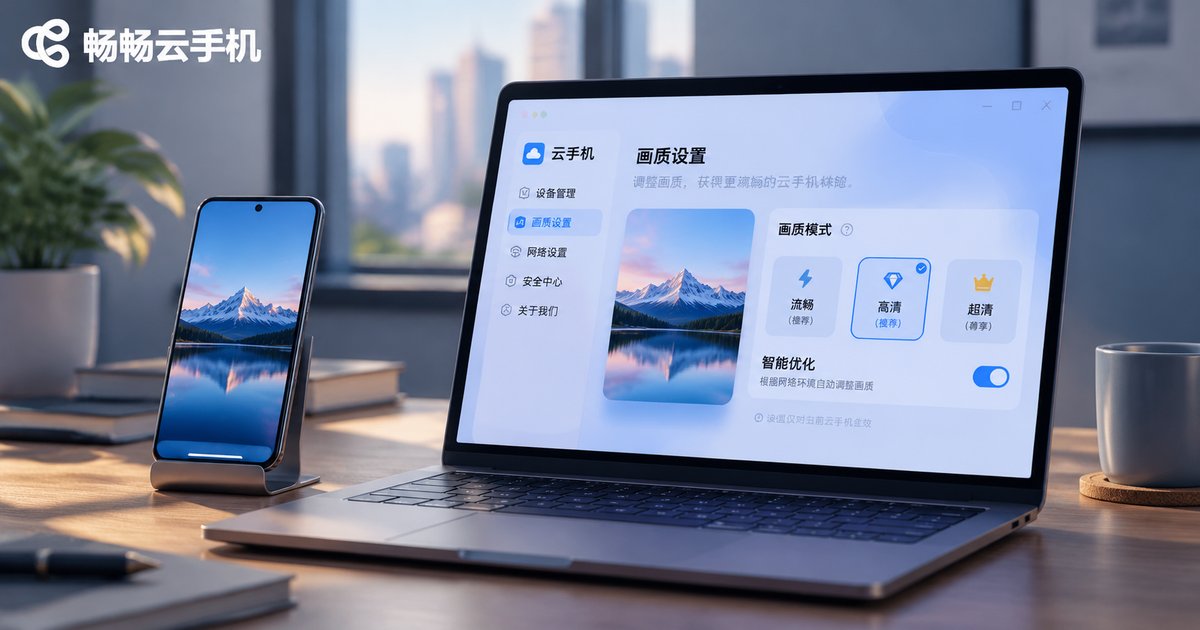
Cloud Phone Image Quality Enhancement Settings Explained: Balancing Clarity, Color, and Smoothness
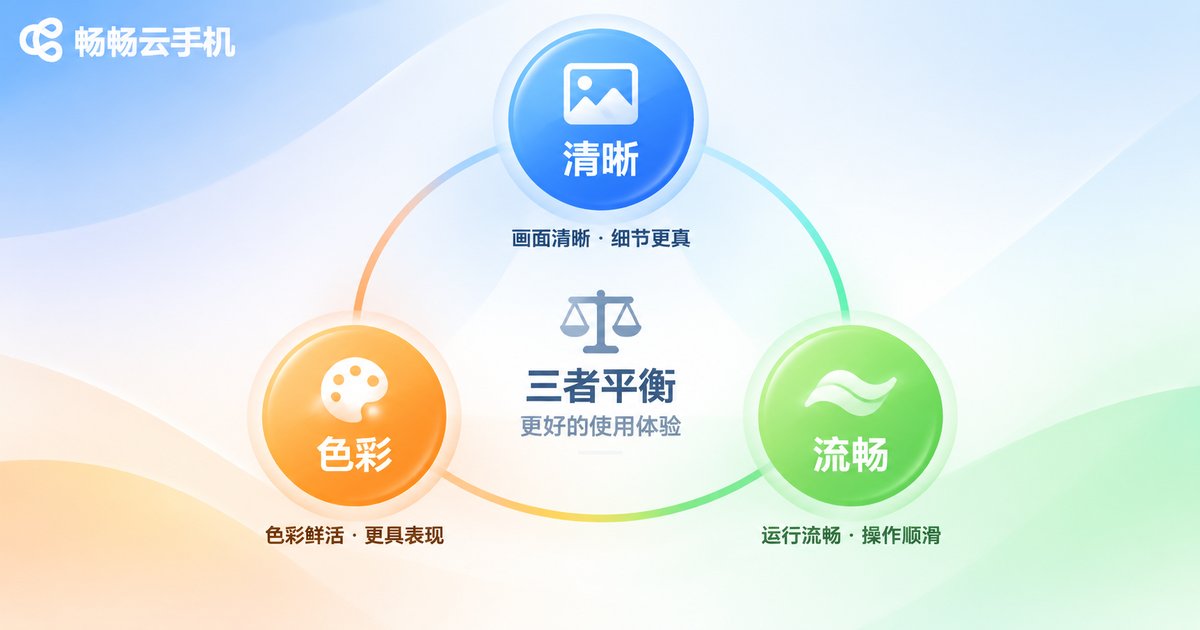
On a cloud phone, image quality is not about pushing every option to the maximum. Clarity, color, and smoothness compete for cloud computing power and network bandwidth. This guide explains the trade-offs in plain language and offers practical setting ideas for ccloudphone.
1. Why cloud phone image quality needs trade-offs
The cloud phone renders the screen in the cloud, encodes it into a video stream, and sends it to your device. Higher resolution, richer color, and higher frame rates demand more bandwidth and computing power. On a weaker network, maxing everything can cause stutter, blur, or delay. Understanding the relationship between clarity, color, and smoothness helps you choose settings that fit the task.
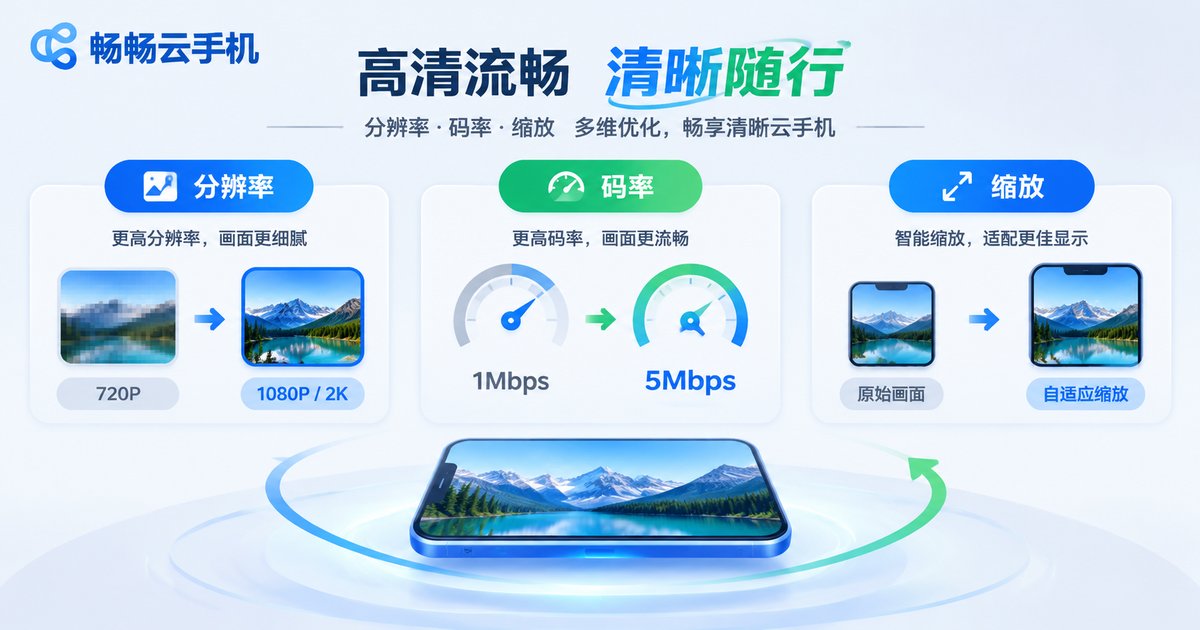
2. Clarity: resolution, bitrate, and scaling
Clarity depends mainly on resolution, bitrate, and scaling. Resolution sets the detail ceiling, while bitrate decides how much detail survives compression. When the cloud phone window is enlarged, raising bitrate moderately is often more effective than only raising resolution. For text-heavy apps, keep text edges sharp first. For video or games, also consider motion stability.
| Setting | Main effect | Suggested use |
|---|---|---|
| Resolution | Sets the detail ceiling | Prioritize for reading and design review |
| Bitrate | Controls detail kept after compression | Raise first when the image looks soft |
| Scaling | Affects text edges and proportions | Avoid non-integer upscaling |
| Frame rate | Affects motion smoothness | Prioritize for games and interactions |
| Color enhancement | Affects saturation and look | Prioritize accuracy for design review |
3. Color: gamut, contrast, and saturation
Color enhancement can make the image more appealing, but oversaturation can lose shadow detail. Start with standard color, then fine-tune contrast and saturation for the content. For design review and product inspection, prioritize accurate color. For entertainment content, moderate enhancement is fine. Color settings should serve the content rather than make every scene look vivid.
4. Smoothness: frame rate, adaptive bitrate, and network
Smoothness is not only about frame rate. Network jitter and encoding strategy also matter. A high frame rate suits action games and frequent swiping, but it uses more bandwidth. When the network is unstable, adaptive bitrate is often more stable than a fixed high bitrate. Try high frame rate on Wi-Fi or stable 5G, and check whether delay and stutter are acceptable.
5. Scenario-based trade-offs: how to choose
No single setup fits everyone. First decide what the current task fears most: keep clarity if text is hard to read, keep color accuracy if color matters, and keep smoothness if input lag is the problem. The scenario table below is a starting point.
| Scenario | Priority | Setting idea |
|---|---|---|
| Office reading | Clarity | Stable resolution, moderate bitrate, avoid heavy scaling |
| Short video | Smoothness | Moderate frame rate, enable adaptive bitrate |
| Action games | Smoothness | Raise frame rate on a stable network, lower resolution slightly |
| Design review | Color accuracy | Standard color, turn off heavy enhancement |
6. Putting image enhancement into practice in ccloudphone
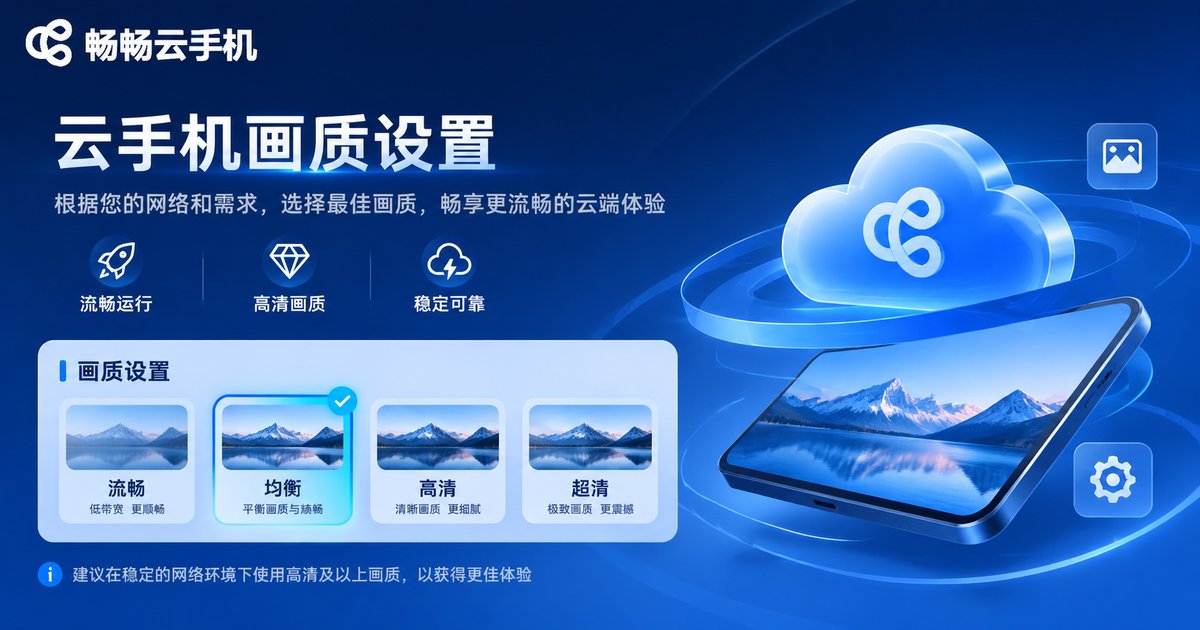
ccloudphone provides cloud Android instances and multi-device connection. In practice, start with the client display settings to choose a suitable resolution and frame rate, then adjust the image quality mode based on your network. If stutter appears, lower frame rate or resolution first. If the image looks soft, raise bitrate first instead of only raising resolution. Actual available options may vary, so refer to the official ccloudphone website.
Recommended approach: prioritize clear and stable output for daily office work and reading; prioritize smoothness for short video and games; prioritize color accuracy for design review. Stabilize first, then enhance. That is the safer order for cloud phone image quality settings.
Common Questions
Q1: Does higher cloud phone image quality use more data?
Usually yes. Higher resolution, frame rate, and bitrate increase video stream data, so choose based on your network.
Q2: Why is the image clear but controls feel laggy?
Clarity and smoothness are different metrics. With high bitrate but high network delay or low frame rate, the image can be clear while input feels slow.
Q3: Should color enhancement stay on all the time?
It depends on the task. Prioritize accuracy for design review and product inspection; moderate enhancement is fine for entertainment.
Q4: How do I start adjusting in ccloudphone?
In the client display and image quality settings, start from a stable profile, then raise resolution or frame rate step by step for your scenario. Refer to the official website for actual options.


