

Cloud Phone High Frame Rate Mode: Which Scenarios Benefit Most — Games, Live Streaming and Presentations
Whether a cloud phone can run in high frame rate mode has become the first checkpoint for many buyers. But high frame rate is not a magic switch — it is more like a turbo gear built for specific scenarios. Use it in the right place and the improvement is immediate; use it in the wrong place and you simply burn bandwidth and cloud resources. Below we break down the most typical scenarios — gaming, live streaming and presentations — so you can find the balance between smoothness and cost.
High frame rate changes more than a number
On a cloud phone, the picture is rendered and encoded in the cloud, then streamed to your phone, tablet or computer. Frame rate simply means how many images are delivered per second.
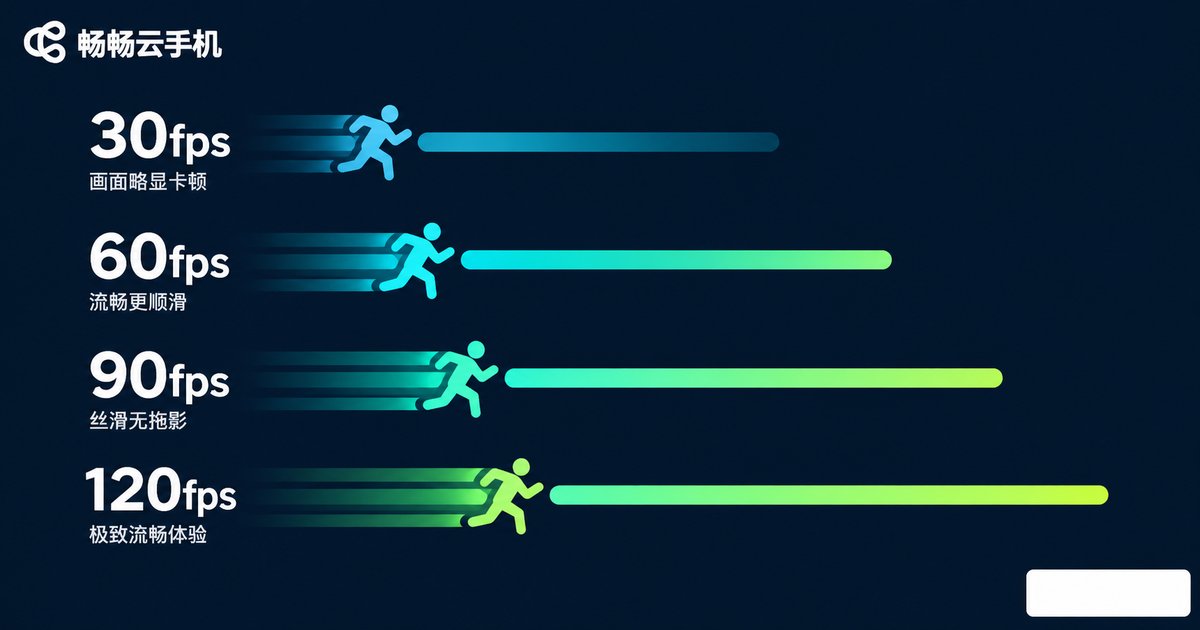
30fps is watchable, 60fps feels comfortable, and 90 to 120fps feels truly responsive. High frame rate mode delivers two real benefits: more continuous motion, and shorter delay between your tap and the on-screen response.
The cost is equally direct: the higher the frame rate, the more rendering resources the cloud needs, the more bandwidth encoding takes, and the more visible the stutter when the network wobbles. So the right approach is to match the frame rate to the scenario, not to push it to the maximum every time.
Scenario 1: mobile games, the most frame-rate-sensitive use case
Different game genres react very differently to frame rate. In a shooter, the more frames you see per second, the steadier your aim tracking feels. In a rhythm game, note and judgement-line sync depends entirely on a stable frame rate.
| Game genre | Suggested frame rate | Why |
|---|---|---|
| Turn-based, idle | 30fps | Little on-screen change, saves bandwidth |
| MOBA, card battles | 60fps | Smoother team fights and skill animations |
| FPS shooters, racing | 60–90fps | Better aim and steering response |
| Rhythm, high-refresh titles | 90–120fps | Steadier timing judgement |
In short: push competitive titles higher, keep casual titles modest.
Scenario 2: mobile game live streaming and screen recording
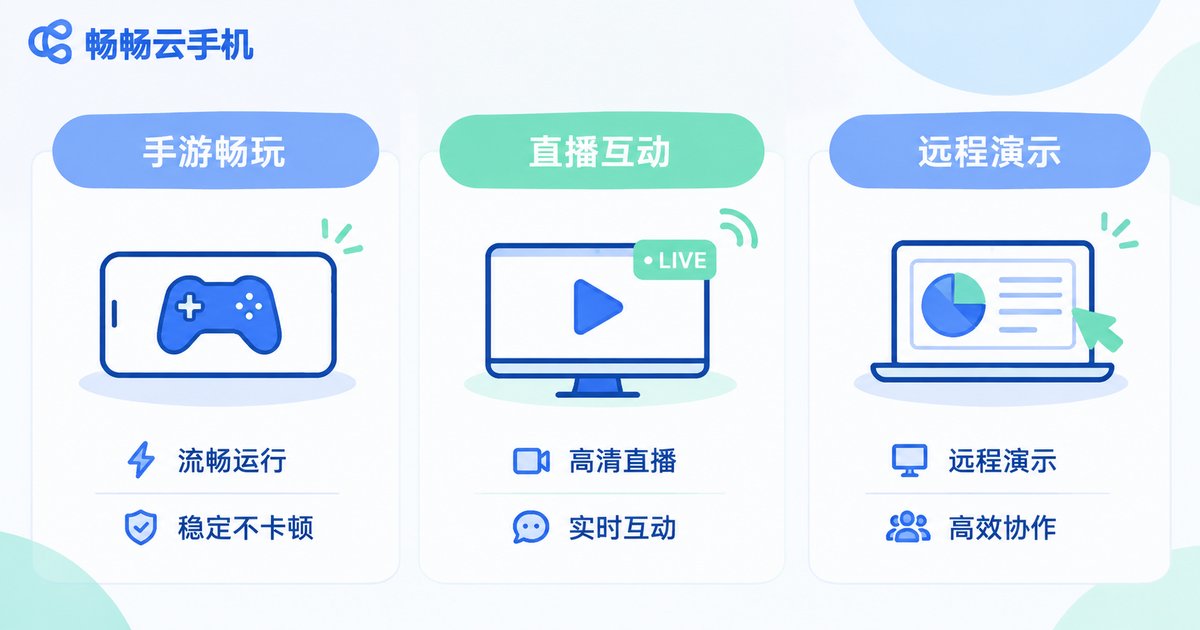
The biggest advantage of streaming from a cloud phone is that your local device does not need to stay on. No heat throttling, and your battery barely drops after a full session. A cloud instance can stay online for a long time, and switching devices mid-stream will not kill the broadcast.
High frame rate matters here because it makes the outgoing stream smoother. In fast-paced matches, a 30fps stream easily produces ghosting and skipped frames on the viewer side.
A few practical tips: align the cloud rendering frame rate with the streaming frame rate to avoid a second round of transcoding; keep at least 30% headroom on your upload bandwidth; and when the network is unstable, protect frame rate stability before resolution.
Scenario 3: presentations, teaching and remote collaboration
Product demos, app tutorials, remotely helping a family member use their phone — these sound undemanding on frame rate, but in practice they are heavy users of it.
The reason is that these operations involve constant small on-screen movement: scrolling lists, paging, pinch-zooming, playing transitions. At low frame rates, that small movement is exactly what turns into visible stutter, and viewers of a recording immediately think the app itself is laggy.
Starting at 60fps the difference is obvious. If you plan to slow the footage down in post-production, 90fps preserves far more detail and avoids a blurry mess.
Scenario 4: automation scripts and multi-instance idle tasks
This category actually has the lowest frame rate requirement. Scripts rely on image recognition or coordinate taps, so a stable picture matters far more than a smooth one. 30fps is usually enough, and the resources you save are better spent on running more instances.
What high frame rate really demands from your network and setup
When frame rate goes up, the network is the first thing to break. Here is a common mapping between picture quality and bandwidth you can use as a reference on the go:
| Quality preset | Approximate bandwidth | Network suggestion |
|---|---|---|
| 720p / 30fps | 3–5 Mbps | 4G or regular WiFi |
| 1080p / 60fps | 8–12 Mbps | 5GHz WiFi or 5G |
| 1080p / 90fps | 12–18 Mbps | 5GHz WiFi or strong 5G |
| 1080p / 120fps | 18–25 Mbps | Wired network or very strong 5G |
These figures are empirical references; actual numbers vary with scene complexity, encoding efficiency and network jitter. At home, the 5GHz band is far more stable than 2.4GHz. On mobile data, only 5G realistically supports a steady 90fps or above.
Tips for running high frame rate on ccloudphone
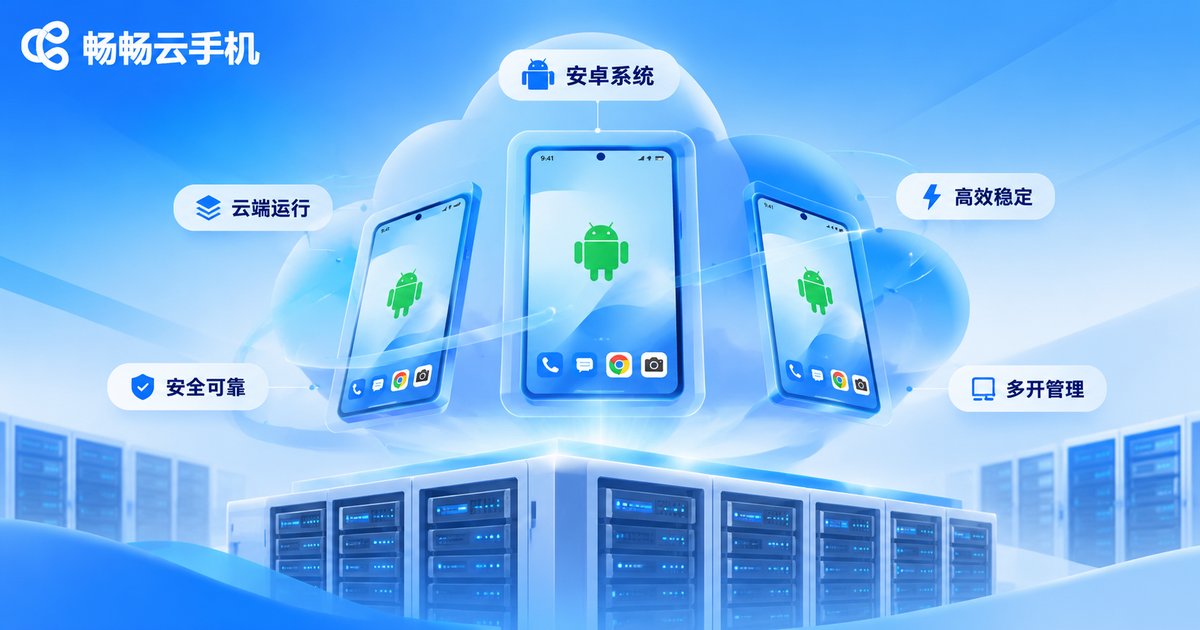
ccloudphone runs a full Android system in the cloud, and your local device only handles decoding and display. That means an older phone, a tablet or even a thin-and-light laptop can still deliver a fairly smooth picture.
When you turn on high frame rate mode, keep these points in mind: switch frame rate by scenario, since idle tasks and scripts do not need it; prefer 5GHz WiFi or a wired connection and avoid heavy downloads on the same network segment; when stutter appears, lower the frame rate before lowering resolution, as the perceived loss is smaller; and during long sessions, keep an eye on cloud instance resource usage and adjust the configuration in time.
FAQ
Q: Is a higher frame rate on a cloud phone always better?
No. Higher frame rate means more cloud rendering and encoding pressure and more bandwidth. Choosing the right level for your scenario gives the best balance of experience and cost.
Q: Does high frame rate mode use more data?
Yes. A higher frame rate means more images transmitted per second, so data consumption rises accordingly. If you run high frame rate on mobile data for long periods, keep an eye on your data plan.
Q: I enabled high frame rate but it still feels laggy. Why?
The usual cause is network jitter or insufficient bandwidth, followed by weak local decoding performance. Check your real-time speed and latency first, then try lowering the resolution — that is often more effective than pushing the frame rate higher.
Q: What frame rate should I use for live streaming?
60fps is smooth enough for most mobile game streams. Fast competitive titles can go higher, but confirm your upload bandwidth can keep up and keep rendering and streaming frame rates aligned.
Q: What is the difference between cloud phone high frame rate and a local high refresh rate screen?
A local high refresh screen increases how often the display itself refreshes. Cloud phone high frame rate increases how many frames are streamed from the cloud to your device. They can stack, but cloud frame rate depends much more on network quality.
Q: Do idle tasks need high frame rate?
Usually not. Idle running and scripted tasks care about long-term stability, and 30fps is enough. Spending those resources on more instances or longer online hours is a better trade.


