

Compliance Reminders for Cloud Phones in Data Collection: Privacy and Authorization Boundaries
Why cloud phones show up in data collection
A cloud phone is a virtual Android device that runs in the cloud and is operated through a remote connection. That makes it a natural fit for work that needs to stay online for long periods, run in batches and stay isolated, such as app compatibility testing, page inspection, content review assistance and public information aggregation. Compared with building a physical device farm, a cloud phone removes the procurement, charging and maintenance burden and keeps these operations in one manageable, recyclable environment.
But a controllable environment does not mean compliant behaviour. You are operating a device, but what you touch is data, and behind the data are real people. Many teams get the technical design right and stay vague about authorization scope and boundaries. In the end, the risk does not come from the code, it comes from the process.
Three red lines you should not cross
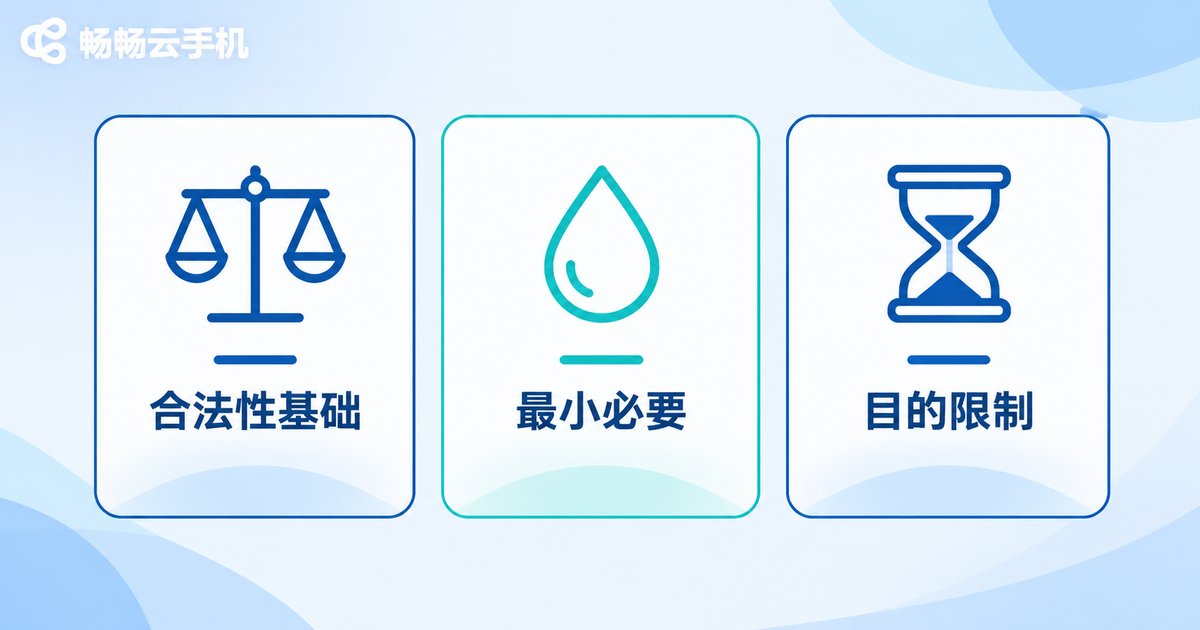
First, you need a lawful basis. Before collecting anyone's information, be clear about the reason: did the user actively authorize it, is it necessary to perform a contract, or is it another situation permitted by law? Without a basis, even the best tooling will not hold up.
Second, minimal necessity. Take only the fewest fields and the lowest frequency needed to reach the goal. If aggregated public data can answer the question, do not work around restrictions to grab detailed records. If anonymous statistics are enough, do not retain identifiable information.
Third, purpose limitation and retention limits. Collected data may only be used for the purpose you stated up front, and must be deleted or anonymized on schedule once it has served that purpose. It should not quietly drift into profiling, targeted marketing or resale to third parties.
These three rules sound abstract but are very concrete in practice: what you collect, why you collect it, how long you keep it, and who can see it. If you can answer all four, your plan is probably sound.
Authorization boundaries: account access is not data permission
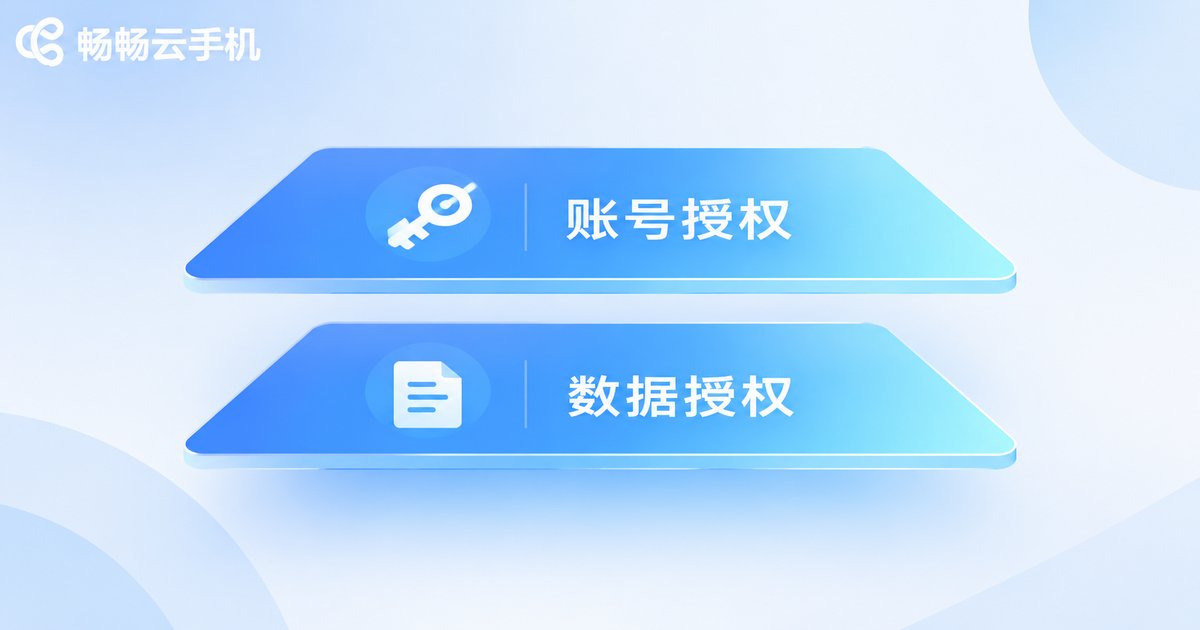
This is where most mistakes happen. When a user agrees that you may sign in to their account, that is usually for a specific feature, not blanket permission to capture, retain and reuse everything visible inside that account. The same logic applies to a platform's terms of service, robots protocol and API usage rules: they are part of the boundary, not optional suggestions.
In practice, break the authorization into explicit pieces: scope (which pages and which fields), duration (how long it lasts), purpose (what it will be used for) and withdrawal (how a user can stop it). The more specific the wording, the less explaining you need later and the fewer internal disputes you will have.
One more detail worth noting: the collection environment itself generates data, such as operation logs, screenshots and account status. These are also objects that need management, and they should not be retained indefinitely just because they were generated internally.
Common misconceptions, side by side
The table below lists the most frequent assumptions in data collection projects and what a more defensible approach looks like.
| Common assumption | What is wrong with it | A safer approach |
|---|---|---|
| The data is public, so anything goes | Publicly visible is not the same as safe to store in bulk and reuse | Read platform terms and crawling rules first, limit frequency and field scope |
| The user authorized the account, so we are fine | Account access is usually narrower than the data handling you plan | Separately explain the fields collected, the purpose and the retention period |
| Ship first, sort out compliance later | Once data is stored, deletion and risk both get more expensive | Complete a field necessity review and retention plan before launch |
| Using a cloud phone means the risk is isolated | A cloud phone isolates the device environment, not legal responsibility | Design device isolation and process compliance as two separate things |
| Internal projects do not need records | You cannot prove the scope of operations when questions arise | Keep permission settings, operation logs and authorization records |
An internal checklist your team can follow
- Collection inventory: list every field, source and frequency, and write down why it is necessary in words a third party can understand.
- Authorization records: consent records, terms versions and notices should all be traceable, with a clear change history.
- Environment isolation: separate the collection environment from production data and grant account permissions per project on a least-privilege basis.
- Data lifecycle: tag the retention period on ingestion, delete automatically when it expires and log the deletion.
- Third-party review: when external data sources or external tools are involved, confirm their terms and the split of responsibility first.
- Periodic review: revisit each field quarterly after launch and subtract what is no longer necessary.
What role does a cloud phone provider play
ccloudphone provides cloud-based Android devices and remote management capabilities: devices run in the cloud, users operate them over a network connection, and multiple devices can be managed together. It solves engineering problems such as device maintenance, computing load and environment consistency. It does not provide data, and it does not decide for you whether a collection activity is compliant. Compliance responsibility always stays with the user.
So when choosing a cloud phone service, pay attention to capabilities that matter for compliance: whether accounts and permissions can be tiered, whether operations are logged and searchable, whether devices can be isolated by project, and whether data can be cleaned up on demand. These details look minor day to day, but they are exactly the evidence you can produce when someone asks questions.
Tools are responsible for stability; processes are responsible for boundaries. Keep the two separate and a cloud phone becomes a genuine asset in data collection projects instead of a risk multiplier.
Frequently asked questions
Q: Does using a cloud phone make my data collection automatically compliant?
No. A cloud phone only moves the device into the cloud, solving environment and operations problems. Compliance depends on whether you have a lawful basis, whether you limit the field scope, and whether you delete data on schedule.
Q: If a user lets me sign in to their account, can I collect all the data inside it?
Usually not. Account access typically covers the needs of a specific feature. Capturing data in bulk, retaining it long term or using it for another purpose requires separate explanation and scope agreements.
Q: Can I freely collect information from public web pages in bulk?
Publicly visible is not the same as safe to store in bulk and reuse. Check the platform's terms of service and crawling rules first, limit request frequency and field scope, and assess whether personal information is involved.
Q: Our small team has no legal counsel. How do we define the boundaries?
Start with four questions: what we collect, why we collect it, how long we keep it, and who can see it. Write the answers into the project document and confirm them before launch, and you will already be more rigorous than most teams.
Q: What compliance-related capabilities should I look for when choosing a cloud phone?
Look at whether permissions can be tiered, whether operations are logged, whether devices can be isolated by project, and whether data can be cleaned up when needed. These determine whether you can explain yourself clearly when questions come up.


