
Operations · Engineering · Trends
Hands-on playbooks, product updates and cross-border insights from the CCloudPhone team.
Which Cloud Phone Platform Uses Real Devices? How to Tell Real Devices from Virtual Machines
Not all cloud phones are created equal. Some platforms run on real ARM smartphone hardware, while others are just virtual machines emulated on x86 servers—a difference that directly affects performance, compatibility, and account safety. This guide walks you through practical ways to tell them apart: checking CPU architecture, reading benchmark data, testing sensors, and observing app compatibility. With these checks, you can confidently choose a platform like ccloudphone that genuinely runs on real ARM devices instead of slow, unstable, easily detected emulated environments.

Is a Cloud Phone a Real Phone? Clearing Up Common Misconceptions About Cloud Devices
A cloud phone is not the device in your hand — it is a genuine Android system running on servers in a data center. This article clears up five common misconceptions about cloud devices: whether a cloud phone can run real apps, whether it means controlling someone else's phone, whether it is always laggy, whether cloud data is safe, and whether hidden fees exist. A side-by-side comparison table helps you quickly decide whether a cloud phone fits your needs, and the article closes with practical tips for choosing a trustworthy cloud phone platform.

Cloud Phone vs Real Phone: 5 Key Advantages Explained in Detail
A cloud phone moves the entire 'phone' into the cloud, offering clear advantages over physical devices: it consumes no local storage or processing power, so even old phones can run demanding apps smoothly; it stays online 24/7, keeping tasks running even when your device is switched off; it supports multi-instance clusters, letting one person manage dozens of 'phones' at once; it keeps data isolated in the cloud, separating work from personal privacy; and it removes hardware purchases, maintenance, and depreciation for a lower long-term cost. This article explains these five advantages in detail and includes a comparison table of cloud phones versus real phones to help you decide whether a cloud phone suits your needs.

Cloud Phone vs Emulator: What's the Difference? Pros and Cons Comparison
Both cloud phones and Android emulators let you run mobile apps on a computer, but they work in fundamentally different ways: an emulator virtualizes Android on your local machine, while a cloud phone is a real Android device running in a data center that you control remotely. This guide compares the two across architecture, performance, multi-instance cost, online stability, and ease of use, then offers practical recommendations for typical scenarios such as 24/7 idle running, multi-account management, and PC gaming, so you can pick the tool that truly fits your needs.
Cloud Phone Value-for-Money Rankings: How to Balance Cheap and Good
When shopping for a cloud phone, the cheapest plan is rarely the best deal, and the highest specs are often overkill. This guide breaks down the five core indicators that define true value for money: hardware performance, stability, multi-instance capability, billing flexibility, and after-sales support. You will find a practical ranking reference across entry, mid-range, and professional budget tiers, showing which setup suits casual users, multi-account operators, and professional studios. The article also shares hands-on tips for cutting costs without sacrificing experience, such as matching configuration to your workload and testing with short-cycle plans. Finally, it explains how ChangChang Cloud Phone (ccloudphone) balances affordable pricing with stable, smooth performance and flexible plans, helping you find the sweet spot between cheap and good.

Do Cloud Phones Use a Lot of Data? Real-World Tests for Video and Gaming
Yes, cloud phones consume mobile data — everything you see is a live video stream from the cloud. But exactly how much depends on how you use it. Based on real-world tests, this article breaks down hourly data consumption across common scenarios: background AFK tasks use only 30-60MB per hour, short-video browsing around 600-900MB, mobile gaming 800MB-1.2GB, and high-quality open-world games can exceed 2GB per hour. We also calculate a realistic monthly data budget and share five practical tips to reduce usage, including connecting via WiFi, lowering stream quality, and using disconnect-and-AFK modes.
How to Run Scripts on a Cloud Phone: Script Permissions and Configuration Explained
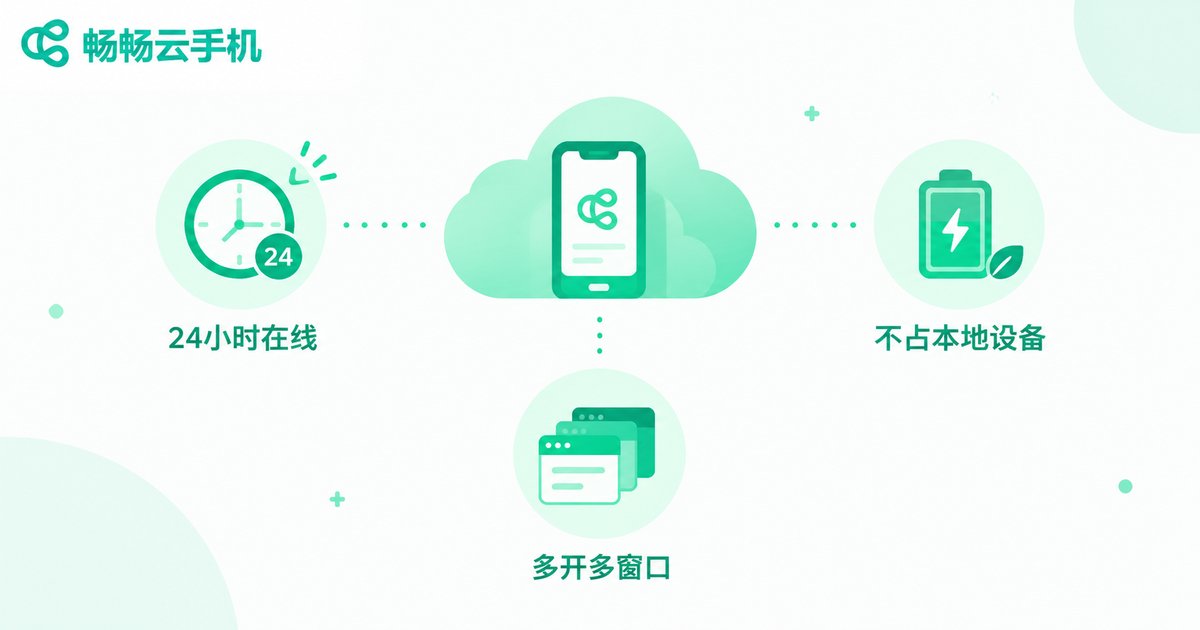
Running scripts on a cloud phone is one of the most popular ways to automate repetitive tasks around the clock. But getting a script to run smoothly takes more than installing a tool: permissions and configuration decide whether your automation lasts for hours or crashes in minutes. This guide walks you through enabling accessibility, floating window, storage and background permissions, then tuning resolution, performance profiles, network and keep-alive settings for stable long-term operation. You will also find a complete step-by-step workflow for running scripts on ccloudphone, plus a troubleshooting table and FAQ covering the most common failures, so you can set everything up correctly the first time.
Which Free Cloud Phone Is Best? A Roundup of Platforms You Can Really Use Long-Term
Plenty of apps claim to offer a free cloud phone, but very few stay usable over the long run. This guide breaks down the most common types of free cloud phone services and the tricks behind them, then shares five practical criteria for judging long-term usability: device performance, online hours, stability, data security, and upgrade flexibility. You will also find a hands-on recommendation for ChangChang Cloud Phone (ccloudphone), a service with a free trial entry and stable cloud Android devices, so you can test everything before spending a cent and avoid wasting time on platforms that stop working after a week.

Which Cloud PC Should You Use? Pros and Cons of Major Platforms Compared
Which cloud PC platform is actually worth your money? This guide sorts the major big-tech offerings into three camps — general-purpose platforms from internet giants, carrier-bundled services, and vertical solutions built for gaming or creative work — and breaks down their strengths and weaknesses across price, performance, latency, ecosystem, and target users. You will also get five hard metrics for judging any cloud PC, plus practical tips to avoid common pitfalls before you pay. And if your real goal is mobile gaming with multiple accounts or AFK farming, we explain why a cloud phone like ChangChang Cloud Phone (ccloudphone) may serve you better than a cloud PC, so you can pick the right product the first time.
What Is Cloud Phone Trial Access? How to Claim Your Free Trial
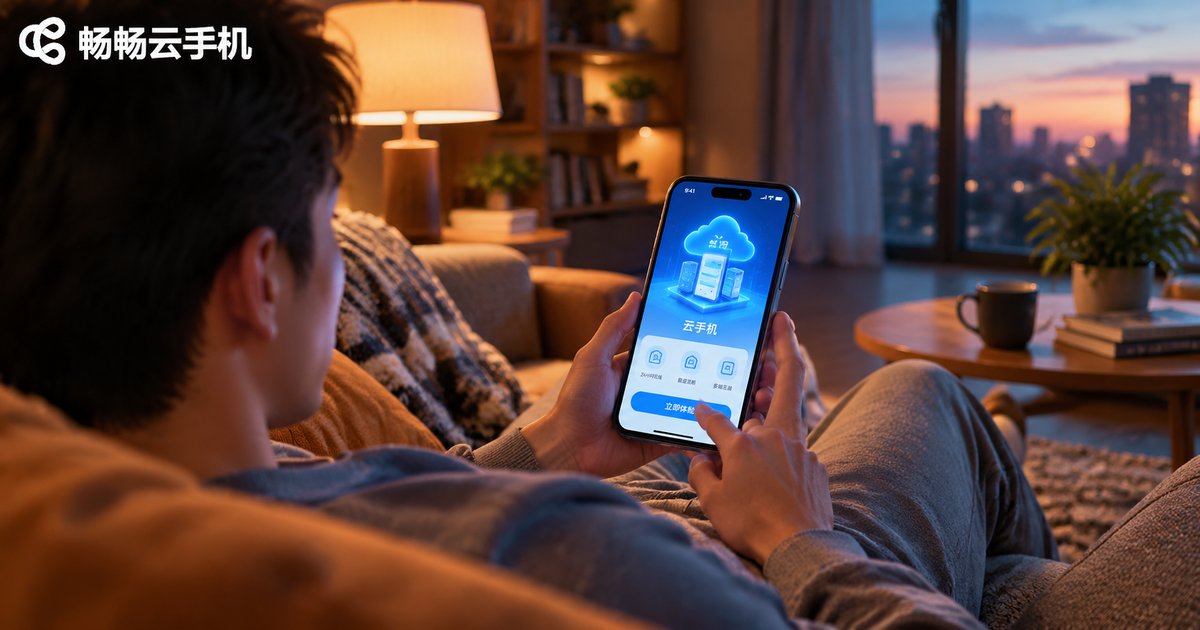
Cloud phone trial access is a free benefit that platforms offer to new users. After claiming it, you can use an Android phone running entirely in the cloud without paying, and test core scenarios such as idle gaming, multiple accounts, and app hosting. This article explains what trial access is, what it usually includes, and walks you through four universal steps to claim it: choosing a reputable platform, registering an account, claiming the trial, and starting your experience. It also covers validity periods, data backup, and safety tips, helping you decide whether a cloud phone suits you at zero cost.
Which Apple Cloud Phone Is Best? A Pitfall-Avoidance Buying Guide for iOS Users
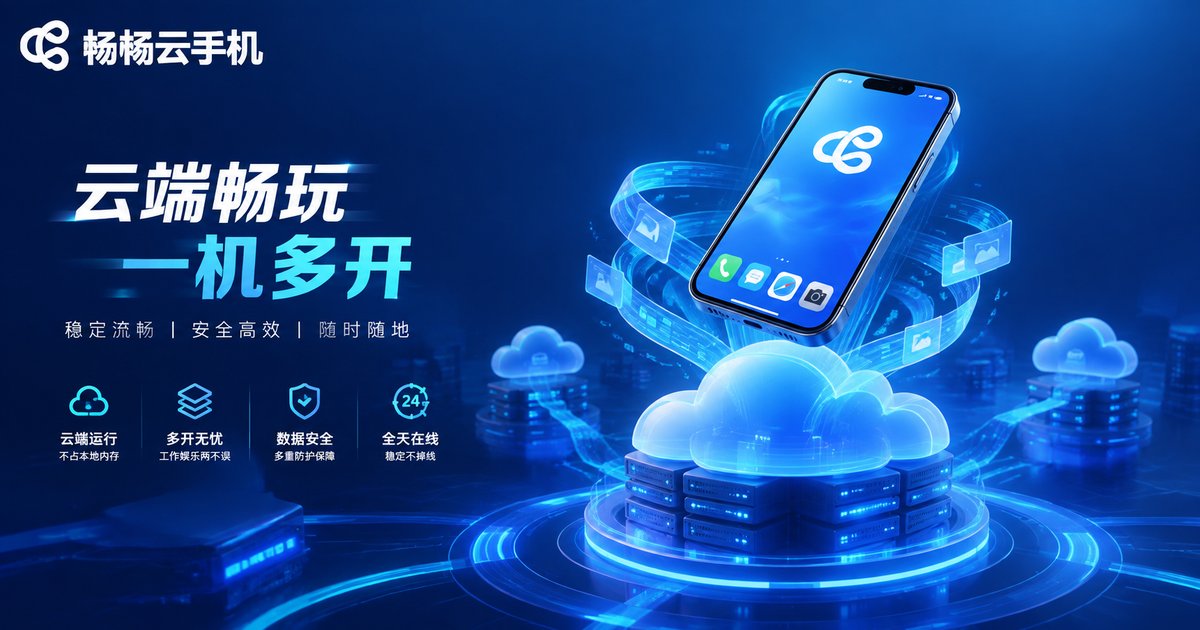
An Apple cloud phone lets iOS users run a virtual iPhone in the cloud, keeping idle games farming, apps running, and multiple accounts online around the clock without extra physical devices. However, the market is full of services with exaggerated specs, high latency, weak data security, and hidden fees. This guide walks iOS users through five key factors—real performance, stability, security, transparent pricing, and after-sales support—so you can spot the traps before you pay. We also explain why ChangChang Cloud Phone is a reliable option worth a closer look before you subscribe.
What Tools for Cloud Phone Script Development? A Guide to Common Automation Frameworks
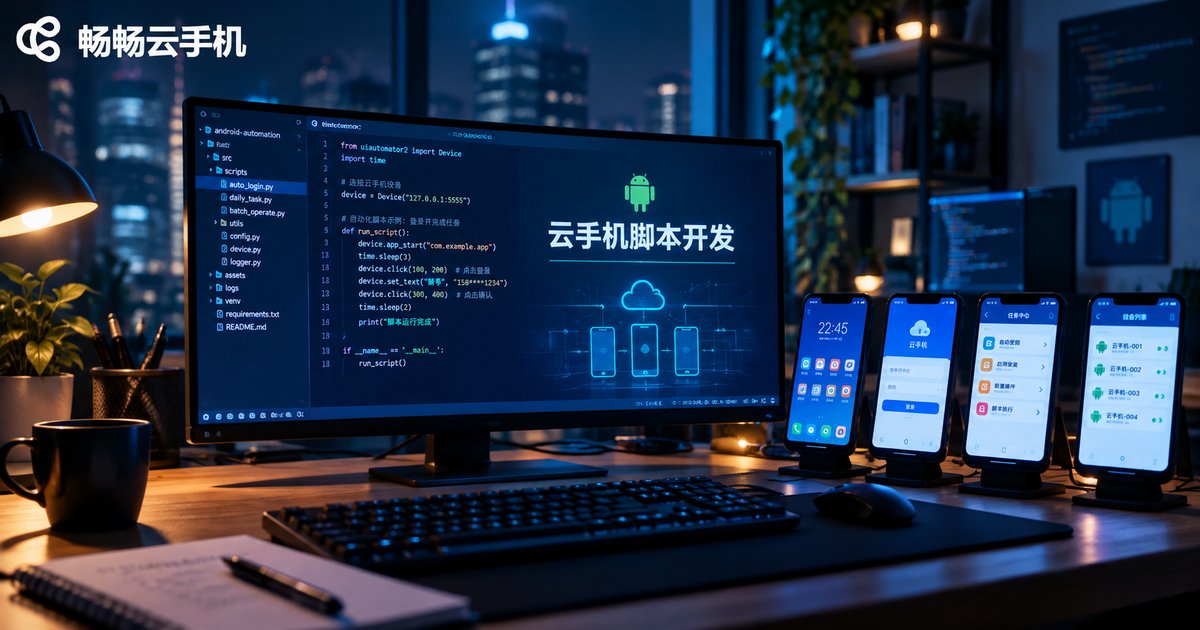
Choosing the right tool is the first step to running automation scripts smoothly on a cloud phone. This guide walks you through the most popular Android automation frameworks, including ADB + Shell, uiautomator2, Airtest, Appium, and Auto.js, explaining how each locates UI elements, its learning curve, and the scenarios it fits best. You will also find a side-by-side comparison table, a four-step tutorial for setting up a cloud phone script development environment with code examples, and practical tips for running scripts around the clock in the cloud. Whether you are automating daily check-ins, testing apps, or building game scripts, this article helps you pick the right framework and get your first script running on a cloud phone quickly.