
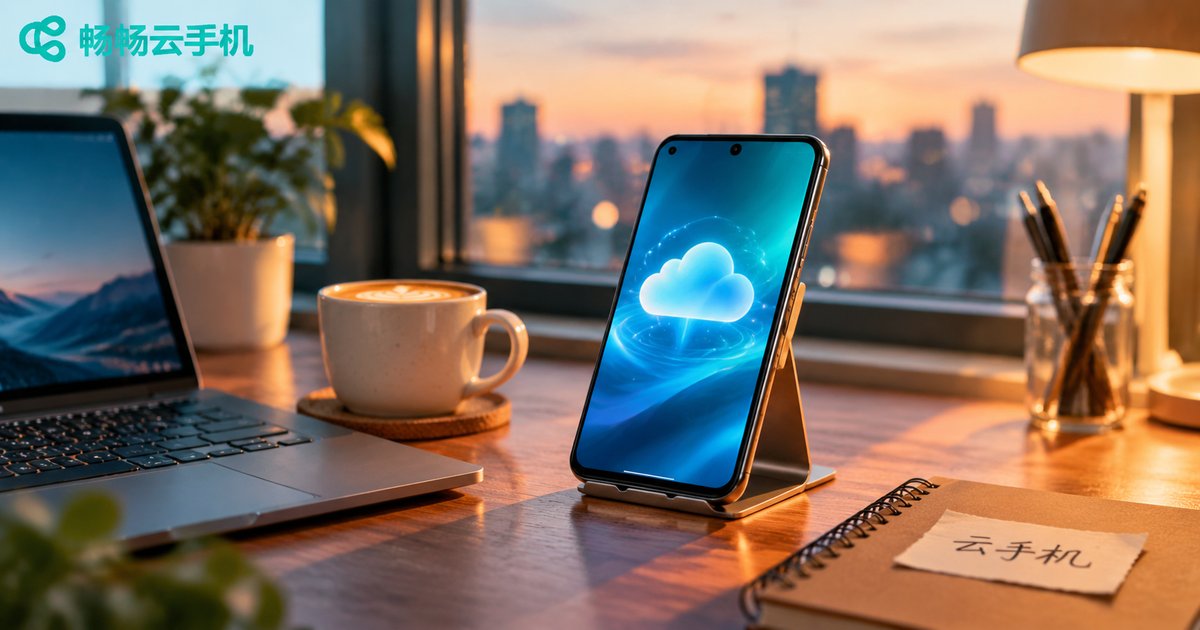
What Is a Cloud Phone For: Office, Entertainment, Testing and Multi-Account Scenarios
What is a cloud phone? A one-sentence explanation
Put simply, a cloud phone is an Android phone that lives in a data center instead of in your hand. The operating system, the apps and the data all run on a server, while the screen in front of you only displays the picture and passes your taps back. That means you can have a second, fifth or even fiftieth phone without buying any hardware at all.
Because it runs remotely, a cloud phone comes with four built-in advantages: no hardware to purchase, many instances running at once, 24/7 uptime, and nothing lost when you switch devices. Once you understand those four points, it becomes obvious where a cloud phone actually fits into daily life.
Scenario 1: Office work — a portable workstation in your pocket
Plenty of people carry two phones every day: one personal, one for work. A cloud phone removes that routine.
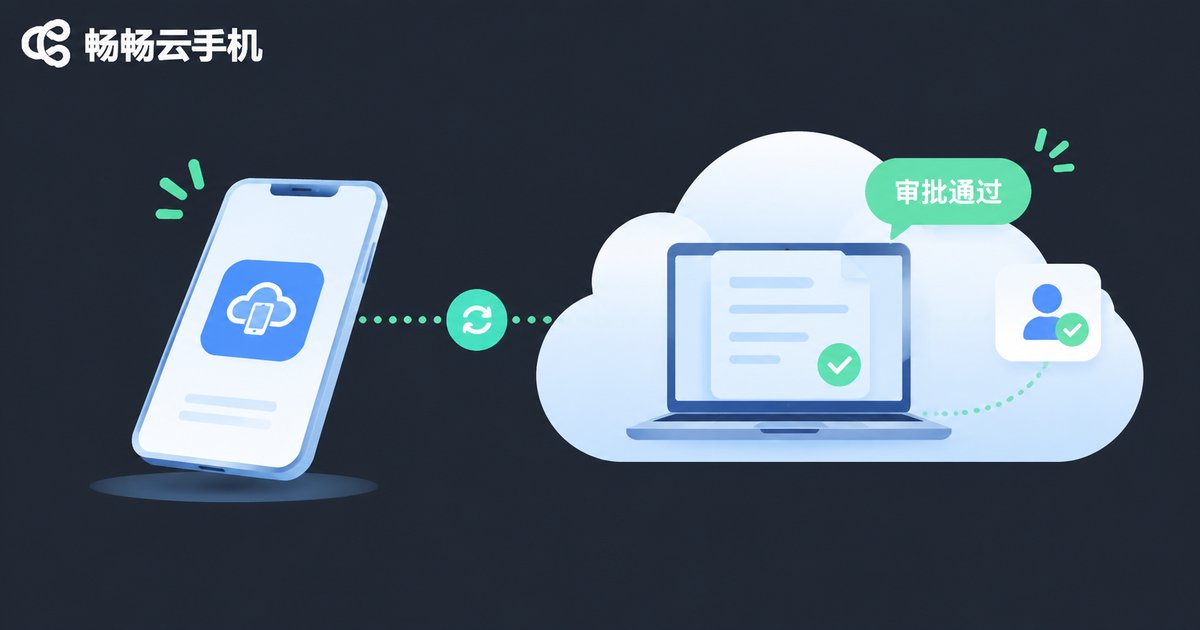
Field work and business trips: internal office apps, approval systems and CRM tools can all run inside a cloud phone. You only need to bring one device, and changing hotels or laptops never means logging in and configuring everything again.
Data stays off your device: business data remains in the cloud, so company files never sit on a personal phone. Lost devices and staff handovers become far simpler.
Always online: a cloud phone never shuts down or drops its connection, so customer messages and system alerts are not missed just because your own battery died.
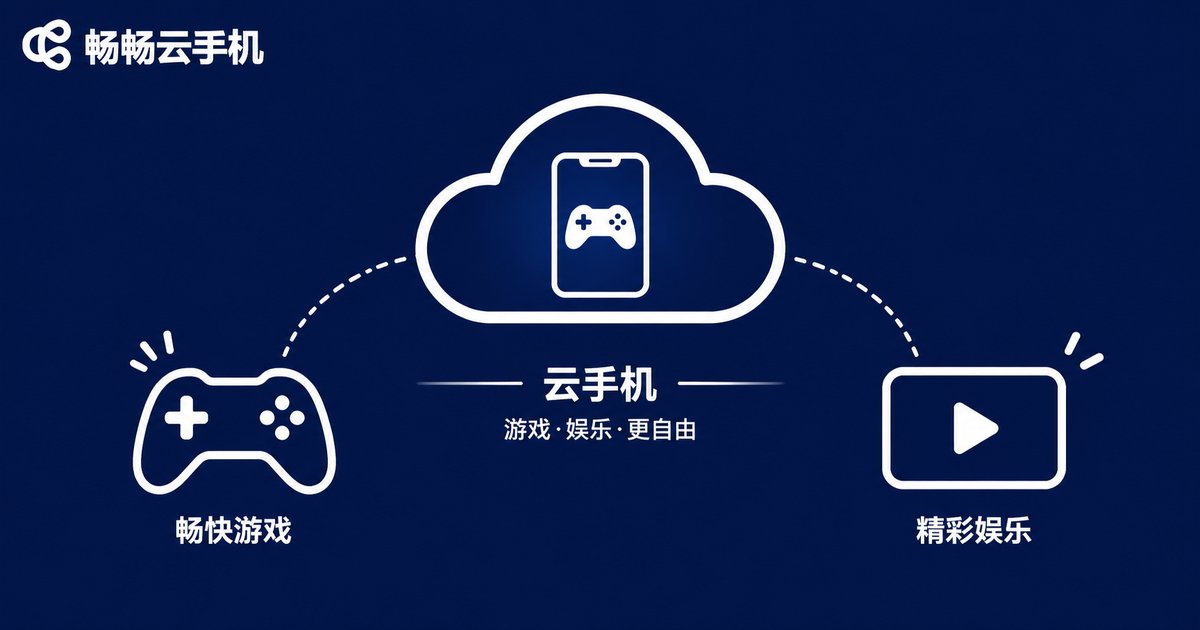
Scenario 2: Entertainment — idle gaming, cloud gaming, long sessions
Entertainment is the most down-to-earth use case of all.
Idle gaming: daily tasks, event check-ins and resource gathering that require long hours online can be handed to a cloud phone, while your own device keeps streaming video and taking calls without heating up or draining the battery.
Play on low-end hardware: the performance comes from the server, so older phones and tablets can run demanding titles smoothly.
Save storage and battery: large game downloads and HD video happen in the cloud, taking up none of your precious local storage.
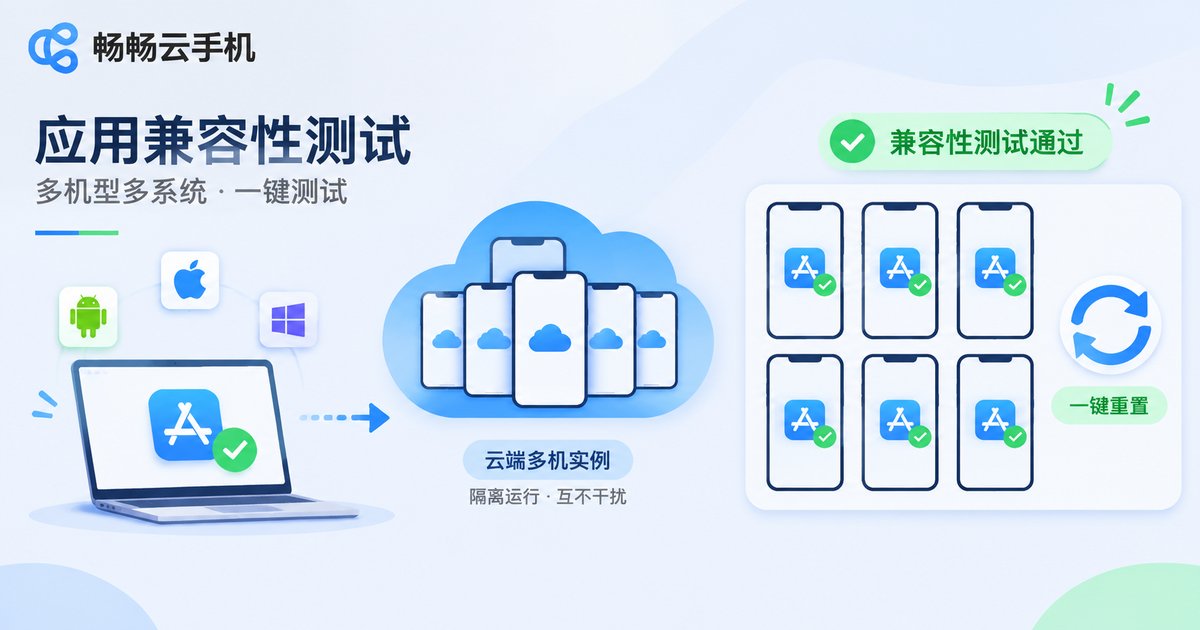
Scenario 3: Testing — app compatibility across devices
For developers and QA engineers, a cloud phone is a genuine productivity tool.
Device coverage: the same app often behaves very differently across Android versions and screen resolutions. Instead of buying a drawer full of test devices, you can spin up cloud instances with different configurations and test in parallel.
Instant reset: restore a clean environment with one click after a test run — no more flashing ROMs over and over.
Automation friendly: automated scripts can run in the cloud for hours without tying up your own laptop or phone, and without interrupting your day.
Scenario 4: Multi-account — operations and community management
Online stores, creator networks, game alt accounts and community management all come down to one thing: one person handling many accounts.
Multiple cloud phone instances are isolated by design. Each instance is an independent environment, they do not interfere with one another, and you can switch between them from a single interface. Compared with running clone or dual-app tools on a physical phone, the cloud approach is more stable and will not slow down your main device.
One reminder: multi-account use is about efficiency, not about bypassing platform rules. Always follow each platform's account policies and use it responsibly.
How to choose: cloud phone vs extra physical phone vs desktop emulator
| Factor | Cloud phone | Buying another physical phone | Desktop emulator |
|---|---|---|---|
| Hardware cost | Provision on demand, no purchase | Full price per device | Depends on your PC specs |
| Multi-instance | Many isolated instances in parallel | Limited by devices and desk space | Your PC slows down as you add more |
| 24/7 uptime | Always on in the cloud | Must stay plugged in and powered on | Stops when your PC shuts down |
| Local heat and battery | Effectively zero | Noticeable | Consumes PC resources |
| Switching devices | Continue on any phone or laptop | Painful data migration | Reinstall on a new PC |
| Best for | Office work, idle gaming, testing, multi-account ops | Users who need perfect local responsiveness | Keyboard-and-mouse workflows |
Ready to try it? Start with ccloudphone
If one of the scenarios above matches your situation, the next step is picking a stable cloud phone service. ccloudphone (畅畅云手机) provides cloud Android instances that you connect to from a client app, supports multiple instances online at the same time, and can be accessed across devices — suitable for everyday needs such as office work, idle gaming, testing and multi-account management.
A practical tip: start with a single instance for your most important use case, confirm that latency and responsiveness meet your expectations, then decide whether to add more instances based on real usage. That way nothing is wasted, and you find out quickly whether a cloud phone genuinely fits the way you work.
Frequently asked questions
Q: Does a cloud phone need a very fast connection?
A cloud phone only streams the screen and input events, so ordinary home broadband and 4G/5G are usually enough. If the picture occasionally blurs, it is normally network fluctuation — switching to a more stable network solves it.
Q: What is the difference between a cloud phone and a desktop emulator?
An emulator runs on your PC and consumes local CPU and memory, and stops the moment your computer shuts down. A cloud phone runs on a remote server, keeps running after your computer is off, and never slows your machine down no matter how many instances you use.
Q: Will running multiple accounts on a cloud phone get me banned?
The cloud phone is only the environment. Whether something is a violation depends on what you do with it. Always follow each platform's account and operation rules, and never use it for bulk registration or artificial traffic.
Q: Can I play games on a cloud phone? Is the latency high?
Yes. Card games, idle games and simulation titles feel great. For competitive games that demand pinpoint precision, responsiveness depends on your network, so try one instance first before committing.
Q: Is my data safe in the cloud?
Choosing a reputable provider matters. Keep your account credentials secure yourself, and avoid handling sensitive information on untrusted networks.
Q: How many cloud phones can I manage from one device?
It depends on the configuration you choose. In general you can manage several instances from the client and switch between them quickly — provision exactly what you need.


