
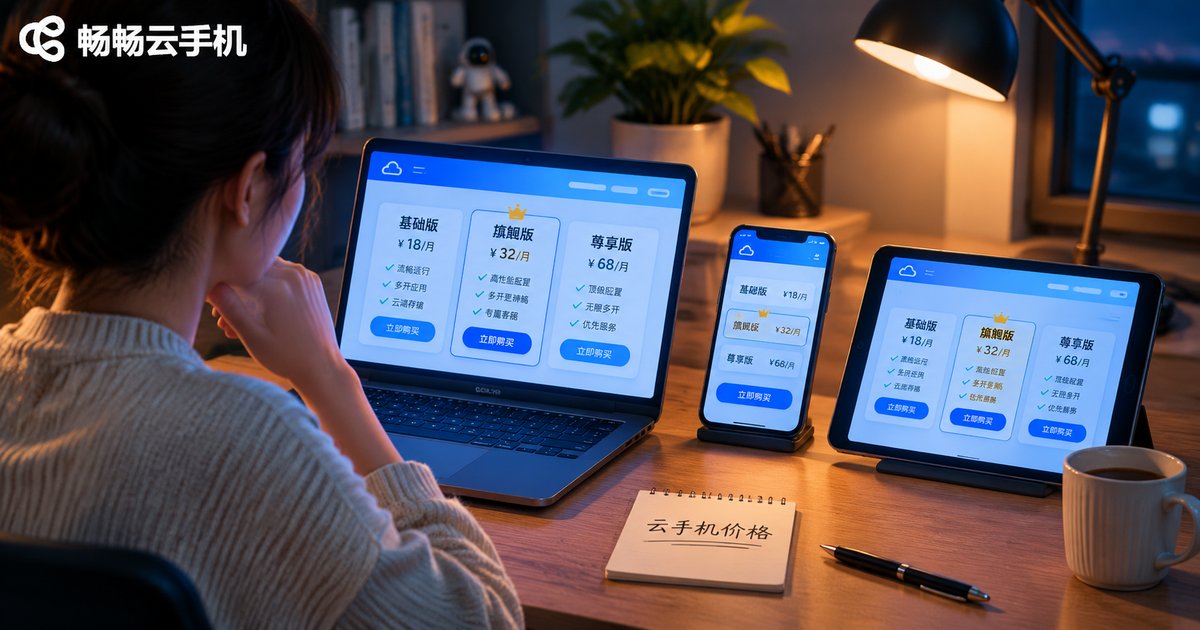
How to Read Cloud Phone Pricing: Plans, Specs, Duration and Cost Breakdown
Why two cloud phones can differ in price by several times
Search for a cloud phone and you will see quotes ranging from a few dollars a month to well over a hundred. Most people instinctively pick the cheapest one, then discover stuttering screens, constant disconnects and automation scripts that simply will not run. Behind the price gap there are really four cost drivers at work: hardware specs, usage duration, network resources and value-added services. Break a quote into these four parts and you can tell whether it is expensive or actually good value.
1. Specs: the foundation of the price
A cloud phone is essentially an Android device sitting in a data center. CPU cores, memory, storage and screen resolution determine how much compute the provider must reserve for you, and that is what sets the cost. Entry-level devices are usually enough for watching video, keeping social apps online or running lightweight automation. Only higher-spec devices can handle large games, multiple app instances and long high-load tasks. Put a lightweight device under a heavy workload and the money you saved turns into lag, retries and wasted time.
| Spec | Low | Mainstream | High | Price impact |
|---|---|---|---|---|
| CPU cores | 4 cores | 6-8 cores | 8+ cores | More cores, higher per-device cost |
| RAM | 2-4GB | 6-8GB | 12GB+ | One of the main price drivers |
| Storage | 32GB | 64-128GB | 256GB+ | Affects long-term data storage cost |
| Resolution | 720P | 1080P | 2K | Higher quality needs more bandwidth |
So when you see a low price, do not order first. Ask how many cores, how much memory and what resolution the device has. Same monthly fee, one spec tier lower, and the experience can be completely different.
2. Duration: daily, monthly or long term
Cloud phones are billed by rental time, and the longer the term, the lower the average daily cost usually is. Daily billing is flexible and suits short tests or temporary projects. Monthly billing is the most common option and fits everyday automation, content work or managing multiple accounts. Annual or long-term rental suits teams with confirmed long-running needs: the unit price is lower, but only if your usage period is genuinely that long.
One easily overlooked point: idle time is still billed. Unlike a local device you can switch off, a cloud phone keeps reserving resources as long as the instance is running. If your usage is intermittent, estimate how many hours a day you actually need it before choosing a plan. That often saves more money than picking the most expensive package.

3. Cost structure: what a quote should include
A cloud phone bill usually consists of these parts:
1. Base compute fee: CPU, memory and storage, the main body of the quote.
2. Duration fee: how long you rent the device, settled by day, month or year.
3. Network and bandwidth fee: real-time remote video needs bandwidth. Some plans bundle it, others charge separately.
4. Value-added services: extra storage, batch management of multiple devices, dedicated IP, data backup and so on, enabled on demand.
Once you understand these four parts, you can answer the key question: am I paying for compute, or just for time? A low-priced plan with adequate specs, suitable duration and no extra bandwidth fee is the one that is genuinely cheap.
4. Three practical ways to judge a price
Convert to a daily unit price before comparing. Divide a monthly fee by 30 and an annual fee by 365. The gap between plans becomes obvious, and you are less likely to be intimidated by big numbers.
Match specs to the task, not to the price ranking. For social apps and video, a low-spec device is enough. For large games or multiple app instances, you need higher specs. Buying too much wastes money, buying too little wastes time.
Factor stability into the cost. A cloud phone that saves a couple of dollars a month but disconnects constantly and needs repeated reconnections consumes your time instead. Over the long run, stability is worth more than a small discount.
5. Spending your budget wisely with ccloudphone
ccloudphone (畅畅云手机) offers several spec tiers combined with different rental durations, and the selection logic can be kept simple: define the use case first, then the specs, then the duration. Lightweight tasks start from entry tiers, while heavy workloads should go straight to higher specs to avoid migrating later. Before ordering, check the current spec parameters and billing model on the official site, and confirm whether bandwidth and storage are included in the plan. If you are unsure about your scale, scaling up gradually from a smaller configuration is usually safer than committing to a long, expensive plan at once.

FAQ
Q: Why are some cloud phone fees so low?
Low prices often come from lower specs, shorter durations, or bandwidth and storage charged separately. Confirm all three before ordering to see the real cost.
Q: Do higher specs always mean a better experience?
Not necessarily. Specs should match your use case. High specs for lightweight tasks waste money, while low specs for heavy tasks cause lag. Pick the tier that fits the job.
Q: Is daily or monthly billing better?
Daily billing is more flexible for short tests and temporary projects. For ongoing daily use, monthly or long-term plans usually offer a lower average daily price. It depends on how many hours a day you actually need it.
Q: Am I charged when the cloud phone sits idle?
As long as the instance is running, resources stay reserved. If your usage is intermittent, estimate your real daily usage hours first, then choose the matching plan.
Q: How do I know whether a quote is reasonable?
Convert it to a daily unit price, then check the spec parameters, whether bandwidth and storage are included, and how stable it is. When all three line up, the price is worth it.


