
How Much Does a Cloud Phone Cost: Free, Trial, and Paid Plans Explained
Why Cloud Phone Prices Range from Free to Over a Hundred a Month
Search for cloud phone pricing and you will get completely different answers: some say it is free, some say a few dozen dollars a month, others say a high-spec instance costs over a hundred. All of them can be true, because a cloud phone is essentially renting an Android phone that lives in a data center. What you pay for is CPU, memory, storage, bandwidth and operations. Different specs, different billing models and different usage duration can easily create a several-fold gap.
So the real question is not 'how much does a cloud phone cost' but three more specific ones: What will I use it for? What specs do I need? How long will I use it? Once those are clear, the price range is basically settled. Below we break the cost logic down into free plans, trials and paid plans.
Free Plans: Great for Learning the Ropes, Bad for Running a Business
Many cloud phone platforms offer free instances so new users can get hands-on. Free plans usually come with these limits:
- Limited session length: the instance disconnects after a set time and you have to reconnect
- Low specs: heavy games or multiple instances stutter and drop frames
- Queues or limited quantity: you may not get an available instance during peak hours
- No long-term data guarantee: apps and data may be wiped when the instance is recycled
- Restricted features: background keep-alive, batch management and automation are often locked
The biggest value of a free plan is not saving money, it is proving that your use case actually works: can the script be installed, can the game log in normally, do accounts get disconnected. Once that is verified, move to a paid plan. Running real business on a free instance risks far more than the money you save.
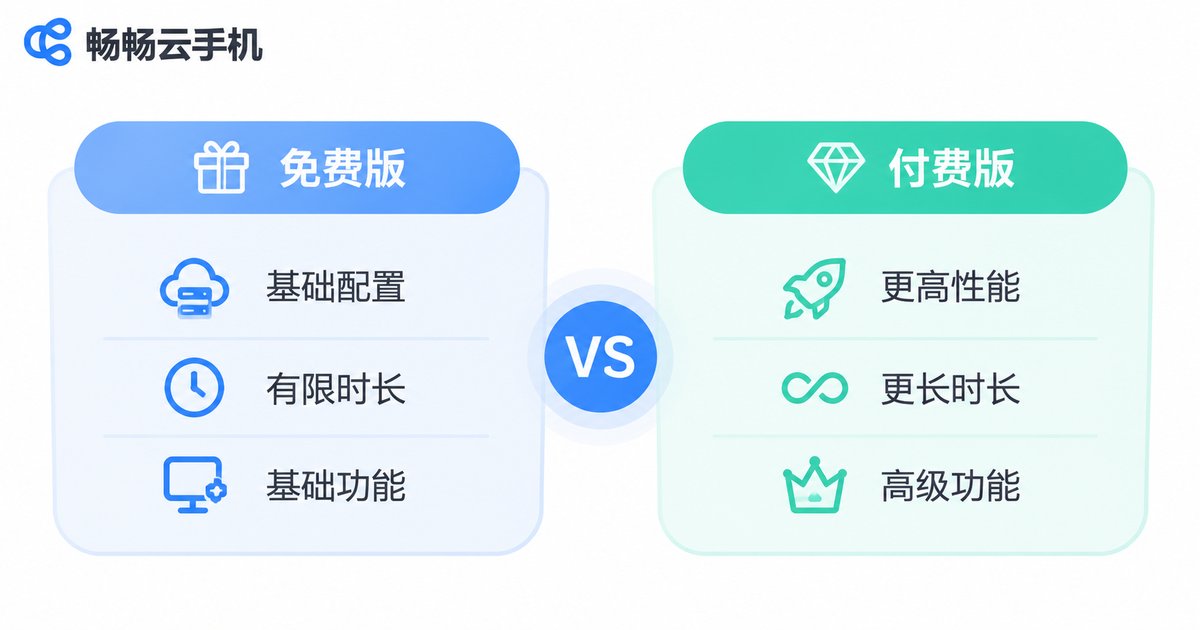
Trials: A Short but Complete Experience, Watch What Happens Afterwards
A trial is not the same as a free tier. A free tier is a permanently available but watered-down entry point, while a trial usually gives you a near-paid experience for a limited time: full specs, full features, no cap on the number of instances.
When using a trial, watch three things: stability (does it stay online through hours of continuous running), responsiveness (are taps, swipes and typing lag-free), and data migration (can apps and data move smoothly to a paid plan when the trial ends). The third one is most often overlooked and directly affects your later cost, because re-installing everything from scratch is a time cost you pay in full.
Paid Plans: Four Common Billing Models
Cloud phone packages look messy, but they come down to four billing logics, often combined:
| Billing model | Typical form | Best for |
|---|---|---|
| By duration (hour/day) | Stop when done, flexible but higher unit price | Temporary tests, short campaigns, occasional tasks |
| Monthly | The workhorse for long-term use, much cheaper per day than daily billing | Individuals running long sessions, small studios |
| Quarterly / yearly | The longer the prepaid period, the lower the effective unit price | Teams with a clear project timeline and stable demand |
| By spec tier | High-spec instances cost more, low-spec ones cost less | High spec for game multi-instance or video work, low spec for light tasks |
There is also volume purchasing: the more instances you rent at once, the lower the per-instance price usually is. That is why the question 'how much is one cloud phone' almost always needs the follow-up 'how many are you renting'.
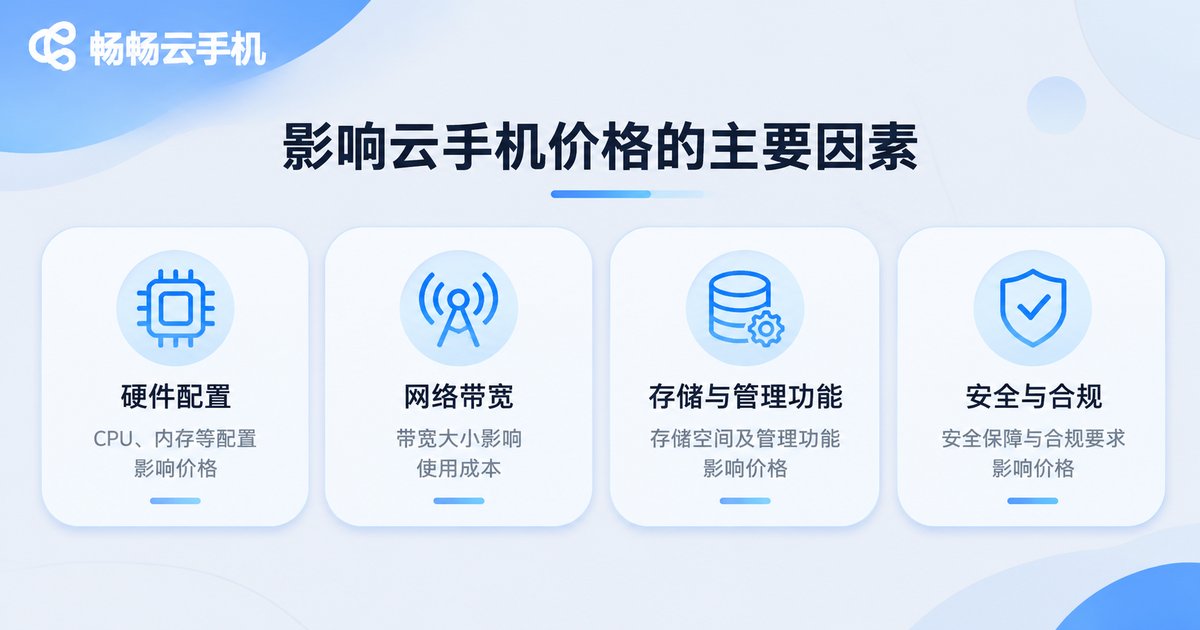
Five Factors That Drive Cloud Phone Pricing
- Hardware specs: CPU cores and memory decide how heavy an app you can run, and they are the largest cost component.
- Android version and compatibility: newer Android versions work better with some apps but consume more resources.
- Network and bandwidth: smooth visuals depend on bandwidth; more generous and stable lines cost more.
- Storage: more apps and bigger caches require more storage.
- Management and automation: batch control, scheduled tasks and status monitoring are value-added capabilities usually reflected in plan tiers.
Conversely, if you only log in occasionally for a light task, there is no reason to pay for high specs. Choosing on demand is the most effective way to control cloud phone costs.
How to Pick the Most Cost-Effective Option by Use Case
| Use case | Spec approach | Billing advice |
|---|---|---|
| Light personal use, trying it out | A low-spec instance is enough | Start with a free tier or trial, then go monthly once confirmed |
| Game multi-instance, long sessions | Mid-to-high spec, stability first | Monthly, prioritize platforms with fewer disconnects |
| Content matrix, account management | Multiple mid-to-low spec instances with batch control | Buy in volume and ask about tiered pricing |
| Development testing, app validation | Spin up on demand and release afterwards | Daily or hourly billing to avoid idle waste |
Hidden Costs People Forget to Count
Comparing list prices alone is a trap. These invisible costs often cost more:
Stability cost - a cheap instance that keeps dropping forces repeated reconnects and re-installs, burning time worth far more than the savings. Migration cost - whether apps and data must be rebuilt when you switch platforms. Learning cost - whether the console is usable and batch operations are smooth. Idle cost - prepaying yearly but only using one month multiplies your effective unit price. Count all of these and you will find that cheapest and most cost-effective are frequently not the same option.
ccloudphone: Prove It Small First, Then Scale as Needed
ccloudphone provides rented cloud Android instances that you operate through a web console or client app, suitable for common scenarios such as long-running sessions, multi-instance use and testing. For first-time cloud phone users, a sensible approach is to start with a small number of instances, prove your workflow end to end, confirm that stability and usability fit your habits, and only then add more instances and longer durations. For specific instance configurations, billing cycles and pricing, always refer to what ccloudphone publishes on its official website, and double-check your own duration and spec requirements before ordering.
FAQ
Q: Can cloud phones really be used for free?
Most platforms offer free trial instances, but they usually come with limits on session length, specs or features. They are best for validating a use case, not for running production workloads long term.
Q: What is the difference between a free plan and a trial?
A free plan is a permanent but limited entry point; a trial typically provides a near-paid full experience for a limited time and is best used to test stability and responsiveness.
Q: How much does renting one cloud phone cost?
It depends on specs, billing cycle and the number of instances. A daily low-spec rental and a monthly high-spec one can differ several-fold. Define your use case first, then check the official pricing for the matching configuration.
Q: Is monthly or daily billing cheaper?
If you use it continuously for more than about a week, monthly is usually cheaper. For one-off tasks that you release afterwards, daily or hourly billing makes more sense.
Q: Is it cheaper per instance when renting many?
Many platforms offer tiered per-instance discounts for volume rental. Check each platform's package details for the exact rules.


