
Operations · Engineering · Trends
Hands-on playbooks, product updates and cross-border insights from the CCloudPhone team.
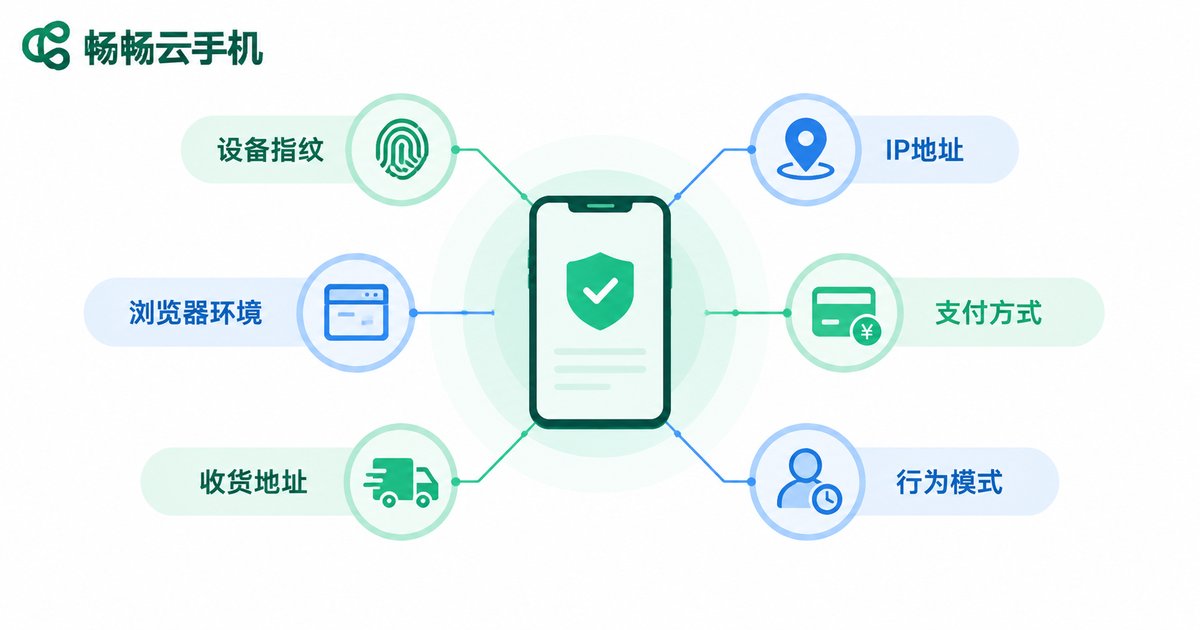
How Amazon Review Studios Use Cloud Phones to Prevent Account Linking: Complete Setup Guide for Independent Environments and Residential IPs
Account linking is the biggest fear of any Amazon review studio — one slipped detail can take down dozens of buyer accounts at once. This guide explains how to use cloud phones to give every account a truly independent Android environment, then pair each instance with a dedicated static residential IP to achieve the one-account-one-device-one-IP standard. You will learn how Amazon detects linked accounts, why datacenter IPs get flagged, a five-step configuration workflow, daily operating habits that keep accounts safe, and answers to the most frequently asked questions.
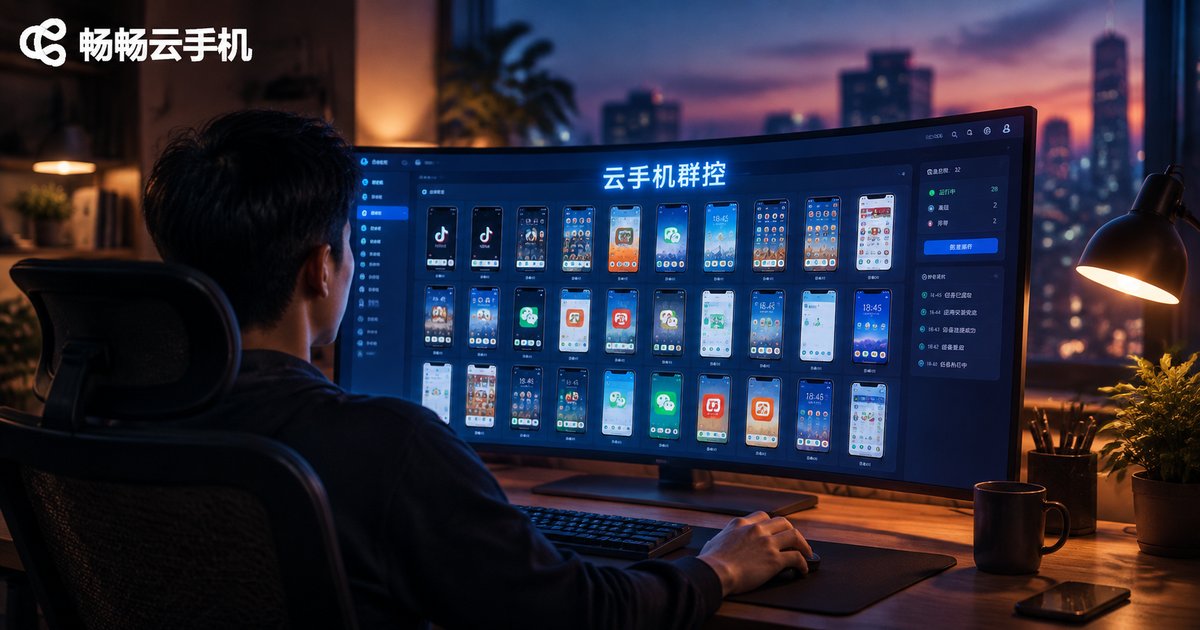
How to Choose a Cloud Phone Group Control System? 2026 Comparison of Automation Solutions for Managing 100+ Devices
Managing hundreds of cloud phones by hand is no longer realistic—group control systems have become the standard for batch operations. Written for 2026 buying decisions, this guide explains the three core capabilities of cloud phone group control, compares three mainstream automation routes (built-in sync control, script automation, and API/RPA integration), and distills five hard selection criteria: stability, concurrency limits, sync latency, script compatibility, and billing flexibility. A practical FAQ at the end helps you match a solution to your business scale quickly and avoid expensive mispurchases.

No More Manual Scrolling! Cloud Phone Matrix Auto Account Warming Doubles Your Short Video Growth Efficiency
Every short video account needs a warm-up period before it can grow, but manually scrolling feeds for hours each day simply does not scale. This article explains how to build a cloud phone matrix that automates account warming tasks such as watching videos, liking, and following, with each cloud phone running an independent environment around the clock. You will learn how automated warming works step by step, see a side-by-side efficiency comparison between manual operation and a cloud phone matrix, and pick up practical tips on task settings and behavior pacing. By handing repetitive work to the cloud and saving time for content creation, you can double your account growth efficiency.
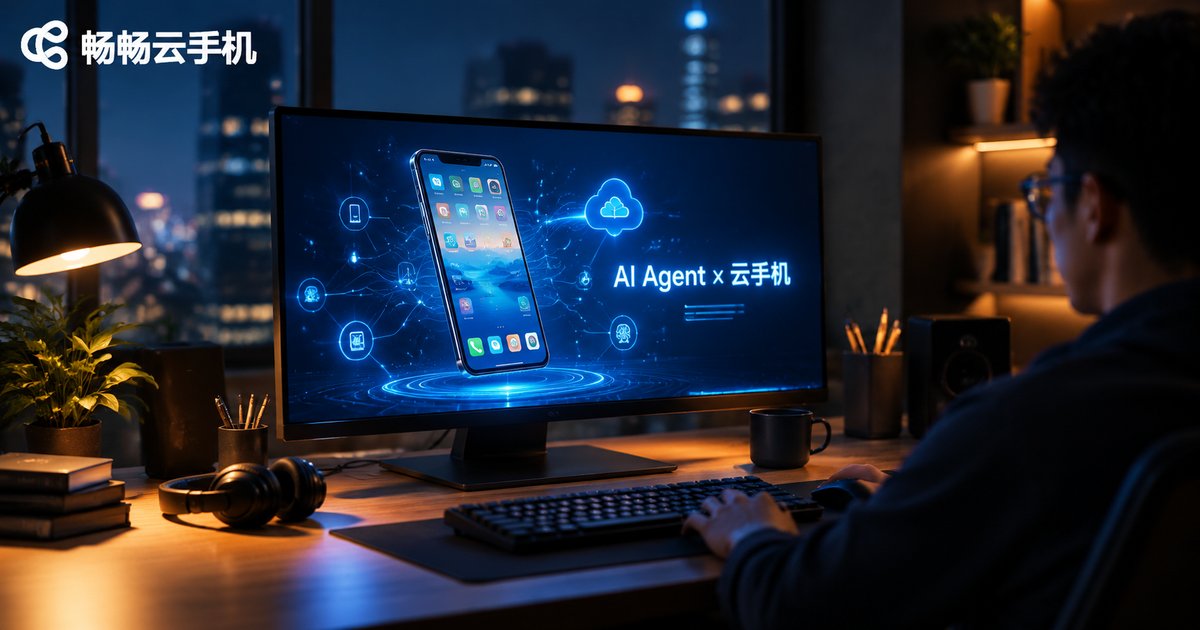
Cloud Phone + LLM: How AI Agents Automatically Operate Apps to Complete Complex Tasks
As large language models evolve from 'talking' to 'doing', AI Agents are becoming real executors in the digital world. This article explores why the cloud phone is the ideal vehicle for AI Agents: cloud-based Android environments can be replicated at scale and stay online around the clock, letting agents operate apps autonomously through a perceive-decide-execute loop to complete complex tasks such as information gathering, content publishing and batch app testing. We also cover current challenges and how ccloudphone provides a stable foundation for teams exploring AI-driven app automation.

Why Use Cloud Phones for Ad Verification? Landing Page Testing with Multi-Region IPs and Real Device Fingerprints
Clicks look fine but conversions don't? The leak is often in the landing page. This article explains why cloud phones are the right tool for ad verification: multi-region IPs let you see exactly what users in each region see, while real device fingerprints keep your test data trustworthy. You also get a practical five-step testing workflow, a ready-to-use checklist, and answers to common questions, showing how media buyers and overseas teams can catch redirect, loading, geo-content, and tracking issues before the budget is spent — and how to run the whole matrix on ChangChang Cloud Phone (ccloudphone).
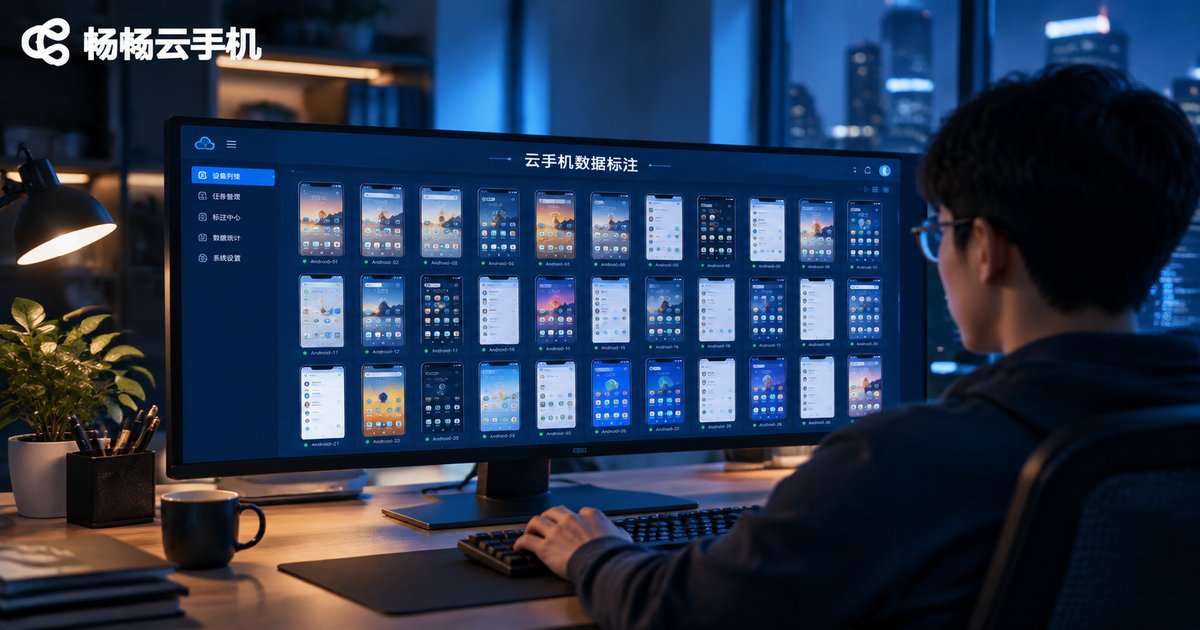
Are Cloud Phones Reliable for Data Annotation? A Low-Cost Solution with Batch Task Distribution and Automated QC
Data annotation tasks demand a real Android environment, and buying physical devices means heavy upfront costs and endless maintenance. Cloud phones turn devices into accounts: a single command distributes tasks across hundreds of instances, while a three-layer automated QC pipeline—collection validation, rule-based checks, and cross-sampling—leaves humans with only the hardest 5-10% of samples. This article maps which annotation tasks fit cloud phones, shows a working batch distribution flow with sample scripts, and compares the total cost of cloud phones versus physical device farms. It closes with four practical vendor-selection criteria and suggests starting small with ChangChang Cloud Phone (ccloudphone) to validate your pipeline before scaling up.
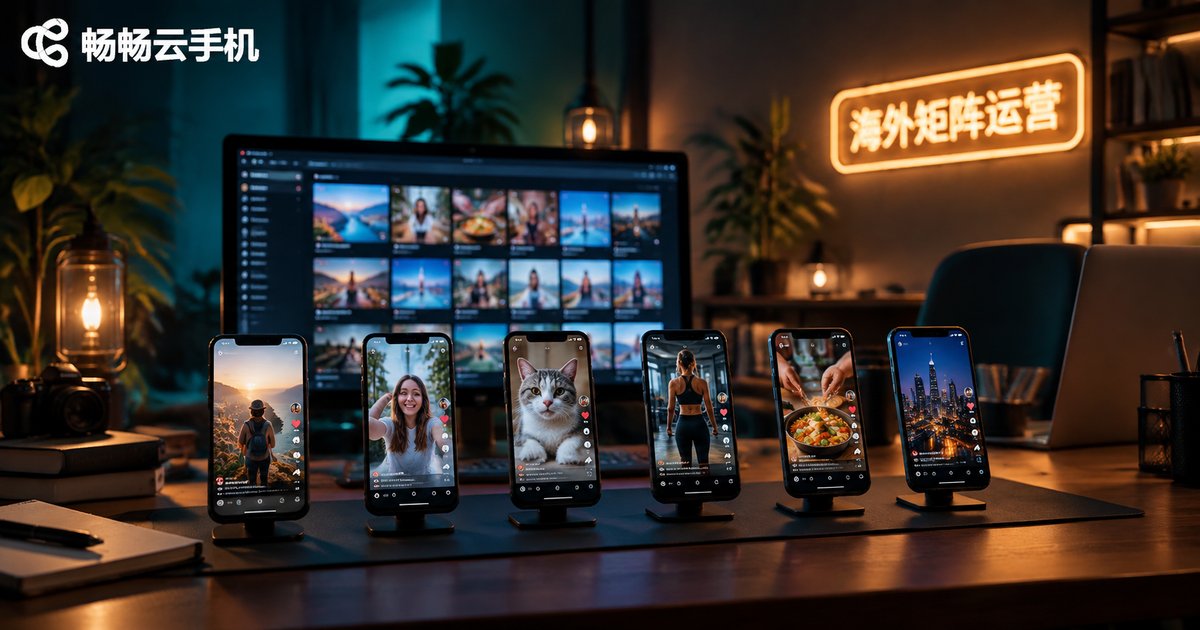
Must-Read for Overseas Social Media Matrix Operations: How Cloud Phone + TikTok Multi-Accounts Achieve 100% Environment Isolation
For anyone running a TikTok account matrix overseas, the biggest threat is not content quality but environment linkage between accounts. This article compares four common multi-account solutions—real devices, emulators, spoofing plugins and cloud phones—on isolation capability, then explains how a cloud phone achieves 100% environment isolation at the device, data and network layers. You will get a practical four-step workflow: plan account positioning, open one cloud phone per account, configure an independent network environment, and use group control for batch operations. A daily anti-association checklist helps cross-border teams scale safely and keep every TikTok account on a stable, independent foundation.
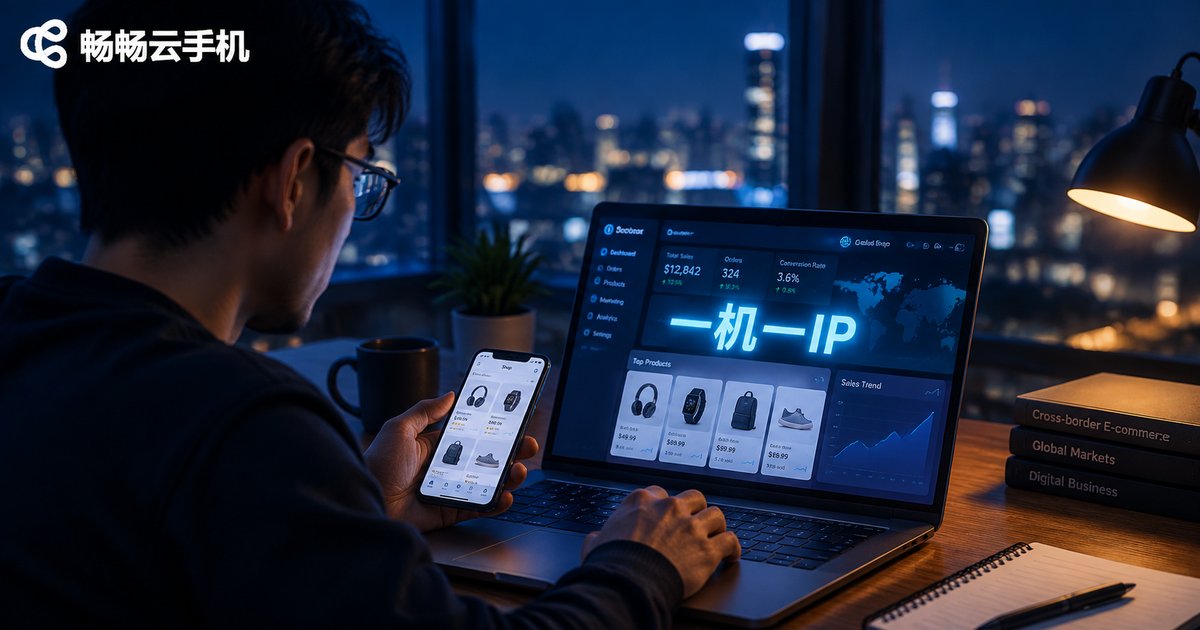
Which Cloud Phone Is Safest for Cross-Border E-Commerce Site Testing? One-Device-One-IP + Fingerprint Isolation Anti-Ban Guide
Testing your own independent e-commerce site — checkout flows, ad landing pages, buyer accounts — often ends with sudden account bans. This guide breaks down the two linking signals risk-control systems watch: IP environment and device fingerprint. You will learn how one-device-one-IP plus fingerprint isolation builds dual protection, get a proven five-step workflow from account warm-up to order review, and see a side-by-side comparison of cloud phones, real device farms and emulators. A practical buyer's checklist and FAQ help you choose a safe cloud phone setup and keep your testing accounts alive.

Cloud Phone + AI Digital Human Livestreaming in 2026: A Complete Breakdown of 24/7 Unmanned Live Selling
In 2026, live commerce has become an around-the-clock competition, and combining cloud phones with AI digital humans is now the go-to playbook for solo sellers and small teams running 24/7 unmanned livestreams. The cloud phone keeps the stream online around the clock, the AI digital host delivers the script on camera, and you simply monitor the data and refine the pitch remotely. This article breaks down how the system works, a five-step setup process, a cost comparison between human hosts and unmanned streams, and the compliance pitfalls to avoid. It also explains how to host your livestream matrix on ChangChang Cloud Phone (ccloudphone), so one person can run an always-on selling operation.
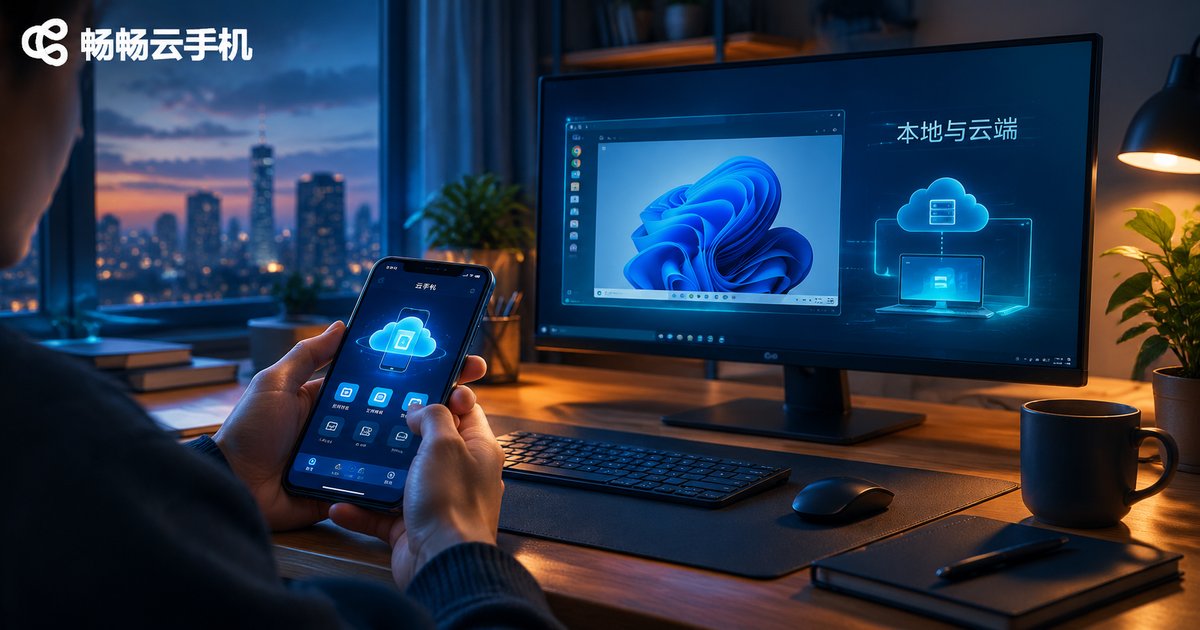
What's the Difference Between VM Software and Cloud Phones? Local vs Cloud Comparison
Virtual machine software and cloud phones both let you run a “second device” on top of another, but they work in completely different places: one runs on your own computer, while the other runs on remote cloud servers. This article compares local VM software and cloud phones across five key dimensions—deployment, hardware requirements, performance and stability, cost structure, and typical use cases. You will learn why cloud phones stay online 24/7 without draining your local hardware, when a local VM is still the better choice, and how a cloud phone service such as ChangChang Cloud Phone (ccloudphone) fits gaming, multi-account, and always-on scenarios. By the end, you will know exactly which solution matches your needs and budget.
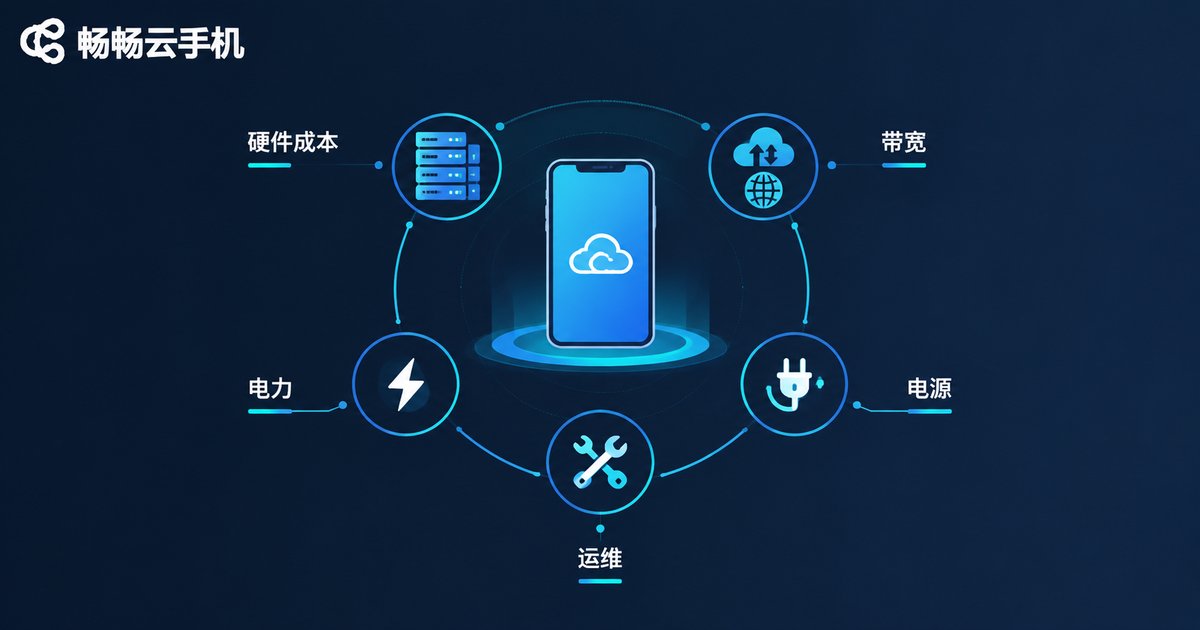
Why Are Cloud Phones More Expensive Than Emulators? A Breakdown of the Price Difference
Emulators are free to download, while cloud phones charge a monthly fee — so why the price gap? This article breaks down the real reasons behind the cost difference: genuine hardware investment in data centers, a true Android environment with better compatibility, the expense of keeping devices online 24/7, and the hidden costs of free emulators such as electricity, hardware wear, and limited multi-instance performance. A side-by-side comparison table helps you decide which tool fits your needs. If you run game automation or manage multiple accounts around the clock, a cloud phone's monthly fee often pays for itself in stability and convenience.

What Is Cloud Experience? A Detailed Breakdown of Free Cloud Phone Trials
Cloud experience means running your apps on cloud servers instead of your local device — your phone simply displays the screen and sends your commands, saving battery, storage, and hardware. A cloud phone is the most typical form of this experience: a virtual phone that lives in the data center and stays online around the clock. This article explains the concept in plain language and breaks down exactly what a free cloud phone trial includes — the cloud device you can claim, trial time, available features, and how the trial differs from paid plans. You will also learn the three most popular trial use cases, a simple three-step setup, and answers to common beginner questions, so you can try first and decide later.