

How to Choose a Cloud Phone Platform: Comparing Features, Stability, Security and Service
Choosing a cloud phone platform is easily derailed by spec sheets. CPU cores, memory, how many instances you can run, frame rates — the numbers all look great, but what really decides whether your daily work feels smooth is usually what those lists never mention: does it lag at peak hours, can it recover after a disconnect, and is there anyone to help when something goes wrong. This article breaks the decision into four lines — features, stability, security and service — so you can take them straight into a real platform comparison.
1. Start with the question: what will you use it for?
Before comparing platforms, classify your use case. The priorities become obvious immediately:
- Multi-account management and long-running tasks: look for uninterrupted uptime, batch operation efficiency, and whether the environment survives a restart.
- App testing and compatibility checks: look for device and OS version coverage, snapshots and rollback, and fast batch deployment.
- Mobile work and remote access: look for stable connections, low latency and a good cross-device experience.
- Short projects and temporary needs: look for fast provisioning and flexible pay-as-you-use options.
The same platform can feel excellent or terrible depending on your scenario. Define the scenario first, then go through the four dimensions below.
2. Features: not how long the list is, but whether it works in practice
Almost every platform claims group control, multiple instances and script support. What you should compare is whether those capabilities survive daily operations:
- Batch efficiency: how many devices can you operate at once? How many steps for batch install, batch restart or batch resolution changes?
- Environment consistency: can a batch of instances share the same device model, OS version and network settings, so test results do not contaminate each other?
- Data in and out: is file upload and download, screen capture, recording and log export convenient?
- Control methods: web console, desktop client and API — are all available, and can team permissions be split by role?
A practical suggestion: list the five operations you perform every day, then ask the vendor to demonstrate exactly those five. A live demo is far more trustworthy than a feature page.
3. Stability: three details that reveal whether a platform is reliable
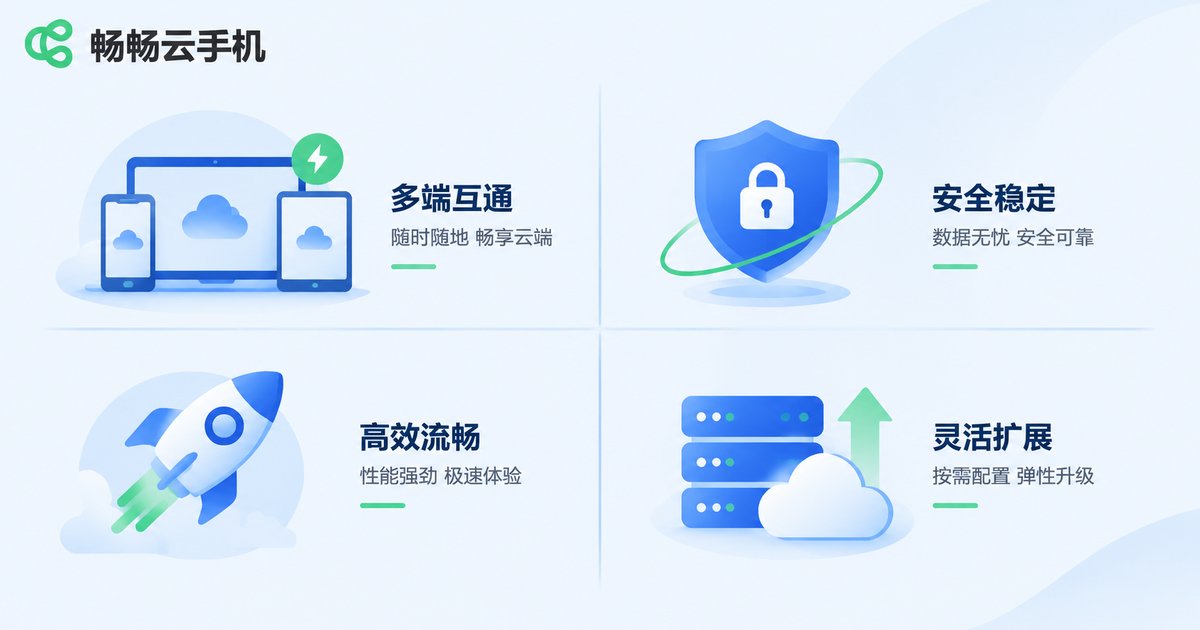
Stability is the hardest thing to see on a website, but you can approach it through three details:
- Long-running behaviour: after several days online, do you see disconnects, stutter or screen artefacts? Run a single instance for 24 to 72 hours and watch.
- Recovery after a disconnect: when the network jitters or the client closes, does the instance keep running in the background, and does reconnecting restore the previous state?
- Peak-hour response: during evening peaks or batch operations, does responsiveness drop noticeably? This step separates real capacity from marketing claims.
Also check whether the platform openly describes where instances are hosted and how network routes are arranged. The more transparent the information, the easier it is to judge whether latency requirements will be met.
4. Security and privacy: ask the questions that matter
Cloud phones often hold accounts, chat history and business data, so security cannot rest on a vague feeling. Ask these directly during selection:
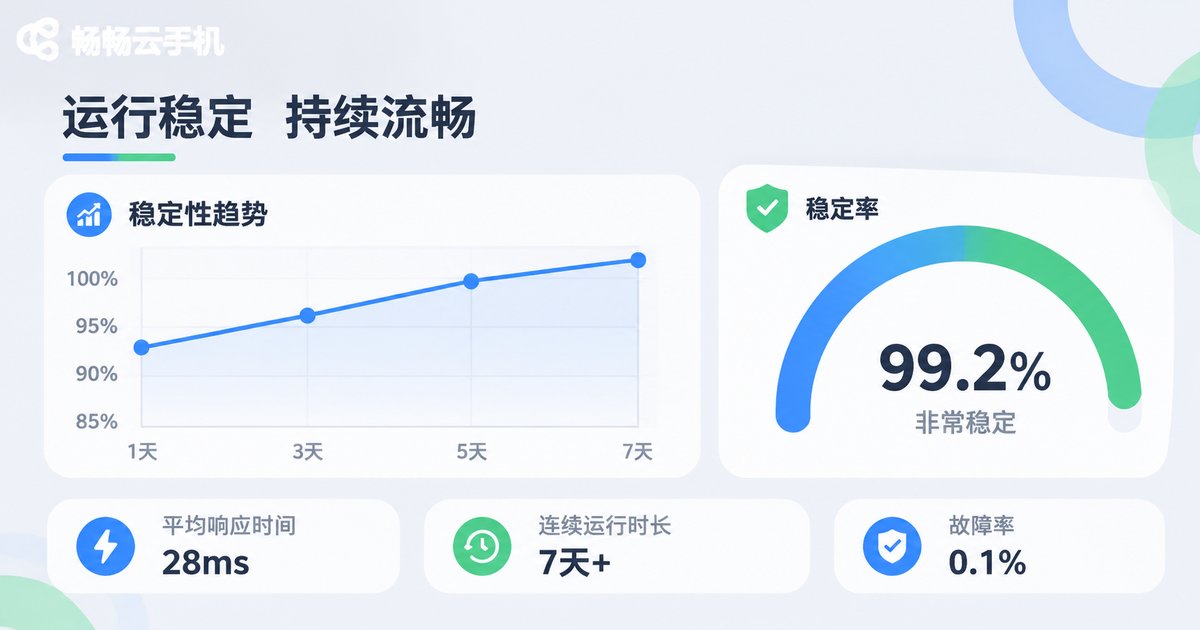
- Instance isolation: is each instance its own runtime environment, or are they mixed on shared machines?
- Account and operation security: is there two-factor verification for login, alerts for unusual logins, and granular member permissions?
- Data ownership and cleanup: who owns the files you upload and the data you generate, and what happens to data after an instance is deleted?
- Access control: can access be limited to specific network environments, and can team permissions be revoked?
If a platform cannot give you clear answers, do not put important accounts on it. This point outweighs any feature.
5. Service: response speed matters more than promises
Cloud phone service is continuous, and the real test comes when something breaks. Judge service quality on three things:
- Pre-sales expertise: ask a specific technical question — does the answer repeat marketing copy or explain the mechanism clearly?
- Response time: how long from your question to a human taking it over, and is there a traceable ticket?
- Problem closure: during an incident, do they explain the cause and progress, rather than replying that it is being handled?
A useful trick: before committing, run a small set of instances for a week and treat that week of service experience as part of the evaluation.
6. A single table that sums up the comparison
| Dimension | What to look at | How to verify |
|---|---|---|
| Features | Batch operations, environment consistency, data in and out, control methods | Ask for a live demo of your five daily operations |
| Stability | Long-running uptime, disconnect recovery, peak response | Observe one instance for 24 to 72 hours plus a peak-hour test |
| Security | Instance isolation, login verification, permission tiers, data ownership | Get written answers to the key questions |
| Service | Expertise, response time, problem closure | Run a small trial for a week and log each interaction |
Score each platform on these four items and weight them for your own use case. It brings you much closer to real usage than reading a configuration list.
7. Which scenarios fit ccloudphone
If you prefer a ready-to-use experience, add ccloudphone to your shortlist as a reference option. It provides Android instances that run in the cloud and can be operated remotely from a client or a web browser, so your local device does not carry the runtime load. That suits multi-account management, app testing and long-running online tasks. When evaluating it, apply the same four dimensions: run a small instance for a few days, watch stability and service response, then decide whether to scale up.

8. A practical selection checklist
- Write down your core use case and the five operations you perform daily.
- Shortlist two or three platforms and score them on features, stability, security and service.
- Run one instance on each platform and observe it for 24 to 72 hours.
- Request written answers on instance isolation, data ownership and permission management.
- Operate at small scale for a week before migrating in bulk, to avoid the risk of a one-shot switch.
FAQ
Q: Is a higher configuration always better?
No. Configuration should match your use case. Instance count, single-instance performance and stability need to be balanced, and capacity you do not need only adds cost.
Q: How can I judge stability quickly?
Run one instance continuously for 24 to 72 hours and watch for disconnects, whether it recovers after a connection drop, and whether responsiveness drops at peak hours.
Q: What should I ask about security first?
Whether instances are isolated, whether login requires two-factor verification, whether member permissions are granular, and how data is handled after an instance is deleted.
Q: Can I start with a small trial?
Yes. Run a small setup for a week, record stability and service experience during that period, and then decide whether to scale up.


