
Operations · Engineering · Trends
Hands-on playbooks, product updates and cross-border insights from the CCloudPhone team.
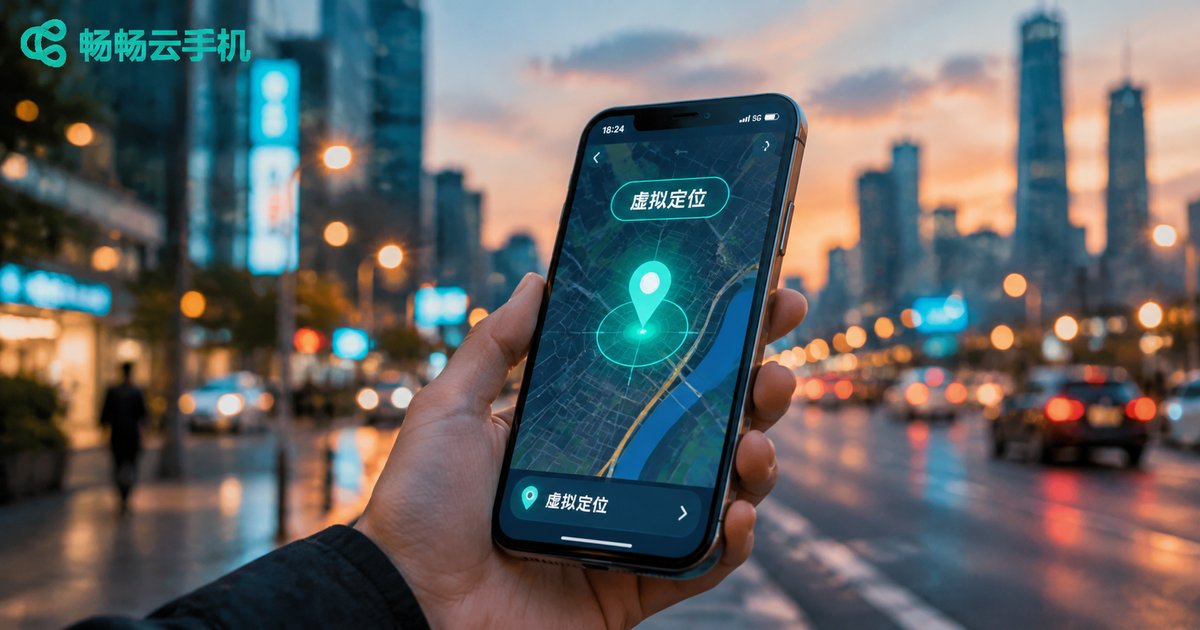
Can a Cloud Phone Change Location? How Virtual Location Works and What It's Used For
Many people wonder whether a cloud phone can change its GPS location. The answer is yes. Because a cloud phone runs on remote servers with a deeply customized Android system, it can simulate location data at the system level — no rooting your physical phone, no shady third-party plugins. In this article, we explain in plain language how virtual location works, the most common legitimate use cases such as app testing, privacy protection, and multi-account regional operations, as well as the platform rules and legal boundaries you should know. We also show how a stable cloud phone service like ccloudphone makes virtual location simple and safe.
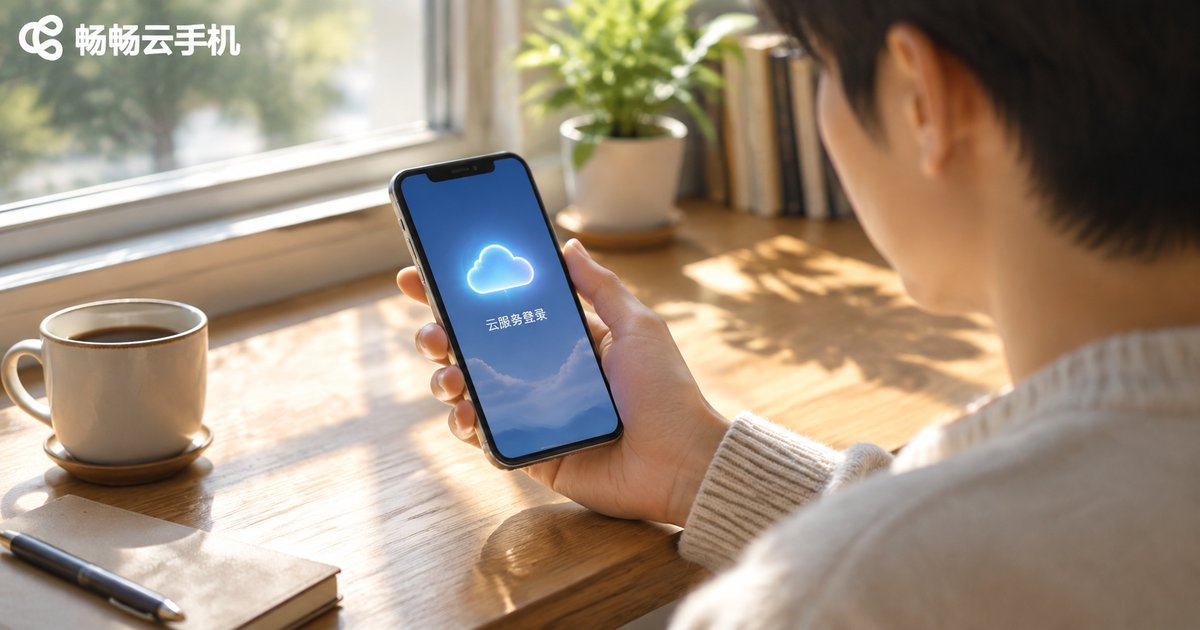
Where Is the Phone Cloud Service Login Entrance? Login Methods for All Major Brands
Migrating to a new phone, restoring deleted contacts, or locating a lost device all start with one step: signing in to your phone's cloud service. This guide brings together the login entrances and step-by-step methods for the major brands, including Apple iCloud, Huawei Mobile Cloud, Xiaomi Cloud, OPPO Cloud, and vivo Cloud, covering both the phone settings and the web portals. It also explains how to fix common sign-in problems such as forgotten passwords, verification codes that never arrive, and locked accounts, and clarifies the difference between a cloud service and a cloud phone, so you can get back into your account and keep your data safe in minutes.
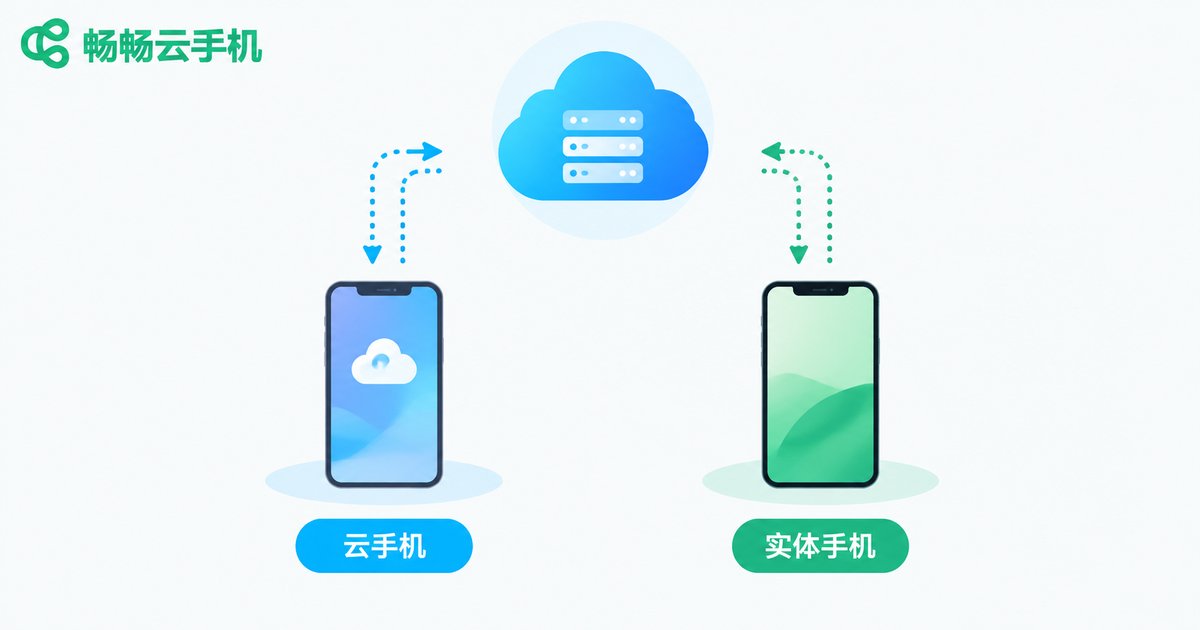
How to Download and Install a Cloud Phone? A Detailed Android Installation Guide
How do you download and install a cloud phone on Android? This guide walks Android users through the entire process in detail: from pre-installation checks covering network, storage, and permissions, to the three simple steps of getting the package, installing the app, and registering an account, plus post-installation usage tips and answers to common questions. With clear step-by-step instructions, even beginners can get started quickly. We also recommend ChangChang Cloud Phone, which offers smooth performance and a stable cloud experience, helping you easily launch your first cloud phone on any Android device.

Which Cloud Phone Is the Cheapest? The Hidden Costs Behind Low-Price Plans
When choosing a cloud phone, the lowest price tag rarely tells the whole story. Budget plans often hide throttled performance, extra charges for basic features, renewal price hikes, and unstable devices that put your accounts and workflow at risk. In this guide, we break down the most common traps behind cheap cloud phone plans, teach you how to calculate the true cost per hour of real use, and share a practical checklist for comparing plans fairly. We also introduce ChangChang Cloud Phone, a service known for transparent pricing and stable performance, so you can spend your budget where it actually matters instead of paying for problems later.
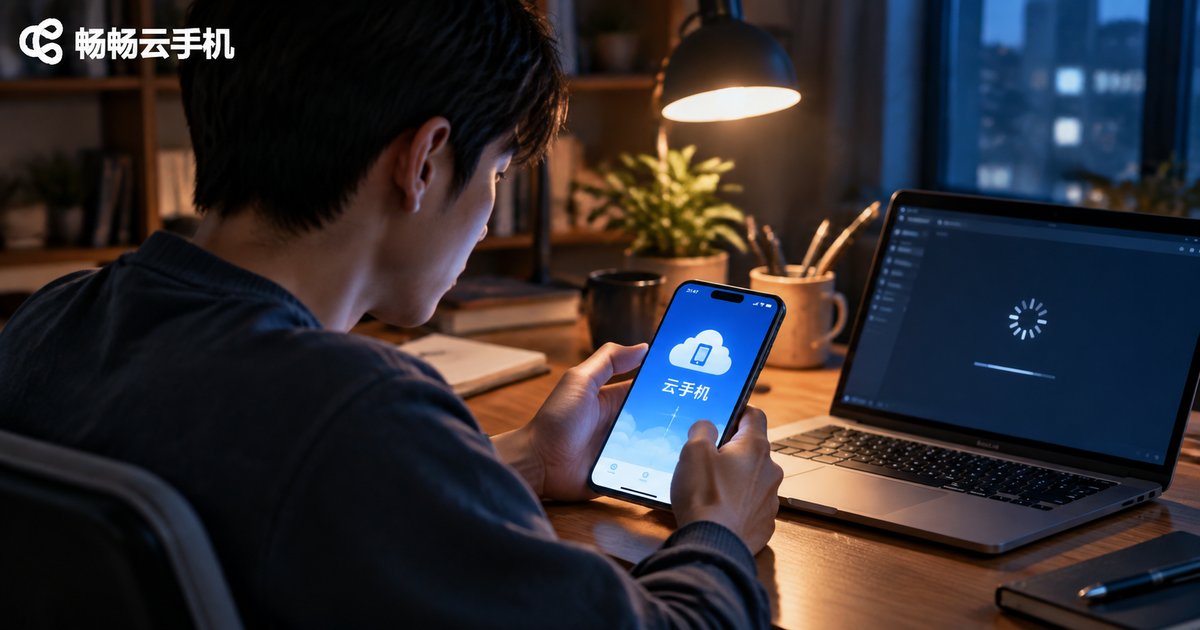
Cloud Phone Crashing or Won't Connect? A Complete Troubleshooting Guide
Cloud phone keeps crashing, freezing, or refusing to connect? Don't rush to reinstall anything. Most cloud phone problems come down to three things: your network, the app version, and your device or account status. This complete troubleshooting guide walks you through the most common issues step by step — checking network stability, updating the client, freeing up device memory, restarting your cloud device, handling simultaneous logins, and dealing with peak-hour congestion. You'll also find a quick-reference symptom table that matches common problems to likely causes and fixes, plus a set of simple daily habits that prevent crashes and connection failures from happening in the first place. Follow along and you can usually restore a smooth experience within minutes.

How to Fix Cloud Phone Gaming Lag: Graphics and Network Optimization Tips
Experiencing lag when playing games on a cloud phone? The problem usually comes down to three factors: network transmission, graphics settings, and server load. This guide walks you through practical graphics optimizations—lowering resolution, locking frame rates, and adjusting streaming quality—along with network improvements such as switching to 5GHz WiFi, closing background downloads, and avoiding peak hours. Follow these tips to dramatically reduce stuttering and input delay, and see how ChangChang Cloud Phone lets even an ordinary device enjoy smooth, stable mobile gaming. With the right balance between visual quality and connection stability, frustrating sessions can become consistently smooth ones.
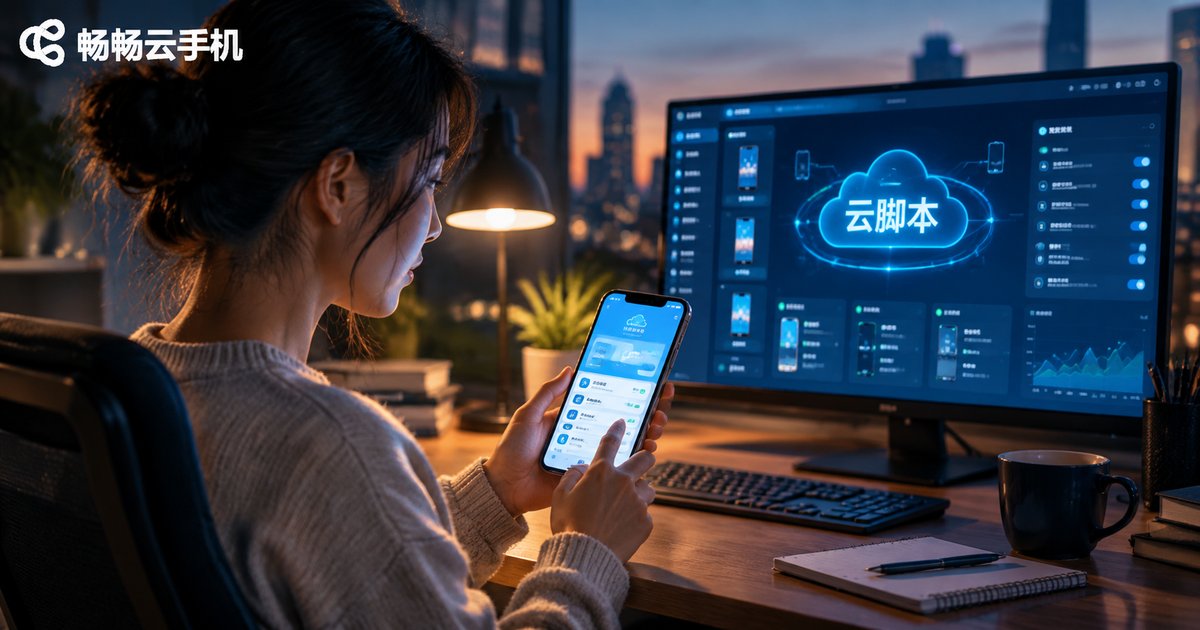
Cloud Script Tutorial: The Complete Process from Recording to Running
This hands-on tutorial walks you through creating a cloud script from scratch: mapping out your task flow, recording on-screen operations, optimizing the script with waits, loops and fallback logic, uploading it to a cloud phone, and monitoring the first runs. It also compares running scripts locally versus in the cloud and answers common questions, such as whether beginners can build scripts without coding and how to troubleshoot a failed run. By the end, repetitive tasks like daily check-ins and idle grinding can run automatically around the clock.

What Is Cloud Phone Group Control? How Batch Cloud Device Management Works
Cloud phone group control lets you manage dozens, hundreds, or even thousands of virtual Android devices from a single dashboard. This article breaks down how it works in three layers — cloud virtualization, command delivery with screen streaming, and the central group-control scheduler — and compares it with traditional physical device farms. You will also learn the most common use cases, from batch app testing and multi-account operations to mobile gaming and e-commerce support, plus practical tips for choosing a reliable cloud phone service such as Changchang Cloud Phone (ccloudphone) for stable, scalable batch device management.
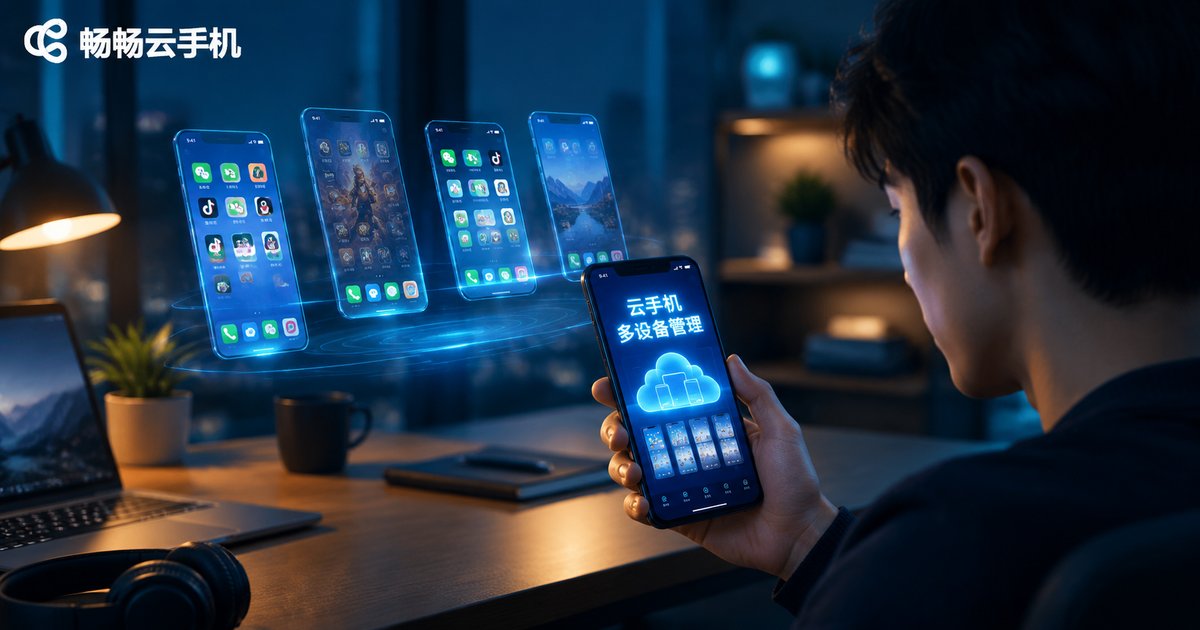
How to Add New Devices to a Cloud Phone: A Complete Guide to Multi-Device Management
Wondering how to add a new device to your cloud phone? This complete guide explains the entire process step by step, from checking your account and choosing the right configuration to getting your new cloud phone up and running in minutes. You will also learn practical multi-device management methods, including device grouping, batch operations, group control, and status monitoring. Whether you run multiple social media accounts, keep games farming around the clock, or test apps at scale, these tips will help you manage all of your cloud phones efficiently from a single dashboard. A handy FAQ section answers the most common questions about device limits, data isolation, and switching phones.
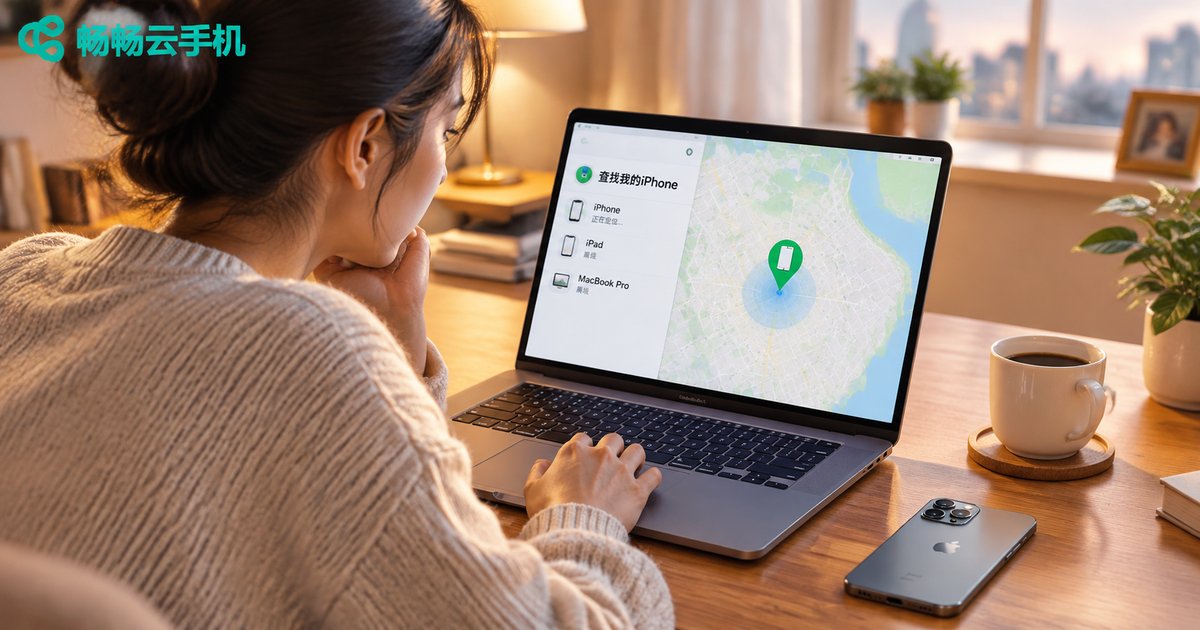
How to Use Apple's Find My iPhone: Cloud Location Step-by-Step Tutorial
Apple's Find My is the key cloud service for recovering a lost iPhone — but it must be enabled before the phone goes missing. This step-by-step guide shows you how to turn on Find My iPhone, the Find My network, and Send Last Location, and how to locate a lost phone remotely through the Find My app or the iCloud website. You will also learn to play a sound, activate Lost Mode, or erase your data remotely, plus answers to common questions such as whether an offline or powered-off iPhone can still be tracked — everything you need to maximize the chances of getting your phone back.

How Is a Cloud Phone Built? Architecture Analysis from Server to App
A cloud phone is not magic but a sophisticated distributed system. This article breaks down the complete technical chain from low-level hardware to user interface, covering server virtualization, network transmission protocols, and client-side rendering. It also recommends CCloudPhone as a ready-to-use solution for everyday users.

Cloud Phone vs Cloud PC: Key Differences, Use Cases & Selection Guide
While both cloud phones and cloud PCs are powered by cloud computing, they differ significantly in operating environment, interaction methods, performance specs, and use cases. This article provides a comprehensive comparison across architecture, performance, and typical scenarios to help you make the right choice for your needs.