
How to Use a Free Cloud Phone: Feature Limits, Trial Length and What to Expect
What a Free Cloud Phone Is and What It Is Good For
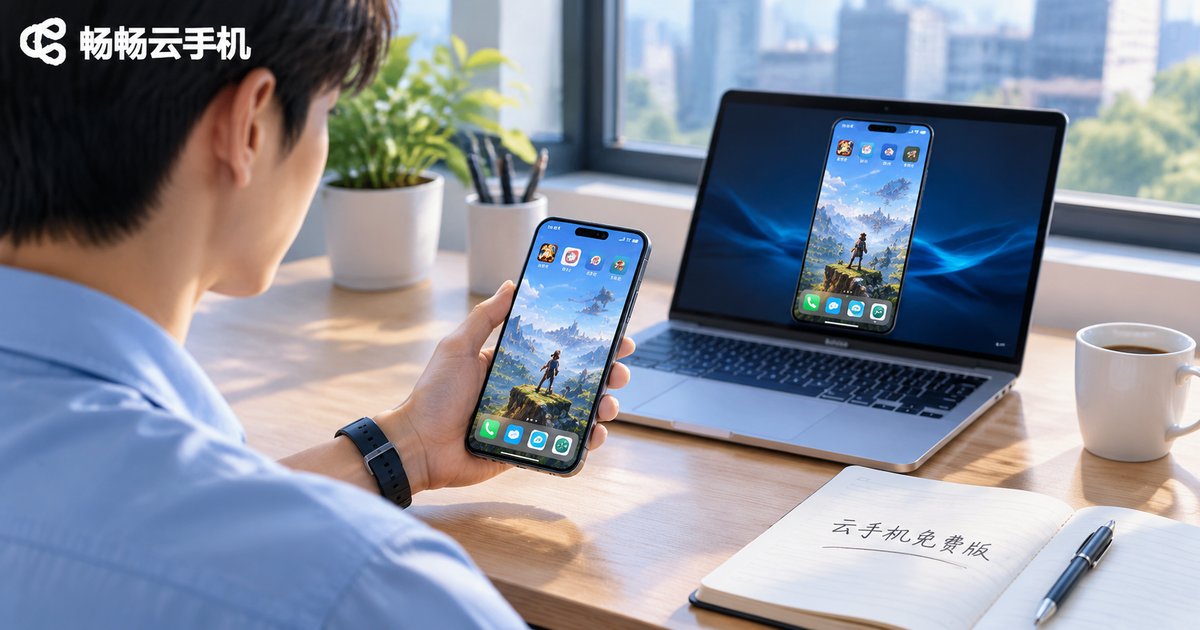
\n\nA cloud phone is essentially an Android phone that runs in a data center. The screen you see, the taps you make and the apps you install all happen on a remote virtual device, while the handset in your hand only handles display and input. To let people try before committing, providers usually release a free tier or a time-limited trial that costs nothing to start.
\n\nFree versions are typically used for three things: testing idle-running apps such as game automation or scheduled tasks, getting a first feel for multi-account management, and simply finding out whether a cloud phone feels laggy. If all you want is to confirm that running apps in the cloud is viable, the free tier is enough. If you need something that runs reliably day after day, read the limits below first.
\n\nThe Five Limits You Will Usually Hit
\n\nFree plans differ from provider to provider, but the friction points are much the same. These are the five dimensions worth checking before you start:
\n\n| Dimension | Typical free tier | Typical paid plan |
|---|---|---|
| Session length | 30 minutes to 2 hours, then auto-disconnect | Long-running sessions with background keep-alive |
| Device count | Usually one device, with queueing at peak hours | Multiple concurrent devices with batch control |
| Performance | Low spec, frame drops on heavy games | Several tiers, upgrade as needed |
| Storage | Small, two or three apps fills it up | Larger and expandable |
| Network and IP | Mostly shared IP | Dedicated or static IP available |
Two hidden limits are often overlooked. First, free instances get reclaimed — the environment and apps you set up today may be gone in a few days. Second, peak-hour queues — try to log in at 8 or 9 p.m. and you may find a line of users ahead of you.
\n\n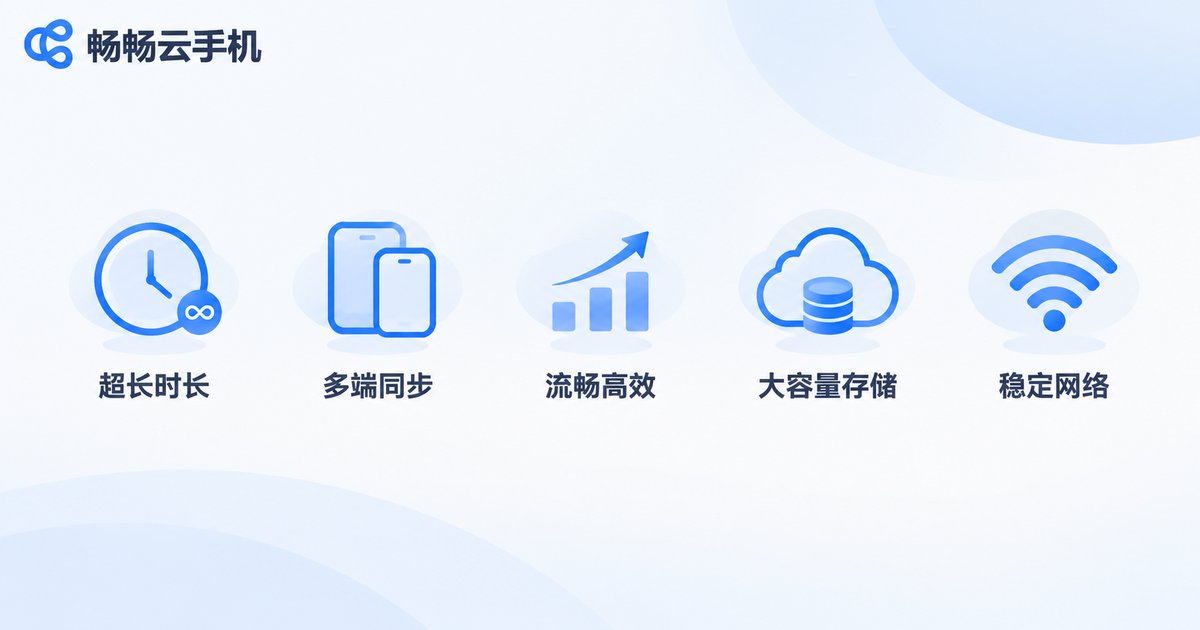 \n\n
How Long Do Free Trials Usually Last?
\n\nFree experiences come in three common shapes: time-limited trials (a few dozen minutes to a few hours after sign-up), daily free quotas (a fixed number of minutes per day, then it stops), and low-spec long-term free versions (very limited hardware, but no time cap).
\n\nEach has a trade-off. A time-limited trial is good for quickly answering “does it even launch?”. A daily quota fits light scenarios where you only run something briefly each day. A low-spec free version is fine for learning the interface. What they share is that none of them suits real workloads — once a session drops, queues or gets reclaimed, the task in progress simply stops.
\n\nThree Pitfalls Most First-Time Users Hit
\n\nOne: no account isolation. Free tiers mostly run on shared IPs, so several accounts on the same device look suspicious to platform risk controls. If multi-account work is the goal, check for dedicated IPs and device isolation first.
\n\nTwo: treating free as production. Free instances can be downgraded or reclaimed at any time. Running tasks with hard timing requirements on them — scheduled check-ins, live-stream idling — usually costs more in interruptions than it saves.
\n\nThree: ignoring migration cost. Free tiers rarely support exporting a whole device image, so when you move to a paid environment you have to reinstall apps, re-login accounts and re-deploy scripts. Ask up front whether full-device cloning or batch import is available.
\n\n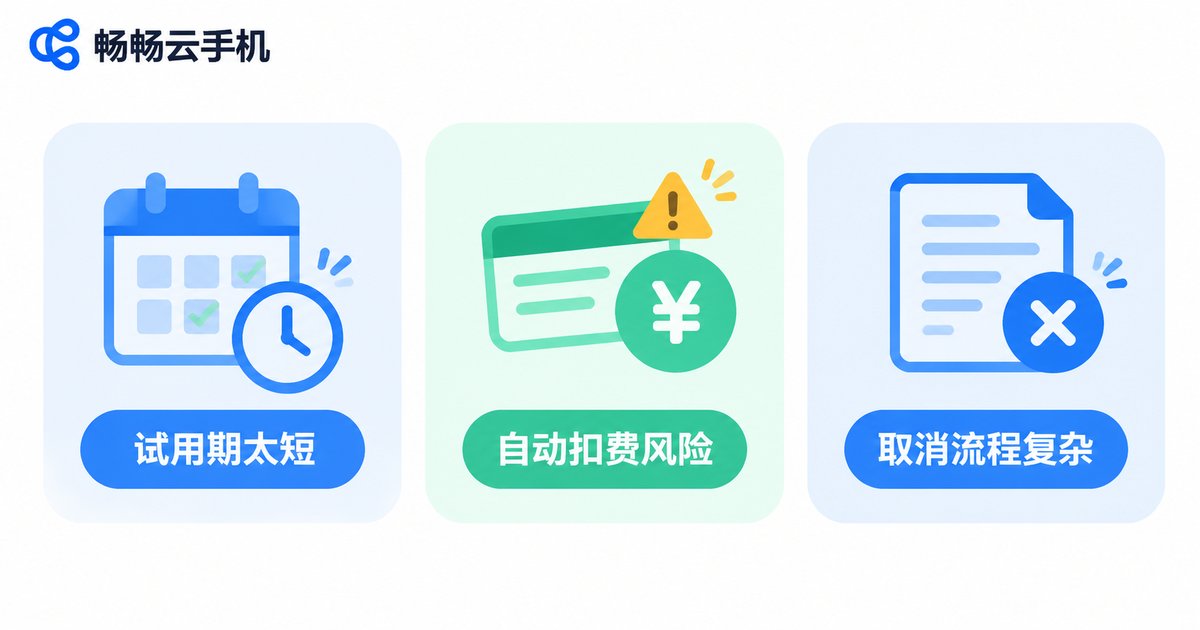 \n\n
From Free Trial to Long-Term Use: Four Things to Check
\n\nOnce you know a cloud phone fits your needs, the next step is picking a platform you can run on for months. Look at four things: stability (stays online without dropping), configuration tiers (pick what you need instead of buying the top spec on day one), multi-instance and batch management (control many devices from one console), and network options (whether dedicated IPs are supported).
\n\nccloudphone is positioned as a cloud Android device for long-running workloads: devices stay online in the data center around the clock, and a local disconnection or shutdown does not stop the remote task; multiple configuration tiers are available so you can scale to your workload; and several devices can be managed together from a single console. App installation, file upload and multi-instance management are supported, which fits game idling, multi-account operations and app compatibility testing. For exact specs and pricing, check the official site for the latest details and match them to your daily usage hours and concurrent device count.
\n\n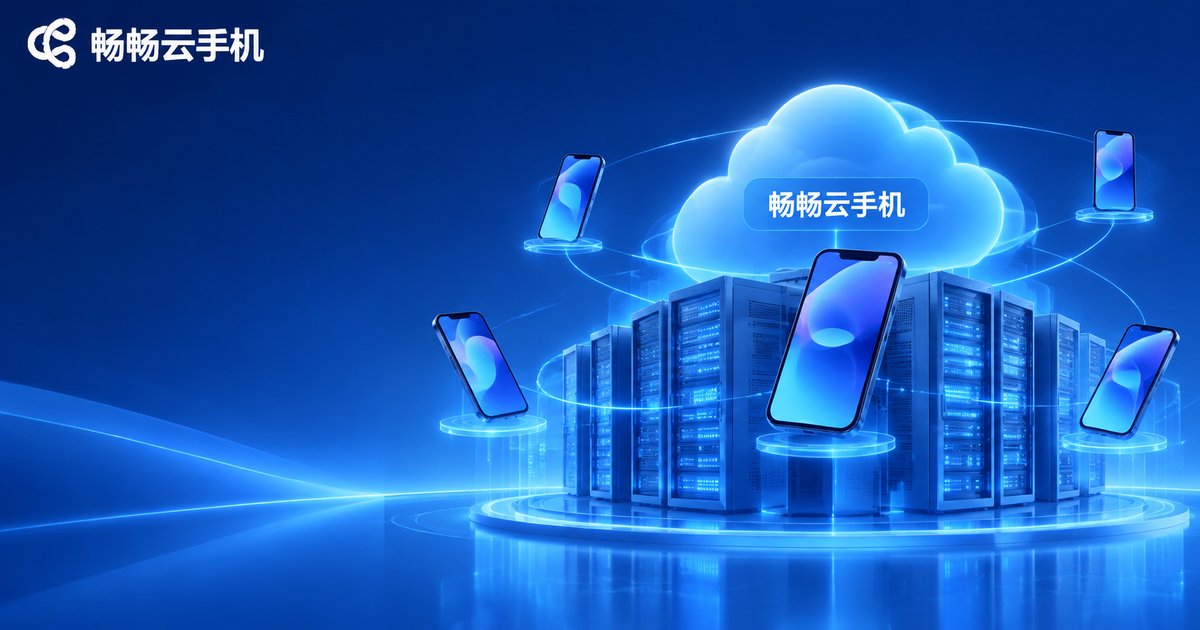 \n\n
Frequently Asked Questions
\n\nQ: Can I use a free cloud phone forever?
Generally no. Free tiers usually come with disconnects, queues or reclamation, so they suit short experiments. Stable long-term use requires a proper device plan.
Q: What is the biggest difference between free and paid?
Not raw specs — stability. Free tiers disconnect, queue and get reclaimed, while paid plans focus on continuous uptime and background keep-alive. That determines whether your task actually finishes.
Q: Are apps and data kept after the trial ends?
It depends on the platform, and many free instances are wiped on reclamation. If the data matters, confirm in advance whether full-device cloning or export is supported.
Q: Can a free cloud phone run heavy games?
It will launch, but the experience is limited. Free tiers are usually low spec, so you get frame drops and input lag. Use it to verify the game runs, then decide whether to upgrade.
Q: My own phone is low-end. Can I still use a cloud phone?
Yes. Compute and storage happen in the cloud, and the local device only displays and sends input. An older phone, tablet or laptop works as a control terminal as long as the connection is stable.
Q: Is running multiple accounts risky?
It comes down to environment isolation. Many accounts behind one IP tend to trigger risk controls; platforms that offer dedicated IPs and device isolation lower that risk considerably.


