
Cracked Cloud Phone Risks: Account Security, Privacy, and Stability Advice
Why cracked cloud phone apps always look so tempting
Search for a cloud phone and you will almost certainly run into ads like these: “free forever,” “unlimited instances,” “all premium features unlocked.” The price is zero and the feature list looks fuller than the real thing. For people who need to keep tasks running for hours or manage several accounts at once, that is genuinely appealing.
But a cloud phone is not an ordinary app. It is not a tool installed on your own handset—it is a phone sitting in someone else's data center. What you hand over is not just an installation permission, but accounts, passwords, chat history, files, and sometimes payment details. That is exactly where the biggest problems with cracked builds hide.
Risk 1: Account security — your login credentials are not in your hands
Cracked builds usually require you to “replace the installer,” “allow unknown sources,” or “disable system security checks” before they will run. Each of those steps is effectively opening the door for malware. The common outcomes are:
- The username and password you type are recorded and sent to a third-party server;
- Session tokens or cookies are copied, letting someone log in as you elsewhere;
- Abnormal device fingerprints trigger platform risk controls, leading to throttling or bans;
- Your bound phone number or email is reused to register other services.
Many people think, “I only use it to idle in a game or scroll short videos, so there is nothing to lose.” But accounts are usually tied to phone numbers, identity details, and social connections. Once lost, the cost of recovery far exceeds whatever you saved.
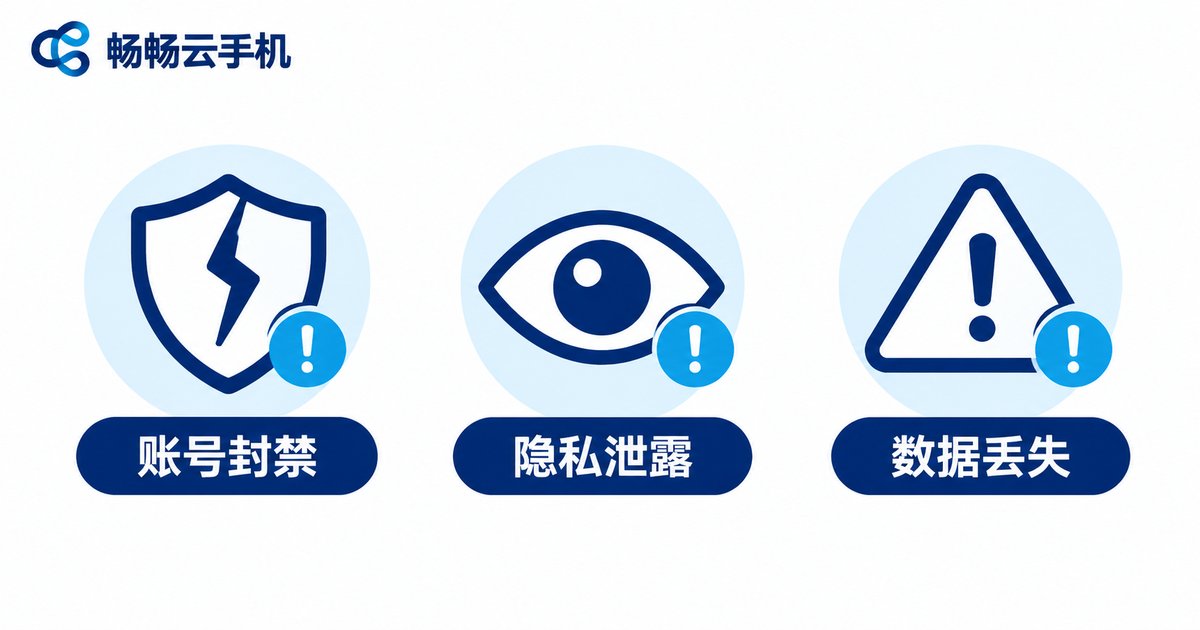
Risk 2: Privacy leaks — someone may be watching behind the screen
A cloud phone works by streaming a remote screen. Legitimate providers encrypt that stream; cracked versions may bundle the screen, clipboard, photo album, and contacts together and upload them. The verification codes you type, the direct messages you read, and the links you copy can all be captured.
Even less obvious is clipboard syncing: text you copy on your computer syncs to the cloud phone—and possibly to someone else's server. Many people copy passwords and verification codes into the clipboard first, which is especially dangerous in a cracked environment.
Risk 3: Stability — you often repay the savings with your data
Cracked versions have no official operations support. The servers are often small setups run by a handful of people, or even resold capacity from someone else. Typical symptoms include:
- Frequent disconnects and lag during peak hours;
- Modified system images that cause apps to crash or scripts to stop halfway;
- Services shutting down suddenly, with data gone without warning;
- No support channel when something goes wrong.
If you use it for real work, store operations, or long-term tasks, a single unexpected disconnect can cost more than a year of legitimate service.
Risk 4: Compliance — paying twice for piracy and bans
Modifying or distributing cracked software can itself infringe intellectual property. Logging into a platform with a tampered client may also violate its terms of service. If your account is permanently banned, you have almost no room to appeal—because from the platform's perspective, an abnormal login is an abnormal login.
| Item | Cracked cloud phone | Legitimate cloud phone |
|---|---|---|
| Source and updates | Unknown origin, updates from group chats | Official downloads, continuous releases |
| Account security | Credentials may be logged and uploaded | Encrypted transfer, separate login |
| Privacy | Screen and clipboard may leak | Clear privacy policy and data isolation |
| Stability | High risk of drops and shutdowns | Data center operations, long uptime |
| Support | Essentially none | Official support and ticket channels |
| Compliance | Possible infringement and ToS violations | Meets platform and legal requirements |
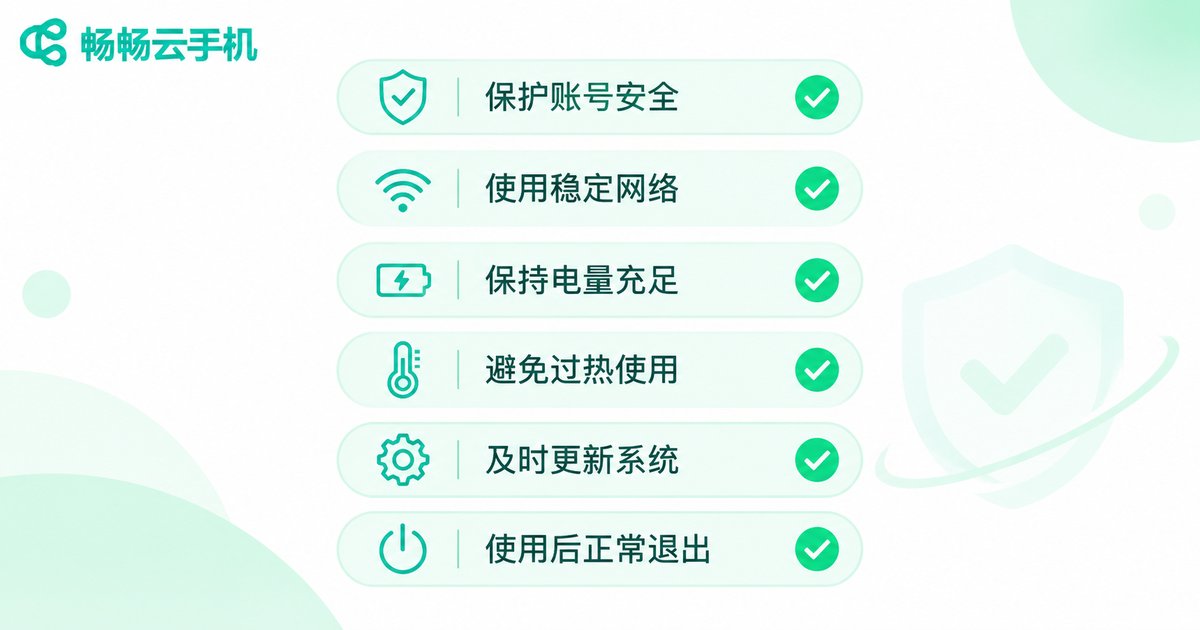
Six tips for using a cloud phone safely
- Download only from official channels: the official website or official app stores. Skip anything labeled “cracked,” “green version,” or “no login required.”
- Give the cloud phone its own accounts: do not register with your primary phone number or main email, and never share passwords with important accounts.
- Turn on two-factor authentication: enable 2FA wherever possible—one more lock is one more layer of protection.
- Keep sensitive data out of the cloud phone: no ID photos, bank cards, or screenshots of verification codes in the cloud.
- Disable unnecessary syncing: clipboard, contacts, and auto photo backup should be opt-in, not on by default.
- Review logged-in devices regularly: check the security center of your accounts for unknown devices and change passwords immediately if something looks wrong.
How to choose a legitimate cloud phone: the ccloudphone example
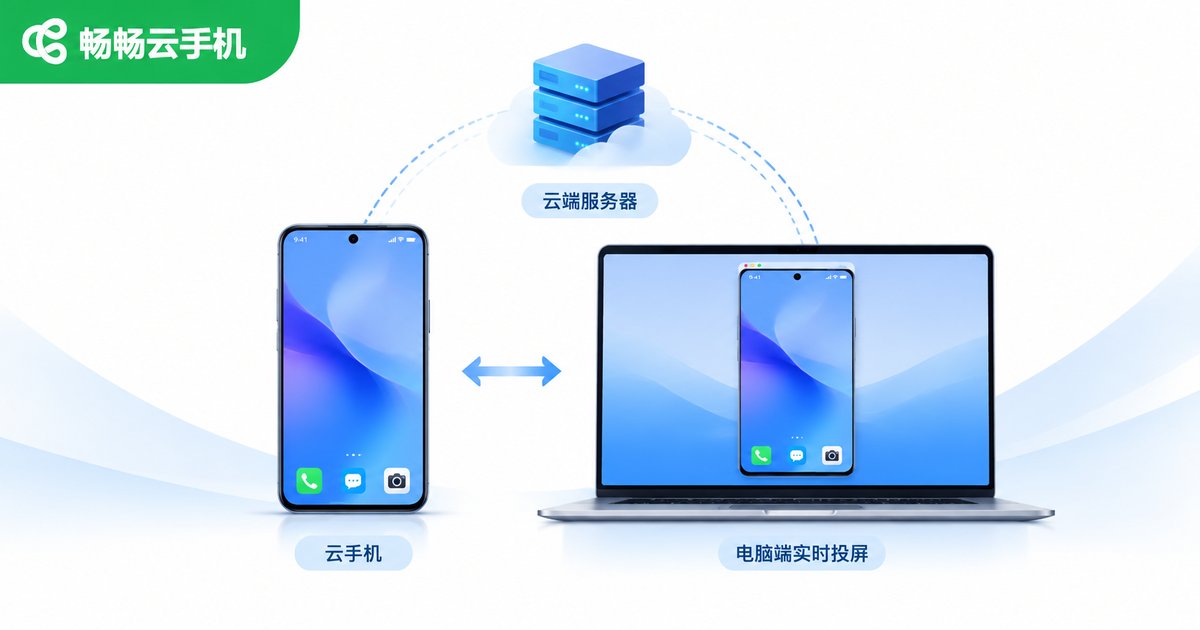
If you genuinely need a cloud device that stays online, use a legitimate service. Take ccloudphone as an example: it provides Android real-device environments running in the cloud, accessible remotely through the mobile app, desktop client, or web browser, and suited to idling tasks, multi-instance management, and testing. Compared with cracked builds, legitimate services are clear on several key points:
- Traceable source: the client comes from the official website ccloudphone.com and is updated continuously—no hunting for “patches” in chat groups.
- Isolated device environments: each cloud phone runs in a relatively separate space, so multiple instances do not interfere with each other and correlation risk is lower.
- Long uptime: devices keep running in the cloud, so shutting down your local machine or losing connection does not interrupt ongoing tasks.
- Official support: there is an official channel to ask when something goes wrong, instead of guessing alone.
For specific device configurations, usage methods, and the latest options, check the official website and choose according to your actual needs. Be wary of “insider channels” described by third parties.
Frequently asked questions
Q1: If I only use a cracked build myself and never share it, is there still risk?
Yes. The risk is not in sharing but in the installer itself. A modified client can contain backdoors, putting your accounts, device, and data within someone else's control.
Q2: Can a cracked build get my game or platform account banned?
It can. Tampered clients, abnormal device fingerprints, and unusual login locations are all things platform risk systems watch. If flagged, you may face throttling or a ban.
Q3: Is it safe to store account passwords in a cloud phone?
Even with a legitimate cloud phone, keep only what is necessary, enable 2FA on important accounts, and do not treat the cloud phone as a password vault.
Q4: How can I tell whether a cloud phone service is legitimate?
Check three things: whether there is an official website with a clear privacy policy, whether the client is distributed through official channels, and whether there is reachable support and a ticket system. If all three are vague, be cautious.
Q5: I have already used a cracked build—what should I do now?
Uninstall it immediately, change every password for accounts logged in through that environment, review logged-in device records, enable two-factor authentication, and watch for any unusual account activity.


