

How to Achieve Unlimited Cloud Phone Multi-Instance: Configuration Selection and Resource Usage Guide
What Is Cloud Phone Multi-Instance, and Why Is It Nearly Unlimited?
A cloud phone is essentially a virtual Android device running in a data center. The CPU, memory and storage all come from remote servers, while what you see locally is just a screen window and a control panel. The actual computation happens far away.
Because the computing power is not on your own device, running many instances at once is no longer limited by local hardware. As long as the cloud resources are available, running dozens or even hundreds of instances simultaneously is technically entirely feasible, which is where the phrase unlimited multi-instance comes from. To be clear, unlimited here is relative to the physical ceilings of a real phone. How many instances you can actually run depends on the service configuration you choose and how much each instance consumes.
Four Variables Determine How Many You Can Run
Many people assume instance count is only about how expensive a plan you buy. In reality, four variables shape the outcome.
Per-instance specs: CPU cores, memory size and storage. Farming apps do not need much CPU, but memory cannot be too small, otherwise background apps get recycled and account sessions drop.
Account scale: one instance usually maps to one account or one group of apps. More accounts means more instances, which is the most direct multiplication in the whole equation.
Concurrency intensity: is it running silently in the background around the clock, or running games, video and live streaming at the same time? The heavier the concurrency, the higher the per-instance specs need to be.
Network and storage: every instance needs to connect and read and write data. These two are the hidden bottlenecks that are easiest to overlook.
| Typical scenario | Suggested per-instance specs | Common instance count | Main bottleneck |
|---|---|---|---|
| App farming and daily check-ins | 2 cores / 4G | 10 - 30 | Memory, long-term stability |
| Multi-instance mobile gaming | 4 cores / 8G or more | 5 - 15 | CPU, graphics performance |
| Social media matrix operations | 2 cores / 3G | 20 - 50 | Network quality, account environment |
| Automated app testing | 4 cores / 8G | 3 - 10 | System consistency |
| Live streaming and push | 8 cores / 16G | 1 - 3 | Bandwidth, encoding power |
How Much Resource Does Each Instance Really Use?
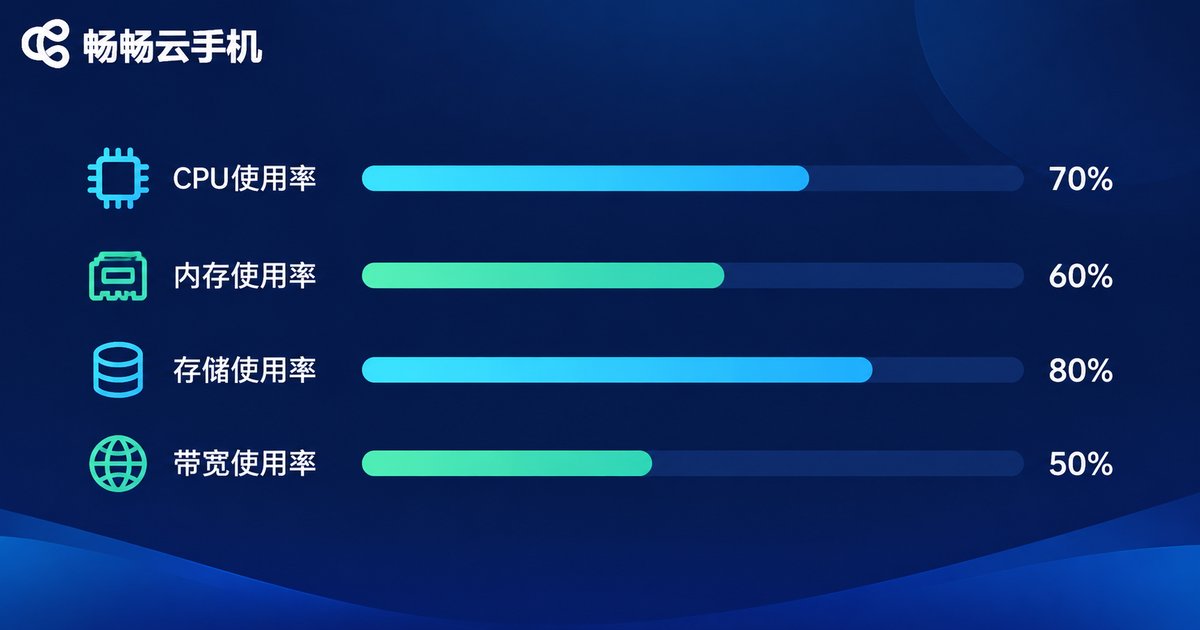
To calculate the real cost of multi-instance, you first need to know what a single instance consumes. The estimates below are typical orders of magnitude; different apps vary, but they make a useful baseline when choosing specs.
Memory: Android itself takes around 1G just to boot, so a 2-core 4G instance leaves roughly 2.5G for apps. Two moderately heavy apps can already push it to the limit.
CPU: pure farming apps idling in the background typically sit at 10% - 20%. Gaming instances often stay above 60% for long stretches and are sensitive to graphics performance.
Storage: a clean Android instance takes about 8 - 12G, and around 20G after installing common apps. With many instances, storage becomes an easily underestimated cost.
Bandwidth: static farming uses very little traffic, but video and live streaming can consume hundreds of MB to several GB per instance per hour, and dozens of instances will quickly push bandwidth pressure up.
Plug these numbers into your own scenario and a clear conclusion emerges: what limits multi-instance capacity is rarely the unit price, but the per-instance specs and the concurrency pattern. On the same budget, replacing one 8-core 16G instance with four 2-core 4G instances may double the number of accounts you can cover.
Three Steps to Pick the Right Configuration
Step one: count your instances. Work backwards from your account count. If you have 30 accounts, you need at least 30 instances, plus two or three spares.
Step two: set the per-instance specs. Use the scenario table above and start slightly conservative for one day. Watch memory headroom and CPU curves before deciding whether to upgrade.
Step three: leave 20% headroom. Do not size resources to the absolute peak. Leaving room for app updates and campaign spikes noticeably improves stability.
Four Tips to Make Multi-Instance More Efficient
Clone with images. Turn one well-configured instance into an image and copy it to the rest. This avoids installing and logging in one by one, saving both time and storage.
Manage by groups and stop what is idle. Group instances by business line and shut down or pause unused groups. Idle instances do not need to hold running resources all the time.
Stagger scheduled tasks. Spread check-ins, syncing and backups across different time windows so that everything does not wake up in the same second.
Clean caches and snapshots regularly. Long-running instances accumulate cache data. Routine cleanup visibly lowers storage use and reduces lag.
Why We Recommend Changchang Cloud Phone
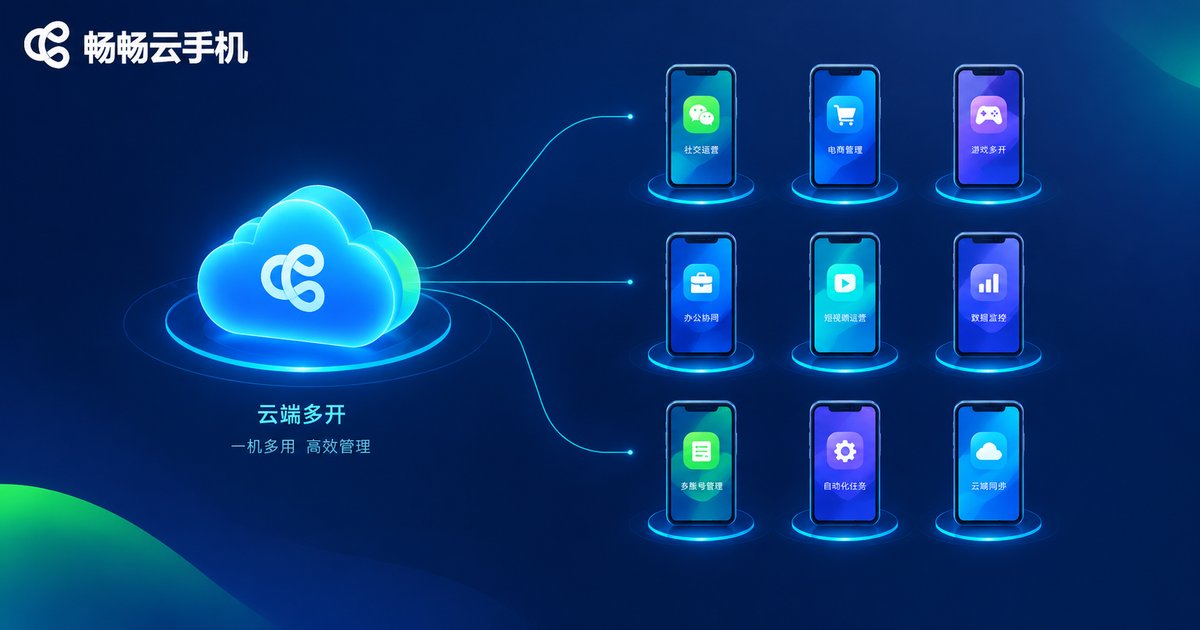
If you would rather not build servers and virtualization yourself, you can use Changchang Cloud Phone (ccloudphone) directly. It turns creation, multi-instance operation and batch control into a visual console: one interface manages a large number of cloud instances, with batch app installation, batch startup, group management and scheduled tasks. Instances stay online 24/7, so a local disconnection, shutdown or device switch does not interrupt what is running in the cloud.
For teams that need long-term farming and manage many accounts, this centralized approach saves a great deal of repetitive manual work. You can check the available configurations and instance options on the official Changchang Cloud Phone website and choose according to your actual business scale. There is no need to start with the highest specs: proving the workflow at a small scale first and then scaling up is the safer path.
Frequently Asked Questions
Q: Will platforms flag my accounts as abnormal when I run many cloud phone instances?
A: Abnormal detection is driven more by whether account behavior looks natural and whether the device environment is consistent, not by instance count alone. Keep each instance on an independent device environment and pace operations like a real user.
Q: How many instances can one cloud phone run at most?
A: There is no fixed upper limit. It is determined by the configuration tier you choose and the real resource usage of each instance, so define your scenario first and work backwards from there.
Q: Will running many instances slow down my local phone?
A: No. Rendering and computation happen in the cloud, and your local device only displays the screen and sends input, so adding instances does not noticeably slow it down.
Q: Do I need to keep my computer on all the time?
A: No. Cloud instances run independently and keep working after you shut your computer down. The next time you log in, you will see the latest status.
Q: What if I am not sure how many instances I need at the start?
A: Run the smallest usable scale for a week, record memory usage and disconnections, and then decide whether to add instances or raise the per-instance specs. This is more economical than buying everything at once.


