
Is a Cloud Phone Safe? A Complete Guide to Accounts, Privacy, Data and Usage Boundaries
Is a Cloud Phone Safe? Start With What It Actually Is
Most people hear the term cloud phone for the first time and assume it means remotely controlling someone else's handset, so they instinctively distrust it. These are two completely different things.
A cloud phone is a virtual Android device running on a server in a data center. It has its own operating system, its own storage space, and its own device identity, just like a real phone that happens to live in a rack instead of your pocket. The phone, laptop, or tablet in your hand is only a remote control: the screen you see is streamed back to you in real time.
So the question of whether a cloud phone is safe really breaks into three parts: is the machine in the cloud secure, is the data safe while traveling across the network, and what are you using it for. The first two are largely the provider's responsibility. The third is entirely yours.
Account Security: Your Login Is the Key to a Real Device
This is the part most people overlook.
The account you use to sign in to a cloud phone client is the equivalent of that device's lock screen password plus the front door key. Whoever has it can open your cloud phone and see every app, chat history, and file logged in inside it.
So there are three baseline rules for account security:
- Never reuse the password. Do not use the same password for your cloud phone account as for your email, social media, or payment accounts.
- Turn on two-factor authentication. If the provider supports SMS, email, or authenticator-app verification, enable it. This single step blocks the vast majority of credential-stuffing attacks.
- Never stay signed in on a shared device. Internet cafes, office computers, a friend's tablet — always sign out when you are done.
One more detail: cloud phone accounts are usually tied to a mobile number. If that number is reassigned or deactivated, update the binding in your account settings first, or you may never recover the account.
Privacy: Where Your Photos and Chats Actually Live
This is what users care about most: can the provider see what I store inside my cloud phone?
The short answer: your data lives in the cloud, not on your local phone. That is the most fundamental difference between a cloud phone and a normal one, and it is also the root of every privacy concern around it.
Will the provider peek? Reputable cloud phone services rely on virtualization isolation, assigning each user an independent virtual instance. One user's instance cannot see another's, and operations staff do not browse user content under normal circumstances. That is not only good practice, it is a compliance red line.
That said, users need their own boundaries too:
- Do not treat a cloud phone as a safe deposit box. ID card photos, the front and back of bank cards, and private photos should not be stored long-term on a cloud device.
- Watch app permissions. Every app installed inside a cloud phone will still request contacts, photo library, and location access. A cloud phone isolates the device; it does not isolate the app's own behavior.
- Clean up as you go. Temporary logins and temporary screenshots should be deleted when you are finished, not accumulated.
Data Security: Transmission and Cloud Storage
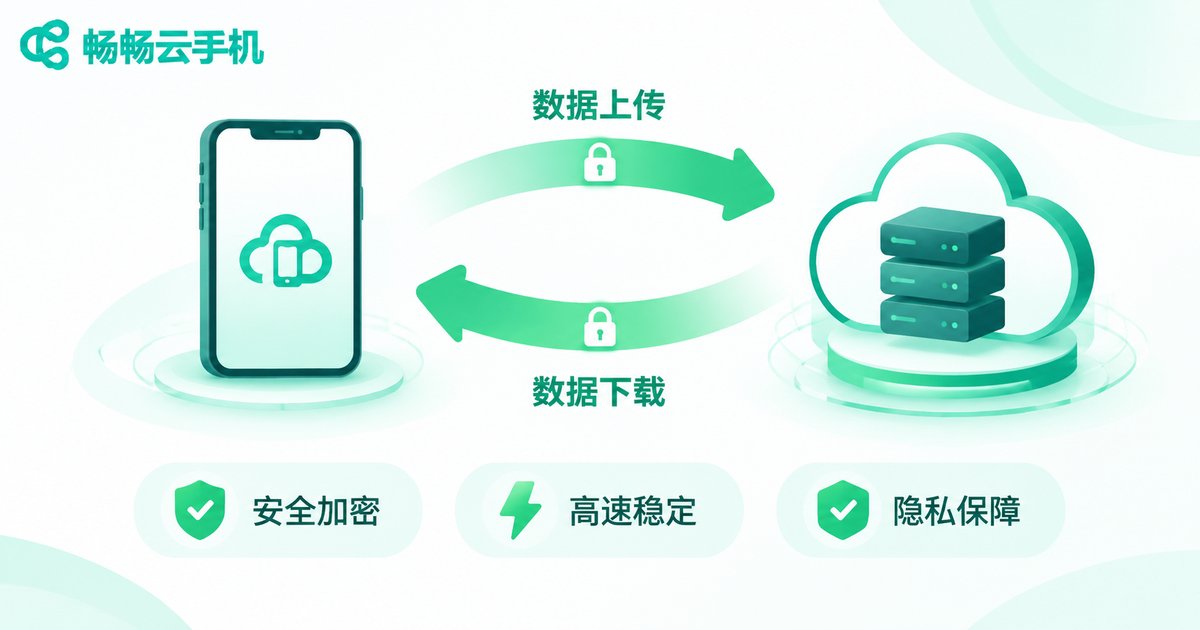
Data inside a cloud phone is on the move at two moments: streaming from the cloud to your screen, and traveling back from your actions to the cloud.
Security at this stage depends on whether the transmission is encrypted. Reputable services carry screen and input data over encrypted channels, so even if someone captures packets on the same network, all they see is ciphertext. This matters especially if you often use a cloud phone over public Wi-Fi.
The other stage is storage. Cloud instance data normally has backup protection to guard against hardware failure. But that also means content you delete may persist in backups for a period of time. For sensitive information, the correct approach is not deleting it later, but never putting it there in the first place.
| Risk scenario | Local phone | Cloud phone |
|---|---|---|
| Device lost or stolen | Data may be read directly | Device is not with you; a password change locks it down |
| Malicious app installed | May reach local photos and files | Confined to the cloud instance; a reset clears it |
| Password leaked | Affects that single account | Affects every account inside the cloud phone, which is worse |
| Public Wi-Fi environment | Depends on the app's own encryption | Depends on channel encryption; choose a reputable provider |
| Permanent data erasure | Factory reset is enough | Confirm the backup policy and deletion cycle |

Usage Boundaries: Five Things You Should Not Do on a Cloud Phone
Technology itself is neutral. Whether it is safe depends heavily on how you use it. Here are five things to clearly avoid:
- Do not use it for anything illegal. Bulk account registration, fake order farming, mass messaging harassment, and scam funnels are illegal in themselves, and cloud instances are traceable, which makes the risk extremely high.
- Do not make large payments inside it. Small everyday payments are fine, but for large transfers, go back to your own physical device.
- Do not share the account with others. Several people on one cloud phone account is the same as several people on one phone, and neither responsibility nor risk can be clearly assigned.
- Do not keep the only copy of important files there. Contracts, certificates, and work documents should never exist solely inside a cloud phone.
- Do not leave unknown apps running long-term. Sketchy plugins, scripts, and cracked tools in particular can get an entire instance flagged.
How to Choose a Safer Cloud Phone Service
When comparing services, skip the slogans and ask concrete questions:
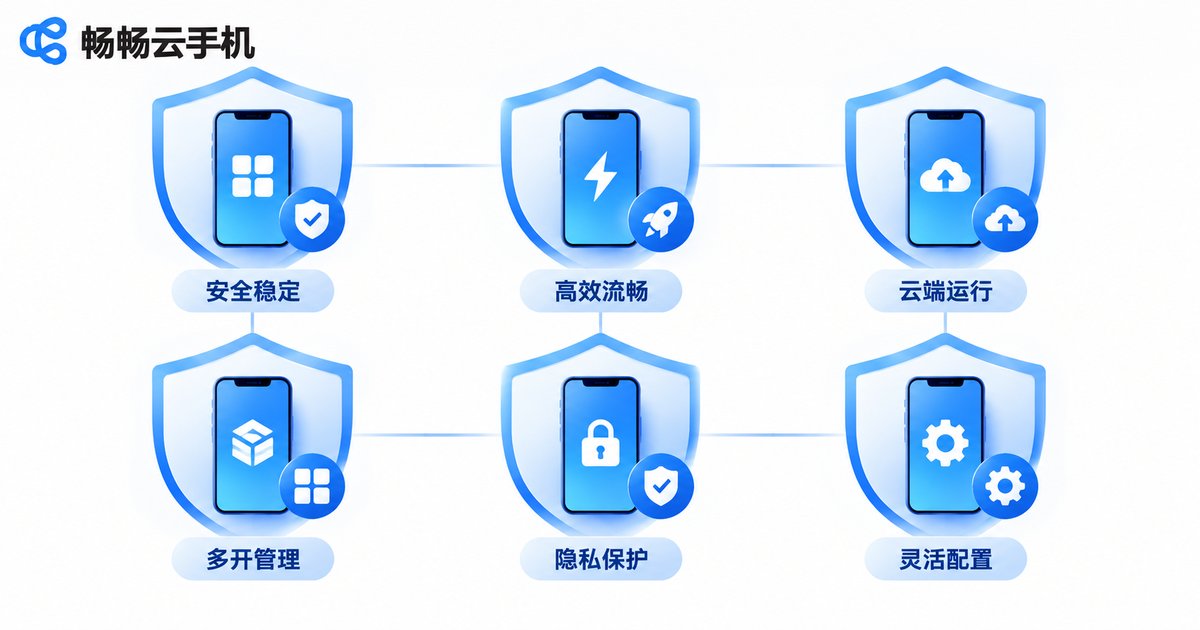
- Are instances independently isolated? One instance per user is the baseline. Be cautious with shared-instance designs.
- Is transmission encrypted? This is the most basic requirement, and also the easiest to verify.
- Can data be fully reset? Ask in advance whether you can wipe an instance in one click and what happens to data after account deletion.
- Is the account system complete? Look for two-factor authentication and abnormal-login alerts.
Take CcloudPhone (ccloudphone) as an example: it provides independent cloud-based virtual phone instances, devices under the same account are isolated from one another, and users can reset and clean up instances directly in the client. It suits everyday scenarios such as running multiple app instances, idle game automation, and office testing. For the exact capabilities and supported scope, check the official website for the latest details and refer to the actual information on the ordering page.
Frequently Asked Questions
Q: Can the cloud phone provider peek at my photos and chats?
Reputable providers use virtual instance isolation, and operations staff do not proactively view user content. That is both a technical design choice and a compliance requirement. To be safe, though, private photos and ID documents should not go onto any cloud device in the first place.
Q: Is it safe to log in to WeChat or Alipay on a cloud phone?
Logging in itself is not the problem; the environment is. A first login from a new device will usually trigger verification, which is normal account risk control. Avoid large transfers inside a cloud phone, and never reuse the same password you use on other platforms.
Q: If I delete data inside a cloud phone, is it really gone?
Not necessarily immediately. Cloud platforms normally keep backups, so deleted content may persist there for a while. For genuinely sensitive information, the best strategy is simply not to put it in.
Q: Which is safer, a cloud phone or an Android emulator on my computer?
They work on different principles. An emulator runs on your own computer, consumes local resources, and keeps data locally. A cloud phone runs in a data center with zero local load, but data sits in the cloud. Which you choose depends on whether you care more about where the data lives or whether your local hardware can handle the load.
Q: What should I do if my cloud phone account is stolen?
Immediately change the password and sign out all logged-in devices, then check the cloud phone for suspicious apps and unfamiliar activity. Contact the provider's support to freeze the instance at the same time. If payment apps are bound, unbind or change credentials on those platforms right away.


