
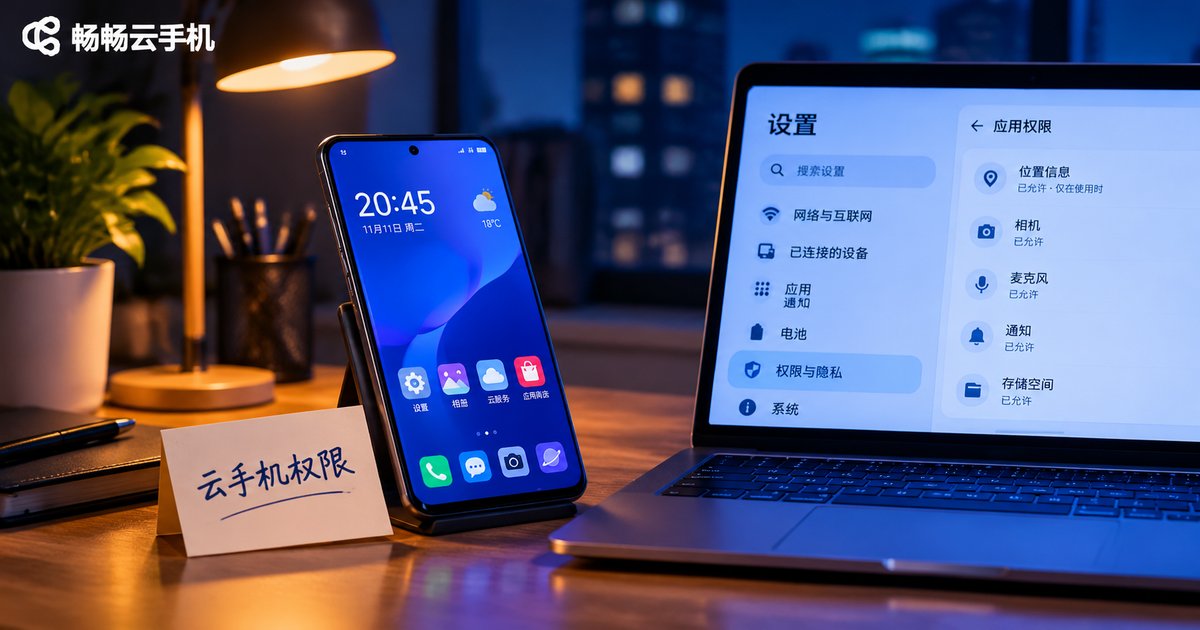
Cloud Phone Root Permissions: Operational Risks, System Limitations, and Security Advice
First, What Root Actually Means on a Cloud Phone
Root is the highest administrator account in Android. With root you hold the keys to the system: you can modify system partitions, remove preinstalled apps and change system parameters. On a physical phone, root means you fully control that device.
A cloud phone is different. The “phone” in your hand is actually an Android instance running on a server in a data center, streamed to your screen over the network. It is closer to renting a computer than to owning a phone. The hardware, the system image and the network egress all sit on the provider's side. You have usage rights, not ownership.
So when someone asks “can a cloud phone be rooted?”, the accurate answer is: whether it can be rooted depends on whether the platform opens it up, not on which tool you install.
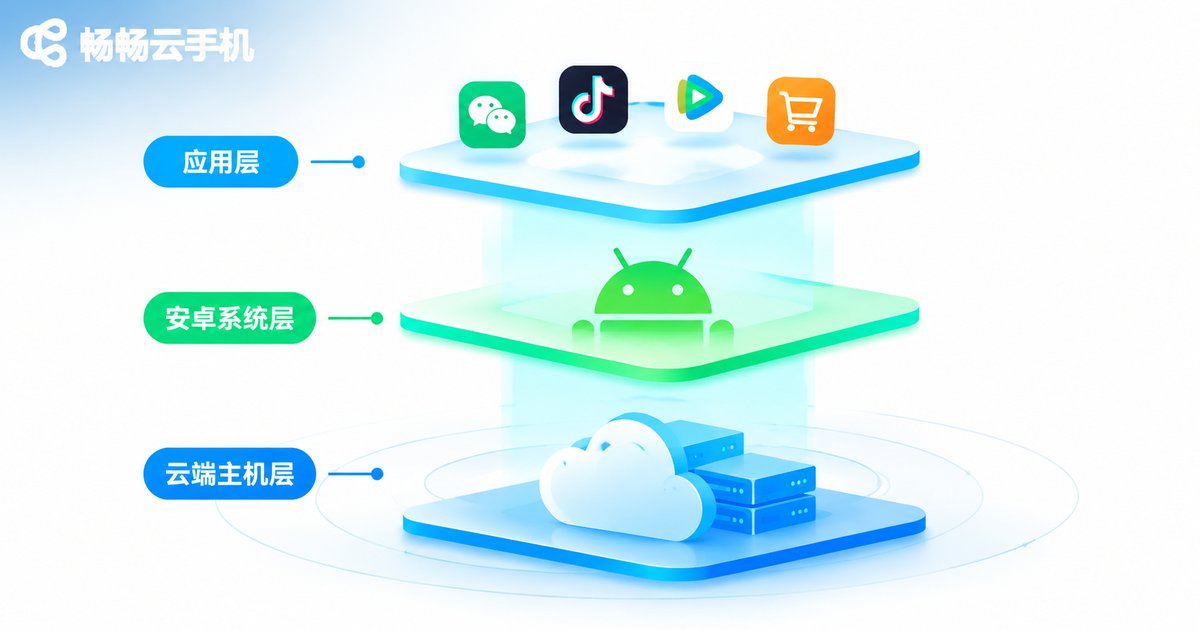
System Limitations: Why Most Cloud Phones Do Not Open Root
It is not stinginess on the vendor's part. There are real technical and security constraints.
1. Multi-user isolation. A single physical server usually hosts dozens or even hundreds of Android instances. If one instance obtained true root, it could in theory reach the host machine and other instances' data. That is why platforms generally tighten permissions at the container layer and disable capabilities such as su, writes to system partitions and kernel module loading.
2. System images are distributed centrally. The system image is built and pushed by the platform, and it returns to a standard state after a reboot or reset. Even if you modify system files inside an instance, a single restart may roll it back. This is why many users feel that “I rooted it, but nothing seemed to change”.
3. Stability comes first. The core value of a cloud phone is staying online reliably for long periods. Opening up system-level write access hands the possibility of bricking the device to the user, which is bad for both the platform and the customer.
4. Compliance and risk control. Many apps detect a rooted environment. After rooting, some apps may simply refuse to run or trigger risk controls, which makes the cloud phone less useful rather than more.
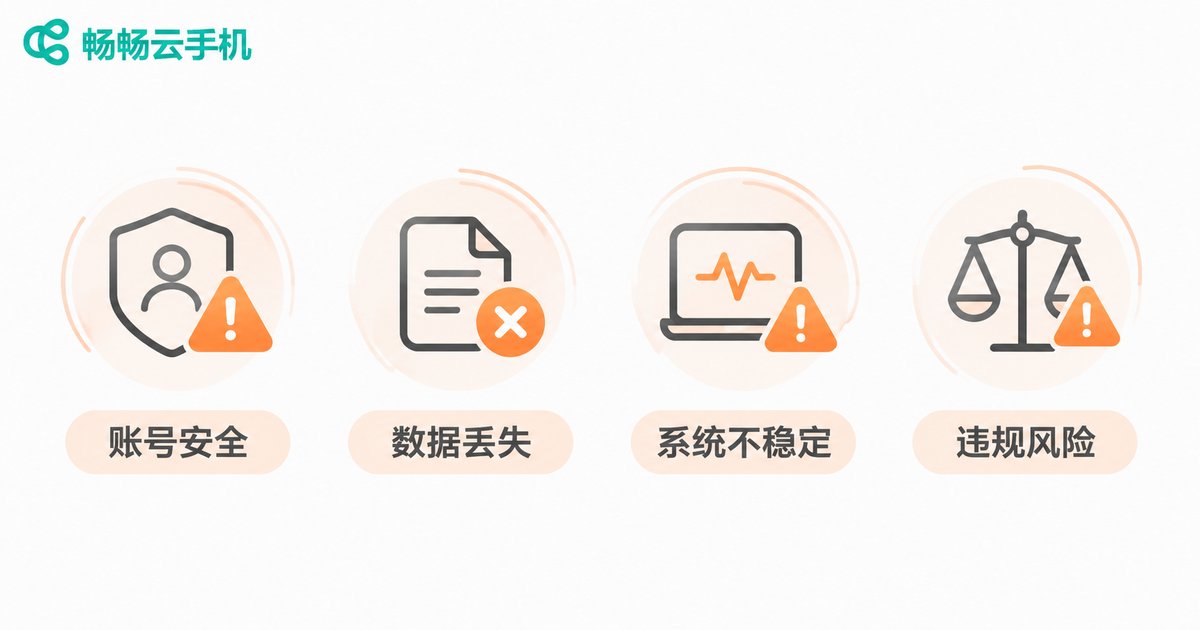
Operational Risks: What Trying to Root Can Cost You
If you find a “one-click root tool for cloud phones” online, read the risks below before you decide.
Account security risk. Unknown root tools usually ask you to grant high privileges, and it is very hard to verify what they actually do. Once malware is planted, the accounts you logged into, clipboard contents and screenshots on the cloud phone can all be taken.
Unstable or unbootable instances. Editing system partitions or replacing system components easily leads to repeated reboots or a device stuck on the boot screen. In that case the instance usually has to be reset, and the apps and data inside are wiped along with it.
Breaking platform rules. Most cloud phone terms of service explicitly prohibit bypassing system restrictions, escalating privileges or attacking the platform network. The lightest outcome is a restricted instance; the heaviest is a banned account.
Reduced app compatibility. Banking apps, payment apps and some games actively check for root and system integrity, and quit when they detect anything unusual. You root for one feature and end up with a pile of apps that will not open.
Time cost. Hunting for tools, testing methods and resetting instances over and over usually costs far more time than choosing an approach that does not require root in the first place.
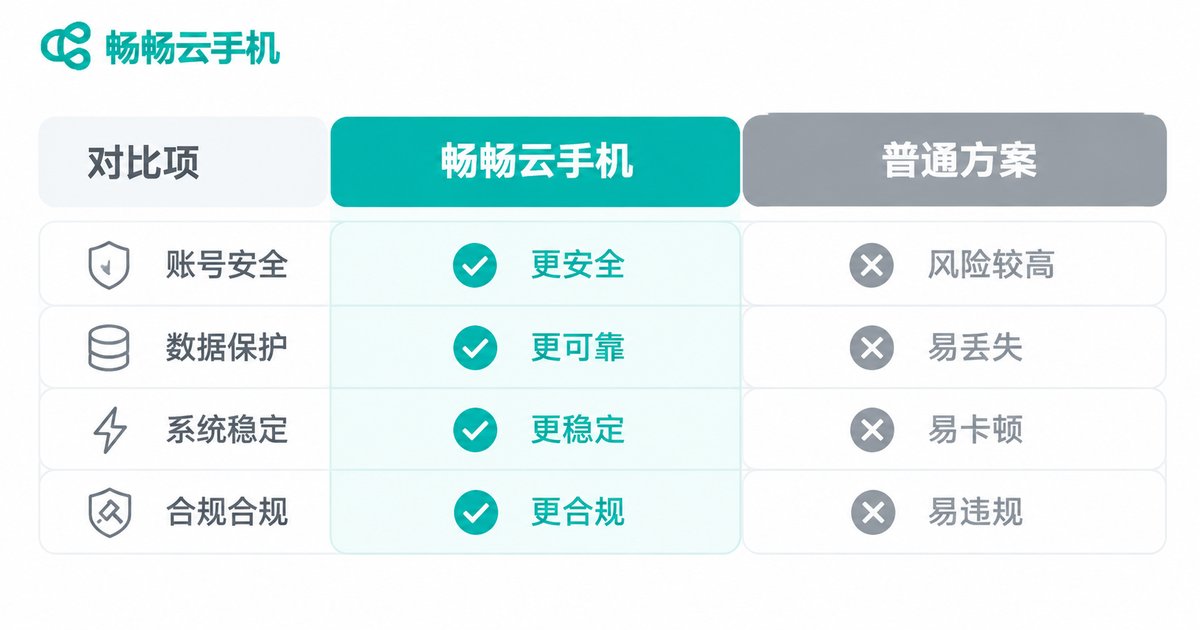
Capability Comparison: What Root Really Buys You
| Capability | Default (no root) | After attempting root |
|---|---|---|
| Installing third-party apps | Supported | Supported |
| App multi-instance and multiple accounts | Supported | Supported, but risk controls trigger more easily |
| Changing resolution and DPI | Offered as a setting on most platforms | Possible, but may be unstable |
| Deep system-level customization | Not supported | Partly possible, may revert after reboot |
| Runtime stability | High | Noticeably lower |
| Account and data security | Relatively high | Medium to low |
Looking at this table, you will notice that most of the things you actually need day to day do not require root at all.
Security Advice: Get the Job Done Without Root
Clarify the need first, then look for an alternative. Most people who say “I need root” really want one of a few things: installing certain apps, running batch operations, changing device parameters or running automation scripts. Legitimate cloud phone platforms generally provide a path for each of these.
Use the official debugging channel. When you need automation or integration with your own systems, prefer the ADB connection, app installation interfaces and batch management features the platform provides. It is far cleaner than tinkering inside the system, and it does not compromise the integrity of the instance.
Isolate sensitive operations. Keep important accounts separate from your experimental environment. A cloud phone is better suited to workloads that need to stay online for long periods, to run many instances or to stay isolated; it is not a good place to store core account credentials.
Back up your data. Export or save important data to your own storage on a regular basis. If an instance is ever reset, you will not have to start from zero.
Only get tools from official channels. Do not install unknown root packages, cracked frameworks or modules from questionable sources. That is where the vast majority of security incidents begin.
How ccloudphone Approaches Permissions
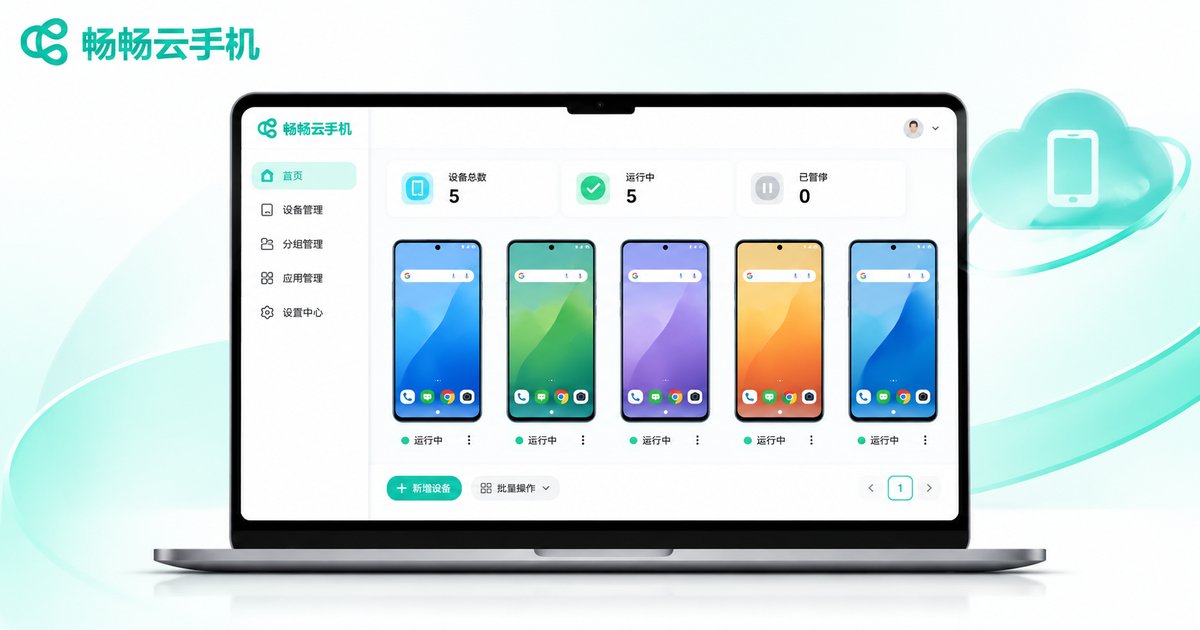
畅畅云手机 (ccloudphone) provides Android instances that run in the cloud. Users operate them remotely through a client, while the device and the system stay on the data center side. This architecture shapes its approach to permissions: turn commonly used capabilities into product features instead of asking users to escalate privileges.
For high-frequency needs such as multi-instance management, app installation, resolution and device model settings, and ADB debugging connections, the platform provides dedicated entry points, so users can get things done without touching system partitions. Instances run in isolated environments, so a problem in one instance does not affect other instances in the same environment, and resetting is straightforward.
If you do need deeper control, check the official website first to see what the current version supports, and treat the official documentation as the source of truth rather than relying on unofficial methods. For specific configurations, features and how to get started, please refer to the ccloudphone official website.
FAQ
Q: Can a cloud phone be rooted?
A: It depends on the platform's policy. For isolation and stability reasons, most cloud phones do not open true root; even when they do, the permissions are usually limited and revert after a reboot. Confirm the platform's official documentation first and do not rely on third-party tools.
Q: I just want to change the resolution or install an app. Do I need root?
A: No. These are standard features, and legitimate cloud phone platforms generally provide settings for them.
Q: Will a root tool affect other users on the same server?
A: The platform applies isolation, but bypassing restrictions itself violates the terms of service and the risk falls on whoever performs the action. That is one reason platforms discourage privilege escalation.
Q: What if rooting fails and breaks the system?
A: Usually the only option is to reset the instance, which wipes the apps and data inside it. Back up important data before you start.
Q: How do I tell whether a root tool is safe?
A: The simplest rule is not to use one. Tools from unknown sources that ask you to disable security mechanisms or enter your account credentials carry very high risk.
Q: What is ccloudphone good for?
A: It suits scenarios such as keeping apps running online for long periods, managing multiple accounts, and testing or demos. For specific capabilities, check the feature documentation on the official website.


