
Operations · Engineering · Trends
Hands-on playbooks, product updates and cross-border insights from the CCloudPhone team.

How to Use Cloud Phones in Store Group Operations: Practical Experience on Multi-Account Listing and Anti-Association
Store group operations multiply traffic by running many store accounts at once, but account association remains the biggest cause of mass store bans. This guide starts from how platforms detect linked accounts, then walks through the practical experience of using cloud phones to build an independent device environment for every store—covering device fingerprint isolation, network management, daily listing discipline, and batch management techniques. Whether you are just starting your first store group or scaling up dozens of shops, these field-tested practices will help you expand steadily while keeping every account safe from association bans.
How to Use Cloud Phone Scripts to Automate Daily Tasks: A Beginner-Friendly Recording Tutorial
Cloud phone script automation frees you from tedious daily routines—game check-ins, stamina collection, and dungeon sweeps are all handled in the cloud around the clock, without occupying your real phone. This beginner-friendly guide walks you through script recording in three simple steps: enter your cloud phone, record your actions once, and configure the launch. No programming knowledge is required. You will also find a real-device vs. cloud-phone comparison table, a list of daily tasks best suited for automation, practical tips for stable runs, and answers to frequently asked questions. By the end, even complete beginners can set up their first automated task within minutes.
Cloud Phone Flagged by Platforms? Fingerprint Spoofing & Behavior Humanization Anti-Ban Guide
Getting 'abnormal environment' warnings on your cloud phone accounts? This guide breaks down how platform risk-control systems actually work, then walks you through a complete anti-ban playbook: keeping device fingerprints independent and stable, humanizing operation rhythms and active hours, a five-step recovery plan for flagged accounts, and a weekly self-check checklist. Whether you run multiple accounts for app testing, game idling, or daily operations, these fingerprint spoofing and behavior humanization techniques will help you keep every account safe and long-lived, plus the common mistakes that quietly get accounts linked.

How to Use Cloud Phones for Social Media Automated Marketing: Batch DM and Auto-Reply Strategies
Cloud phones are reshaping the efficiency ceiling of social media marketing. Instead of juggling dozens of physical devices, marketers can run multiple independent cloud phone instances from a single computer. This guide explains how to build an account matrix with cloud phones and implement batch DM outreach, keyword-triggered auto-replies, and welcome message automation. It covers practical details including script template design, sending rhythm control to stay within platform limits, and anti-ban techniques such as account warming and content differentiation, and recommends CCPhone as a stable cloud phone solution for scaling your social media operations.
What Is the Essential Difference Between Cloud Phones and Cloud Real Devices? Real Hardware vs. Virtual Devices Compared
Cloud phones and cloud real devices both move the smartphone experience to the cloud, but they are fundamentally different under the hood. A cloud phone is a virtual instance running on ARM servers, where one physical server hosts dozens of Android environments. A cloud real device is an actual physical smartphone racked in a data center that you control remotely. This article compares the two across architecture, performance, stability, sensor support, cost, and scalability, explains the strengths and weaknesses of real hardware versus virtual devices, and offers clear criteria to help you choose the right one for gaming, multi-accounting, app testing, or long-term cloud hosting.
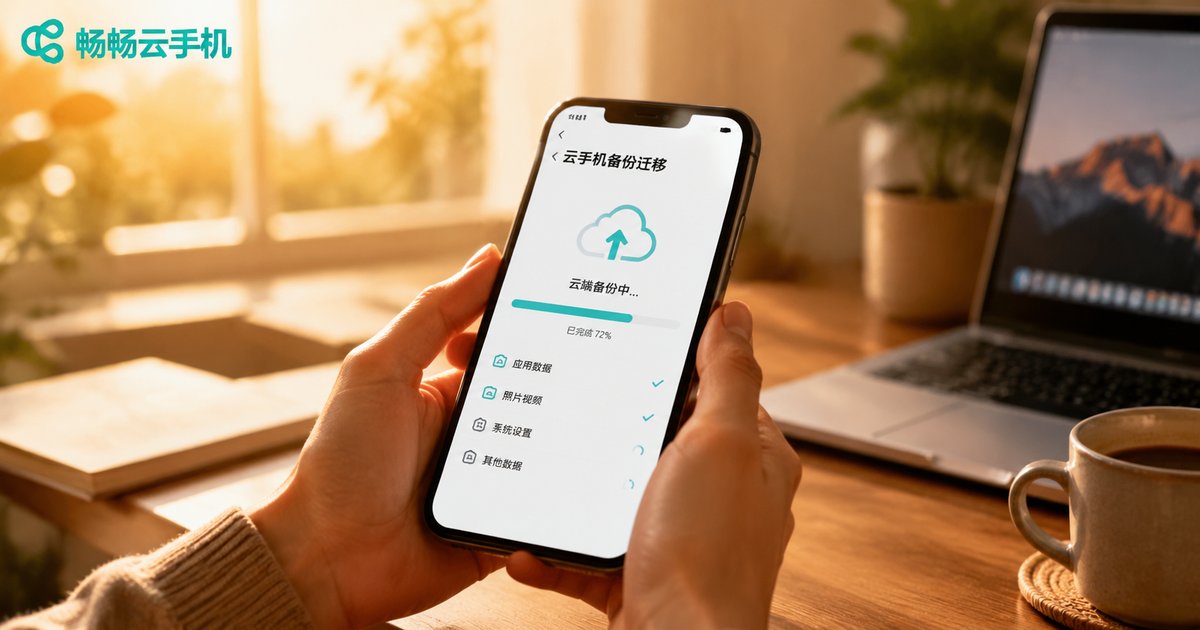
How to Backup and Migrate Your Cloud Phone Account Environment: Complete Data Recovery and Cross-Platform Transfer Tutorial
Your cloud phone's account environment holds your apps, login states, and game progress—losing it can be costly. This complete tutorial explains what an account environment actually contains, walks you through the full backup process step by step, and shows how to migrate environments between instances so you can switch devices without re-logging in. You will also learn practical data recovery techniques for accidental deletions and instance failures, plus cross-platform transfer methods for moving data between local phones and cloud phones. Finally, we compare manual per-app backup with full-instance backup so you can choose the right strategy and build a reliable data safety system.
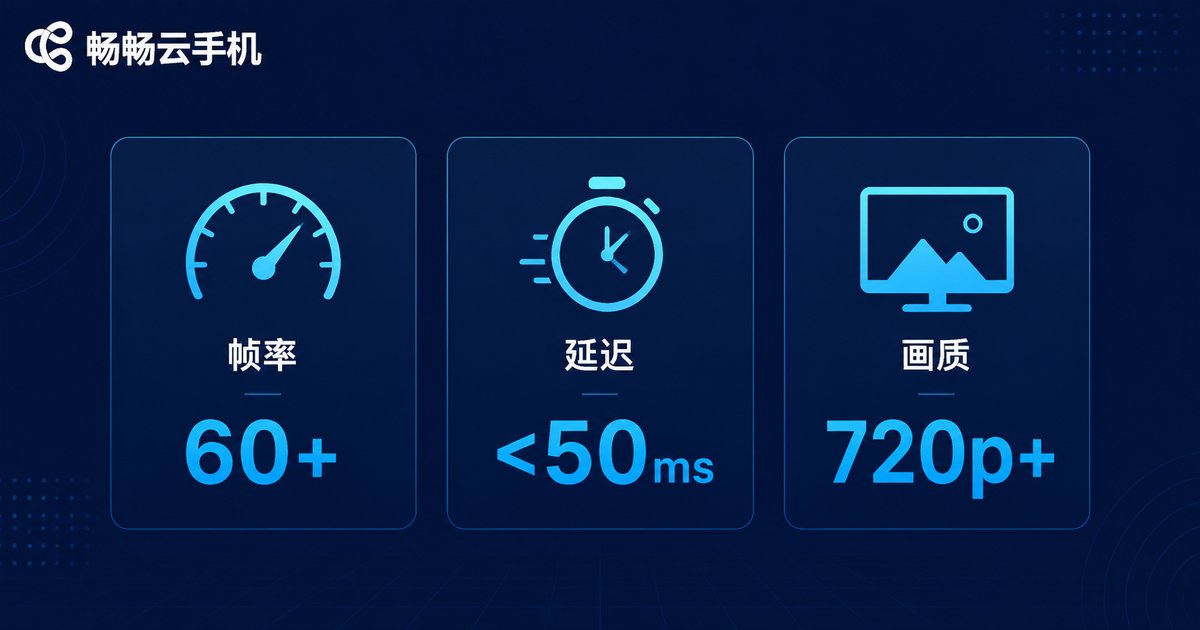
Can Cloud Phones Run Battle Royale Games Smoothly? High FPS, Low Latency Setup Guide & Optimization
Can a cloud phone really run battle royale games like PUBG Mobile smoothly? The answer is yes—provided you choose the right configuration and optimize your network. This article explains how cloud phones render games on remote GPUs, breaks down the three metrics that matter most (frame rate, latency, and stream quality), offers practical guidance on selecting a high-FPS, low-latency setup, and shares five optimization tips. Whether you are grinding ranked matches or managing multiple accounts, you will learn how to enjoy stable 60 FPS battle royale gameplay without overheating, battery drain, or stuttering.
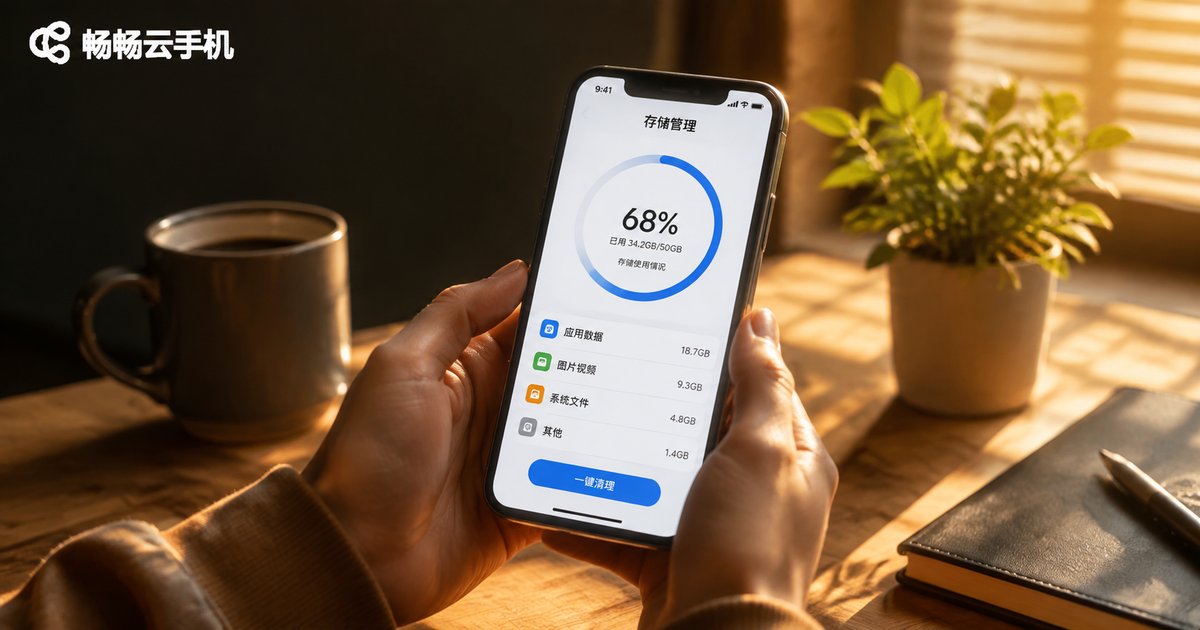
Cloud Phone Storage Full? 4 Tips for Expansion, Cleanup, and File Management
Is your cloud phone running out of storage space? Apps won't install, screenshots fail to save, and everything runs slower than before? Storage shortage is one of the most common cloud phone problems, but it's entirely solvable. This article shares 4 practical tips covering regular cache cleanup, uninstalling unused apps, building file organization habits, and leveraging cloud expansion strategies. Learn how to identify hidden storage hogs, develop sustainable file management routines, and choose flexible cloud storage solutions that grow with your needs, keeping your cloud phone running smoothly at all times.
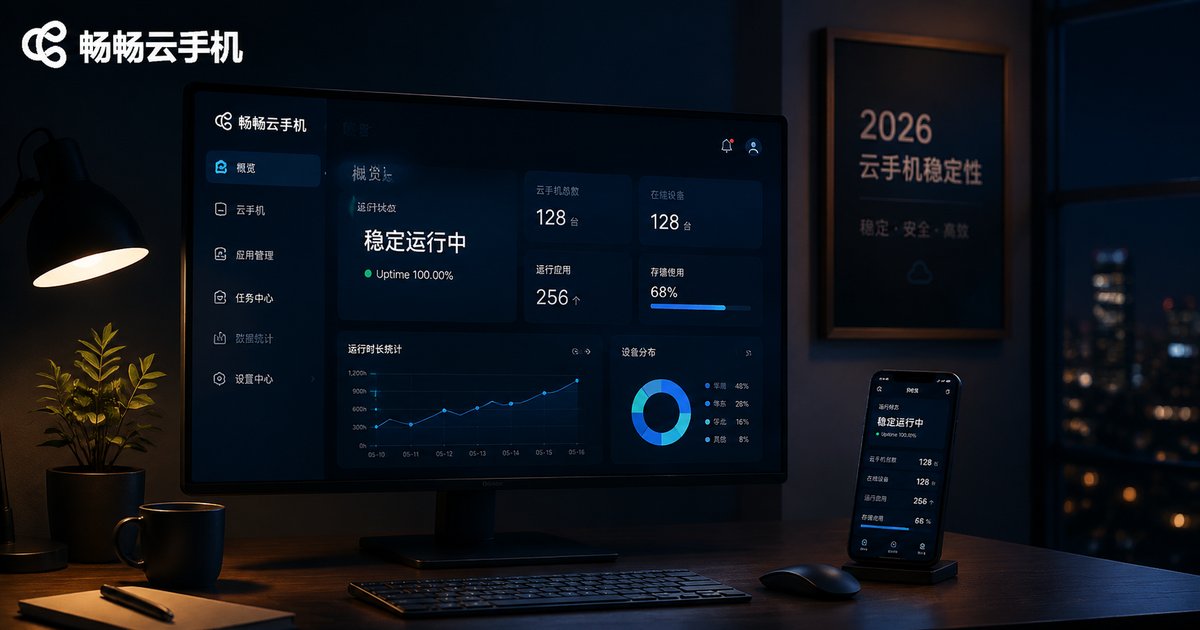
Which Cloud Phone Platform Runs Most Stably? 2026 SLA Promises vs. Real-World Tests
Stability is the single most important factor when choosing a cloud phone platform, whether you run multiple accounts, keep apps online around the clock, or work remotely. This guide breaks down what SLA promises really mean, examines the four core stability metrics—availability, latency, frame rate, and failure recovery—compares typical industry SLA levels for 2026, and shares a repeatable testing methodology so you can verify real-world performance instead of trusting marketing claims. It also explains why ChangChang Cloud Phone (ccloudphone), built on real cloud servers in professional data centers, is a strong candidate worth putting on your testing shortlist.
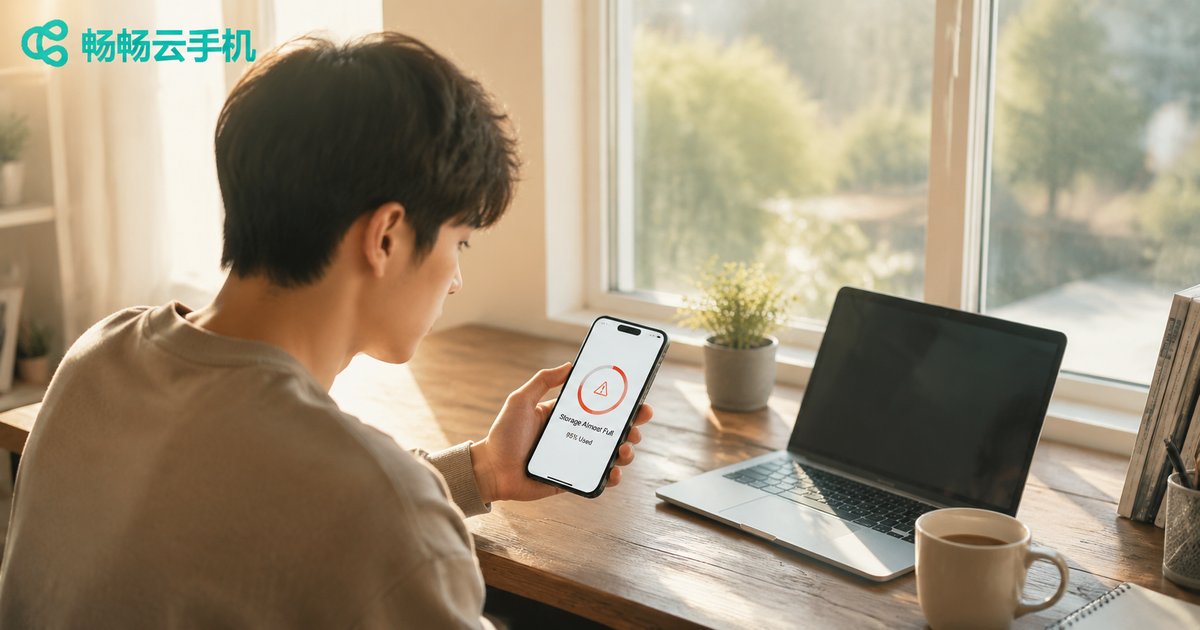
How to Clean Cloud Phone Cache and Junk Files? A Practical Guide to Freeing Up Storage Space
Cloud phones, just like physical devices, accumulate cache and junk files over time, which leads to lagging performance, slow app launches, and failed installations. This practical guide explains the five main sources of junk data, walks you through a four-step manual cleaning method, introduces the unique one-click instance reset advantage that only cloud phones offer, and shares simple daily habits to prevent storage from filling up again. Follow these tips to fully free up your cloud phone storage and keep your device running smoothly at all times.

How to Share Cloud Phones with Team Members: Multi-User Permissions and Operation Log Management
When a team shares cloud phones, passing around a single account password is both risky and hard to manage. This guide explains how to use a multi-user permission system to assign different levels of access to administrators, operators, and observers, and how operation logs make every login, app install, and configuration change fully traceable. You will also learn practical steps for inviting members, grouping cloud phones by project, and applying the principle of least privilege. Whether you run multi-account operations, mobile app testing, or distributed e-commerce workflows, these techniques will help your team share cloud phone resources securely and efficiently.

How Effective Are Cloud Phones for Ride-Hailing Order Grabbing? Didi vs. Gaode Real-World Test Data
Ride-hailing drivers constantly battle overheating phones, rapid battery drain, and lag when running Didi and Gaode at the same time. To find out whether cloud phones actually help, we ran a 7-day side-by-side test comparing a cloud phone against a flagship physical phone on both platforms. The results show dramatic gains in daily online hours, steadier order-grabbing response times, and a clear increase in completed orders—especially for drivers who stay online around the clock or run both platforms simultaneously. This article walks through the full test setup, the data for each platform, and practical tips, helping you decide whether a cloud phone is worth adding to your driving toolkit.