
Cloud Phone Flagged by Platforms? Fingerprint Spoofing & Behavior Humanization Anti-Ban Guide
Why Do Platforms Flag Your Cloud Phone as Abnormal?
Many cloud phone users have seen it happen: a few days after logging in, the app pops up a warning like 'unusual environment, please verify you are human', and in serious cases the account gets restricted or banned outright. Platforms are not targeting cloud phones specifically — their risk-control systems judge from two dimensions, device fingerprint and behavior patterns, whether the screen belongs to a real, independent device operated by a real person.
Common risk signals include: multiple accounts sharing one device fingerprint, device info that never matches the IP, mechanical and repetitive operation rhythms, and brand-new devices performing high-frequency actions within minutes. When several signals hit at once, the account gets placed on a watch list.
What Exactly Do Platforms Detect?
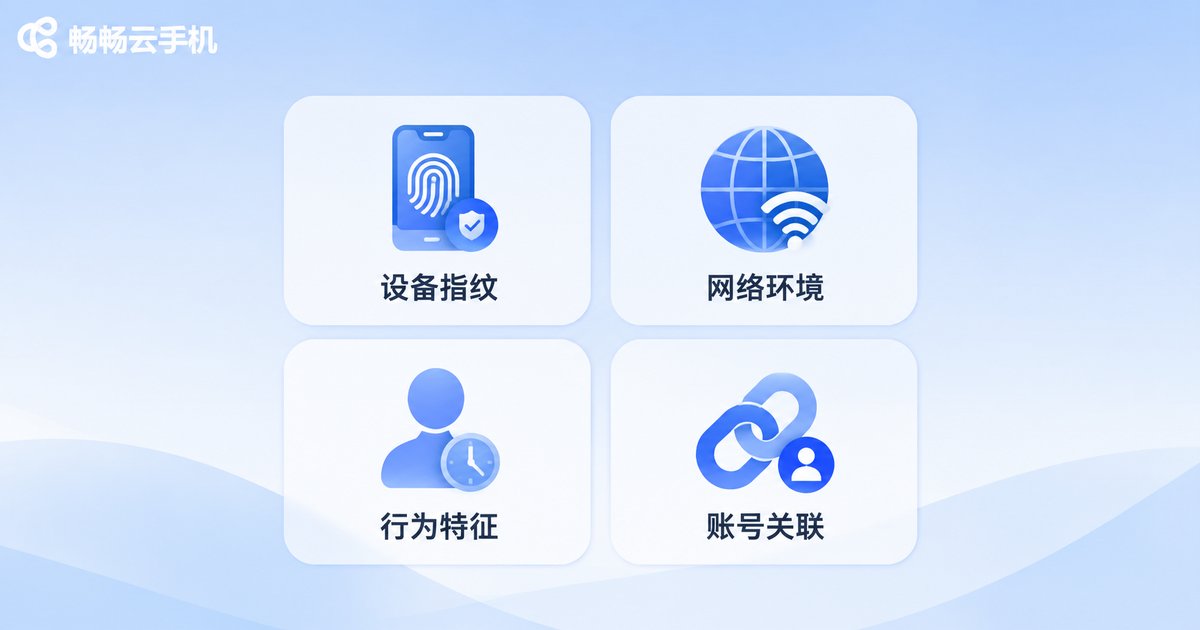
Mainstream apps collect several categories of information. Use this table for a quick self-check:
| Dimension | What Is Collected | Typical Risk Signal |
|---|---|---|
| Device fingerprint | Model, OS version, resolution, sensor data | Multiple accounts with identical fingerprints |
| Network environment | IP location, carrier, network type | Changing IP or mismatch with usual location |
| Behavior patterns | Tap intervals, swipe trajectories, active hours | Non-stop 24/7 activity, millisecond-precise actions |
| Account linkage | Login habits, frequent locations, device switching | Multiple accounts with highly similar behavior |
Once you understand this table, you will see the point: anti-ban work is not about 'hiding from detection', but about making every cloud phone instance look like an independent device used normally by a real person.
Fingerprint Spoofing: Make Every Cloud Phone Look Like a Different Real Device
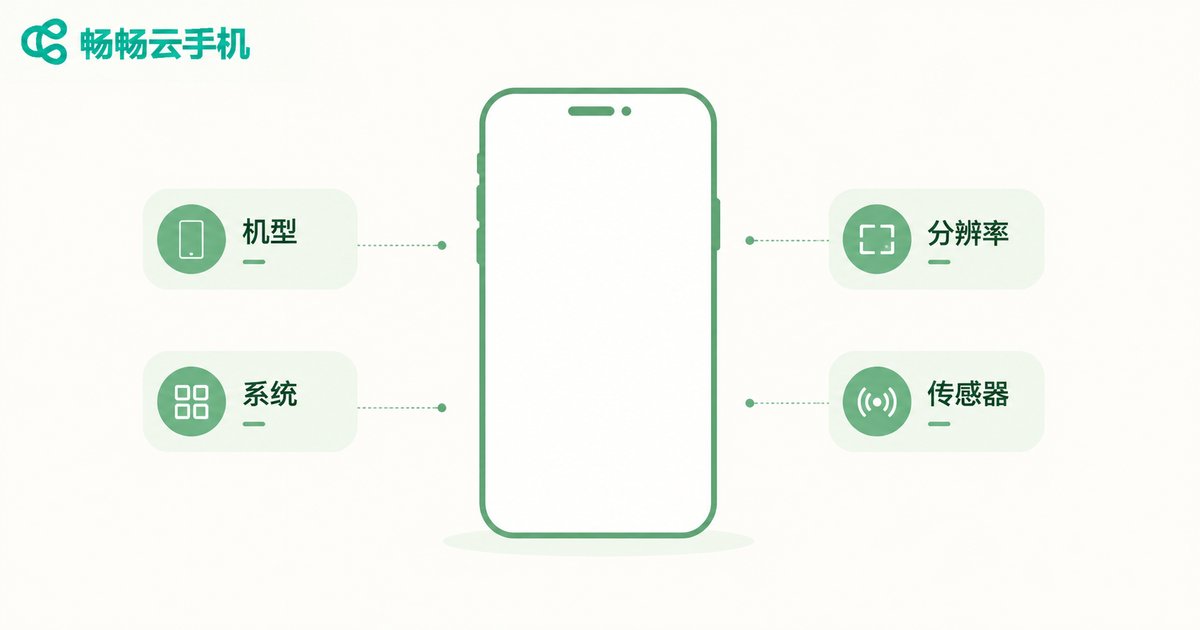
The core idea of fingerprint spoofing is to give every cloud phone instance independent and stable device parameters — not just renaming the device. Key parameters include: device brand and model, Android version and kernel info, screen resolution and DPI, IMEI and serial number, sensor readings such as gravity and gyroscope data, and GPU rendering characteristics.
The keyword here is 'stable': a device's fingerprint must stay consistent from day to day. If the fingerprint randomizes after every reboot, it actually looks more like an emulator or a control farm. ChangChang Cloud Phone (ccloudphone), for example, assigns independent device parameters to every instance by default, supports customized device profiles, and pairs them with fully isolated storage — achieving 'one device, one fingerprint' at the foundation, so multiple accounts never share the same device identity.
Behavior Humanization: The Detail People Miss More Than Fingerprints
Many accounts are restricted even with perfect fingerprints, and the problem usually lies in behavior. Risk-control systems are extremely sensitive to robotic operations. Humanization is about imitating the randomness and rhythm of a real person:
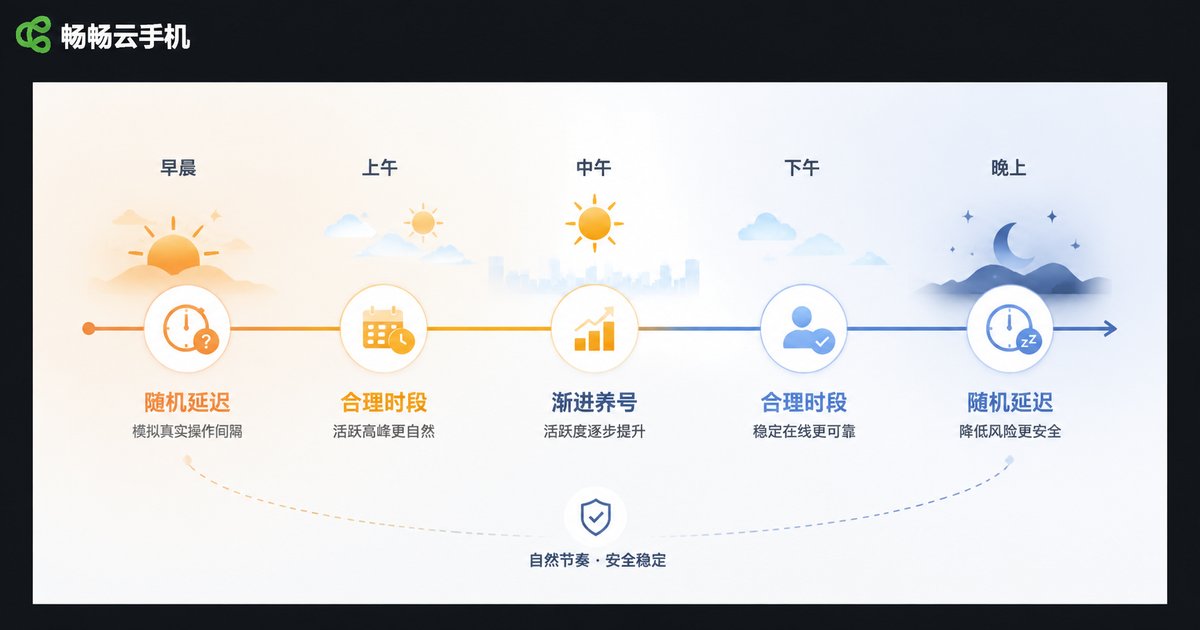
1. Add random delays to your rhythm. Real people hesitate for hundreds of milliseconds to several seconds between taps. Millisecond-precise, script-like actions are the most obvious machine trait.
2. Give swipes curves and pauses. Human swipes are never perfectly straight; they start fast, slow down, and occasionally pause to read.
3. Keep realistic active hours. No real person operates for eight hours straight at 3 a.m., or 365 days a year. Align account activity with a normal daily routine.
4. Warm up accounts gradually. Let new accounts browse, like, and linger first, then slowly increase posting and interaction frequency. Avoid 'register and spam'.
5. Avoid identical action sequences. If several accounts repeat exactly the same daily workflow, the system will link them quickly.
Already Flagged? Here Is the Emergency Playbook
If your account has already received an abnormal-environment warning, do not panic. Follow these steps — most mild flags can be recovered:
Step 1: Reduce frequency immediately. Stop high-frequency actions and drop activity below normal levels to give the risk-control system a cooling-off period.
Step 2: Complete human verification. Finish face or SMS verification as required — the most direct way to clear a mild flag.
Step 3: Check environment consistency. Confirm the device fingerprint has not changed and the network is stable, so you do not stack new risks on top of an existing flag.
Step 4: Behave like a normal user. For the next few days, just browse content and interact occasionally, letting the risk score fall naturally.
Step 5: Appeal if necessary. If features are restricted, submit an appeal through official channels and explain your normal usage scenario.
Daily Anti-Ban Checklist
| Check Item | Pass Standard |
|---|---|
| Device fingerprint | Independent per cloud phone, stable over time |
| Network environment | Stable IP, consistent with the account's usual location |
| Operation rhythm | Random delays, no millisecond-precise actions |
| Active hours | Matches human routine with rest intervals |
| Account behavior | Action sequences differ across accounts |
Run through this checklist once a week. Make anti-ban hygiene a daily habit instead of an after-the-fact rescue.
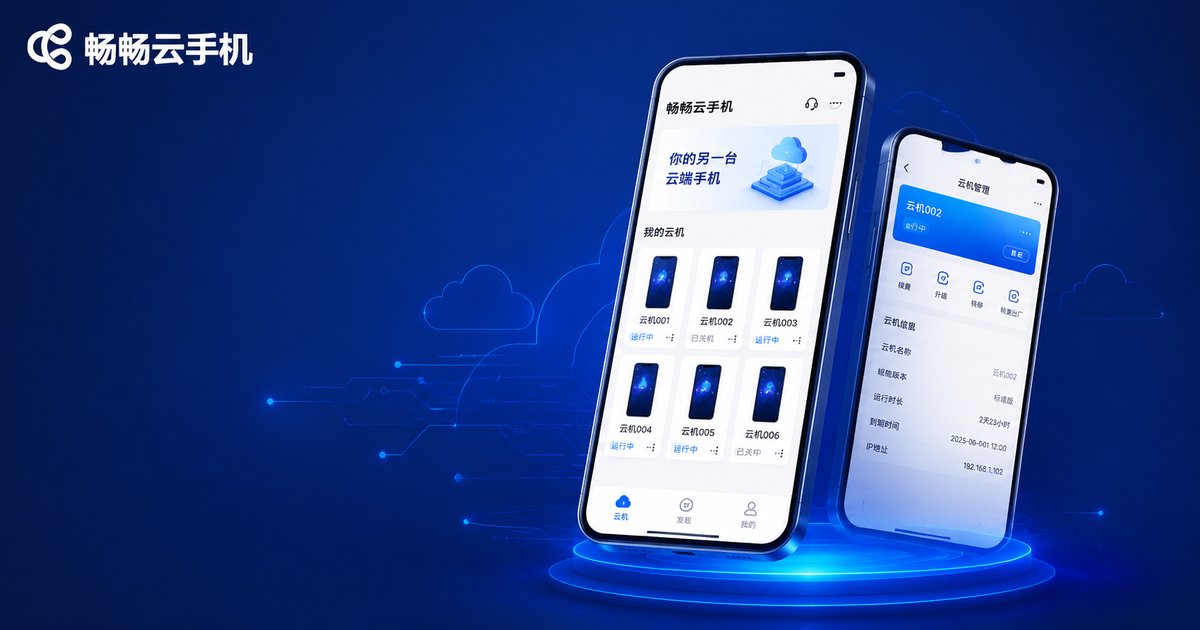
The Right Cloud Phone Makes Anti-Ban Much Easier
A clean underlying environment saves you hours of fingerprint tuning. ChangChang Cloud Phone (ccloudphone) runs on real phone environments in the cloud, with each instance having an independent device environment and isolated storage, plus flexible multi-instance management — well suited for app multi-login, game idling, and operations testing. Check the official site for current plans and features.
One final reminder: all these techniques assume compliant usage. Follow each platform's terms of service and local regulations, focus on content and operations themselves, and account safety will follow naturally.
FAQ
Q: Can platforms detect cloud phones as a category?
Mainstream cloud phones run a real Android system, which is fundamentally no different from a physical phone at the OS level. Detection usually comes from duplicated fingerprints or abnormal behavior, not from the 'cloud phone' identity itself.
Q: Is more fingerprint customization always better?
No. Parameters must be logically consistent — for example, the model must match the OS version. Frequent random changes look more like an emulator; stability is what matters.
Q: Can one account log in from different cloud phones?
Yes, but it is better to stick with one cloud phone long-term. Frequent device switching is itself a risk signal.
Q: How far should behavior humanization go?
Focus on randomness and rhythm: variable intervals, curved swipes, and human-like active hours. No need to over-act — just stay natural.
Q: What if my account was banned by mistake?
Stop all operations first, appeal through the platform's official channel and explain your real usage scenario, and check that your fingerprint and network are stable so other accounts are not affected.


