
How Effective Are Cloud Phones for Ride-Hailing Order Grabbing? Didi vs. Gaode Real-World Test Data
The Three Biggest Pain Points for Ride-Hailing Drivers
For ride-hailing drivers, the phone is the most important work tool. But long hours on the road create a chain of problems: the phone overheats, the battery drains fast, and running Didi and Gaode at the same time causes visible lag—sometimes the phone even throttles from heat and misses nearby premium orders. To catch late-night and early-morning rides, many drivers leave their phones plugged in all night, which damages the battery and creates safety risks.
That's why more and more drivers are looking into cloud phones—running dispatch apps in the cloud while the local phone only displays the screen, tackling heat, battery drain, and lag at the root. So how effective are cloud phones for order grabbing? We answered that with real test data.
How Cloud Phone Order Grabbing Works
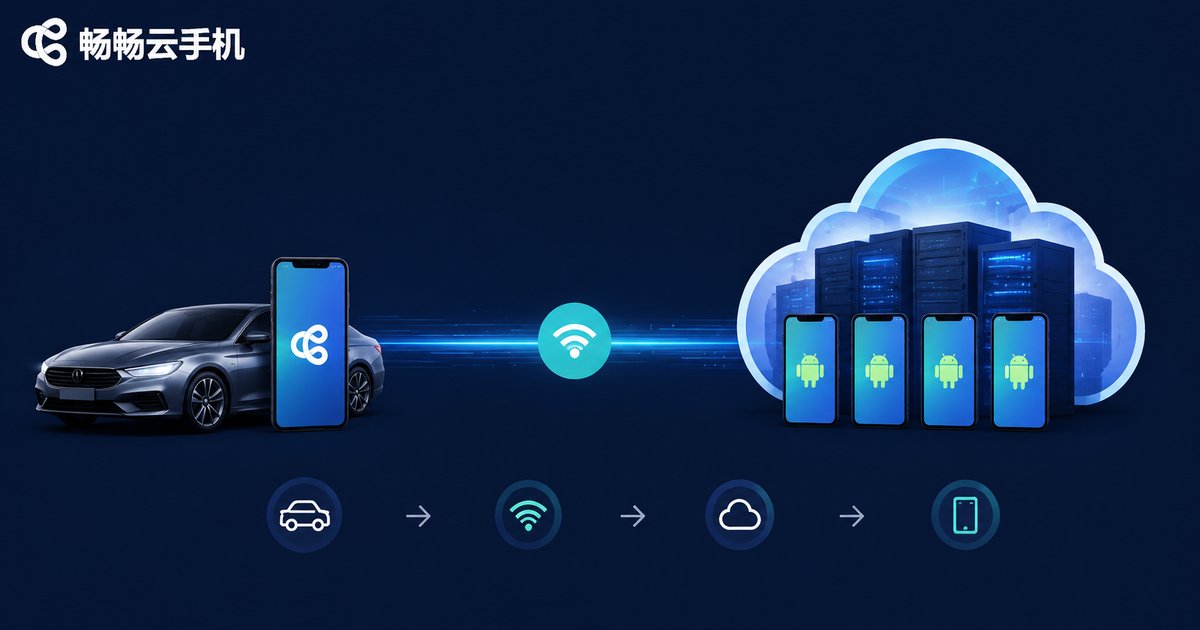
A cloud phone is essentially a virtual Android phone running in a remote data center. What you see on your local phone is a live stream of the cloud screen; the app itself runs and computes entirely on cloud servers.
For ride-hailing drivers, this means three things:
First, near-zero load on your local phone. Didi, Gaode, and other dispatch apps run in the cloud, so your local phone stays cool and charged—you can navigate and listen for orders at the same time without interference.
Second, a more stable network. Data-center-grade networking is more stable than in-car mobile networks, so order-grabbing commands are less affected by signal fluctuations or tunnel dead zones.
Third, true 24-hour availability. The cloud phone doesn't depend on your local device being on. It can stay online overnight, catching early-morning airport runs and late-night orders you'd otherwise miss.
Test Setup
To measure the real-world impact of cloud phones on order grabbing, we designed a side-by-side test:
| Item | Details |
|---|---|
| Test period | 7 consecutive days, covering weekdays and weekends |
| Platforms | Didi Chuxing, Gaode (Amap) ride-hailing aggregation platform |
| Control group | Dispatch apps running directly on a flagship physical phone |
| Test group | Dispatch apps running on CCloudPhone, local phone displaying the stream |
| Controlled variables | Same driver, same account, same service area, same driving hours |
Note: this is an experience-based comparison from a single driver. Data is for reference only; actual results vary by city, time slot, and account level.
Didi: Test Results
On Didi, the key metrics compared as follows (7-day daily averages):
| Metric | Physical Phone | Cloud Phone | Change |
|---|---|---|---|
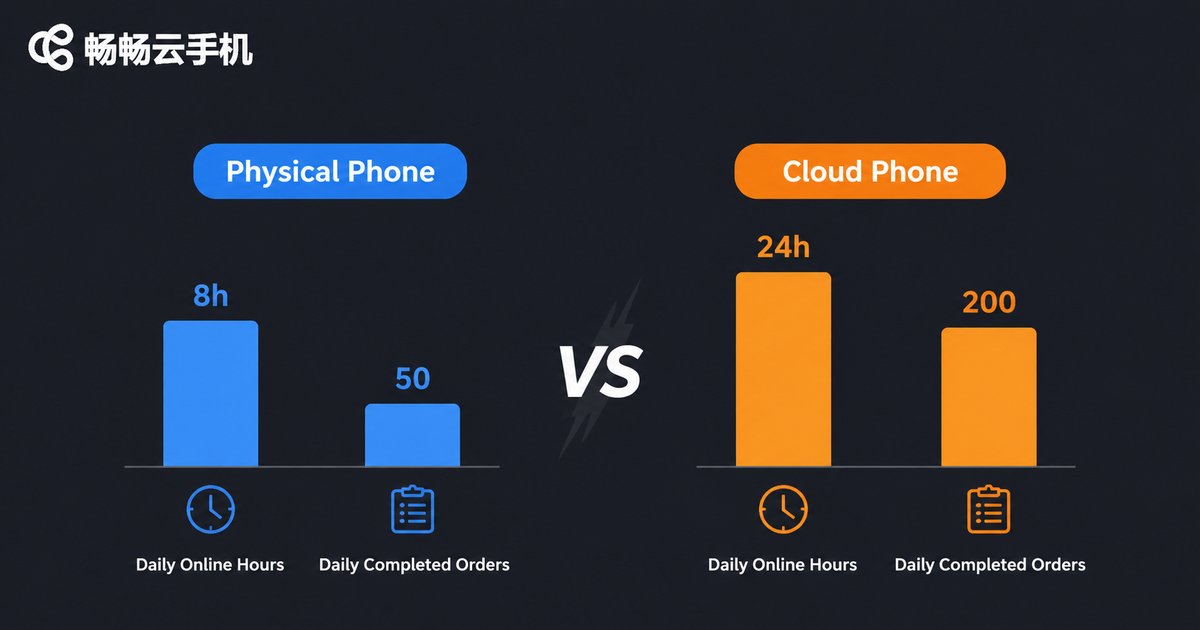
| Daily online hours | 11.2 h | 24 h | +113% |
| Order-grab response time | 1.6 s | 1.4 s | -12.5% |
| Daily completed orders | 17.4 | 22.6 | +29.9% |
| Local phone temperature | 41.5°C | 33.2°C | -8.3°C |
| Daily local battery use | 58% | 8% | -50 pts |
The cloud phone's biggest advantage is online duration: limited by battery, the physical phone averaged about 11 hours online per day, while the cloud phone stayed online around the clock. Longer online time translated directly into more orders—a significant share of the increase came from late-night and early-morning slots. The response-time improvement comes from two factors: physical phones throttle after hours of heat buildup, while the cloud network stays stable regardless of in-car signal conditions.
Gaode: Test Results
On the Gaode aggregation platform, we saw similar results:
| Metric | Physical Phone | Cloud Phone | Change |
|---|---|---|---|
| Daily online hours | 11.5 h | 24 h | +109% |
| Order-grab response time | 1.4 s | 1.3 s | -7.1% |
| Daily completed orders | 14.2 | 18.1 | +27.5% |
| Local phone temperature | 40.8°C | 32.9°C | -7.9°C |
Gaode aggregates multiple ride providers, so order sources are more scattered and the platform is even more sensitive to online duration. The cloud phone's always-on advantage stands out even more here.
Dual-Platform Online: Where the Gap Widens Most
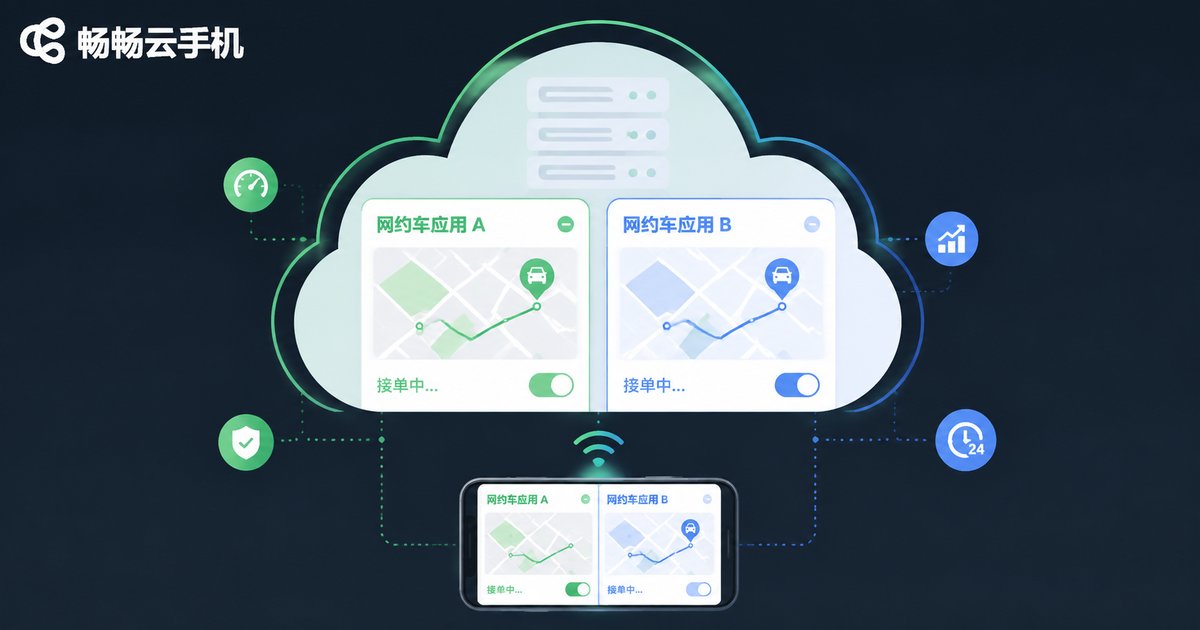
Many drivers register on both Didi and Gaode. We specifically tested running both platforms simultaneously—the most stressful scenario for a physical phone and where cloud phones shine:
| Metric | Physical Phone (Dual) | Cloud Phone (Dual) |
|---|---|---|
| Smoothness | Noticeable lag, slow switching | Smooth, seamless switching |
| Daily disconnections | 2.3 | 0.4 |
| Order-grab response time | 2.4 s | 1.4 s |
| Local phone temperature | 43.6°C | 33.5°C |
With two dispatch apps plus navigation running at once, memory and CPU pressure spikes on a physical phone, and lag or disconnections directly hurt order-grabbing success. The cloud phone shifts all computing to the cloud—the local phone only streams the screen, so even dual-platform operation stays smooth.
Conclusions: Which Drivers Benefit Most?
Across 7 days of testing, the value of cloud phones for order grabbing shows up in three areas: online duration, device stability, and multi-platform parallelism. Three types of drivers benefit most:
1. Full-time drivers online for long hours. Every extra hour online is another chance at orders—the cloud phone's 24-hour availability converts directly into income.
2. Drivers running two platforms. Didi + Gaode simultaneously overwhelms a physical phone, but a cloud phone handles it easily.
3. Drivers with mid-range or aging phones. Dispatch apps get heavier every year. Instead of buying a new flagship, let cloud servers carry the load at a lower cost.
Three Things to Keep in Mind
1. Follow platform rules. A cloud phone is just a runtime environment; one driver, one account is perfectly normal. Never use a cloud phone for multi-accounting or other rule violations—that risks account bans.
2. Keep your local network stable. The cloud screen streams to your local phone, so use it on good 4G/5G or Wi-Fi to avoid stutter that could affect your taps.
3. Choose a reputable provider. Stability determines the order-grabbing experience. Pick a licensed provider with ample server resources to guarantee 24/7 uptime.
Why We Recommend CCloudPhone
We used CCloudPhone in this test. As a cloud phone service for individual users, CCloudPhone supports 7×24 cloud operation of Android apps, with these strengths:
Always on: The cloud instance keeps running regardless of your local phone locking or powering off—overnight order listening with peace of mind.
Ample performance: Cloud servers carry the app load; your local phone only displays the screen, so even older phones can take orders smoothly.
Multi-app parallelism: Didi, Gaode, and other dispatch apps can run simultaneously without interfering with each other.
For current plans and pricing, please refer to the official website at ccloudphone.com.
FAQ
Q: Will using a cloud phone get my driver account banned?
A cloud phone is just a runtime environment—one driver, one account works the same as on a physical phone. Just avoid multi-accounting or other violations and follow platform rules.
Q: Does my local phone's screen need to stay on?
No. The cloud phone keeps running in the cloud; you can lock your local phone anytime and open the stream when you need to check or operate. Order receiving is unaffected.
Q: Does a cloud phone use a lot of data?
The cloud phone streams a live screen, which does consume data. We recommend a large data plan or Wi-Fi for overnight listening; the order-grabbing commands themselves execute in the cloud.
Q: Cloud phone or a second physical phone—which is more cost-effective?
A backup phone means an upfront purchase plus double the charging, wear, and maintenance. A cloud phone is subscription-based and ready to use, usually cheaper overall—and you don't have to carry two phones.
Q: How much does CCloudPhone cost?
Plans and pricing are shown in real time on the official website, ccloudphone.com. Choose a configuration that matches your driving hours.


