
Operations · Engineering · Trends
Hands-on playbooks, product updates and cross-border insights from the CCloudPhone team.
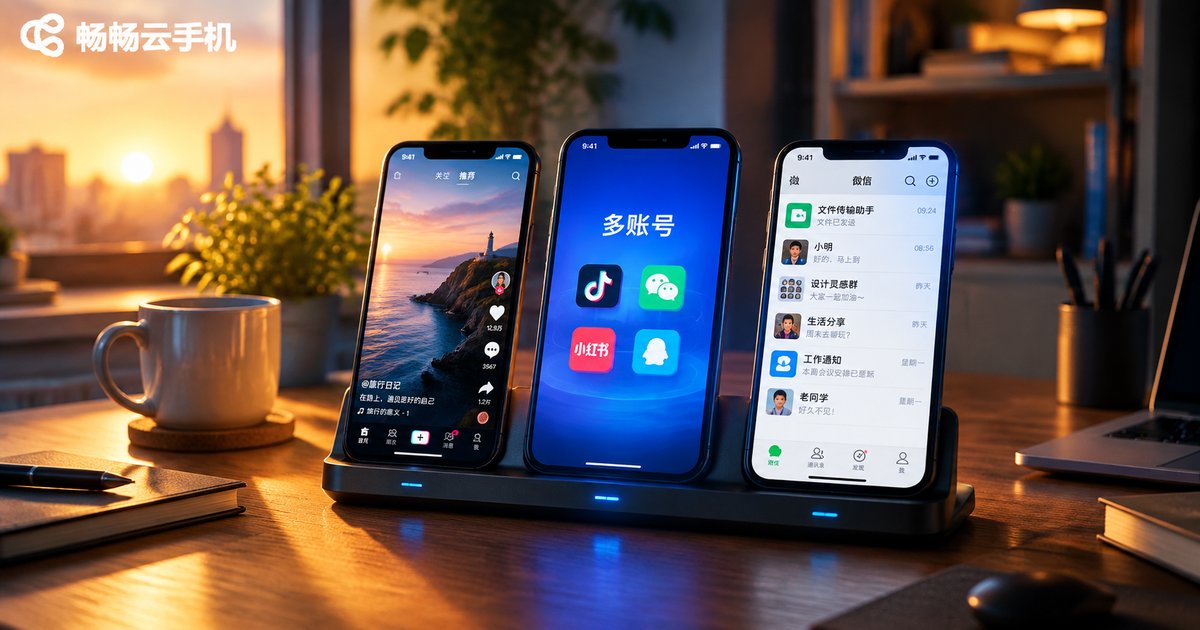
How Many Accounts Can One Cloud Phone Run? Multi-Account Limits Explained
A single cloud phone instance works like a standalone Android device: you can install multiple apps and log in to one account per app, but when running several accounts on the same platform, one account per instance is the safer industry practice. This guide explains how many accounts a single cloud phone instance can hold, how multi-instance management works under one console, and the key factors that determine your account limits, including platform rules, network environments, operational capacity, and instance specifications. It also shares practical best practices for running multiple accounts safely. Whether you manage a social media matrix or multiple online stores, this guide helps you plan a smart multi-instance strategy.
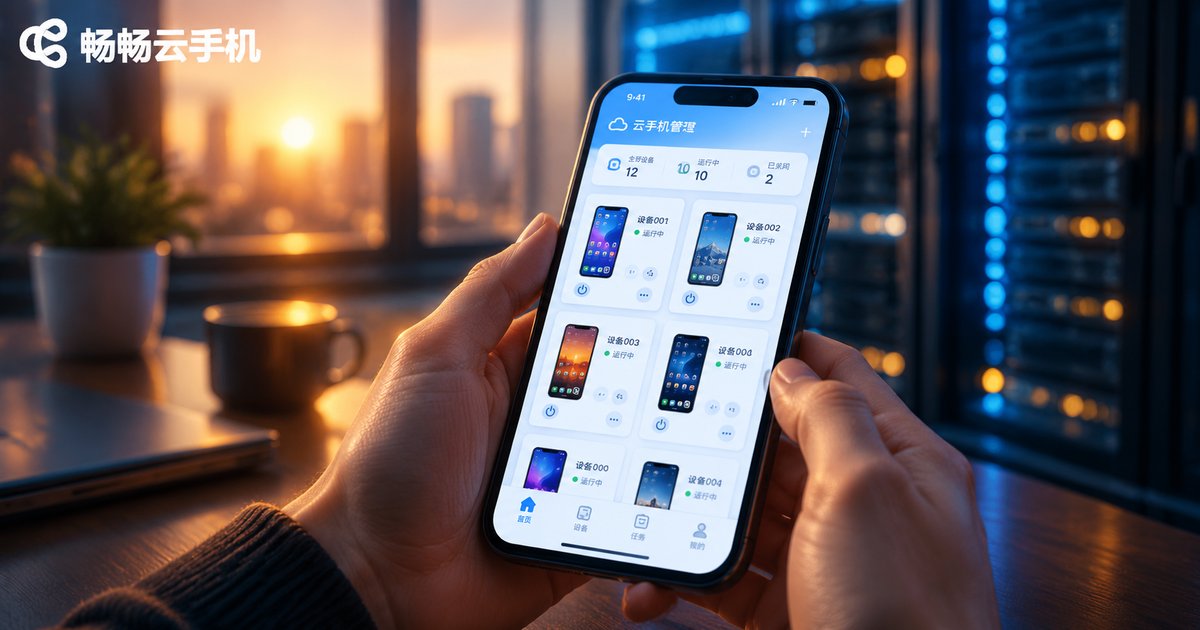
Is Cloud Phone Really Feasible? The Current State and Boundaries of Cloud Phone Technology
Cloud phones are neither a gimmick nor a magic solution. Starting from the underlying technical principles, this article objectively analyzes the current maturity of cloud phone technology: video streaming, ARM server virtualization, and latency control have all reached practical levels, making cloud phones excel in multi-account management, game idling, and app testing scenarios. At the same time, it draws clear boundaries around network dependence, split-second operation latency, and limited local hardware access—helping you decide whether a cloud phone truly suits your needs and how to choose a reliable service.
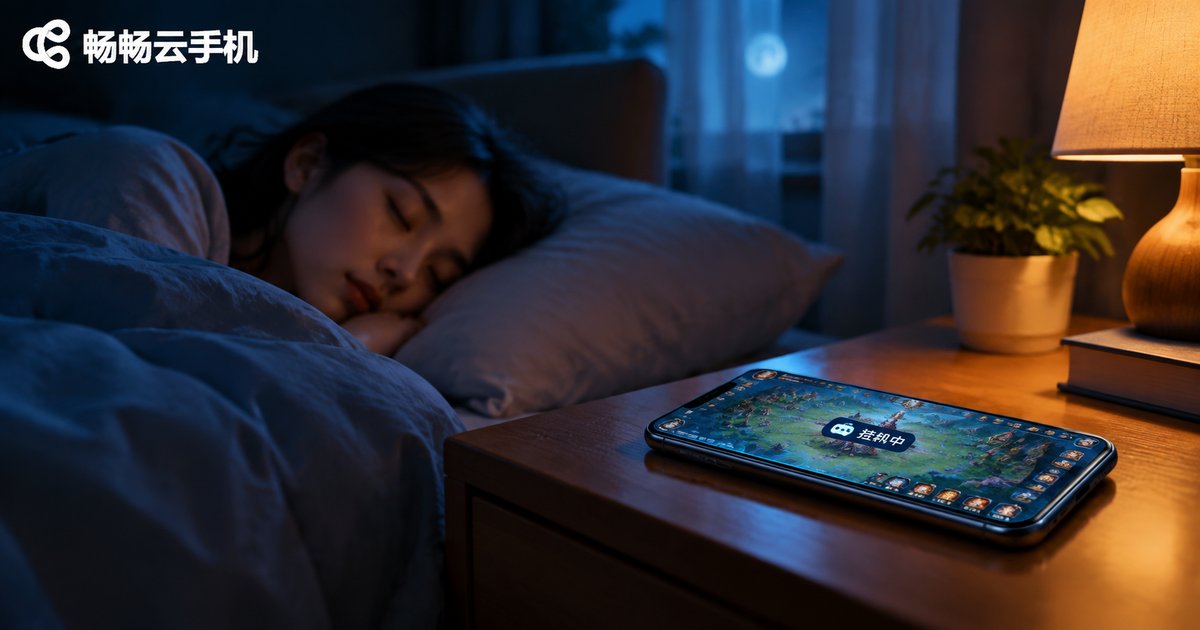
Can Cloud Phones Run Offline? Do Tasks Continue After Closing the App?
Can a cloud phone keep running offline? The answer is yes. A cloud phone runs on remote servers, while the app on your device is merely a viewing window—so closing the app, locking your screen, or even powering off your phone will not interrupt the tasks inside the cloud phone, which stays online 24/7. This article explains how cloud phones work in plain language, compares local AFK farming with cloud-based farming, reviews typical scenarios such as game idling, automated tasks, and multi-account management, and shares key points about using ccloudphone.
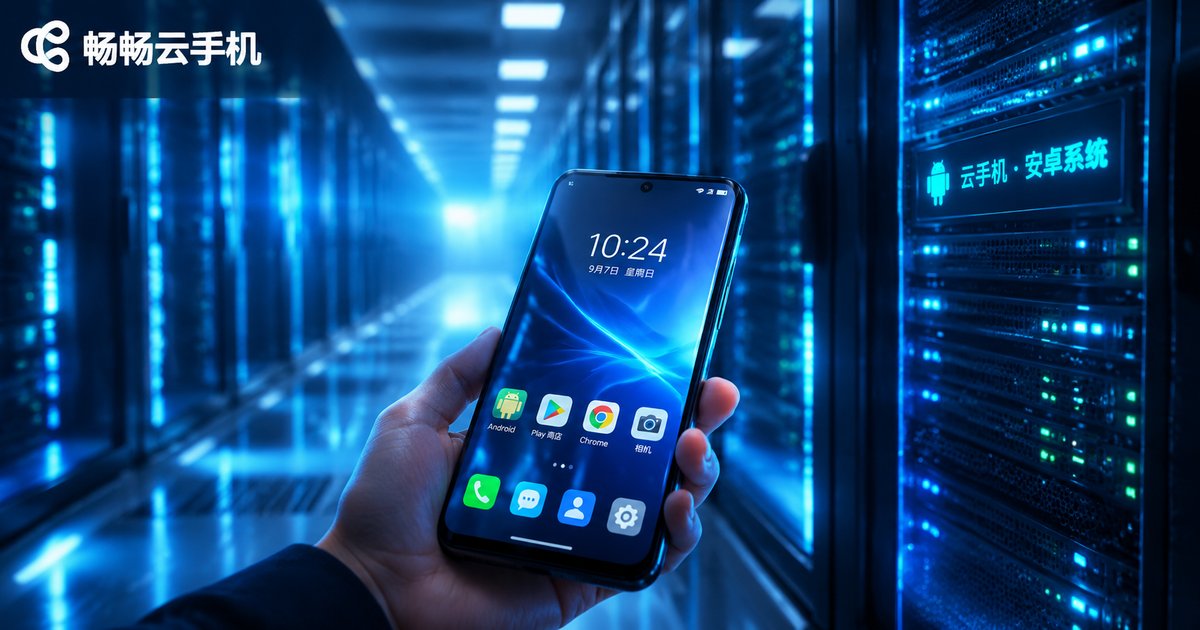
What Operating System Do Cloud Phones Use? Cloud Android Image Principles Explained
Cloud phones run native Android—but not on a physical handset. Instead, the entire system is deployed in isolated virtual environments on ARM-based cloud servers, and your device simply streams the screen while sending your taps back to the cloud. This guide explains what operating system cloud phones use, how cloud Android images are built and cloned, the three-layer architecture of ARM virtualization and real-time streaming, and how cloud phones compare with real devices in performance, battery, multi-instance capability, and data security. Whether you are a gamer, e-commerce operator, developer, or content creator, you will learn why cloud phones can stay online 24/7 without draining your local device, and what to look for when choosing a reliable cloud phone service.
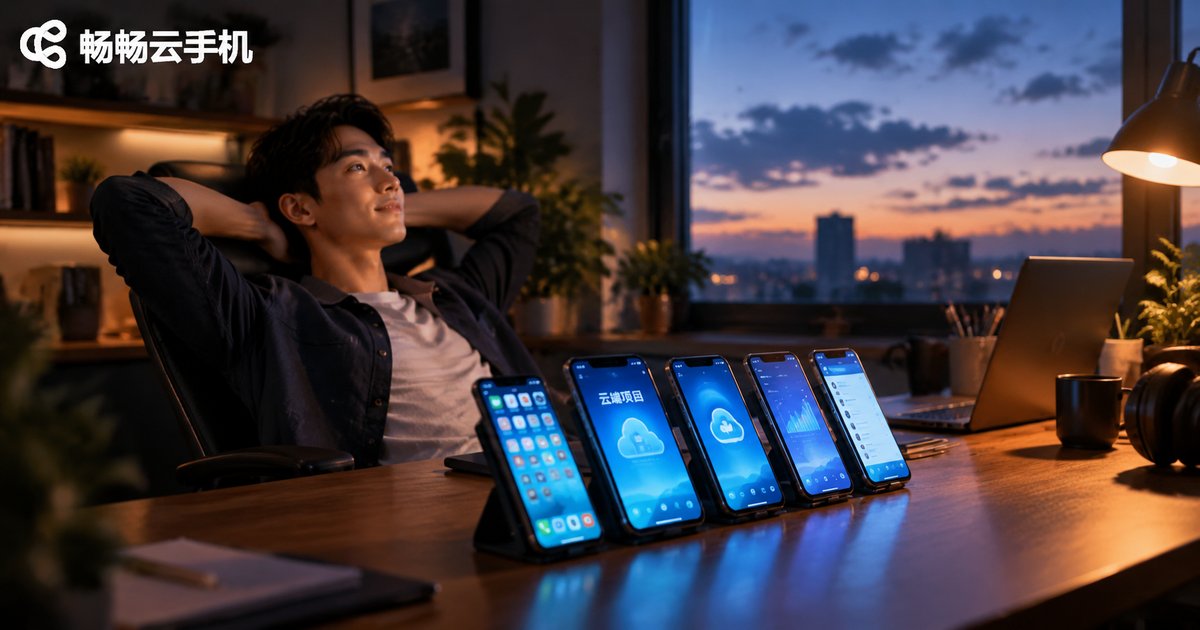
What Projects Are Cloud Phones Best Suited For? A Roundup of Popular Cloud-Based Project Types
Cloud phones—Android devices running on remote servers—have become essential tools for a wide range of online projects thanks to 24/7 availability, multi-instance management, and zero local resource consumption. This article reviews the most popular cloud phone project types, including game farming and multi-boxing, short video matrix operations, cross-border e-commerce, app testing, and community marketing, analyzing the operational essentials and revenue logic of each. A comparison table of difficulty, device requirements, and payback periods is also included to help solo entrepreneurs and small teams quickly find the right cloud-based project direction.

What Is a Cloud Phone? Key Differences from a Real Phone Explained
A cloud phone is a virtual Android smartphone running on remote cloud servers, which you control from your local phone, tablet, or computer through real-time screen streaming. It consumes no local battery, takes up no storage, stays online 24/7, and supports running multiple instances at once — clearly different from a real phone in where it runs, cost, and data security. This article explains in plain language what a cloud phone is, how it works, its core differences from real devices, and who benefits most from using one.
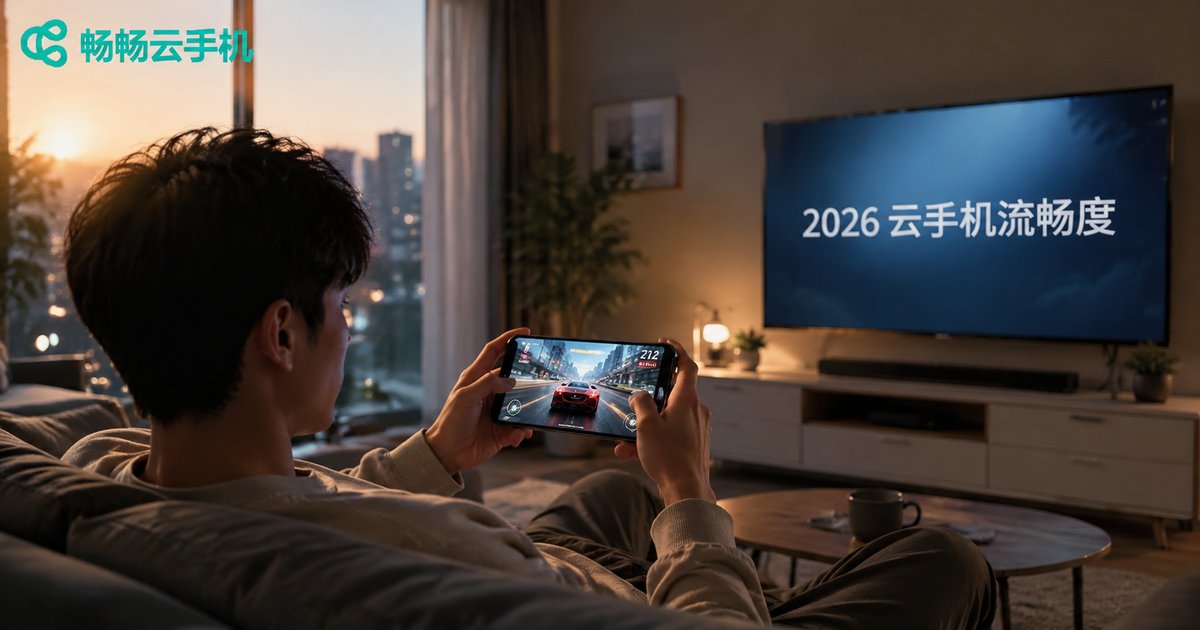
Which Cloud Phone Is the Smoothest in 2026? Key Factors and Optimization Tips
Cloud phone smoothness directly determines the user experience, yet the gap between providers remains significant. Some cloud phones feel nearly identical to a local device, while others suffer from lag, frame drops, and touch delay. This guide breaks down the five core factors affecting cloud phone smoothness in 2026—server hardware, virtualization architecture, network latency, data center distribution, and instance density—then shows you how to test smoothness before you buy and shares practical optimization tips, from choosing nearby nodes to managing resolution and cache. Whether you use cloud phones for gaming, app automation, or lightweight office work, this article helps you select and get the most out of the smoothest cloud phone.

Is a Cloud Phone Worth Buying? When You Really Don't Need to Spend Money
Cloud phones are trending, but not everyone needs one. This article gives the honest answer: if you only use one phone for everyday tasks, mainly play latency-sensitive competitive games, are on a tight budget, or depend on local hardware features, spending money on a cloud phone makes little sense. We also break down the scenarios where a cloud phone truly pays off — multi-account operations, 24/7 game idling, app development and testing, and privacy isolation — plus a quick-reference table to help you decide in one minute whether a cloud phone is worth it for you.

Does a Cloud Phone Harm Your Real Device? How Much Does Cloud Running Affect Your Phone?
Many users worry that using a cloud phone might damage their real device. This article gives a clear answer: it won't. All computing, rendering, and storage in a cloud phone happen on remote servers—your real device only displays the streamed picture, just like watching a video. In fact, a cloud phone actually protects your device: it reduces heat and throttling, slows battery wear, frees up storage space, and isolates malware risks in the cloud. This article explains how cloud phones work, compares local versus cloud running in a clear table, identifies who benefits most, and recommends ChangChang Cloud Phone as a stable, reliable choice for gaming, multi-accounting, and app testing.
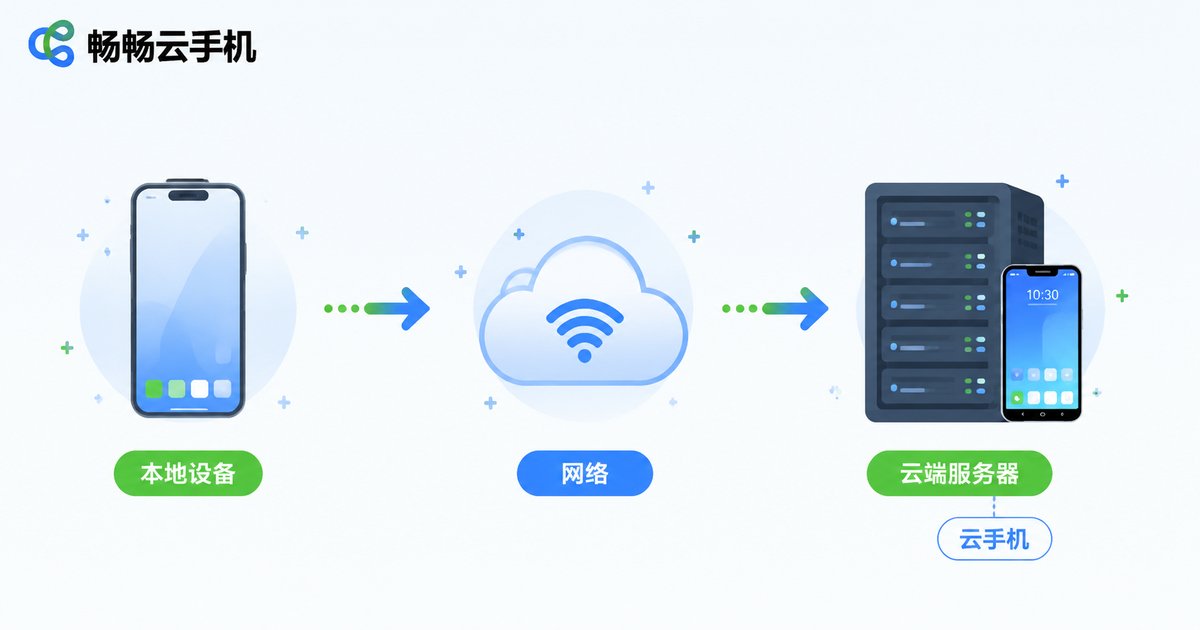
Can Cloud Phones Make Calls Without a SIM Card? A Guide to Cloud Device Communication
Cloud phones have no physical SIM card, which means they cannot place traditional cellular calls through a mobile carrier. However, this does not make them isolated devices—cloud phones run in data centers with full, high-speed internet connectivity. This article takes a deep dive into how cloud device communication actually works: why there is no SIM card slot, how to make clear voice and video calls through messaging apps, the correct way to handle SMS verification codes, and how to run multiple communication accounts in parallel. By the end, you will have a complete picture of what a cloud phone can and cannot do when it comes to staying connected.
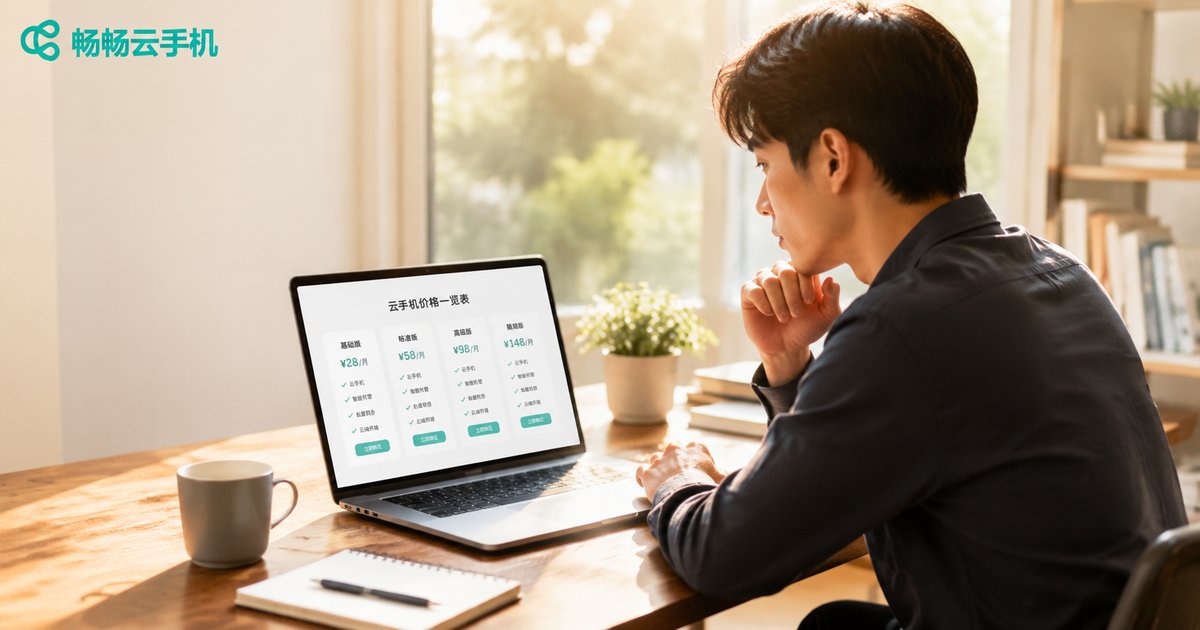
How to Read a Cloud Phone Price List: Understanding Package Pricing Details
When choosing a cloud phone, the configuration tiers, billing cycles, and feature entitlements in a price list can be overwhelming. This guide walks you through every item in the package pricing details, explains the four key factors that affect cloud phone pricing—hardware configuration, subscription duration, feature entitlements, and data center lines—and teaches you a three-step method to compare plans effectively. Whether you are an individual user, a mobile gamer, or a studio managing multiple devices, you will find practical package selection advice here. With transparent pricing knowledge, you can avoid hidden fees, make an informed decision, and ensure every penny is well spent.
Can Cloud Phones Play iOS Games? How to Run App Store Mobile Games
Cloud phones run Android systems on remote servers and cannot directly install iOS-exclusive apps. However, the vast majority of popular App Store mobile games have official Android versions available. This guide explains how cloud phones actually work and covers three practical solutions for playing iOS-region games on a cloud phone: installing the same game's Android version, obtaining regional Android installation packages, and properly handling account data synchronization across platforms. It also highlights the advantages of cloud phones for mobile gaming—including 24/7 online AFK farming, multi-instance account management, and zero local resource consumption—along with an introduction to CC Cloud Phone as a recommended option.