

Is a Cloud Phone Worth Buying? When You Really Don't Need to Spend Money
What Exactly Is a Cloud Phone?
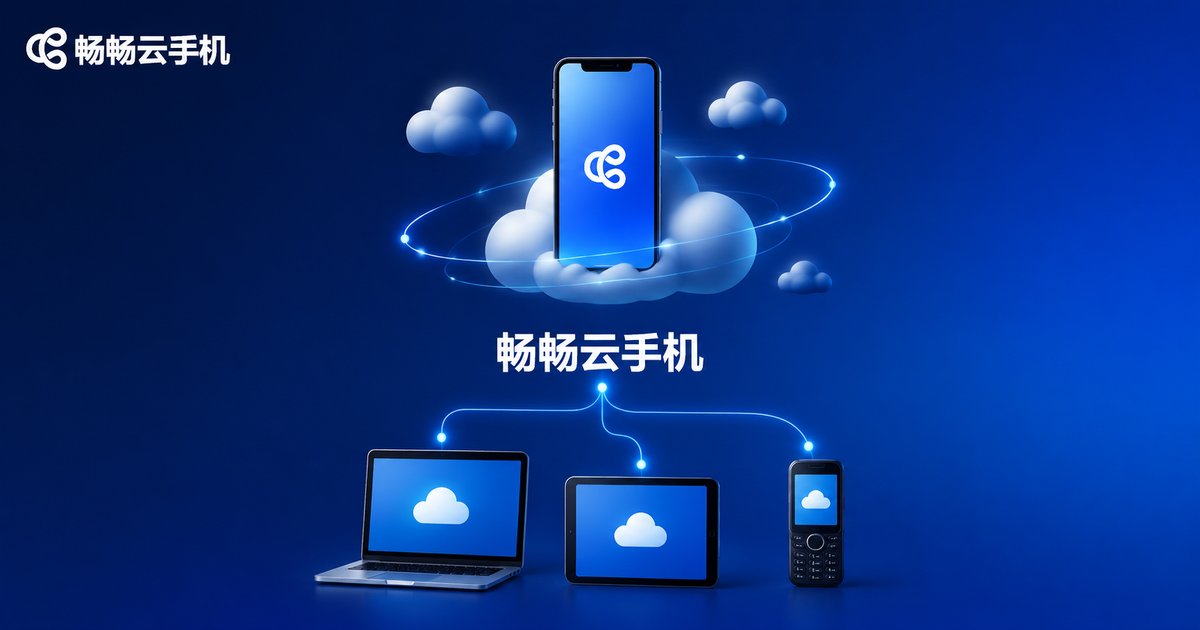
Simply put, a cloud phone is an Android phone running on remote servers. Your computer, tablet, or old phone connects to it through a client app — the screen streams to you in real time, and your taps and swipes stream back. It consumes none of your local device's performance or storage, and crucially, even after you close the client, the cloud phone keeps running in the cloud.
That's exactly why cloud phones are popular for multi-account operations, game idling, and app testing. But popular doesn't mean everyone needs one — before you spend any money, check whether you fall into one of the situations below.
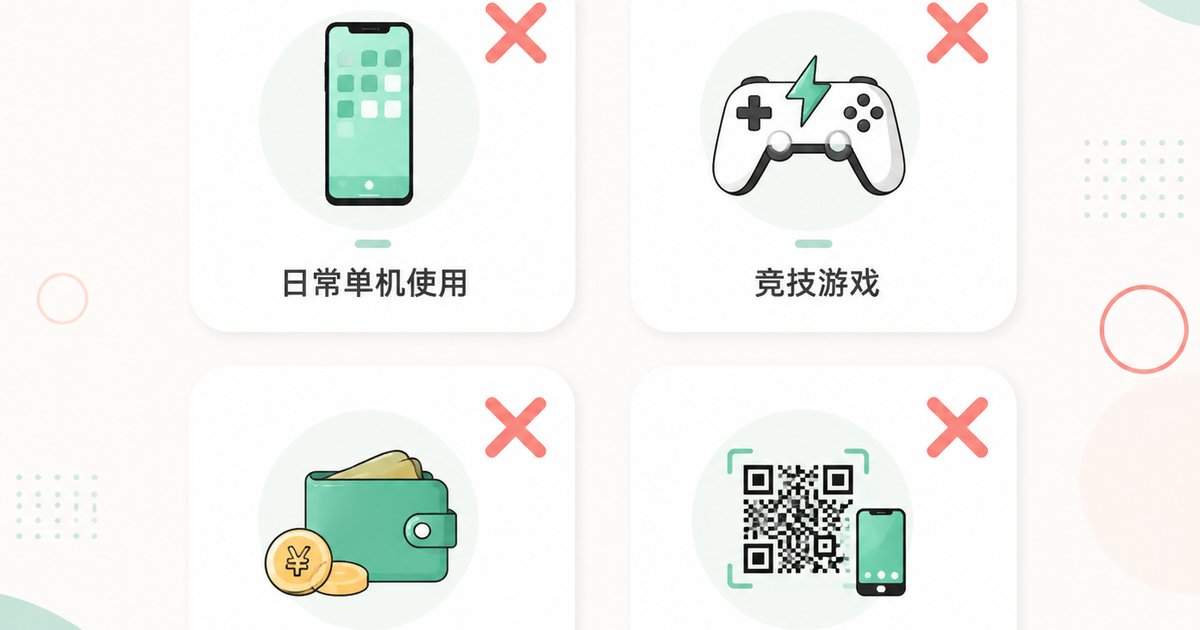
The Honest Answer: Situations Where You Really Don't Need to Spend
1. You have one phone and use it for everyday tasks
If your routine is calls, videos, and chat, one phone is entirely enough. The core value of a cloud phone is being your second, third, or even hundredth phone. If your first phone isn't even maxed out, buying a cloud phone is wasted money.
2. You mainly play latency-sensitive competitive games
A cloud phone's screen streams from the cloud, so even on a great connection there's a delay of tens of milliseconds. Idle, turn-based, and casual games are unaffected — but if you live in competitive shooters or fighting games that demand millisecond reactions, a local device will always feel better. These players shouldn't buy a cloud phone chasing 'smoothness'.
3. You're on a tight budget and just curious
Curiosity is natural, but if a monthly fee is a real burden, start with a low-cost trial and only pay once you're sure you'll actually use it. Subscribing just to try something out usually means it sits idle after two sessions.
4. Your core needs depend on local hardware
Frequent QR scanning, NFC, and USB peripherals all rely on physical hardware that cloud phones can't access. If your main work revolves around things you must do on a real device, a cloud phone can't help you.
When a Cloud Phone Is Actually Worth the Money
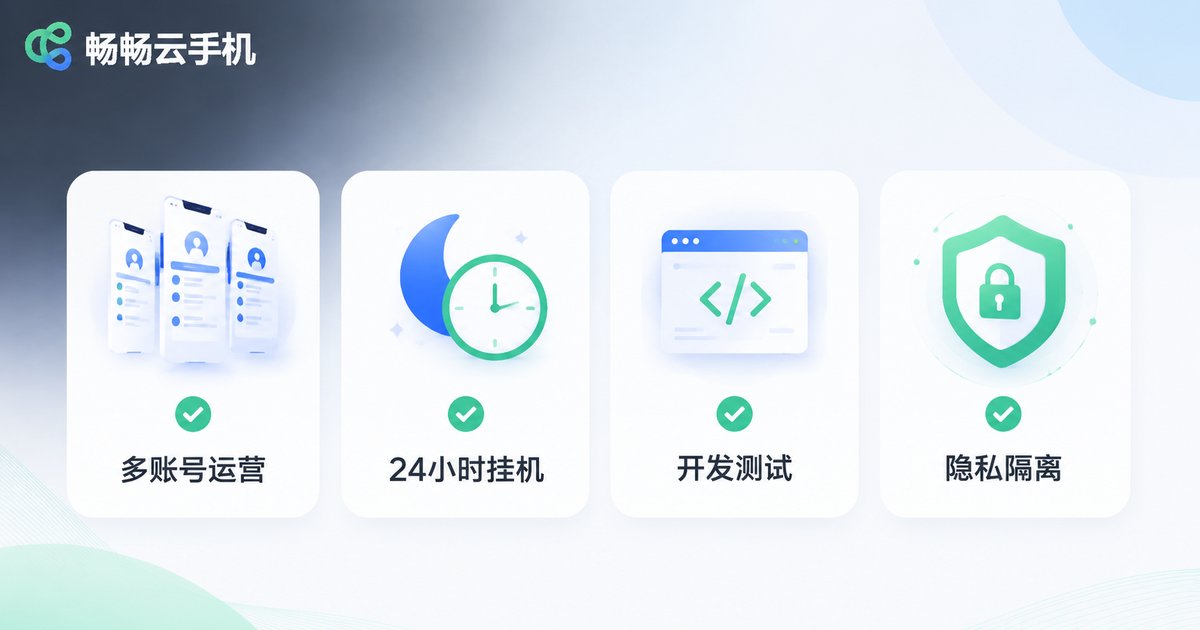
1. Multi-account operations are a genuine need
Anyone running e-commerce, social media, or community management knows: platform rules, account safety, and device isolation all demand 'one account, one device'. Buying a dozen real phones isn't realistic. Cloud phones let you spin up as many as you need, each with independent device information, all managed from one place.
2. 24/7 game idling and multi-boxing
Idle and progression games devour time. A cloud phone stays online 24/7 — it levels up while you sleep and farms dungeons while you work. Multi-instance support lets several accounts run simultaneously, doubling your efficiency.
3. App development and testing
Developers need to verify compatibility across device brands and OS versions. Real hardware is expensive and hard to manage; cloud phones let you switch device environments quickly and test far more efficiently.
4. Privacy isolation and work-life separation
Keep work accounts, one-off registrations, and untrusted apps inside a cloud phone, completely separated from your personal device. Even if something goes wrong in the cloud phone, it can't touch your photos, contacts, or payment information.
5. Your old phone can't handle new apps
After three or four years, new apps make old phones crawl. Instead of buying a new device, run the apps in the cloud and use your old phone as just a 'screen' — it can easily serve another two years.
One Table to Decide: Do You Actually Need a Cloud Phone?
| Your situation | Recommendation |
|---|---|
| One phone covers daily use | Not needed — save your money |
| Latency-sensitive competitive gaming | Not recommended — real devices feel better |
| Curious, tight budget | Try first, don't rush to pay |
| Multi-account operations | Highly recommended |
| Game idling, multi-boxing | Highly recommended |
| App development and testing | Recommended |
| Privacy isolation | Recommended |
| Aging phone performance | Recommended |
If You Do Need One, How to Choose Without Getting Burned
Stability first: A cloud phone is fundamentally a service, so stability matters more than specs. Prioritize providers with a long track record and a solid reputation.
Latency performance: When trying it out, focus on how responsive the controls feel and how smooth the screen is — this directly determines your daily experience.
Support responsiveness: Being able to reach someone quickly when things break matters far more than saving a little each month.
Take ccloudphone as an example: it supports centralized management of multiple cloud phones and stays online 24/7, well suited to multi-account operations, game idling, and app testing. Think through your actual needs first, then decide whether to pay and which configuration to choose.
FAQ
Q: What's the difference between a cloud phone and an emulator?
An emulator runs on your own computer and consumes local resources — a weak PC means lag. A cloud phone runs on remote servers; your local device only displays and sends input, so even old computers and phones run it smoothly. Plus, a cloud phone stays online 24/7 even after you close the client.
Q: Are cloud phones safe? Will my privacy leak?
Devices from reputable providers are isolated from one another, and you can factory-reset to wipe data when you're done. As a best practice, avoid storing sensitive personal files in a cloud phone and enable two-factor authentication on important accounts.
Q: Can I use a cloud phone on a poor network?
Cloud phones need reasonably stable connectivity. Idle and turn-based apps tolerate network fluctuations well and are largely unaffected; for real-time operations, use a stable network environment.
Q: I only occasionally need a second phone. Is it worth buying?
If you'd use it once or twice a month, start with a low-cost trial. Cloud phones are billed monthly — open one when needed, pause when not — far cheaper than buying a backup device. But if you'd use it only a few times a year, a long-term subscription really isn't necessary.


