
What Operating System Do Cloud Phones Use? Cloud Android Image Principles Explained
What Operating System Do Cloud Phones Use?
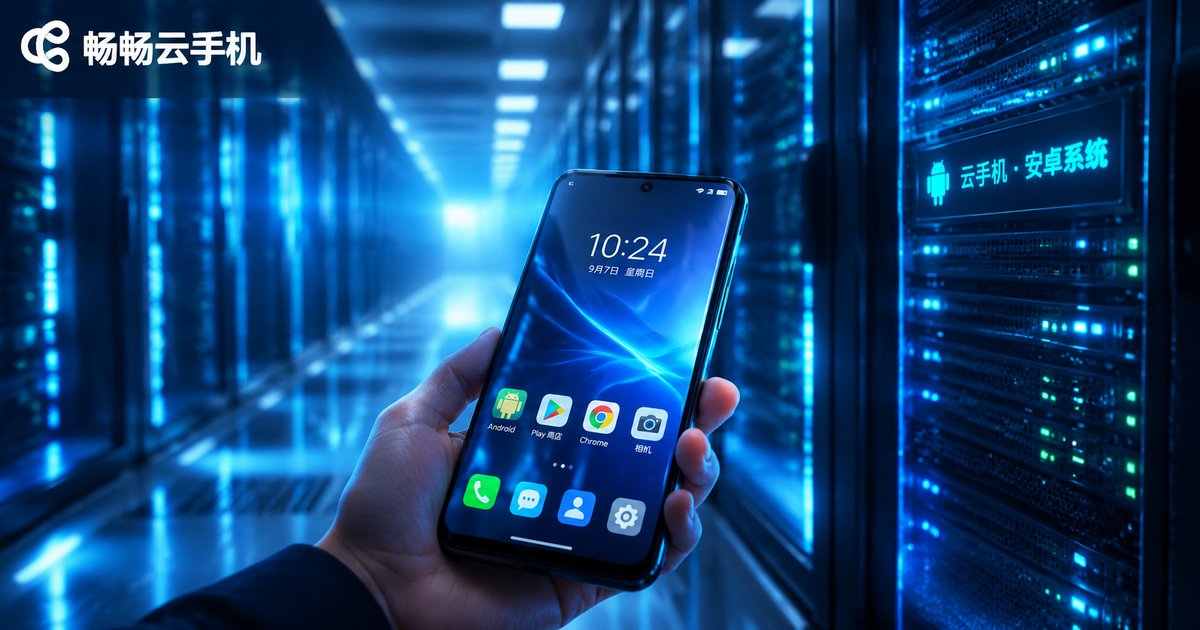
Here's the short answer: cloud phones run Android. Mainstream cloud phone services are built on native Android, with common versions including Android 9, Android 12, and Android 13, while some providers also offer newer Android 14 images.
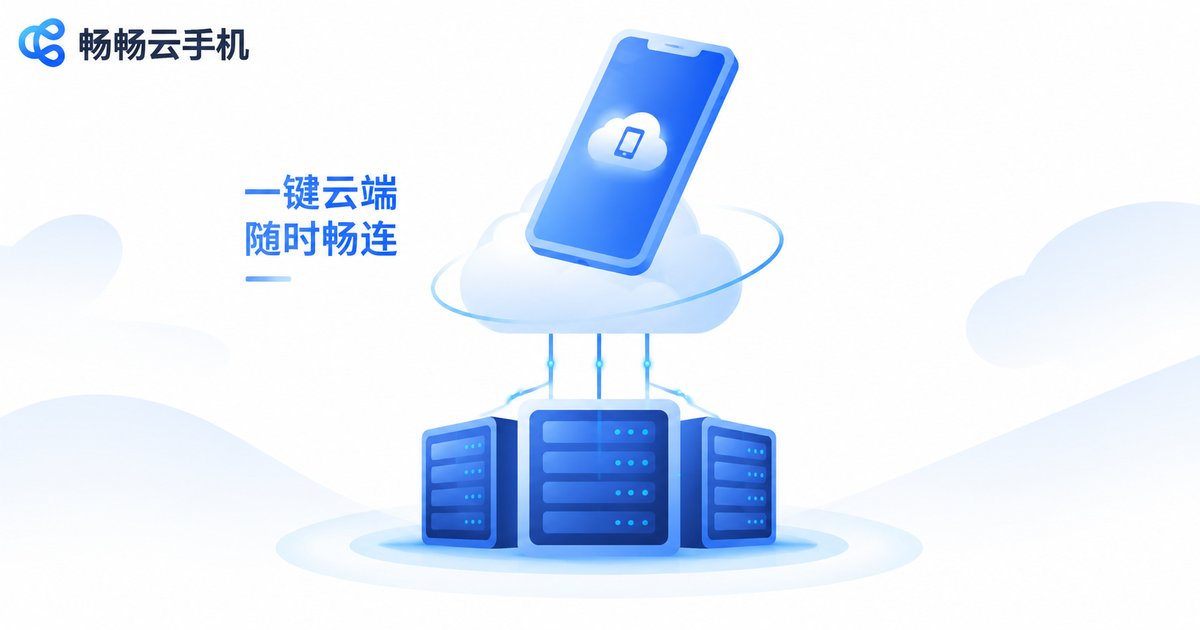
The biggest difference from a physical phone is that this Android system isn't installed on the device in your hand—it runs on virtual servers in cloud data centers. Your phone or computer acts like a remote control: it displays the cloud screen and sends your taps and swipes back to the cloud, while all the real computing, storage, and networking happen on servers far away.
What Is a Cloud Android Image?
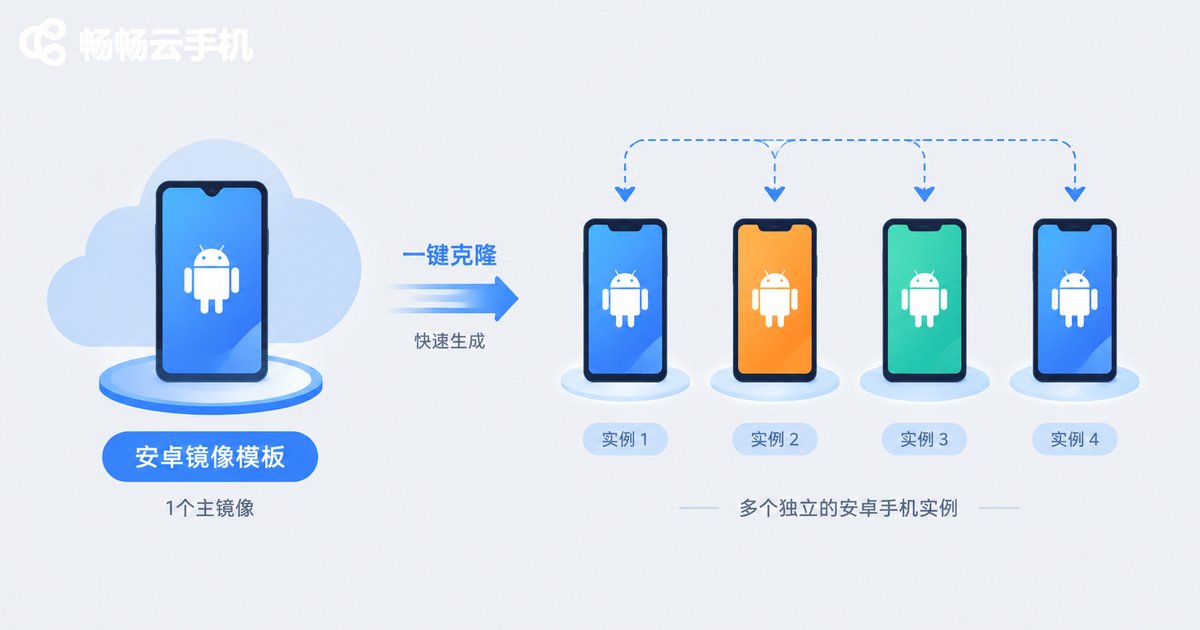
"Image" sounds technical, but the idea is simple. A cloud Android image is a pre-built Android system template: engineers package the Android OS, low-level drivers, and runtime environment into a standard image file stored in the cloud. When you activate a cloud phone, the system quickly spawns an independent Android instance from this image—just like duplicating countless identical discs from a single master copy.
This approach brings three immediate benefits:
1. Instant activation: No flashing or OS installation—get a "brand-new phone" within seconds;
2. Consistent environment: Every cloud phone is based on the same optimized image, ensuring compatibility and stability;
3. One-click reset: System issues? Restore to factory state and regenerate from the image in minutes.
How Does a Cloud Phone Work? The Principle in Three Minutes
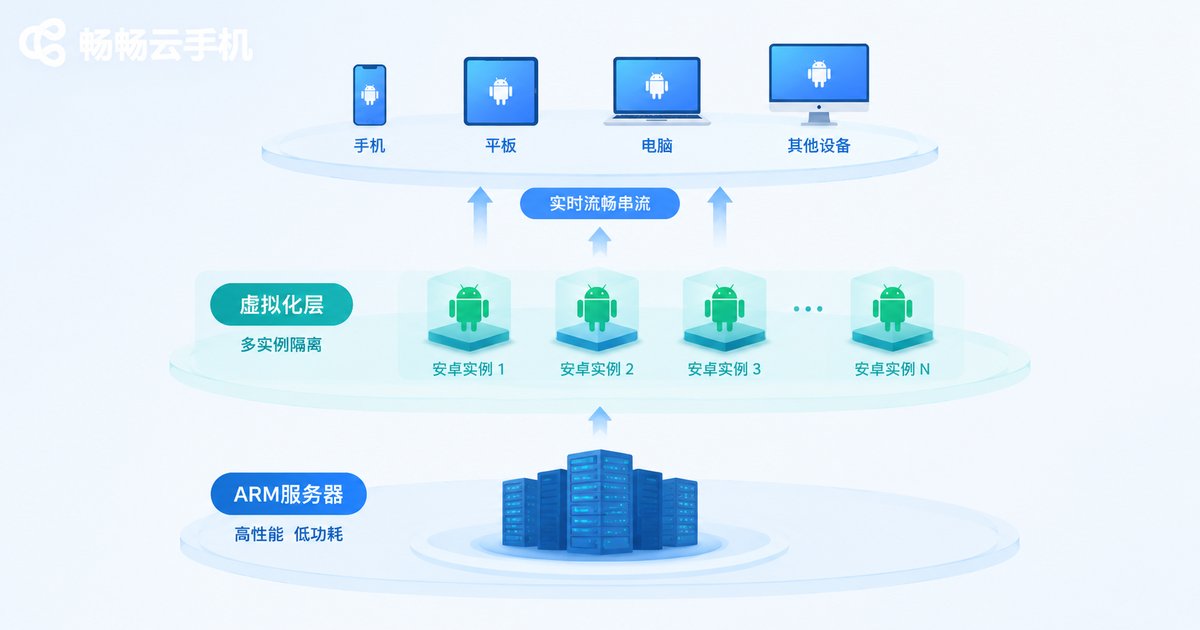
The core technology behind cloud phones can be summarized as ARM server virtualization + real-time streaming, structured in three layers:
Bottom layer: ARM-based servers. Data center servers use the same ARM architecture as mobile chips, making them naturally suited to run Android with minimal performance loss and high compatibility.
Middle layer: virtualization and isolation. Through virtualization, one physical server can be divided into dozens or even hundreds of isolated virtual environments, each running a complete, independent Android system—like dozens of separate phones.
Top layer: real-time screen streaming. The cloud phone encodes its screen into a video stream delivered to your device over the network, while every tap and swipe is sent back to the cloud for execution. End-to-end latency is typically just tens of milliseconds, making daily operation nearly indistinguishable from a real phone.
Cloud Phone vs. Real Phone: A Quick Comparison
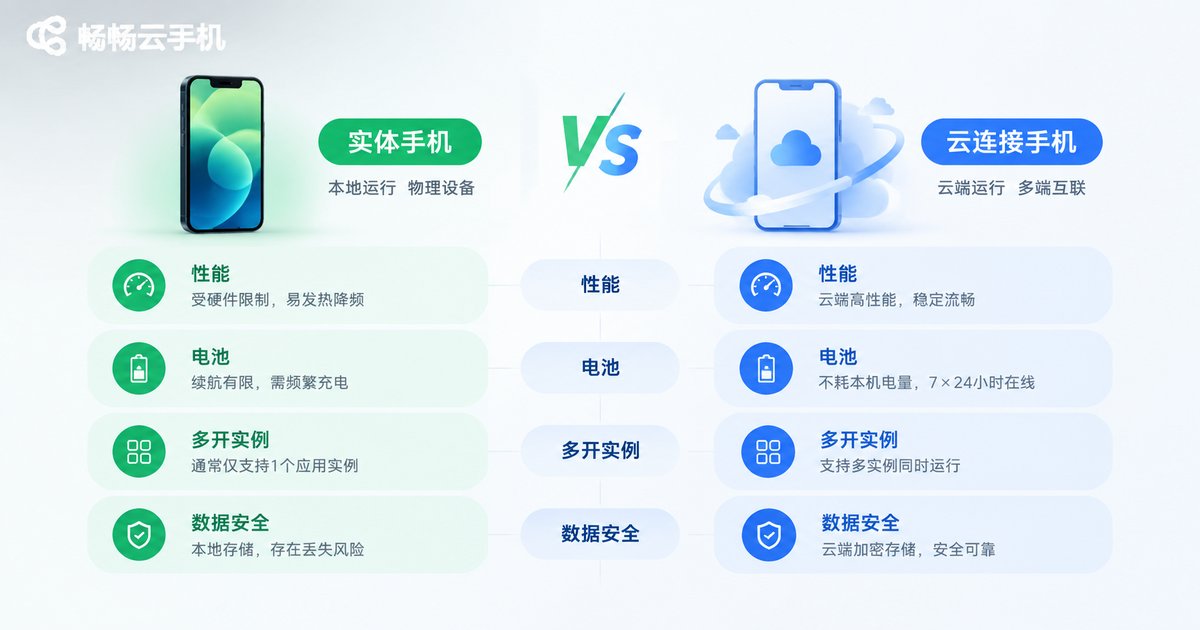
| Aspect | Real Phone | Cloud Phone |
|---|---|---|
| OS location | On the device | Cloud servers |
| Performance ceiling | Limited by hardware | Server-grade, elastically scalable |
| Battery & heat | Heats up and drains battery | Online 24/7, zero local power use |
| Multi-instance | Limited by device count | One person can manage dozens |
| Data security | Risk if phone is lost | Data in the cloud, restorable anytime |
Who Are Cloud Phones For?
Gamers: Keep games running 24/7 in the cloud without heating or draining your local phone, with multiple accounts online simultaneously;
E-commerce and operations professionals: Manage multiple stores and accounts with isolated environments;
Developers and testers: Quickly spin up batch test environments and reset them anytime, saving hardware costs;
Content creators: Run editing and streaming tools in the cloud, so even low-spec devices stay smooth.
Want to Try? We Recommend ccloudphone
If you're looking for a stable and reliable cloud phone, give ccloudphone a try. Built on cloud Android image technology, ccloudphone offers multiple Android versions to choose from, supports centralized management of multiple cloud phones, and delivers smooth, stable streaming. Whether it's app multi-instance, game AFK farming, or long-term account nurturing, ccloudphone makes it easy to put your "phone" in the cloud and control it remotely anytime, anywhere.
FAQ
Q: Do cloud phones run Android or iOS?
Mainstream cloud phones run Android. Because Android is open-source and customizable, it works best with ARM server virtualization at the lowest cost—which is why virtually all cloud phones are based on Android images.
Q: Do I need to download and install an OS for a cloud phone?
No. The Android system is pre-deployed in the cloud. Once activated, you connect and use it right away; you only need a client app on your device for remote control.
Q: Will cloud phones lag?
Smoothness depends on server performance and network quality. Choosing a service like ccloudphone with quality server clusters delivers an experience nearly identical to a real phone.
Q: Where is cloud phone data stored? Is it safe?
Data is stored in cloud data centers, taking no local space and unaffected by phone loss or damage. Reputable providers offer data isolation and backup mechanisms, making cloud storage arguably safer than local storage.
Q: How many apps can one cloud phone run?
Just like a real phone, it depends on the configuration you choose. Higher specs support more simultaneous apps, and you can also activate multiple cloud phones for separate use.


